
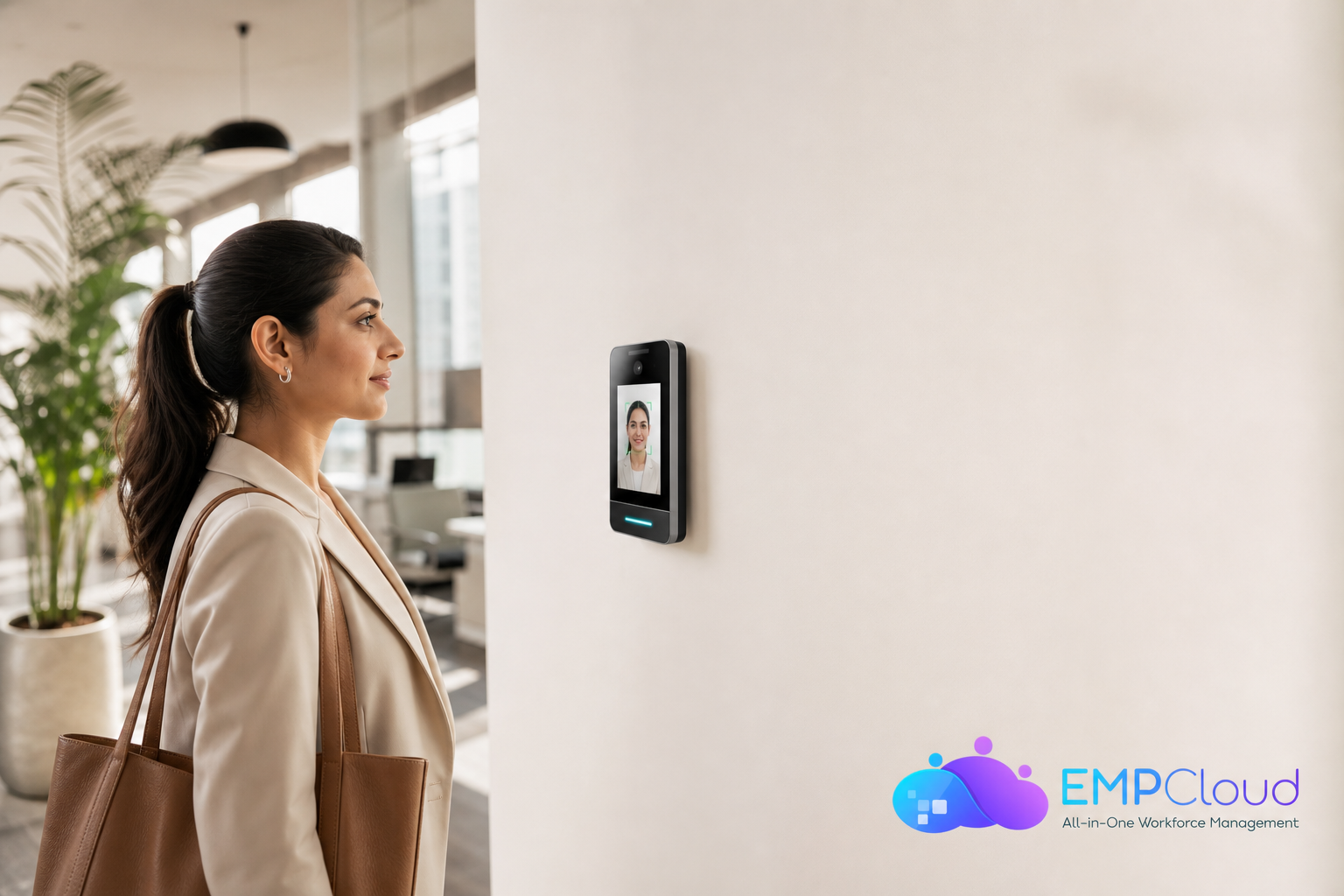
Face recognition attendance and access control can stop buddy punching that costs U.S. employers about $11 billion each year. It also gives you clean, real-time time logs so payroll runs faster with fewer disputes.
Here’s the short answer: a good facial recognition clock automates identity at clock-in, ties each punch to the right person, and pipes accurate hours into payroll. As a result, you cut manual checks, reduce time theft, and close compliance gaps. In 2026, you also need to judge speed, privacy, and how well it plugs into the rest of your HR stack.
If you manage a smaller team, you may want a starter checklist before you buy. For that, see the internal primer, the Small Business Guide to Choosing a Face Recognition Attendance System. For benchmark picks and pricing ideas, the side-by-side in Best Face Recognition Attendance System for Small Businesses in 2026 can help frame your shortlist.
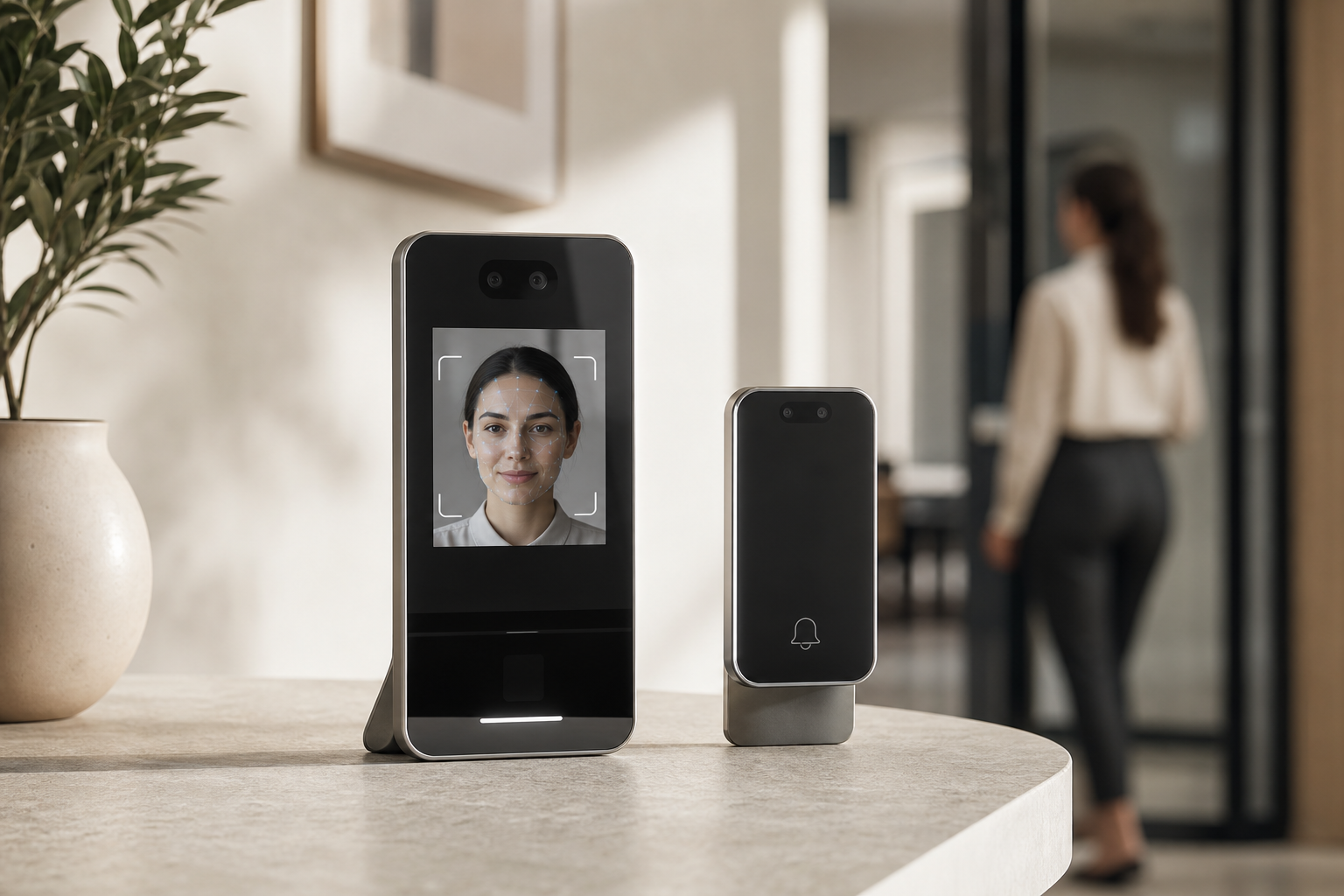
What HR Managers Actually Need From a Face Recognition Attendance System
Your daily reality is not a glossy product video. It’s chasing missing punches, fixing bad imports, and debating late arrivals on payday. Facial recognition fixes three HR problems at once by tying each clock event to a verified face, in real time. Unlike fingerprint or RFID, there’s no card to lend and no sensor you must touch. Employees glance at a camera and go.
First, it attacks buddy punching and time theft. A badge can be shared. A fingerprint sensor can get smudged and bypassed. A live face template is far harder to spoof when the system checks for liveness. That alone can remove dozens of disputes per month in a 200-person site.
Second, it reduces manual reconciliation. Instead of CSV exports and VLOOKUPs, the device writes attendance as events with user IDs and shift rules. HR gets synced hours against policy rules without midnight spreadsheets. You stop being the bottleneck between clock data and payroll.
Third, accurate clock data closes compliance gaps. Clean logs make audits simpler. You can prove who worked, when they entered a zone, and whether breaks matched policy. When regulations ask for precise records, you have them.
How it works
Facial recognition works by mapping facial geometry (distance between eyes, nose shape, jawline) into a unique biometric template. At clock-in, the camera captures a live face, runs a match against enrolled templates, and posts the result in less than a second. That template is not a photograph; it’s a numeric representation that can be stored and encrypted.
On-device vs. cloud recognition
- On-device: The camera terminal does the math locally. Benefits: faster recognition, works offline, less biometric data sent over the network. Trade-off: device hardware matters; updates roll out per device.
- Cloud-based: The camera streams frames to a server to match. Benefits: centralized updates, easier fleet control. Trade-off: network latency, and you must evaluate how facial data is transmitted and stored for privacy.
Mini-proof: “With face detection that feels instant and role-based access control, our lines at shift change disappeared.” — Chen Wei, Operations Director
Also Read!
Best Field Force Management Software for HR Managers in 2026
How to Evaluate a Face Recognition Attendance System: A 7-Step Framework
Buying on a spec sheet leads to rework. Use this seven-step test you can run this week.
1.
List where people clock in: single HQ, multi-site plants, remote/hybrid, and field crews. Note shift overlaps and entry points. A single office with 80 staff needs one or two terminals and simple rules. For a 600-person plant with three gates, you need queuing speed, access control rules, and badge fallbacks. Field teams need a mobile app with geo-fence.
2.
Ask for live benchmarks. Aim for sub‑second recognition and 99%+ match accuracy in your lighting. Test with masks, glasses, hats, and low light. Measure “camera to confirmed punch” time during rush changeovers. If it slips from 0.6s at 50 users to 1.8s at 500 users, queues form.
3.
Liveness is non‑negotiable. Ask how it blocks photos and videos. Do they use depth sensing, micro‑movement, or IR checks? Request a demo where you try to fool it with a printed photo. If it passes, walk away.
4.
Your goal is no manual exports. Confirm it pushes approved hours into payroll via API on a schedule you set. Ask to see mappings for pay codes, overtime rules, and leave. Bonus: an OAuth2/OIDC authorization server with SSO, RBAC, and multi‑tenant isolation reduces user admin work and access risk.
5.
Ask where facial templates live (device, cloud, both). Look for protected record management with centralized storage and encryption at rest and in transit. Check local laws: consent, retention, and deletion. In Illinois, the Biometric Information Privacy Act (BIPA) sets strict consent and disclosure rules.
In the EU, biometric data falls under GDPR special categories (Article 9), which need a clear lawful basis. Demand audit logs and admin access controls. Ask about SOC 2 status as an added assurance.
6.
Model growth. Will you add 200 heads next year? Ask about pricing tiers (per user or per device) and whether recognition speed holds at 500+ enrolled faces per terminal. Check device fleet management for firmware updates and remote diagnostics.
7.
Run a 2–4 week pilot in one department. Track average clock-in time, false reject rate, and time to resolve exceptions. Survey employees on queue time and comfort level. If manual fixes still eat an hour a day, fix that before rollout.
“Face Recognition Attendance & Access” should not be a standalone island. It needs to feed your attendance, leave, and policy workflows and respect your security model.
Mini checklist to bring to vendor demos
- Sub‑second matches, 99%+ accuracy in your lighting
- Proven liveness against photos/videos
- Direct payroll/HRMS API sync (no CSVs)
- Clear consent flows, encryption, and data deletion
- SOC 2 report available to review
- Recognition speed at 500+ employees per site
- 2–4 week pilot plan with agreed metrics
5 Mistakes HR Managers Make When Implementing Face Recognition Attendance
Mistake 1: Skipping the employee communication plan
People worry about biometrics. If you roll out without a plain-English note on what you collect, how you store it, who can access it, and when you delete it, you’ll face pushback. Build trust. Share a one‑page explainer, a data map, and a contact path for questions. Many failed rollouts fail on change, not tech.
Mistake 2: Ignoring local biometric privacy laws
Illinois BIPA requires informed written consent, a posted retention policy, and strict limits on sharing biometric data. Texas CUBI and GDPR Article 9 also set clear lines on consent and processing. Link your process to law: consent form at enrollment, retention tied to employment end, deletion within a set window. For a primer, read the BIPA overview once, then have Legal tailor your policy.
Mistake 3: Picking a standalone tool that can’t integrate
If your clock-in tool doesn’t talk to your HRMS, payroll, and leave, you just moved the bottleneck from paper to pixels. Demand direct integrations and test them during the pilot. Your goal is no more Friday CSV merges.
Mistake 4: Over‑indexing on price, under‑indexing on accuracy
A 95% accurate system sounds fine until you do the math. One in 20 employees fails a scan daily. In a 300‑person site, that’s 15 failed entries every morning.
Queues grow. Morale drops. Pay for accuracy and liveness; it saves hours each week.
Mistake 5: Not planning for edge cases
What if the camera fails at 8:55 a.m.? Suppose a new hire starts before enrollment? How will you handle a remote worker traveling across time zones? Decide fallbacks: supervised manual entry, badge backup, mobile selfie with geo‑tag, or grace periods. Put it in policy before launch, not after.
“With face detection that feels instant and role-based access control, our lines at shift change disappeared.” — Chen Wei, Operations Director
Also Read!
Best Face Recognition Attendance System for Manufacturing Companies in 2026
Best Face Recognition Attendance System for HR Managers in 2026
Tools and Platforms Worth Evaluating in 2026
You don’t need a ranking. You need a short, fair shortlist across three types of solutions that fit different HR realities.
Category 1: All‑in‑one HR platforms with built‑in facial recognition
These bundle attendance with HRMS features like leave, payroll, and even access control. One vendor can simplify vendor management for mid‑sized teams and give you a single source of truth. The trade‑off: you may not get the deepest biometric hardware options. On the plus side, these suites often include real‑time dashboards and policy management out of the box.
Category 2: Dedicated biometric attendance providers (hardware‑centric)
Hardware specialists offer high‑accuracy terminals, liveness features, and gate/door control. They fit plants, warehouses, and high‑security sites that need physical access rules tied to attendance. Expect better performance in tough light and dust, plus support for turnstiles. The trade‑off: you still need HR software for leave and payroll, so integration is key.
Category 3: Software‑only mobile solutions
App‑based tools use the phone camera for recognition, usually with geo‑fencing. They shine for remote, retail, or field teams. Deploy is fast and cheap. The trade‑off: accuracy can vary with device quality and lighting, and you need good anti‑spoofing. For deeper context on small‑team choices, this side-by-side is a helpful primer: Best Face Recognition Attendance System for Small Businesses in 2026.
As you evaluate, pick one vendor from each category that fits your scenarios from Step 1. Then request demos from all three. You’ll see trade‑offs clearly in one week. If you need a quick refresher on the basic questions to ask, the field notes in the Small Business Guide to Choosing a Face Recognition Attendance System are a good companion.
Your Implementation Roadmap: What to Do Next
Week 1: Audit your current attendance process
Document every manual step from punch to payroll: where data enters, error rate, and minutes lost. For example, if you spend 3 hours per pay run fixing 25 exceptions, capture that. This is your ROI baseline.
Week 2: Build your requirements and get approvals
Use the 7‑step framework above to write a one‑page spec: accuracy target (99%+), sub‑second speed, liveness, payroll API, consent flow, encryption, and SOC 2 report. Get IT to review security (SSO, RBAC, multi‑tenant isolation), and Legal to sign off on biometric consent, retention, and deletion.
Week 3: Pilot with edge cases
Invite 30–50 employees across shifts. Test with masks, glasses, hats, and low light. Include remote workers on mobile.
Pilot metrics to watch
Measure average clock time, false rejects, and fix time. Tie attendance to access control at one door if relevant. Your goal: a clean export into payroll with zero CSV edits.
Week 4: Communicate and train
Ship the employee note: what you collect, why, who can see it, retention, and how to opt out if law or policy allows. Train supervisors on fallbacks and exception handling. Publish a quick guide inside your policy hub. Then schedule the phased rollout.
Expect payback in 3–6 months from lower time theft, fewer disputes, and faster payroll prep. If you serve 50,000+ employees across sites, phase by department, not by location. That keeps risk small and feedback fast.

Key Takeaways
- Tie attendance to identity with liveness to cut buddy punching and keep payroll clean.
- Demand sub‑second speed, 99%+ accuracy, and direct payroll/HRMS sync—no CSVs.
- Treat privacy as design, not an add‑on: consent, retention, deletion, encryption, and audit logs.
- Pilot for 2–4 weeks, measure clock speed and errors, and plan fallbacks before launch.
- Shortlist one vendor per category (suite, hardware, mobile) and compare trade‑offs in real use.
What to Do This Week
Block two hours to map your current attendance flow and write a one‑page spec from the 7‑step framework. Then book two demos for next week and draft your consent and retention policy with Legal. You’ll be ready to run a pilot that proves value, reduces payroll work, and builds trust, well ahead of your 2026 planning cycle.
SOC 2‑aligned controls, encryption at rest, and clear consent flows reduce both legal and security risk. If you also need access rules, pick a system that unites attendance with door control so HR and Security work from the same playbook.
Quick Search Our Blogs
Type in keywords and get instant access to related blog posts.

