
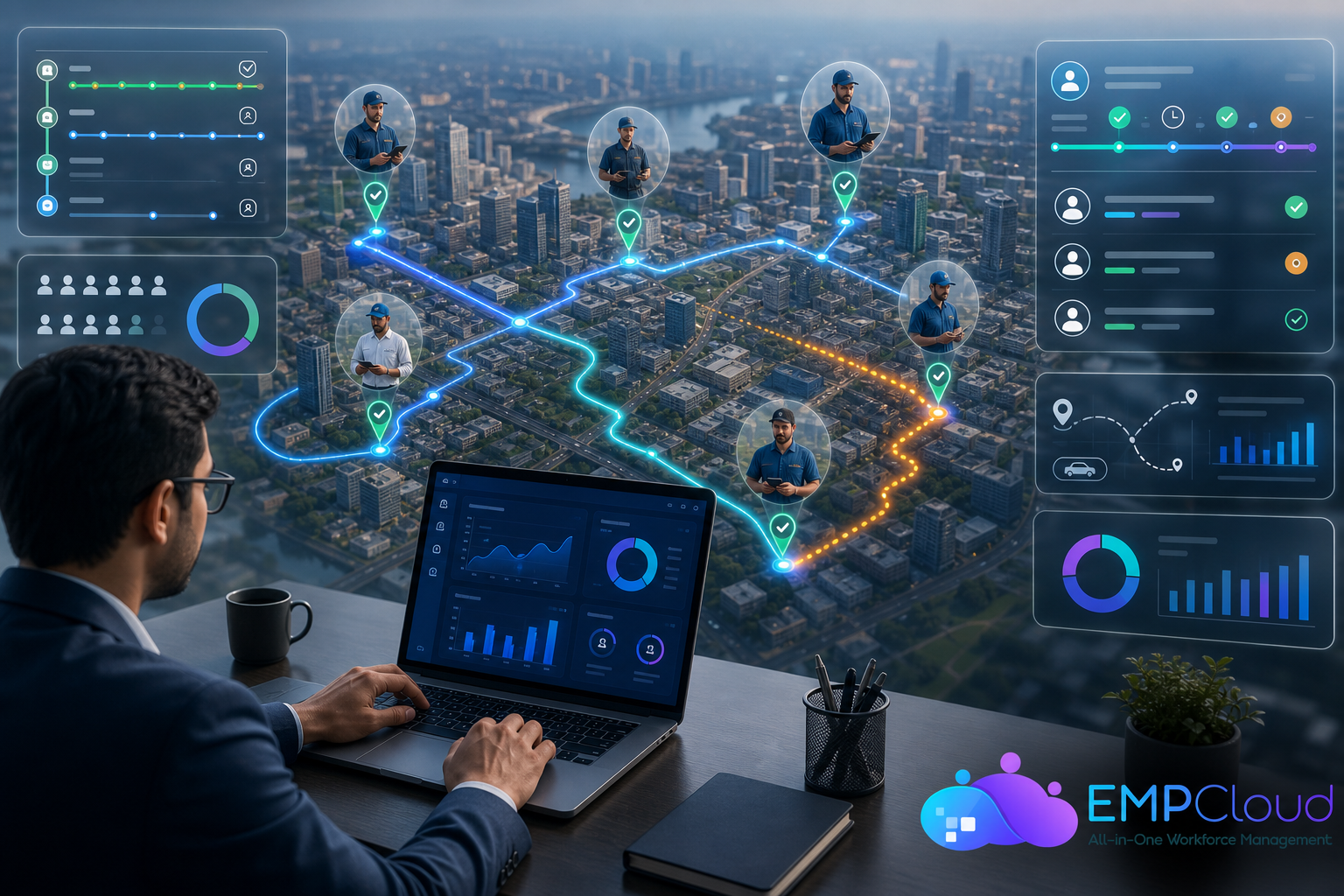
High-performing HR teams pick software that gives clear location proof, real visit logs, and clean task handoffs. GPS-enabled field tracking and task workflows only work if they tie to attendance, pay, and policy in one source of truth.
In 2026, the best approach is simple: pair live GPS with geo-verified visits and mobile-first task workflows, then feed that data straight into your HR system. EmpCloud already supports HR teams in 15+ countries and across 9 languages, and it is trusted by 1,500+ businesses that manage 50,000+ employees. That scale matters for you because it means better uptime, richer APIs, and tested workflows.
Moreover, you need accountability without micromanaging. So, the right tool should show a timeline, not a raw dot on a map. It should confirm a visit, not just log a coordinate. And it should prevent buddy punching, not add more manual checks. As you compare options in 2026, use this guide to map features to your use cases and price the total program, not a single app.
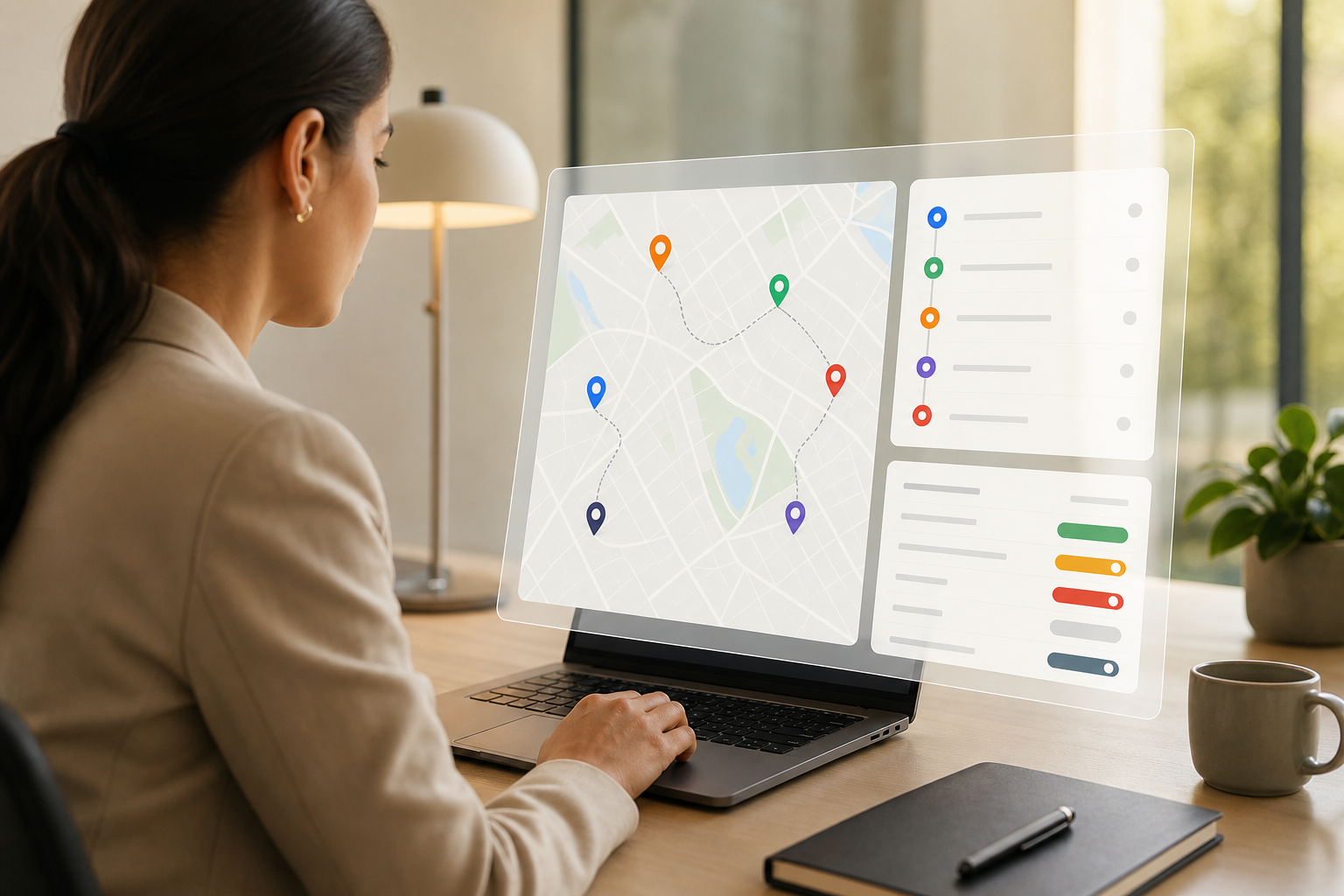
Why HR Managers Struggle to Manage Field Teams Effectively
You carry headcount risk, payroll accuracy, and compliance audits. Yet in the field, you may see gaps you can’t explain. That mix creates stress and hurts trust with your business partners.
First, you lack real-time visibility. You can’t verify if a rep stayed on route, or if a site visit ran the full 30 minutes. As a result, disputes drag on.
Second, manual attendance invites fraud. Paper logs and basic check-ins allow buddy punching and time drift. Therefore, managers spend hours every pay cycle chasing fixes.
Third, client visit proof is thin. A photo in a chat is not proof. However, a geo-verified check-in plus a time-stamped task close tells a clear story.
Fourth, task assignment lives outside attendance. You assign work by SMS or email, and you track hours in another tool. Consequently, you can’t tie output to paid time, and performance reviews feel subjective.
Finally, compliance sits on top of all this. You need clean records for audits, secure access for PII, and role-based controls for who sees location trails. Without that, one mistake becomes a policy issue, not just a one-off error.
The balance HR wants: accountability, not micromanaging
- Set goals and routes, then see a timeline instead of live spying.
- Confirm on-site presence with geo-fenced attendance and client visit proof.
- Track distance and visit order to resolve travel claims fast.
- Keep a clean audit log tied to HR policies and roles.
Specifically, field force gps tracking and task management must show context. You need who, where, when, and what was done, all in one place. Otherwise, you trade one oversight for another.
What to Look for in Field Force GPS Tracking and Task Management Software
The right platform should check ten boxes. You want depth where it counts and prices that scale with headcount, not hidden add-ons that surprise finance.
First, insist on real-time GPS with a timeline view. You should see live pins, a route history, dwell time, and distance totals for the day. In addition, look for geo-fenced attendance so clock-ins only count in set zones, and late/early rules feed into payroll rules.
Second, demand task assignment in the same mobile app. Tasks should carry due dates, checklists, photos, and status updates. Moreover, every task update should include location and time stamps by default. For more on task discipline that works in the field, share this guide with team leads: best task tracking methods.
Third, verify geo-verified client visits. This should log a clean “arrived/left” pair with coordinates and time, tied to the visit record. Therefore, you can pull visit proofs for client SLAs or dispute handling in minutes instead of days.
Core criteria to include in your RFP
- Live GPS tracking with a route timeline and distance totals
- Geo-fenced attendance and rules-based exceptions
- Mobile-first task management with status, notes, and media
- Geo-verified client visits tied to tasks or events
- Distance tracking for travel claims and fuel policies
- Timeline review for day audits and coaching
- Integration with your HRMS, payroll, and performance modules
- Reporting with exportable logs and role-based dashboards
- Pricing that scales down for small teams and downshifts per-seat as you grow
- Security: SOC 2, encryption, SSO, and role-based access
Furthermore, ensure the vendor proves data portability. In 2026, APIs are not optional. Look for robust APIs that allow attendance, payroll, and task data to flow between systems. or a comparable set so data flows into payroll, performance, and analytics. Finally, test the app on the phones your team uses. The win or loss comes down to taps, clarity, and battery impact.
Specifically, shortlist options that deliver GPS tracking and tasking for field teams inside a full HR suite. That single source of truth removes silos and pays off at review and payroll time.
Also Read!
HR Manager’s Guide to Field Force Management Software
Best Face Recognition Attendance System for Manufacturing Companies in 2026
How EmpCloud Solves Field Force Challenges for HR Teams
EmpCloud maps cleanly to the buying criteria above. It brings live location tracking, timeline review, and distance tracking into one mobile-first experience. Therefore, HR, line managers, and finance see the same source of truth.
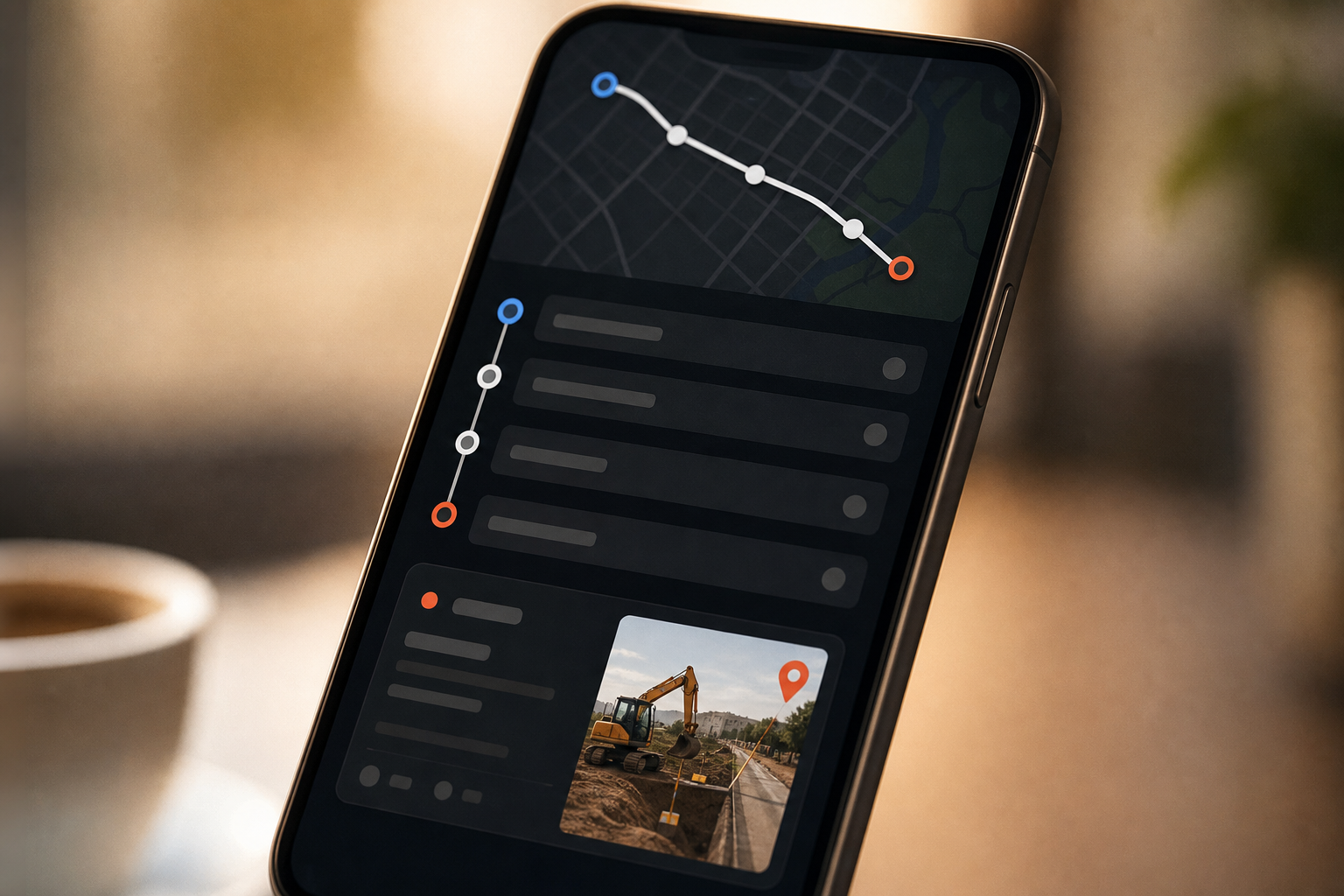
First, the live map shows pins with dwell time, while the timeline lays out each check-in. In addition, distance tracking totals the day’s travel and flags outliers. You can audit a rep’s day in two minutes and coach on route choices with real data.
Second, task management sits in the same app. You assign a visit or job with a checklist, due times, and notes. Moreover, every status update carries a geo-tag and a time stamp.
That means you get geo-verified client visits without extra steps.
“Thanks to EmpCloud’s Field Force Management, managing our field team is effortless. Real-time tracking, task assignments, and geo-verified client visits have made everything more efficient.” — Michael Harris, HR Director
Third, attendance is biometric and mobile. Face recognition attendance & access control shuts down buddy punching and cuts manual review work. As a result, payroll and compliance gain clean inputs, not patched timesheets.
Scale, AI, and suite-level impact
EmpCloud is trusted by 1,500+ businesses and manages 50,000+ employees across 15+ countries in 9 languages. That reach supports your global policies and multi-region rollouts. Furthermore, the suite includes 41 AI tools across 7 providers to help query HR data, spot trends, and draft reviews. In practice, this means you can pull a month’s visit compliance rates or flag repeat late check-ins in seconds.
In addition, EmpCloud is part of a 10-module HR suite. Recruitment, onboarding, payroll, performance, and exit management tie back to the same employee record. Therefore, GPS field tracking and task data flows straight into attendance and pay, without CSVs or brittle zaps.
Finally, EmpCloud’s field tools align with HR controls. Role-based access ensures only the right people see location trails. Audit logs keep a record of edits and views. As a result, HR gains accountability without micromanaging or privacy overreach.
EmpCloud vs. Zoho and Keka: Field Force Features Compared
You may weigh CRM-led options like Zoho or HRMS-first options like Keka. Compared to alternatives, EmpCloud’s edge is how GPS, geo-verified visits, tasks, and biometric attendance live in one HR-native record. That unity reduces disputes and shortens payroll close.
Moreover, EmpCloud posts clear pricing: a free tier, Bronze at $4.66/user/month (1–10 users), Silver at $3.83/user/month (11–50 users), Gold at $3/user/month (51–200 users), and tailored Enterprise for 200+. Therefore, you can pilot small and scale down your per-seat cost as you grow. EmpCloud also operates in 15+ countries, is SOC 2 compliant, and spans 10 modules.
“Emp Biometrics has been a big improvement for us. The facial recognition feature is both secure and reliable, eliminating buddy punching with accurate attendance tracking.” — Laura Thompson, COO Of Precision Manufacturing
Feature comparison at a glance
| Requirement | EmpCloud | Zoho (CRM-led suite) | Keka (HRMS-first) |
|---|---|---|---|
| GPS tracking with timeline | Yes (live map + route history) | CRM-led focus; check vendor docs | HRMS-first focus; check vendor docs |
| Geo-verified client visits | Yes (arrive/leave + geo-tags) | May vary by product; check vendor docs | May vary by plan; check vendor docs |
| Task management in same app | Yes (status + media + geo-tags) | CRM tasking strong; HR link varies | HR tasking strong; field link varies |
| Biometric attendance (face) | Yes (mobile facial recognition) | Varies by product; check vendor docs | Varies by plan; check vendor docs |
| HRMS integration | Native (10 modules) | Integrations available | Native (HRMS-first) |
| Pricing tiers | Free; Bronze $4.66; Gold $3 | Varies by SKU | Varies by SKU |
| Compliance | SOC 2 compliant | Vendor claims vary | Vendor claims vary |
Note: The competitor cells summarize high-level positioning to guide your due diligence. Always confirm current specs and plan limits with each vendor.
Therefore, if you need field force GPS tracking and task management bound to attendance, payroll, and performance in one place, EmpCloud removes cross-tool gaps. In addition, SOC 2, pricing clarity, and operation in 15+ countries make it easier to roll out with IT and finance on board.

Also Read!
Best Face Recognition Attendance System for HR Managers in 2026
Best Employee Monitoring Software for Manufacturing Companies in 2026
Trust, Security, and Scale You Can Count On
Security and trust are table stakes for HR data. EmpCloud is SOC 2 compliant, with encrypted record management across the suite. If your security team wants a primer, share this overview of the standard: SOC 2 explained (Wikipedia).
Moreover, EmpCloud provides an OAuth2/OIDC authorization server with SSO, RBAC, and multi-tenant isolation. Therefore, you can enforce least-privilege access and centralize identity. In addition, there are 250+ API endpoints across 10 integrated modules, so your HRMS, payroll, and analytics tools can work off clean, live data.
“With EmpCloud, managing attendance and access has never been easier. Its lightning-fast face detection and reliable role-based access control ensure smooth and secure operations.” — Chen Wei, Operations Director
Furthermore, the platform operates in 15+ countries, supports 9 languages, and is partnered with 200+ companies. That footprint helps with local rules, language rollouts, and cross-border teams. As a result, you reduce risk and avoid one-off workarounds in each region.
Finally, these controls apply to location data the same way they apply to PII. Your audit trails, encryption, and SSO policies extend to GPS, visit logs, and task updates. That gives you privacy by design and clean evidence for reviews.
Getting Started: Deploying EmpCloud for Your Field Team
A smooth start is practical and fast. You can launch a pilot on the free tier, prove value in a week, and then scale to paid plans as you add users.
First, sign up on the free tier and invite a small group of field staff. Second, configure geo-fences for your main sites and client locations. Third, set up task templates with standard checklists and photo prompts; for shared basics, point team leads to these task tracking methods.
Fourth, enroll field staff via the mobile app and set roles so managers see only their teams. Fifth, enable face recognition attendance and test late/early rules with your payroll policy. Sixth, review the route timeline and distance tracking after day one, then coach with data.
Moreover, EmpCloud includes personalized onboarding and VIP support. That hands-on help cuts risk for your first pay cycle on the system. In addition, the suite offers customizable HR solutions for businesses of all sizes, so you can add modules like payroll or performance when you are ready.
Therefore, GPS-backed field tracking and tasking can be live in days, not months. You start small, keep change tight, then scale with a plan.

Frequently Asked Questions
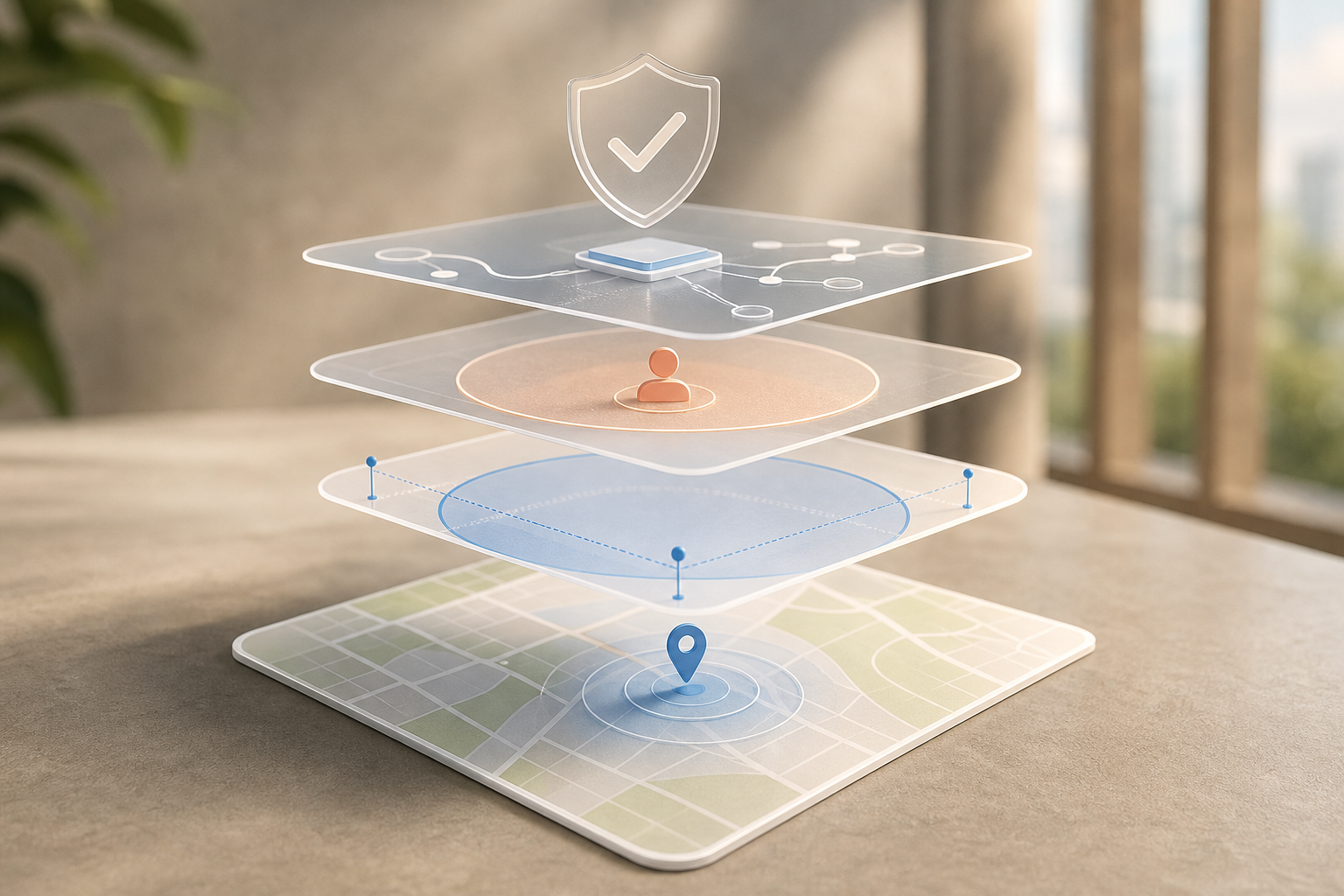
What Are the Benefits of Geo-Fenced Attendance?
Geo-fenced attendance helps organizations ensure employees can only clock in and out from approved work locations. By creating virtual boundaries around offices, client sites, or project locations, businesses can verify attendance more accurately and reduce timekeeping errors. It also helps prevent buddy punching, simplifies payroll processing, and provides reliable location-based attendance records for audits and compliance. For field teams and remote workers, geo-fencing offers accountability without requiring manual verification.
How Does GPS Tracking Improve Field Employee Productivity?
GPS tracking improves productivity by giving managers visibility into routes, visit schedules, and time spent at job sites. Instead of relying on manual reports, organizations can identify delays, optimize travel routes, verify client visits, and reduce unproductive travel time. GPS data also helps managers coach field teams using real activity records rather than assumptions. For employees, clear route tracking and visit verification reduce disputes over completed work and travel claims.
Is Employee GPS Tracking Legal?
Wrapping Up: Choosing Field Force Software in 2026
You need proof, not more data. The right tool ties GPS, geo-verified visits, and tasks to attendance and pay. EmpCloud delivers that in one suite, backed by SOC 2, 250+ APIs, and adoption across 1,500+ businesses in 15+ countries.
Moreover, location tracking plus task flows should help you coach, not micromanage. A clear timeline view and distance totals end most disputes in minutes. Finally, pricing that starts free and scales down per-seat as you grow keeps finance on your side.
Ready to see it live with your routes and rules?
**Start Free, No IT Lift →
Quick Search Our Blogs
Type in keywords and get instant access to related blog posts.

