
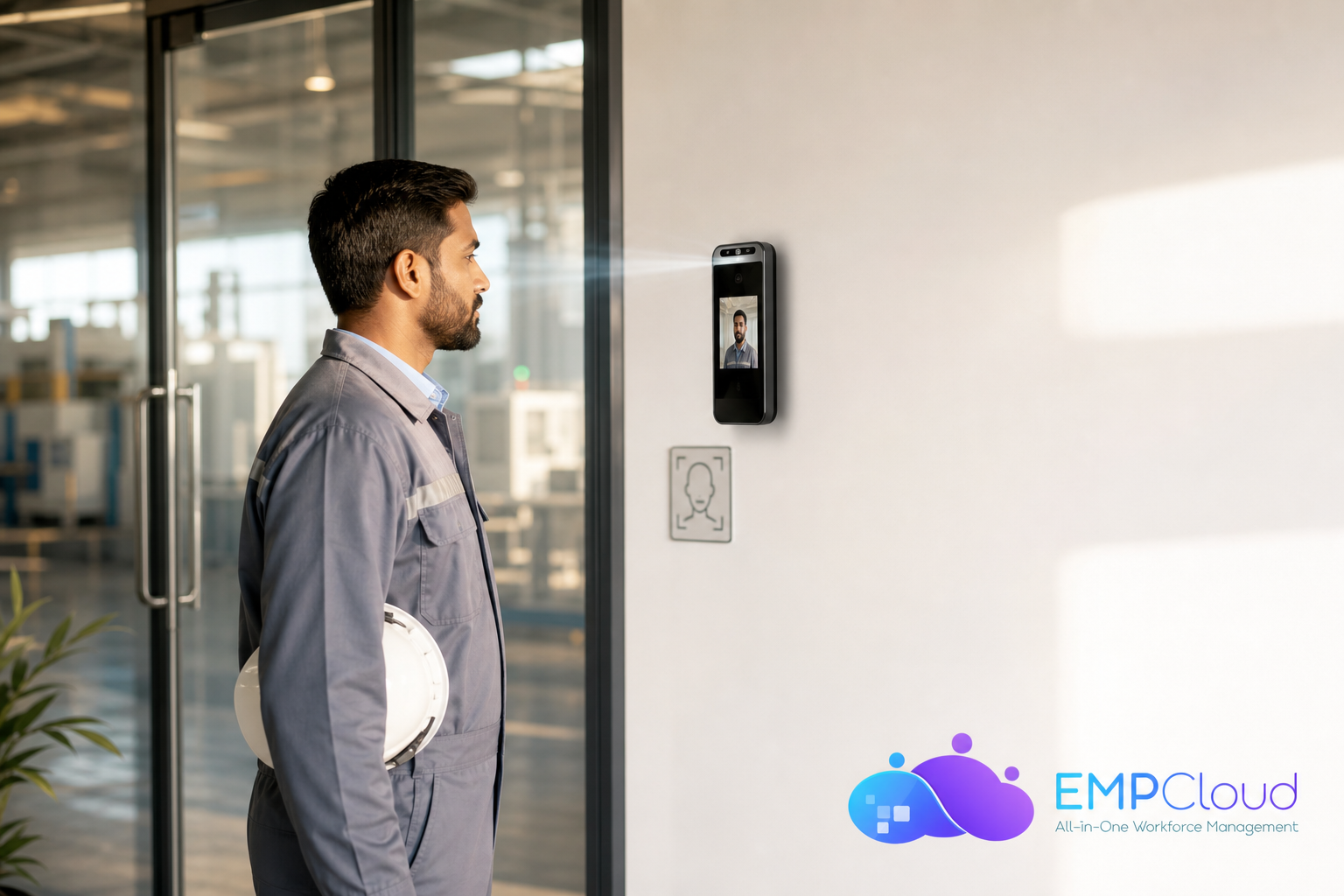
The best face recognition attendance and access control for a factory in 2026 is the one that clears your shift-change line fast and ties time to pay with zero manual fixes. It should scan faces in under two seconds, work with PPE, block spoofing, and sync straight to payroll.
Factories do not have time for fragile tech. You need tools that work on dusty docks at 5:45 a.m., not just in a well-lit lobby at noon. EmpCloud operates in 15+ countries and manages 50,000+ employees, so these are not lab ideas, they are field-proven parts that keep lines moving. As a result, you avoid disputes, reduce rework, and keep auditors happy.
However, you may have been burned before. Fingerprint readers choke on oil, flour, and gloves. Badges walk between friends. Old punch clocks create disputes every pay cycle. Therefore, this guide is blunt about what matters, what to check, and how to deploy face recognition the right way on a factory floor in 2026.
Why Manufacturing Companies Still Struggle With Attendance Tracking
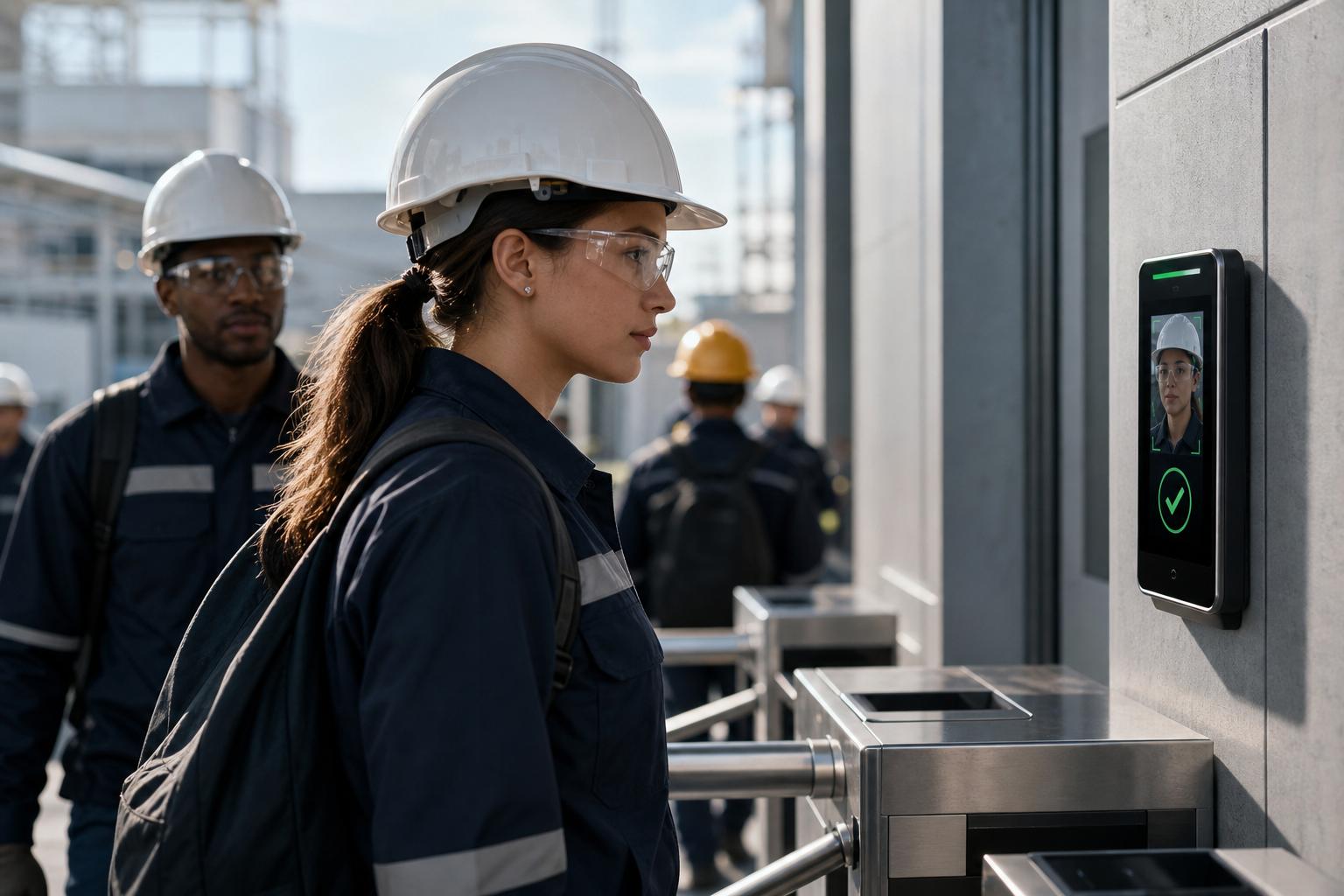
Punch cards and PIN pads were built for offices, not stamping presses, ovens, and clean rooms. On a line change, every second counts. If 200 people must clock in within 15 minutes, a slow scanner can back a queue into your parking lot. Worse, if the system rejects hands due to grime or gloves, supervisors start signing paper notes. That adds errors and risk.
Buddy punching is not a small leak. On busy lines, it can erode payroll by low single-digit percentages and mask true attendance issues. Badges are easy to pass across a turnstile. Cameras at the door catch it later, but the hours are already in the system. Therefore, you need ID that is tied to the person, not to plastic or a fingerprint that fails with grease and dust.
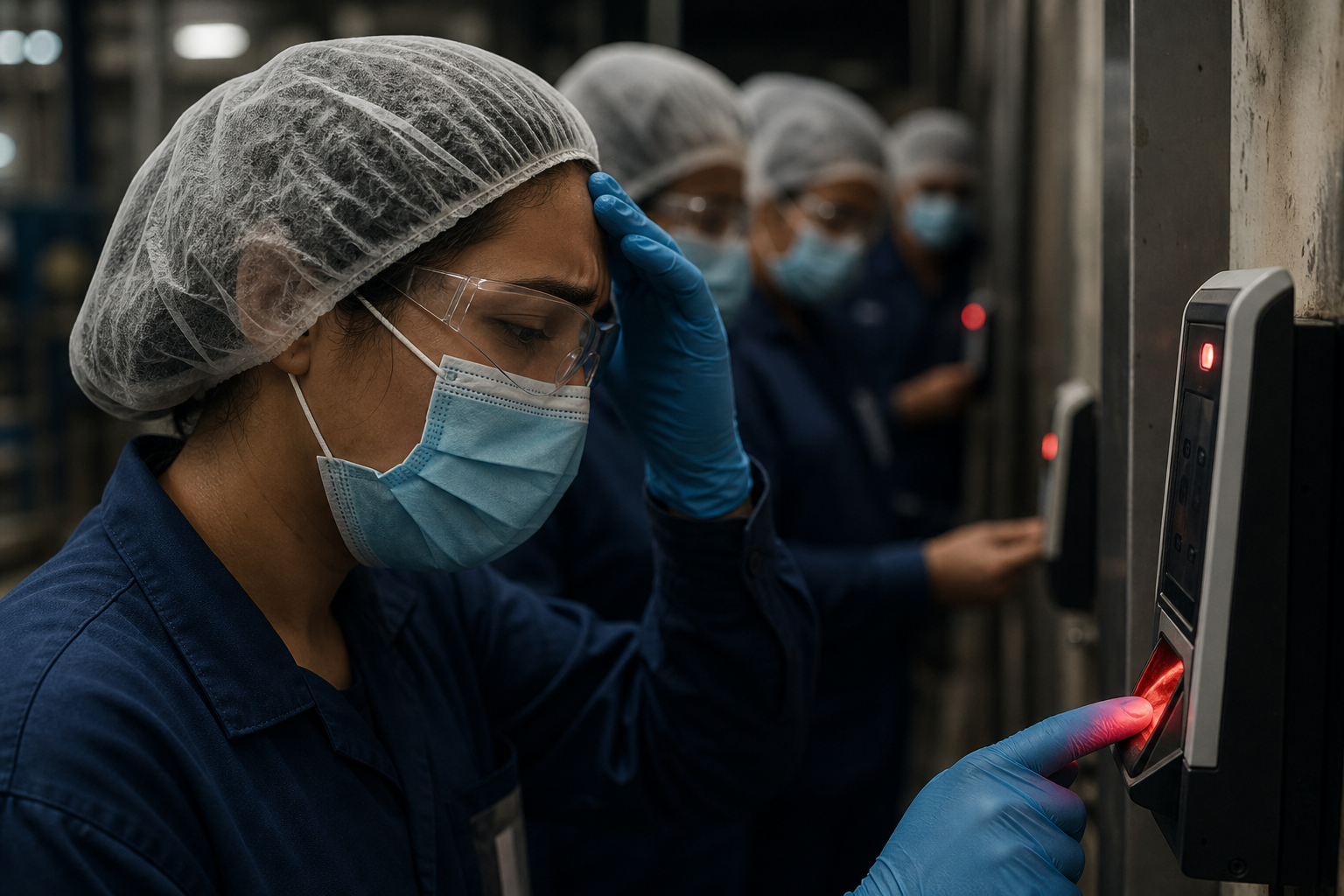
In food and pharma plants, hygiene is non-negotiable. Fingerprint devices invite touch. During peak illness cycles, no one wants shared surfaces.
In addition, hairnets, masks, and safety glasses can trip legacy face tools that rely on perfect, front-lit photos. On many floors, light is dim, and people wear hard hats. You need partial-face mapping and fast match times under less-than-ideal light.
High turnover makes badges a chore. Issuing, tracking, and revoking hundreds of cards per quarter wastes hours. Moreover, lost badges become security holes at gates to raw materials, hazardous zones, or clean rooms. Shift leaders end up playing IT help desk at 5 a.m.
Multi-shift plants need 24/7 uptime. Connectivity drops behind thick walls and heavy steel. If the clock-in device cannot cache offline and sync later, your records have gaps. These gaps turn into payroll disputes and labor-law risk.
Under the Fair Labor Standards Act, you must keep accurate time records (see the U.S. Department of Labor’s FLSA recordkeeping guidance). Therefore, your attendance stack must catch every swipe and every scan, even when the Wi‑Fi blinks.
Finally, first-gen biometrics were not built for this. They struggle with dust, PPE, low light, and fast-moving queues. They also rarely link cleanly to payroll or shift rules, so HR spends Mondays fixing mismatched hours. You need systems made for real plants, not demos.
Factory-floor realities that break old systems
- Touch-based scanners fail with dirty or gloved hands.
- Badges enable buddy punching and create access risks.
- Dim light, PPE, and dust reduce recognition accuracy.
- Connectivity drops cause missing punches and disputes.
- Manual timesheet fixes slow payroll and add errors.
For more context on small-site rollouts, you can skim this field guide: Small Business Guide to Choosing a Face Recognition Attendance System. The same principles scale to large plants.
Also Read!
Best Face Recognition Attendance System for HR Managers in 2026
Best Employee Monitoring Software for Manufacturing Companies in 2026
What to Look for in a Face Recognition Attendance System for Manufacturing
Choosing face tech for a plant is not like choosing one for an office. The buyer’s checklist must reflect shift lines, PPE, and labor rules. Here’s a practical way to judge options on the floor, not just in a sales deck.
First, measure speed honestly. On a 200-person shift change across 15 minutes, you need throughput of 13–15 workers per minute per lane. Therefore, aim for sub-2-second identification at the device, including liveness checks. Watch a cold start during a dawn shift, not just a mid-day demo.
Second, test accuracy in bad conditions. In low light, with hard hats, safety glasses, and face shields, the scanner should still hit. Ask to enroll workers with and without common PPE. Then test again on a Friday at dusk when people are sweaty, dusty, and in a rush.
Speed, Accuracy, and Anti-Spoofing
- Recognition speed: Under 2 seconds end-to-end to avoid queues.
- Accuracy under PPE: Hard hats, glasses, and partial-face must still match.
- Anti-spoofing: Active liveness checks to block photo or video fraud.
Integration, Shifts, and Scale
- Payroll and HRMS integration: Attendance should feed payroll automatically to cut manual fixes.
- Shift scheduling: Rotating shifts, split shifts, and overtime rules must be native, not workarounds.
- Scalability: From 50 to 500+ employees across multiple doors and plants without performance dips.
Location, Connectivity, and Security
- Geo-verification: For multi-site or field crews, confirm the right site or zone, not just “checked in.
- Offline mode: Local caching with automatic sync when connectivity returns.
- Security certification: SOC 2 or equivalent proof that biometric data is protected end-to-end.
Total Cost of Ownership (TCO)
- Hardware: Number of terminals per entry point for required throughput.
- Software: Per-user fees and any add-ons for shift rules or payroll exports.
- Maintenance: Replacement cycles, cleaning, and support response times.
Moreover, demand clarity in writing: privacy policy terms, data retention, and how facial templates are stored. Under GDPR in the EU (see the official Regulation (EU) 2016/679), biometrics are sensitive data. Therefore, you need to know where data lives, who can access it, and how it is encrypted and audited.
##Why Manufacturers Are Moving to Facial Recognition
Manufacturing loses millions annually to time theft and attendance fraud.
Biometric attendance systems can reduce buddy punching by up to 90%.
Automated attendance processing reduces payroll administration time by 50–80%.
Contactless authentication improves hygiene compliance in food and pharma facilities.
How EmpCloud Solves Attendance Challenges on the Factory Floor
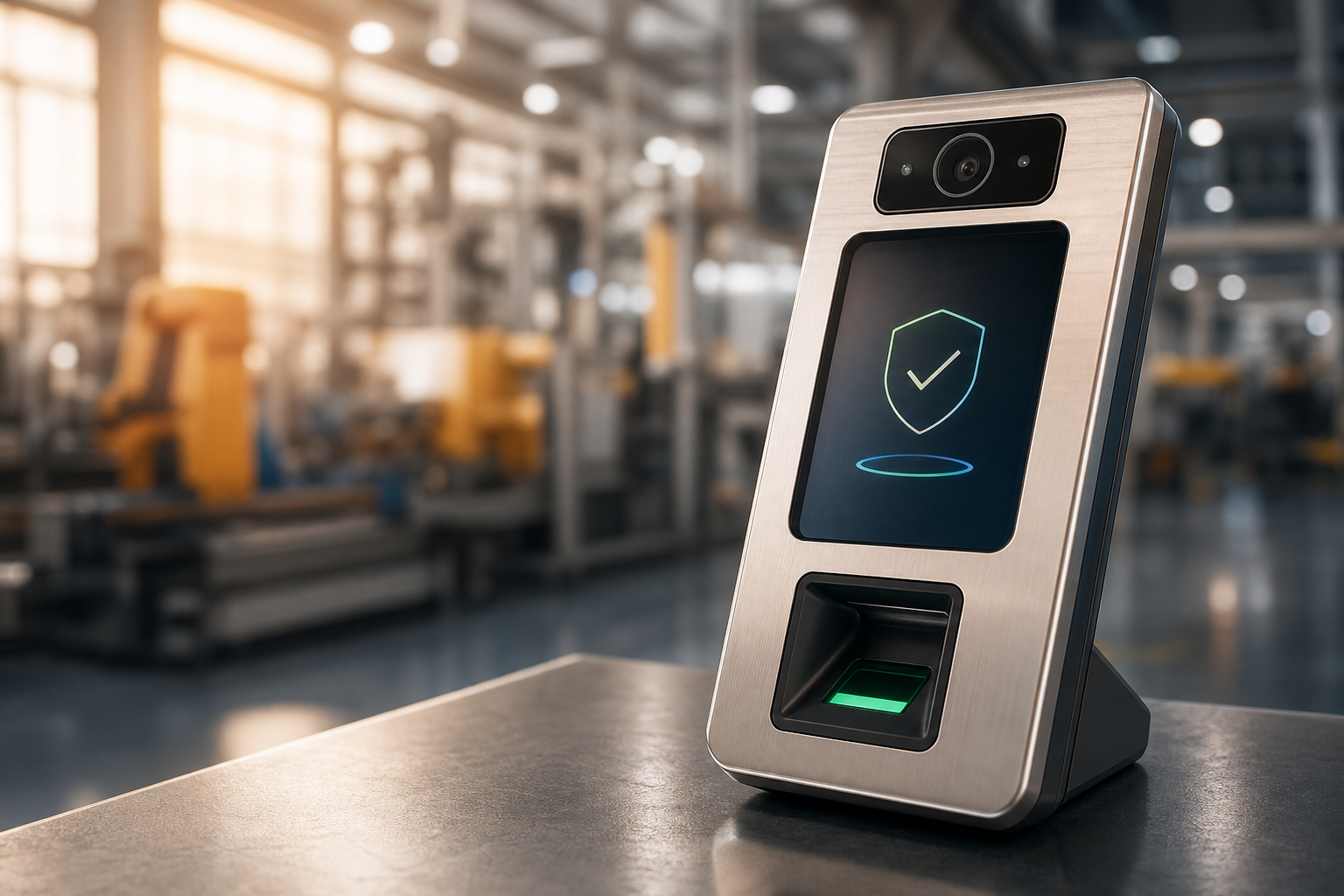
You asked for plant-grade speed, accuracy under PPE, and a direct path from clock-in to payroll. EmpCloud’s advanced biometric system for attendance is based on facial recognition and is built to meet those needs on a shop floor, not just a reception desk.
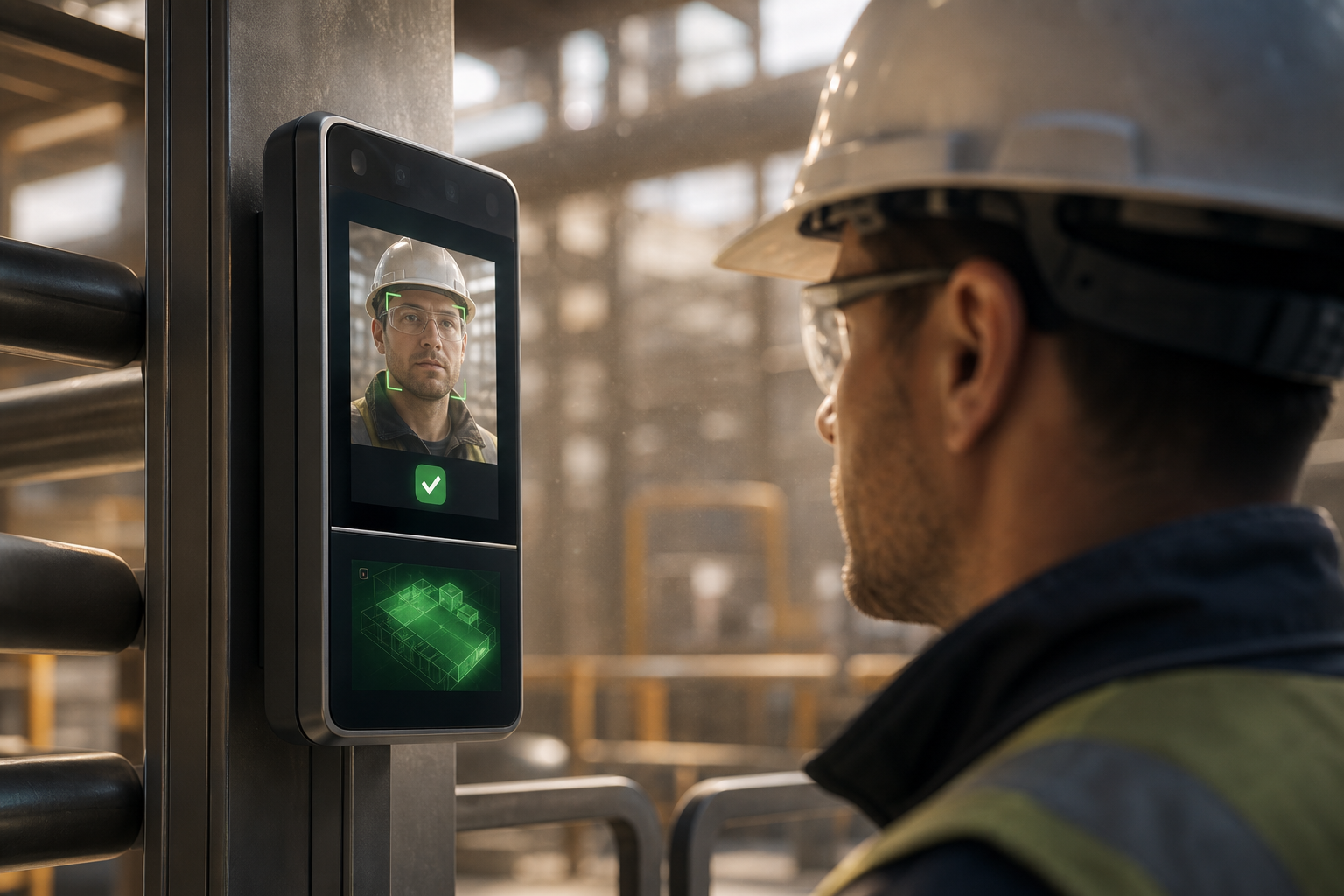
EmpCloud detects faces quickly and checks for liveness to block spoofing. In practice, that means a worker can walk, glance, and clear the terminal in roughly a second or two. As a result, you can process 200 clock-ins in under 8 minutes across two lanes, without a bottleneck at the door. Furthermore, the system continues to recognize faces even when workers wear hard hats and safety glasses, thanks to partial-face mapping tuned for PPE.
Unlike badge-based systems that invite buddy punching, face ID ties the record to the person. That shift alone cuts ghost time and raises accountability. Laura Thompson, COO of Precision Manufacturing, put it plainly: “Emp Biometrics has been a big improvement for us. The facial recognition feature is both secure and reliable, eliminating buddy punching with accurate attendance tracking.
It has significantly improved our workforce accountability and operational efficiency. Highly recommended!”.
Attendance to Payroll — No Manual Glue
EmpCloud links attendance to its HRMS and automated payroll with accurate handling of taxes and accounts. Therefore, approved time flows into pay runs without CSV exports or manual reconciliation. Overtime rules, split shifts, and rotating rosters are handled within the same suite, so HR does not chase mismatched punches on Mondays.
In addition, EmpCloud provides full employee profiles with attendance, leave, and policy management. Plant managers get a real-time dashboard and productivity calculation, so they can see who cleared the gate, who is late, and which line is under-staffed right now. That live view reduces last-minute scrambling at changeovers.
Access Control for Real-World Zones
Manufacturing needs more than time tracking. You must control who enters raw material cages, hazardous areas, and clean rooms. EmpCloud’s Face Recognition Attendance & Access links face ID to role-based access control (RBAC). You can restrict zones by role, shift, or training status. As Chen Wei, an Operations Director, noted: “With EmpCloud, managing attendance and access has never been easier. Its lightning-fast face detection and reliable role-based access control ensure smooth and secure operations.”.
Multi-Site, Field Crews, and Connectivity
For multi-site operations and field teams, EmpCloud supports geo-location tracking to confirm presence at the right plant or client site. When the network drops on the floor, devices cache records offline and sync when back online. That way, you never lose a punch. Meanwhile, IT teams get peace of mind with SOC 2 compliance and an OAuth2/OIDC authorization server with SSO, RBAC, and multi-tenant isolation, important for groups with several plants or subsidiaries.
Finally, this is not a point tool. EmpCloud is trusted by 1500+ businesses, manages 50,000+ employees, and operates in 15+ countries. Under the hood you have 10 modules and 250+ API endpoints for integration with ERP or MES. That scale matters when you deploy across several gates and shifts.
Also Read!
How to Choose Employee Monitoring Software for Manufacturing Companies
EmpCloud vs Hubstaff for Manufacturing Companies: Which Is Better for Employee Monitoring?
EmpCloud vs. Keka vs. Zoho: Which Face Recognition System Fits Manufacturing Best?
You have options. Here’s a practical, fair look at how EmpCloud, Keka, and Zoho stack up for plants that need both attendance and door control. The goal is to help you match tool to job, not to pick a winner by default.
EmpCloud includes a dedicated face recognition attendance and access control module inside its HRMS. Attendance flows to automated payroll without middleware, and shift scheduling handles rotating rosters and overtime rules. Security is backed by SOC 2, and integrations ride on 250+ API endpoints. Pricing includes a Free tier, then Bronze at $4.66/user/month for 1–10 users, Silver at $3.83/user/month for 11–50 users, Gold at $3/user/month for 51–200 users, and an Enterprise plan for 200+.
Keka and Zoho are strong HR suites in their own rights. Keka is well known for Indian payroll compliance depth and offers attendance with biometric integrations. Zoho provides an affordable, broad ecosystem of business apps and supports attendance but generally relies on third-party biometric hardware for face scans.
If your priority is a vast app marketplace, Zoho’s breadth is a draw. If your need is local payroll compliance in India, Keka stands out. Compared to these alternatives, EmpCloud’s advantage for factories is that face recognition, access control, shift rules, and payroll live in one stack, no extra punch bridge or vendor to manage.
“EmpMonitor has been a big improvement for us, providing real-time insights into employee productivity. Coupled with the Project Management tool, we’ve seen a marked improvement in task coordination and project completion rates. This workforce management software has helped us in simplifying our operations and boosted our overall efficiency.” — Karen Martinez, HR Manager At Global Inc.
Narrative comparison at a glance
| Area | EmpCloud | Keka | Zoho |
|---|---|---|---|
| Face recognition | Native biometric engine with liveness and access control | Biometric integrations; not a standalone engine | Attendance module; face via third-party devices |
| Payroll link | Built-in, automated payroll; no middleware | Strong payroll, esp. India; integrates from devices | Payroll available; hardware integration layer needed |
| Shift rules | Rotating, split, overtime handled in-suite | Shift features available | Shift features available |
| Scale & APIs | SOC 2, 250+ API endpoints, multi-plant ready | Suite integrations | Broad app ecosystem |
| Pricing | Free tier; $3–$4.66/user for <200; Enterprise 200+ | No free tier commonly advertised | Affordable suite; face hardware extra |
Moreover, EmpCloud adds 41 AI tools across 7 providers for queries and actions on HR data, helpful when you want fast answers on late arrivals or overtime flags. If you want a small-batch view of differences for pilot planning, you can also read this side-by-side tailored to SMBs: EmpCloud vs Keka for Small Businesses: Which Is Better for Face Recognition Attendance?
Security, Compliance, and Proven Scale in Manufacturing Environments
Biometric data demands trust. Under GDPR in the EU and state laws like Illinois’ Biometric Information Privacy Act (see the BIPA overview on Wikipedia), face templates are sensitive data. Manufacturers with plants in different regions also face data residency limits. Therefore, your vendor’s controls must be clear and auditable.
EmpCloud is SOC 2 compliant. Records and documents sit in centralized, encrypted storage, with secured document storage and encrypted record management. Access runs through an OAuth2/OIDC authorization server with SSO, RBAC, and multi-tenant isolation, which is key when you have multiple plants or subsidiaries under one umbrella. As a result, you can keep per-plant data walled off while still rolling up reports.
Scale also matters. EmpCloud is trusted by 1500+ businesses, manages 50,000+ employees, and operates in 15+ countries with 9 languages. That track record reduces your risk of being a beta site. With 10 modules and 95+ pages of platform depth, you also avoid point-solution sprawl, attendance, access, payroll, performance, and exit live in one suite. In addition, 200+ partner companies and 250+ API endpoints make it easier to connect ERP or MES down the line.
“EmpCloud’s Employee Monitoring has made tracking our team’s performance so easy. The insights we get have really helped us improve engagement and boost productivity.” — George Williams, Chief HR Officer
For plants that must document access to clean rooms or hazardous areas, role-based access reports help during audits. Moreover, with multi-tenant isolation, auditors can review a single plant’s data without exposing others.
Also Read!
Getting Started: Deploying Face Recognition Attendance in Your Manufacturing Facility
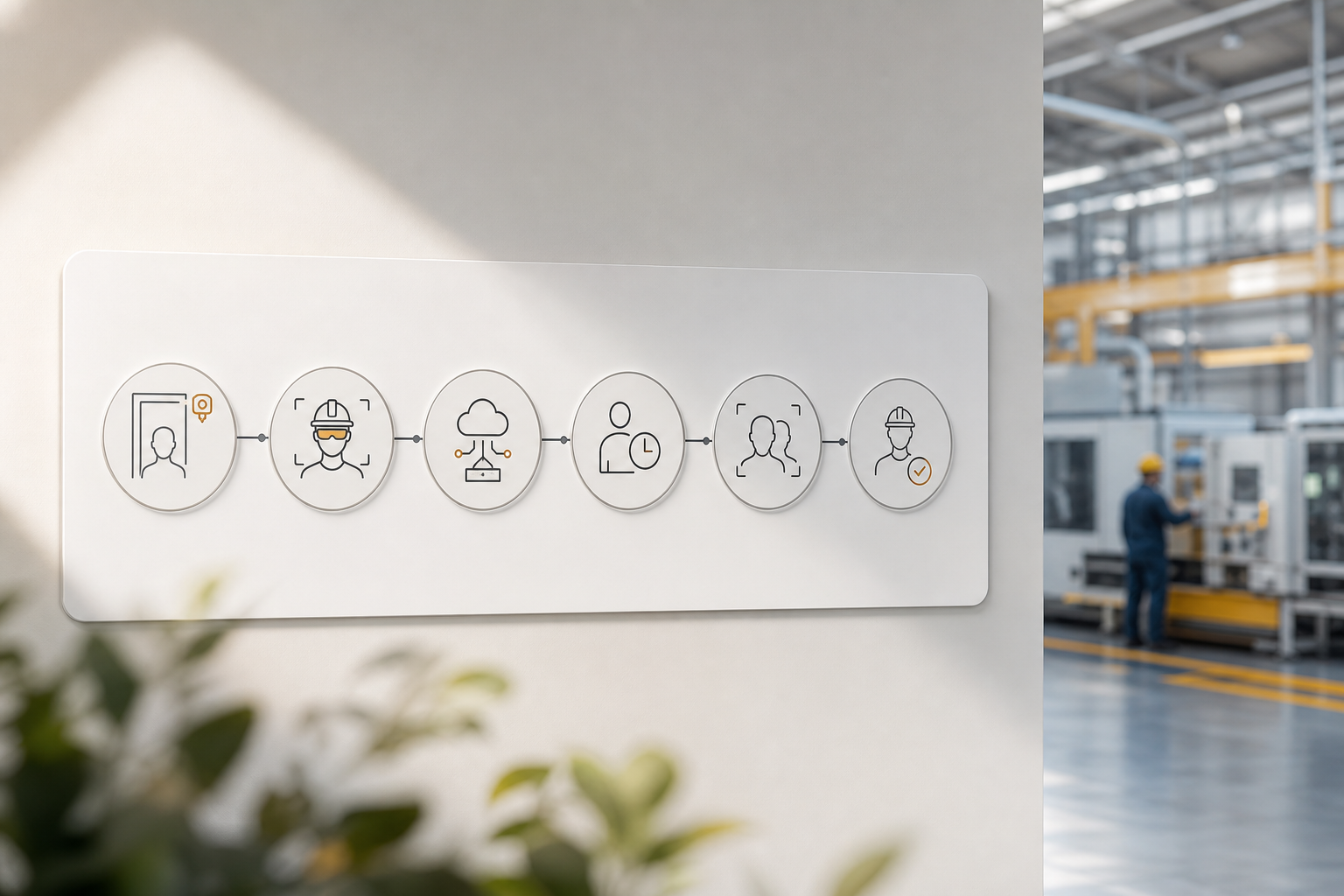
Rolling out face ID on a plant floor is a project you can finish in weeks, not months. Here’s a six-step plan based on what works in real factories.
Step 1 — Audit entry points and throughput
Count people per shift and minutes for changeover. Then size lanes. For example, if 200 workers must clock in within 15 minutes, plan for at least two lanes at 13–15 scans per minute. In addition, map zones that need access control: raw materials, hazardous areas, clean rooms, and server rooms.
Step 2 — Enroll employees with PPE in mind
Modern enrollment takes seconds per person. Enroll each worker in good light, then add a sample with common PPE, hard hats, safety glasses, or face shields, so partial-face mapping is strong. Moreover, set a playbook for new hires so HR can enroll them on day one.
Step 3 — Integrate payroll and ERP/MES
Connect attendance to payroll so approved time flows straight into pay. EmpCloud offers 250+ API endpoints for integrations, including custom links to ERP or MES systems. Therefore, you eliminate CSV exports and reduce pay errors from manual edits.
Step 4 — Configure shifts, overtime, and access zones
Set rotating rosters, split shifts, and overtime rules. Then tie roles to access zones using RBAC, including training or certification gates for hazardous areas. Furthermore, create alerts for late arrivals on critical lines.
Step 5 — Run a 2–4 week parallel period
Keep your old system live while face ID runs in parallel. Compare exceptions and late flags each day. As a result, you build trust with supervisors and catch edge cases before go-live.
Step 6 — Train supervisors on the live dashboard
Show floor leads how to read the real-time dashboard and productivity calculation. Teach them to approve exceptions, re-trigger liveness checks if needed, and print access logs for audits. In addition, review daily reports during the first two weeks after launch.
**Get instant access with a free trial →
Before you start, if you want a refresher on selecting features and pricing models, this overview for smaller sites is a quick read: Best Face Recognition Attendance System for Small Businesses in 2026.
Frequently Asked Questions
Is face recognition attendance better than fingerprint attendance?
For most manufacturing environments, yes. Fingerprint scanners often struggle when employees wear gloves or have dirty, oily, or damaged hands. Face recognition attendance is contactless, faster during shift changes, and generally requires less maintenance. It also reduces hygiene concerns and can verify employees without requiring physical interaction with a device. In addition, modern systems use liveness detection to prevent spoofing and reduce attendance fraud.
Can face recognition systems work with masks and PPE?
Modern face recognition systems are designed to work with common workplace PPE such as hard hats, safety glasses, and face shields. Advanced algorithms use partial-face recognition to identify employees even when parts of the face are covered. For best results, employees should be enrolled with and without their typical PPE during setup. This helps improve accuracy in real-world manufacturing, construction, and industrial environments.
What hardware is required for face recognition attendance?
Most deployments require facial recognition terminals or cameras installed at entry points, along with a cloud or on-premise attendance platform. Depending on your facility size, you may need multiple devices to handle shift-change traffic efficiently. Many systems also support mobile attendance through smartphones for field teams or remote locations. When evaluating vendors, consider hardware durability, offline capabilities, and throughput during peak attendance periods.
How much does face recognition attendance cost per employee?
Costs vary based on the software provider, hardware requirements, and deployment size. Cloud-based solutions typically charge a monthly per-user fee, while some vendors combine software and hardware into a single package. For example, EmpCloud plans start at a few dollars per employee per month, making facial recognition attendance accessible for both small facilities and large manufacturing plants. Organizations should evaluate total cost of ownership, including hardware, implementation, support, and integration costs.
Can face recognition be used for access control and attendance together?
Yes. Many modern workforce management platforms combine face recognition attendance and access control in a single system. Employees can use the same facial scan to clock in, clock out, and gain access to authorized areas. This approach improves security, eliminates the need for separate badges or cards, and creates a complete audit trail showing both attendance activity and facility access history. For manufacturing companies, it is particularly useful for controlling entry to restricted zones, clean rooms, warehouses, and hazardous work areas.
Final Takeaways
- Choose for the line you run, not the demo you saw. Sub-2-second scans, PPE accuracy, liveness checks, payroll links, and offline logging are the real tests for face recognition attendance and access control on a factory floor.
- Stack wins compound. When attendance feeds payroll and access control by role, you cut buddy punching, remove manual fixes, and speed audits. EmpCloud’s SOC 2 controls, RBAC, and 250+ API endpoints help you scale across plants.
- Pilot fast, measure throughput, and go live with confidence. Start small on the busiest gate, validate performance for 2–4 weeks, and then expand.
**See pricing for your plant →
Quick Search Our Blogs
Type in keywords and get instant access to related blog posts.

