

50,000+ employees are already managed on unified HR suites; that same rigor now belongs in the field. The answer is clear: field force gps tracking and task management gives HR real-time visibility, geo-verified attendance, and clean audit trails.
As a peer who has rolled these tools out, I’ll be blunt. In 2026, you can no longer rely on spreadsheets, phone calls, and “trust me” updates for field work. You need proof of presence, proof of work, and a link from hours to pay. Without that, compliance risk and payroll leaks stack up fast.
Moreover, GPS plus tasks is not “Big Brother.” Done right, it’s consent-based, shift-bound, and turned off after hours. In fact, it protects good workers and gives HR a defensible record. Below, I’ll show what the software truly solves for HR, a 7-step rollout plan, common traps to avoid, and a one-week path to a pilot.
What Field Force Management Software Actually Solves for HR
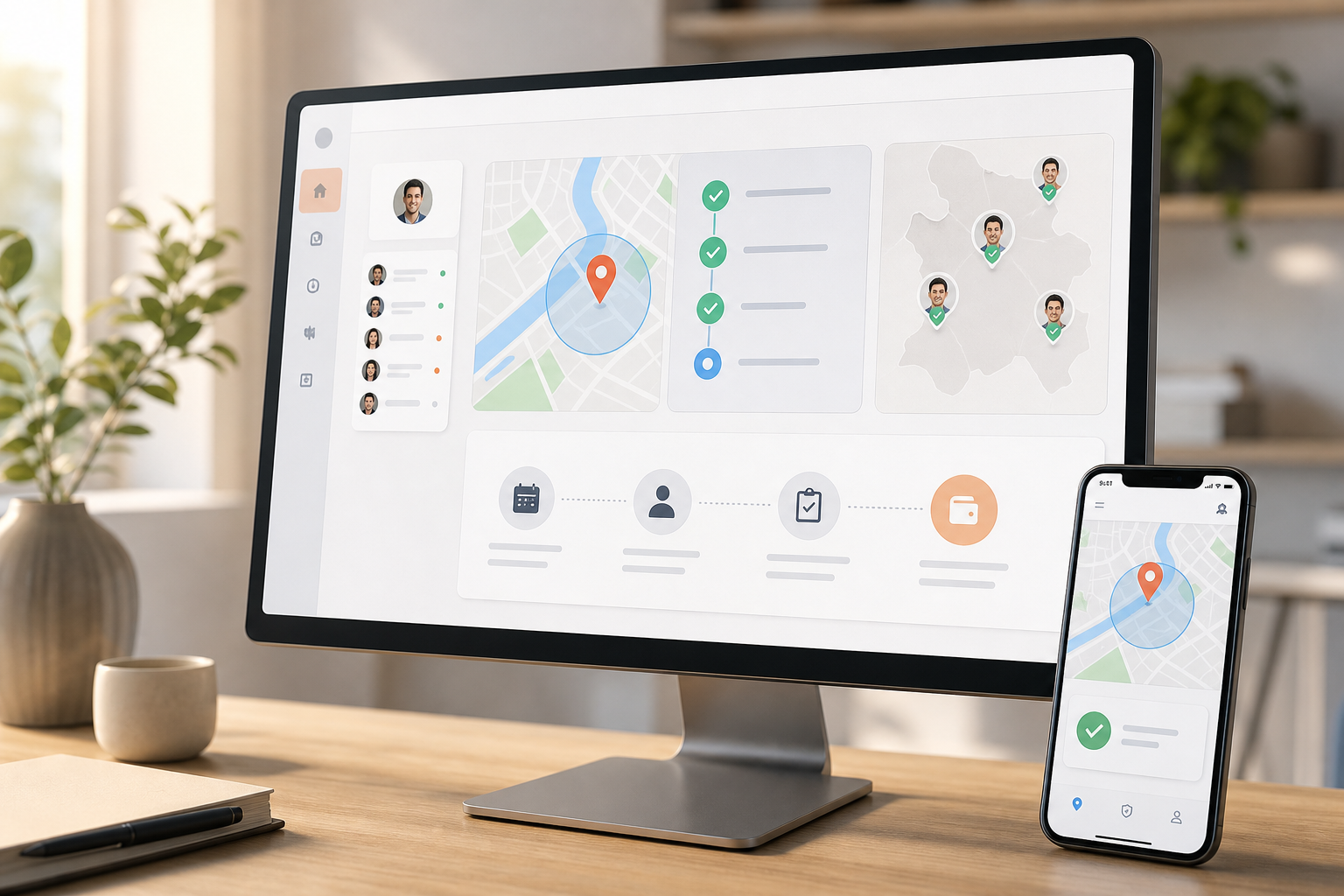
You need transparency across the day without turning HR into dispatch. That’s why HR teams adopt field force gps tracking and task management as a pair, not as separate tools. Together, they give you live location, geo-verified check-ins, and a clear log of who did what, where, and when.
Visibility, accountability, fraud reduction
First, the visibility gap closes. Live location tracking shows who is on shift, where they are, and how long they have been at a site. A timeline review helps you replay a worker’s day, which is key for audits and incident reviews. As a result, you replace guesswork with a factual trail you can stand behind.
Second, accountability improves. Task management tied to geo-verified client visits means a visit isn’t “done” until there’s a time, place, and short note or photo. Therefore, HR gains a fair way to coach late arrivals, reward high performers, and document disputes.
Third, attendance fraud drops. With check-ins constrained to approved geofences and shifts, buddy punching gets hard. Furthermore, distance tracking between stops flags odd routes that may hint at non-work detours. You won’t chase rumors; you’ll act on logs.
“Thanks to EmpCloud’s Field Force Management, managing our field team is effortless. Real-time tracking, task assignments, and geo-verified client visits have made everything more efficient.” — Michael Harris, HR Director
From HR’s Lens: Why This Matters
- Compliance: You get auditable records for wage-and-hour, travel claims, and client SLAs.
- Payroll integrity: Geo-verified shifts link to pay runs, which reduces manual fixes.
- Fairness: Clear records protect field staff from unfair blame and protect HR from hearsay.
Finally, this is not only for large firms. Customizable HR suites now bring geo-location tracking, task updates, and distance logs to SMBs, too. Tools operating in 15+ countries and across 9 languages show that scale and local nuance can co-exist. And if you need help with setting up work breakdowns, this short guide on task tracking is a solid primer for HR project owners.
How to Evaluate and Implement Field Force Software: A Step-by-Step Framework
A clean rollout beats a big-bang launch. Use this 7-step plan I share with HR peers.
Steps 1–2: Scope and Goals
- Audit current field gaps
Start with facts. Map where issues occur: missed client visits, late starts, off-route mileage, or pay disputes. Pull three months of incidents. Moreover, tag each to a root cause: lack of visibility, no task workflow, weak attendance proof, or broken integrations. - Define GPS vs.
Decide your north star. If wage-and-hour and travel claims are top risk, start with GPS, geo-fencing, live location tracking, and timeline review. If client SLAs and proof-of-service drive renewals, lead with task templates, geo-verified check-ins, and status updates.
Step 3–4: Integrations and Vendors
- Map integrations to HRMS
List which systems must talk: attendance, leave, payroll, performance, and exit management. Therefore, favor an integrated suite covering recruitment, onboarding, payroll, performance, and exit, so your data stays in one system of record. Ask vendors to show a real-time dashboard and how productivity calculation handles field roles. - Shortlist 3–5 vendors
Look for customizable HR solutions for businesses of your size. Moreover, prioritize vendors that show live location, task-to-visit links, and distance tracking in one pane. Ask for SOC 2 compliance, data encryption, and role-based access.
Steps 5–7: Pilot, KPIs, and Rollout
- Pilot with one team
Pick a team with 10–25 field staff for four weeks. Define exact sites and geofences, shift windows, and a tight task list. As a result, you’ll learn what alerts and nudges help without noise. - Set KPIs before you start
Choose three hard metrics:
- Attendance disputes per pay cycle
- Missed or late client visits per week
- Payroll corrections tied to field hours per month
- Roll out with training and consent
Train HR, managers, and reps. For privacy, get written consent, confine tracking to shifts, and give an opt-out path for off-hours devices. For EU teams, align with GDPR’s data minimization and purpose limits; see the General Data Protection Regulation for scope and definitions.

Pilot Checklist: Non-Negotiables
- Shift-bound GPS tracking with automatic stop after hours
- Task templates with geo-verified start/complete states
- Real-time dashboard with timeline replay and distance logs
- HRMS sync for attendance and payroll previews
Also Read!
Best Face Recognition Attendance System for Manufacturing Companies in 2026
Best Face Recognition Attendance System for HR Managers in 2026
5 Mistakes HR Managers Make When Choosing Field Force Tools
You can avoid most rework by sidestepping these five traps. I’ve seen each of them cause months of delay.
Mistakes 1–2: Strategy and Privacy
- Prioritizing GPS tracking without a task workflow
GPS proves presence; tasks prove work. Without both, you get “I was there” but not “I finished the job.” Moreover, coaching and performance reviews suffer when tasks aren’t captured in the same system as visits. - Ignoring employee privacy and consent laws
Consent-first and shift-bound tracking protects people and the company. In addition, SOC 2 compliant vendors with encryption and role-based access lower risk. Publish a short privacy note in your handbook and get signed consent during enrollment.
Mistakes 3–4: Integration and Pilots
- Buying standalone tools that don’t integrate with attendance or payroll
Manual exports create errors. Therefore, tie geo-verified time to attendance, leave, policy rules, and payroll. When automated payroll handles taxes and accounts, HR stops retyping hours and starts reviewing exceptions. - Skipping pilot testing
A four-week pilot with one team finds edge cases: large geofences, low-signal areas, or devices with battery limits. Furthermore, a pilot hardens your task templates and trims noisy alerts before scale.
KPIs and Measurement
- Rolling out with no clear KPIs
If you can’t measure it, you can’t improve it. Set a baseline for disputes, missed visits, and payroll fixes. Then, review progress weekly on a real-time dashboard so you can course-correct fast.
Signals You’re on the Right Path
- full employee profiles tie tasks, attendance, and policies together
- Payroll previews match geo-verified hours, so final pay runs need fewer fixes
- Access is role-based, with HR, manager, and worker views kept clean and simple
If you want a quick primer on building better checklists and reviews, this guide on task tracking helps you design workflows HR can own without IT tickets.
Top Tools Worth Evaluating for Field Force Management
You have two broad choices: standalone field apps or HRMS suites that include field features. Choose by use case, not hype.
- For HR-first teams: Suites like Keka or HROne are useful if you want GPS, tasks, attendance, payroll, and performance in one place. As a result, you cut tool sprawl and gain a single record of truth.
- For field-heavy ops: Products from vendors like Zimyo or PulseHRM can fit teams that need strong mobile apps with geo-verification tied to client visits. Moreover, they often add route and distance aids.
- For unified oversight with exit/process controls: Tools like EmpCloud bundle Field Force Management tools with an HRMS stack, including geo-location tracking for field workers and task management with geo-verified client visits. With SOC 2 compliance and operations in 15+ countries, suites in this class are built for scale and controls.
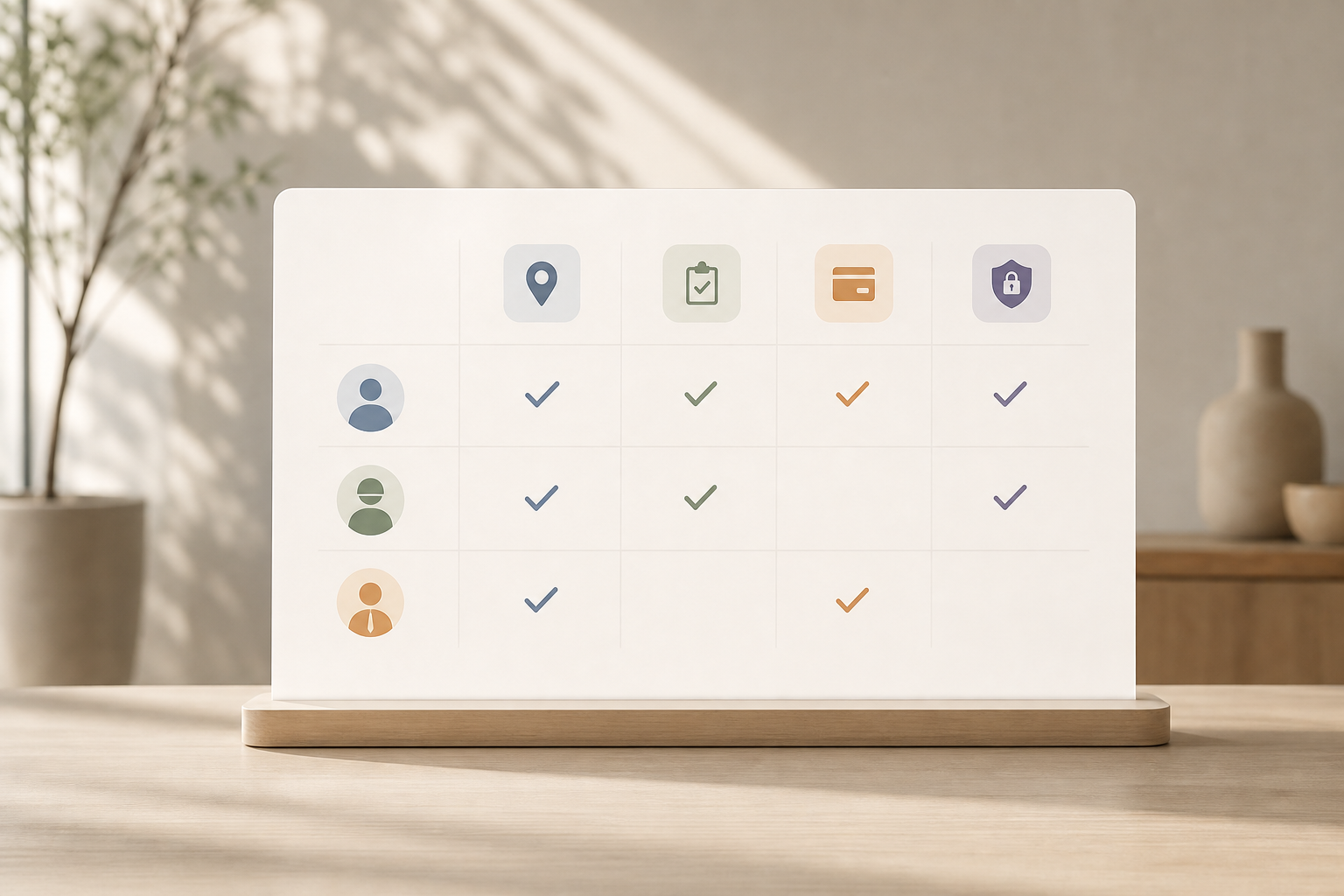
Furthermore, if social proof matters to your stakeholders, note that vendors in this space report being trusted by 1500+ businesses for management requirements and partnered with 200+ companies. Use those facts to push for an evaluation slot with finance and IT, not to pre-judge the right fit for your teams.
Finally, avoid ranking by brand name alone. Score tools against your top three outcomes: fewer disputes, fewer missed visits, and fewer payroll fixes. The right tool is the one that moves those numbers.
Your Next Steps: From Research to Pilot in One Week
Speed beats perfection. Here’s a plan I’ve used to get from talk to trial in five days.
- Monday: Audit and goals
Pull three months of incidents and pick your top three pain points. Decide if your priority is GPS assurance, task completion proof, or both. - Tuesday: Workflow drafts
Draft two task templates for your most common field visits. Moreover, define shift windows and geofences for the pilot area. If you need ideas, borrow patterns from this plain-English guide to task tracking. - Wednesday: Vendor shortlist
Select two vendors that offer live tracking, timeline review, distance tracking, and geo-verified tasks. Ask for SOC 2 docs and a data flow map. - Thursday: Demos and data
Request a real-time dashboard demo with a payroll preview showing geo-verified hours. Therefore, confirm how attendance, leave, and policy rules will apply in your pilot. - Friday: Pilot kickoff
Enroll 10–25 workers, get written consent, and train managers. Set three KPIs: disputes, missed visits, payroll fixes. Book a 30-minute weekly review for four weeks.
**See transparent pricing today →
Key Takeaways
- Pair GPS with tasks to prove presence and work, not just dots on a map.
- Tie geo-verified hours to attendance and payroll to cut rework.
- Run a four-week pilot with clear KPIs before a full rollout.
- Protect privacy with consent, shift-bound tracking, and SOC 2 partners.
- Score tools by outcomes: fewer disputes, fewer missed visits, cleaner pay runs.
What to Do This Week
Start small and move fast. Book two demos, set up a pilot with one field team, and draft simple task templates. Then, measure progress against three numbers for four weeks. If those numbers improve, roll out to the next team. If they don’t, adjust geofences, task steps, and alerts, and try again with the same clarity of goals.
Quick Search Our Blogs
Type in keywords and get instant access to related blog posts.

