
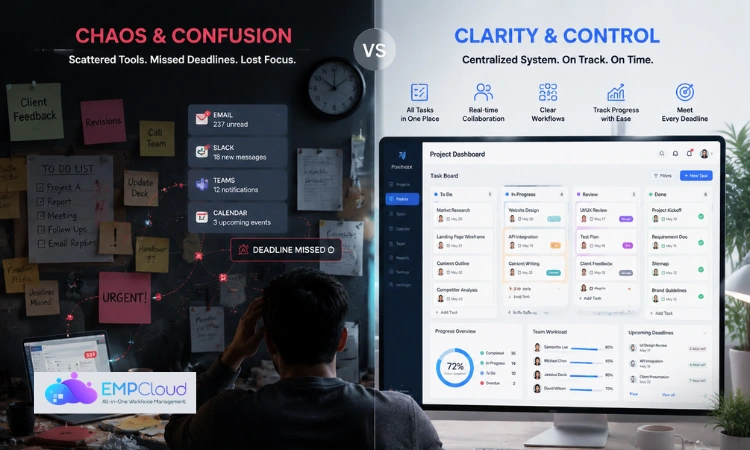
In 2026, the average professional juggles tasks across emails, chat tools, meetings, and spreadsheets all at once. Without a proper system, things fall apart fast. That’s where task tracking comes in.
Task tracking isn’t about micromanaging your day or adding more admin work to your plate. It’s about having a clear, consistent way to know what needs to be done, who’s doing it, and where things stand at any given moment.
In this guide, you’ll learn what task tracking really means, why it matters more than ever in today’s work environment, the best methods available, and how to pick the right system for your needs, whether you’re a solo professional, a manager, or running a full team.
Listen To The Podcast Now!
What Is Task Tracking?
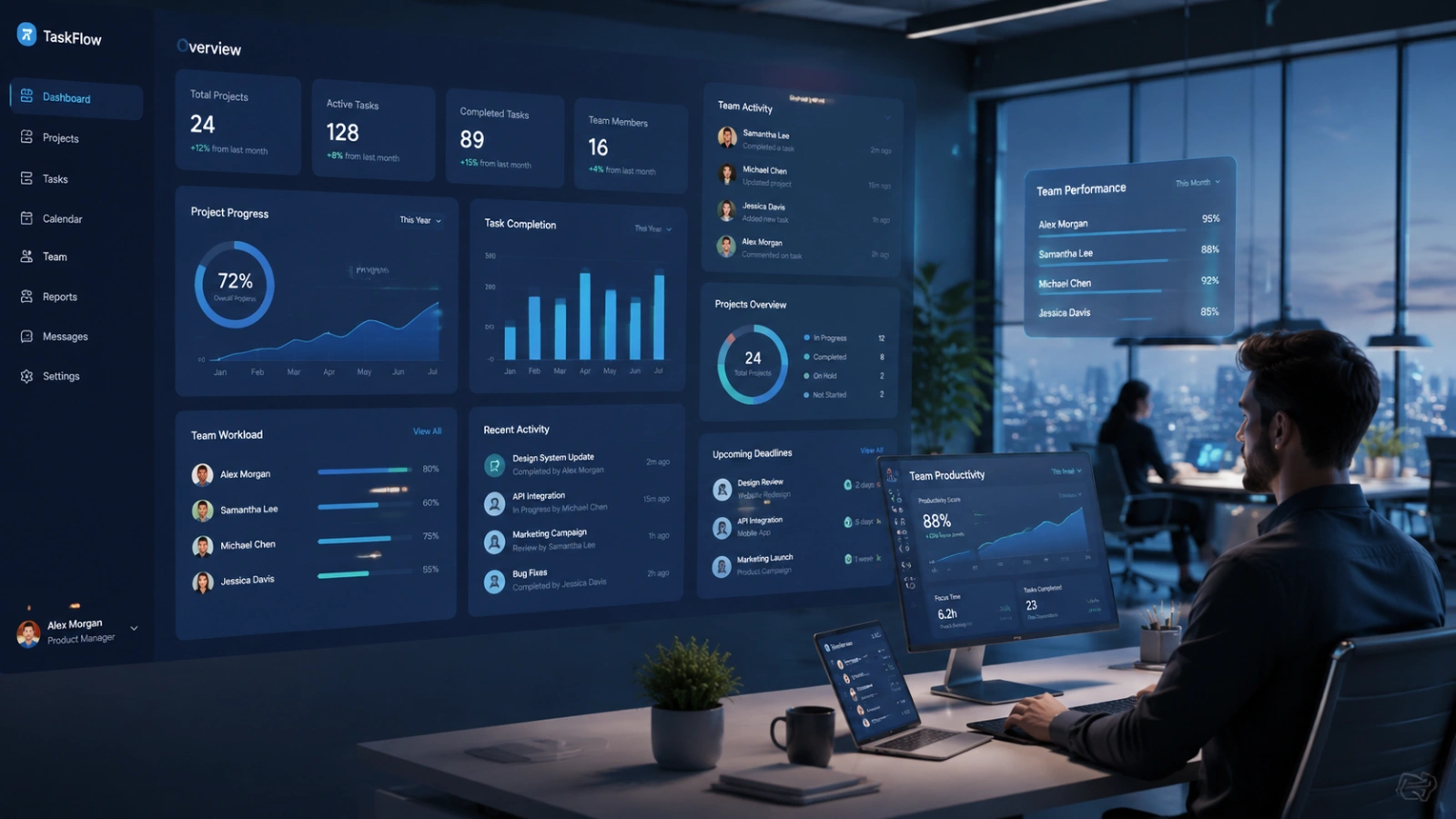
Task tracking is the process of recording and monitoring tasks from start to finish.
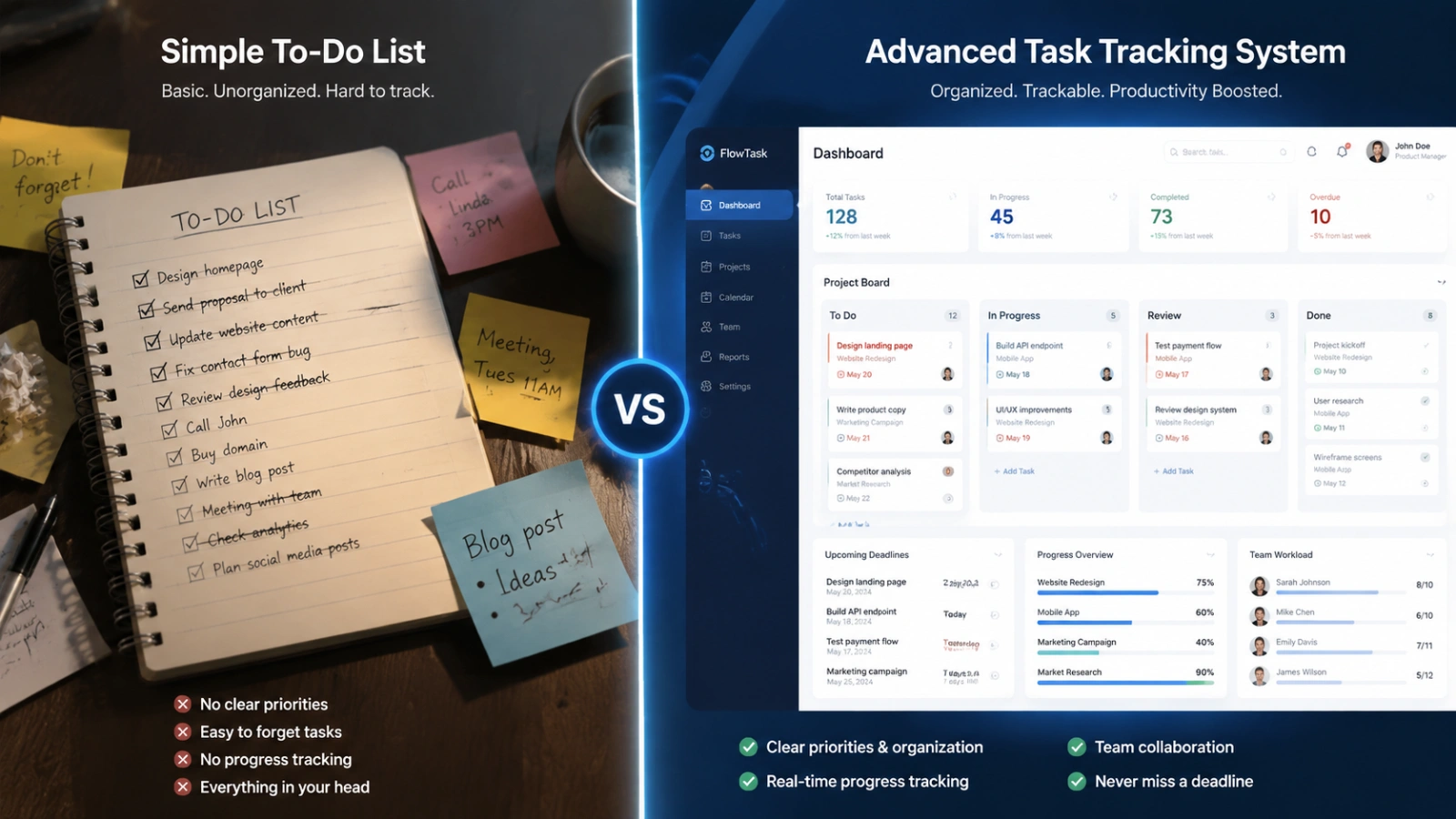
It goes beyond a basic to-do list. A to-do list simply shows what needs to be done, while task tracking provides a clearer view of progress, what has been completed, what is still in progress, what is pending, and what might be overdue.
In a business setting, task management helps teams understand how work is moving and who is responsible for each task. For individuals, it helps bring structure to daily work and makes it easier to stay organised and consistent.
In simple terms, a to-do list is just a list of tasks, while task management is a way to actively follow and manage those tasks until they are completed.
Why Task Tracking Matters More in 2026
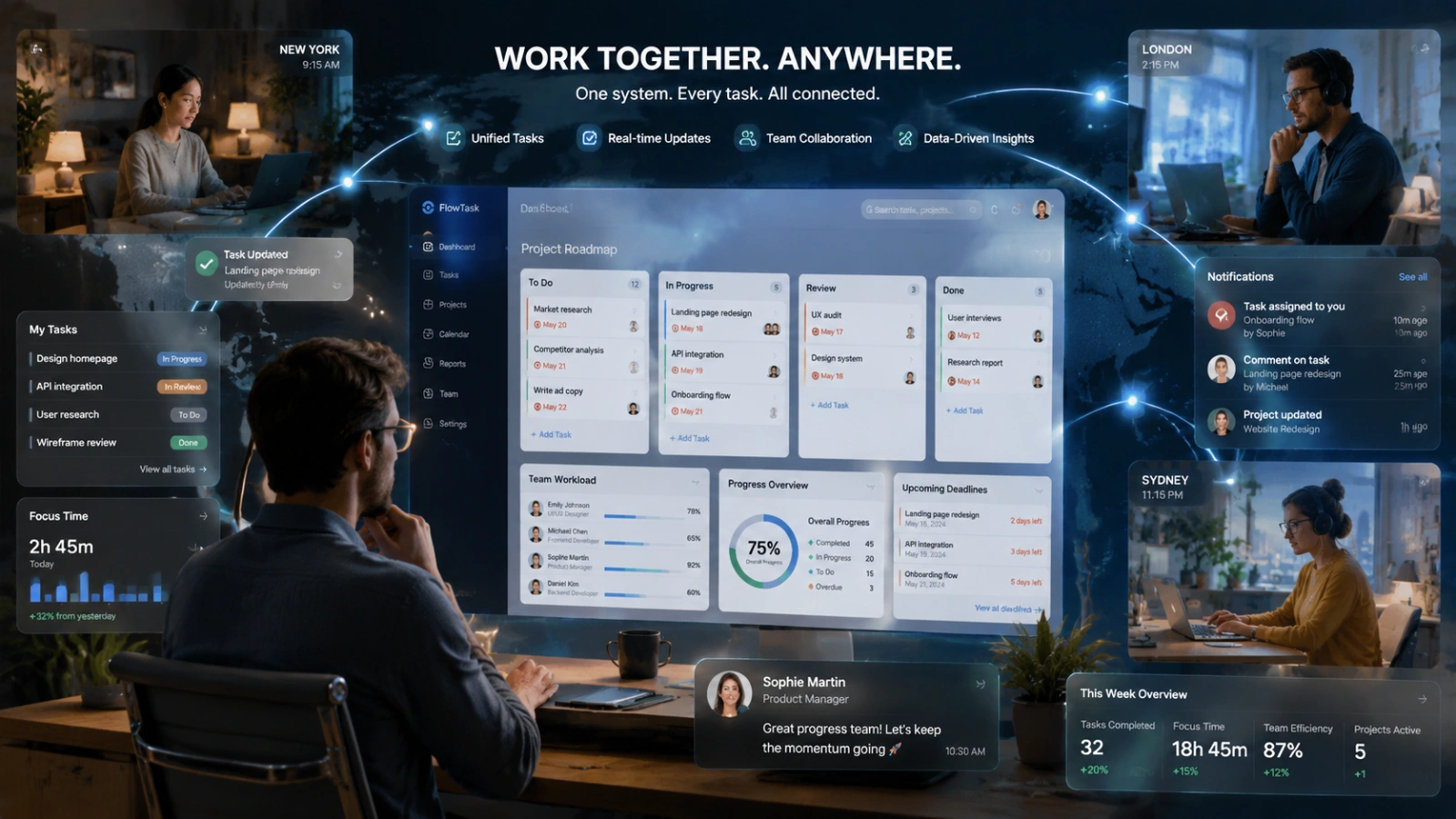
The way we work has changed dramatically. Remote and hybrid teams are now the norm, not the exception. That means less visibility into what teammates are working on, more async communication, and a higher risk of tasks getting lost or duplicated.
Here’s why task management has become a non-negotiable in modern work:
Accountability across distributed teams. When people work from different locations and time zones, there’s no “looking over someone’s shoulder.” Task management creates natural accountability; everyone knows their tasks, deadlines, and current status.
Fewer missed deadlines. A well-maintained task tracking system gives early warning signs. You can spot a bottleneck before it becomes a fire.
Reduced cognitive overload. Storing everything in your memory is exhausting. Offloading tasks to a system means your brain is free to actually do the work, not just remember it.
Better decision-making. When you can see what your team is working on in real time, it’s easier to re-prioritize, shift resources, and plan ahead.
Whether you’re a freelancer managing client work or a team lead overseeing a product launch, a solid task tracking approach directly impacts your output quality and peace of mind
Best Task Tracking Methods
There’s no one-size-fits-all approach to task tracking. The right method depends on your work style, team size, and the complexity of what you’re managing. Here are the four core approaches:
Manual Task Tracking
This is the old-school approach: notebooks, sticky notes, whiteboards, and spreadsheets. It works surprisingly well for individuals and very small teams with simple workflows.
The upside: zero learning curve, no software subscriptions, fully customizable.
The downside: it doesn’t scale. Once your tasks grow beyond a single person or a handful of projects, manual tracking becomes a bottleneck. Updates don’t sync, nothing sends reminders, and there’s no shared visibility.
Best for: Freelancers, students, or anyone managing simple personal tasks.
Digital Task Tracking Systems
This is where most professionals and teams live today. Digital tools and software platforms allow you to create, assign, update, and track tasks from anywhere, on any device.
The real power of digital task tracking systems lies in automation. Due date reminders, recurring tasks, status updates, notifications the system handles the administrative layer so you don’t have to.
Best for: Remote teams, professionals managing multiple projects simultaneously.
Agile and Kanban Task Tracking
Originating from software development, Agile and Kanban methods have gone mainstream. The Kanban approach in particular is visually intuitive: tasks are represented as cards that move through columns (e.g., To Do → In Progress → Review → Done).
This makes it easy to see at a glance where any task stands and where work is piling up. It’s particularly effective for teams that work in sprints or manage continuous workflows.
Best for: Product teams, marketing teams, development teams, or anyone managing iterative workflows.
Time-Based Task Tracking
This approach focuses not just on what you’re doing but on how long each task takes. By assigning time estimates to tasks and tracking actual time spent, you get a data-driven view of your own productivity.
This is especially valuable for freelancers billing by the hour, agencies managing retainers, and managers who want to understand team capacity more accurately.
Best for: Consultants, agencies, anyone who needs accurate billing or productivity data.
Employee Task Tracking: Visibility Without Micromanagement
For managers and team leads, employee task tracking is one of the most valuable capabilities a modern tool can offer and also one of the most misunderstood.
Done right, employee task tracking isn’t about watching over people’s shoulders. It’s about creating shared visibility so the whole team can move in sync.
Here’s what good employee task management looks like in practice:
Manager dashboards give team leads a high-level view of task status across the team. Instead of asking “Where are we on X?” in a meeting, the answer is already visible in the tool.
Workload distribution. Task management helps identify when someone is overloaded and when another team member has capacity, making it easier to redistribute work before burnout sets in.
Remote team accountability. For distributed teams, task management replaces the informal check-ins that happen naturally in an office. It creates a record of progress that builds trust without requiring constant communication.
Performance visibility. Over time, task management data shows patterns who consistently hits deadlines, where projects tend to get stuck, and which types of work take longer than expected. This insight helps managers coach their teams more effectively.
The key is to position task management as a tool for the team, not just the manager. When employees can see their own progress and priorities clearly, they often become more self-directed and less dependent on check-ins.
Task Time Tracking: Know Where Your Hours Actually Go
Task time tracking takes productivity analysis one step further. Instead of just knowing whether a task is complete, you track exactly how much time was spent on it.
This has several practical applications:
Accurate billing. For freelancers and agencies, time tracking is non-negotiable. Logging hours per task ensures clients are billed correctly and helps you understand the true cost of each project.
Productivity analysis. Most people significantly underestimate how long tasks take. Time tracking forces an honest look at where your hours go and often reveals surprising time sinks.
Better project estimates. Once you have historical data on how long similar tasks took in the past, future project planning becomes much more accurate. You stop over-promising and under-delivering.
Team capacity planning. For managers, aggregate time data shows whether your team has bandwidth for new work or is already at capacity.
Most modern task management apps include time tracking features built in, or integrate easily with dedicated time tracking tools like Toggl or Harvest. Setting it up doesn’t have to be complicated; even a simple start/stop timer on each task gives you surprisingly useful data over time.
Also Read:
7 Best Clock In and Out App & Tool Features
Why Project Time Tracking Software Is Better?
How EmpCloud Supports Task Tracking
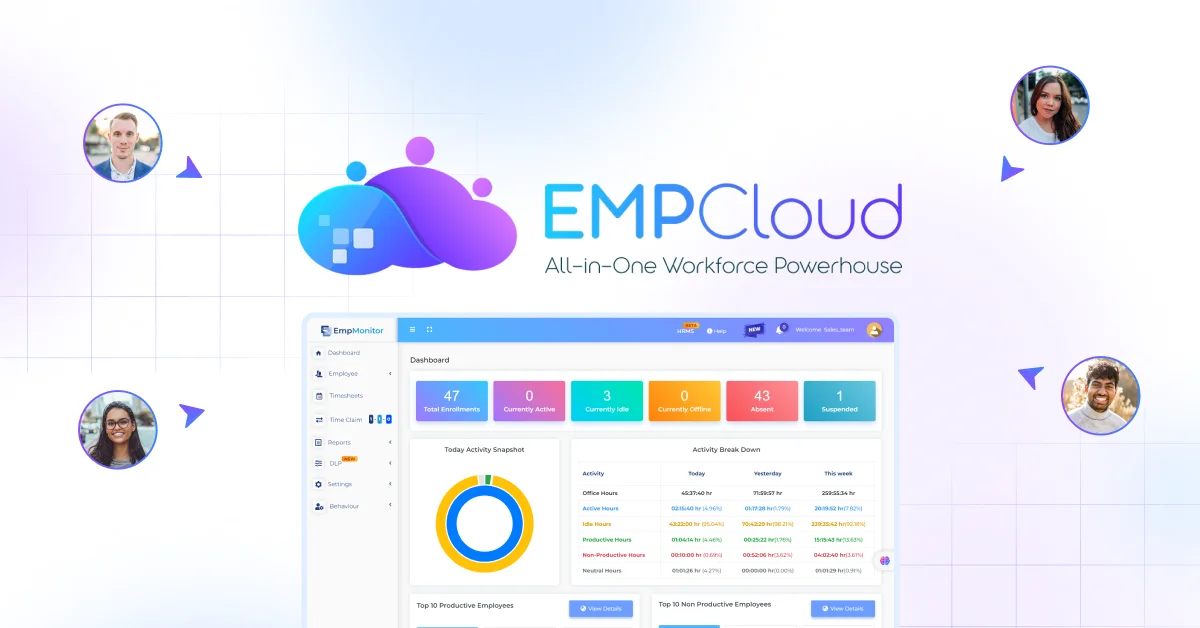
If your team needs more than a basic task list, EmpCloud can help with task tracking, employee visibility, and progress monitoring in one platform. It is a practical option for teams that want better control over work execution without relying on constant follow-ups.
Features include:
- Task allocation and progress tracking.
- Time tracking to see how long tasks actually take.
- Productivity tracking for better visibility into daily output.
- Project management to keep work organized and on schedule.
- Reporting and dashboards for quick status updates.
Common Mistakes in Task Tracking
Even with the best tools and intentions, task tracking can go wrong. Here are the most common pitfalls to avoid:
Overcomplicating the system. It’s tempting to build elaborate workflows with dozens of labels, priorities, and statuses. But a complex system that nobody uses consistently is worse than a simple one everyone follows. Start lean and add structure only when you genuinely need it.
Using too many tools. Tasks scattered across email, a project tool, a notes app, and a chat platform defeat the purpose of tracking. Pick one primary tool and commit to it.
Lack of consistency. Task tracking only works if it’s maintained. If tasks are added sporadically, statuses are never updated, and deadlines are ignored in the tool, the system stops reflecting reality. Building a daily habit of updating your task tracker, even 5 minutes a day, makes a huge difference.
No prioritization. Not all tasks are equal. Without a clear sense of what’s most important, people tend to do the easy things first and avoid the critical ones. Your task tracking system should always make priorities visible.
A Simple Task Tracking Framework That Works
If you’re not sure where to start, this straightforward framework can help you build a consistent habit without overwhelming yourself:
Step 1 — Define your tasks clearly. Every task should have a specific, actionable description. “Work on report” is not a task. “Draft executive summary for Q2 report” is.
Step 2 — Assign priority. Give each task a priority level: High, Medium, or Low. Focus your energy on High-priority tasks first.
Step 3 — Track daily progress. At the start of each day, review your task list. Update statuses, add any new tasks, and mark completed ones as done. This daily ritual keeps the system accurate.
Step 4 — Review weekly outcomes. Once a week, look back at what was completed and what was carried over. Use this review to spot patterns, adjust priorities, and plan the week ahead.
This framework works whether you’re using a notebook, a spreadsheet, or a full-featured app. The tool matters less than the habit.
Conclusion
Task tracking is one of the simplest things you can do to work smarter. It doesn’t require expensive software, complex workflows, or hours of setup. It just requires a consistent habit and the right system for your needs.
Start simple. Pick one method, whether that’s a basic app, a Kanban board, or even a well-organized spreadsheet. Add tasks consistently. Update statuses regularly. Review progress weekly.
Over time, you’ll have a clear picture of how your work flows, where time goes, and what your team is actually capable of. That clarity is what separates productive professionals from busy ones.
If you’ve been relying on memory, email, or scattered notes to manage your tasks today is the day to make the switch. A better system is simpler than you think.
FAQs
What is task tracking?
Task tracking is the process of recording, monitoring, and managing tasks through their lifecycle — from creation to completion. Unlike a simple to-do list, task tracking includes status updates, deadlines, ownership, and progress visibility.
What are the best task tracking tools?
Popular options include Asana, Monday.com, ClickUp, Notion, Todoist, and Jira. The best tool depends on your team size, workflow complexity, and budget. Personal users often do well with lightweight apps, while teams benefit from collaboration-focused platforms.
How does employee task tracking work?
Employee task tracking typically involves a shared platform where managers assign tasks to team members, set deadlines, and monitor progress through dashboards. It creates visibility and accountability without requiring constant check-ins.
Is task tracking useful for individuals?
Absolutely. Even for solo professionals, task tracking helps prioritize work, avoid forgotten commitments, and build a sense of accomplishment. Simple apps or even a well-maintained spreadsheet can be highly effective for individuals.
What is the difference between task tracking and time tracking?
Task tracking focuses on what needs to be done and whether it’s complete. Time tracking focuses on how long each task takes. Many tools combine both, but they serve different purposes: task tracking improves workflow management, while time tracking improves productivity analysis and billing accuracy.
Quick Search Our Blogs
Type in keywords and get instant access to related blog posts.

