

Your CEO wants proof of output; your staff wants proof of respect. You need employee monitoring and productivity tracking that gives you clear data without crossing lines. You don’t need blanket surveillance. You need a tool that delivers actionable metrics, legal cover, and trust features your team can see and control in 2026.
I’ve rolled out monitoring in high-trust teams and in hard-turnaround cases. I’ve also made mistakes that dragged HR into weeks of repair work. This guide is the playbook I wish I had the first time: how to choose software that helps you improve work, supports hybrid policy calls, and meets privacy laws, while keeping your culture intact.
However, let’s name the tension. Executives push for oversight, and employees push back on privacy. As a result, HR gets stuck in the middle. Your path through that squeeze is simple, but not easy: define why you’re measuring, disclose what you’ll collect, and give people agency with clear controls and a private time option.
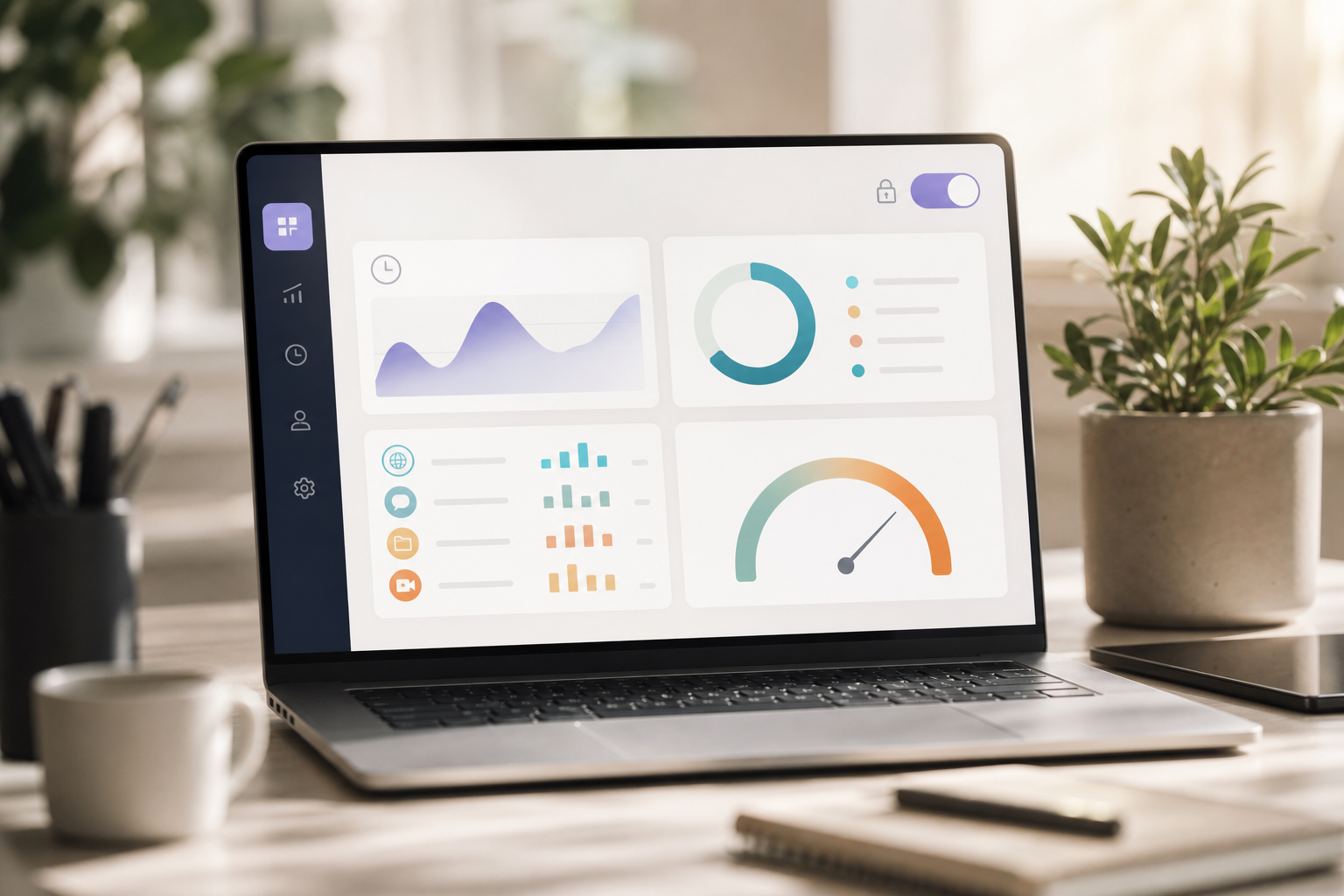
What HR Managers Actually Need From Employee Monitoring Software
You don’t just need a record of clicks. You need insight. The right platform should show how work flows through tools and teams, where time goes, and how that ties to goals. It should also protect privacy and help you stay compliant. That balance is what makes employee monitoring and productivity tracking workable in real life.
Control vs. Optimization
Surveillance tries to control. Optimization tries to improve. The first breeds fear; the second builds trust. Therefore, pick features that support coaching and process fixes, not “gotcha” moments. For example, a real-time dashboard with productivity calculation helps a manager guide work in the week it happens, rather than punish it at month-end.
Specifically, HR leaders usually want three outcomes:
- Identify workflow bottlenecks: app/URL tracking, timeline review, and custom reports show where time sinks live.
- Support remote/hybrid policy calls: activity trends and role-based comparisons inform which jobs thrive remote, hybrid, or on-site.
- Maintain compliance: consent workflows, roles and permissions, and a private time option align with privacy laws.
Moreover, look for multiple roles and permissions, private time, and manager/employee-facing views. Employees should see their own data. Managers should see team trends. Admins should gate who can view screenshots or keystroke logs. This structure reduces risk and improves conversations.
Compliance Safeguards, Not Guesswork
In the EU, the GDPR sets strict rules on data purpose and minimization. Review the principles at the official European Commission GDPR overview. In the US, the Electronic Communications Privacy Act (ECPA) and state consent laws shape notice and consent. Therefore, your software should support documented consent, data retention controls, and audit logs.
For added detail on deployment patterns, this remote team’s guide breaks down what distributed teams tend to adopt, while this small business buyer’s guide covers lighter setups and tight budgets.
Also Read!
Best Employee Monitoring Software for HR Managers in 2026
How to Choose an HRMS with Payroll for Your Manufacturing Company
Step-by-Step Framework for Evaluating Monitoring Tools
You can choose a tool in four weeks with far less noise. Use this six-step plan and the templates to move with speed and care. This is how you buy once instead of twice.
Step 1: Define Objectives (write them down)
Action: Draft a one-page brief before you view any demo.
- Objective template: “We will use monitoring to [benchmark productivity/time tracking/security/compliance] for [teams/roles]. We will not collect [list exclusions]. We will review results with employees every [cadence].
Moreover, decide up front how you’ll use data. For example, “We will use weekly trend lines for coaching, not for single-day discipline.
Step 2: Audit Your Workforce
Action: Map roles to realities. Remote? Hybrid? Field? Office?
- Matrix starter: “Field reps need GPS, live location tracking, timeline review, and distance tracking. Desk roles need automatic time tracking and URL/app tracking. Sensitive roles may add USB detection or screenshot audits.
As a result, you won’t buy GPS for jobs that never leave a desk, or keystrokes for roles measured by tickets shipped.
Step 3: Check Legal Requirements (by region)
Action: Book a 30-minute review with legal/compliance.
- EU: GDPR purpose limits, data minimization, access rights.
- US: ECPA notice rules; state-level consent (one-party vs. two-party).
- Documentation: Keep signed disclosures, retention schedules, and a data access policy.
For background on ECPA, see Wikipedia’s summary. For GDPR principles, use the European Commission link above.
Step 4: Create a Feature Priority Matrix
Action: Rank must-haves vs. nice-to-haves.
- Time tracking: automatic
- Visibility: app/website monitoring, automatic screenshots, keystroke monitoring
- Modes: visible agent
- Field: GPS, live location tracking, distance tracking
- Management: shift scheduling, project tags, real-time dashboards
- Governance: roles/permissions, private time option, custom reports, audit logs
Specifically, label each as Must, Should, Could. Then score vendors against your list, not their brochure.
Step 5: Evaluate the Employee Experience
Action: Put yourself in an IC’s chair for 10 minutes.
- Can employees see their own dashboard?
- Is private time one click away?
- Are reasons for offline/idle time requests simple to submit?
- Is there a clear “what we collect” page?
Therefore, prefer tools with manager- and employee-facing views, plus a private time toggle that pauses data capture.
For deeper rollout tactics by team size, skim this SMB-focused list.
Step 6: Run a 30-Day Pilot (with a baseline)
Action: Pilot with one team and measure both data and sentiment.
- Baseline template (Day 0): current output measure (e.g., tickets/week), focus time (self-reported), and team mood (short pulse).
- Exit template (Day 30): same metrics, plus feedback on fairness, clarity, and control.
Furthermore, log issues weekly: false positives, idle time rules, and any privacy flags. Then decide with data, not vibes.
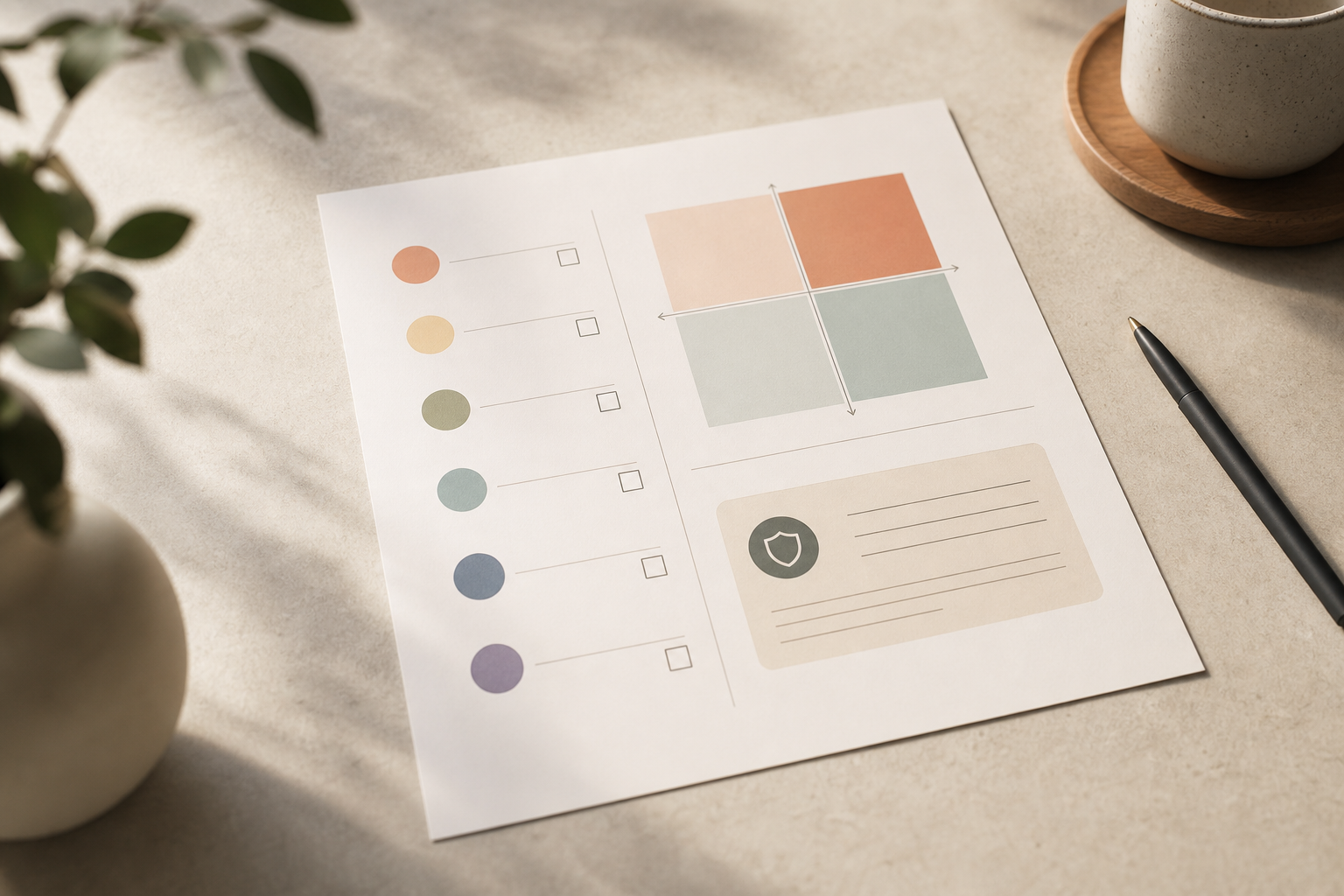
5 Mistakes HR Managers Make When Implementing Monitoring Software
I’ve made each of these at least once. You can skip the pain with a few guardrails. This section pairs each mistake with a fix you can copy.
1) Deploying in Stealth Mode Without Legal Review
Stealth may seem clean, but it spikes risk under GDPR purpose limits and ECPA notice norms. Moreover, trust craters when staff finds out. Therefore, use visible mode by default, document consent, and reserve stealth for legal-approved, narrow security cases with strict access controls.
2) Monitoring Everything Instead of What Matters
If you only need time-on-task, don’t track every keystroke. Over-collection swells storage, muddles reports, and alarms people. Instead, start with automatic time tracking, app/URL tracking, and a real-time dashboard. Then expand only if your use case and legal review say yes.
3) Skipping the Employee Communication Plan
Silence breeds worry. As a result, get in front of it with a plain-language disclosure and a Q&A live session. Programs that explain purpose, controls, and private time see stronger acceptance than surprise rollouts.
Monitoring Disclosure Template (adapt to local law)
- What we collect: work activity (apps, URLs), time on task, optional screenshots (blurred for personal content), GPS for field roles only.
- What we don’t collect: personal passwords, personal device data during private time, microphone/webcam feeds.
- Why we collect: to improve workflows, support hybrid policy, and meet compliance needs.
- Your controls: you can see your dashboard, request private time, and flag errors.
- Contact: [email protected] for questions, access, or corrections.
4) Ignoring the Manager Training Gap
Data is not a script. Without training, managers fixate on red/green scores and turn coaching into policing. Therefore, run a 60-minute training on reading dashboards, handling idle/offline approvals, and running one-on-ones that center outcomes, not screenshots. Tie insights to performance and 360° feedback, not to gotchas.
5) Choosing by Feature Count, Not Integration Fit
A tool with 50 features that doesn’t talk to your HRMS or payroll adds work. Instead, check how it fits your stack: recruitment, onboarding, attendance, payroll, performance, and exit. Moreover, prefer platforms with SOC 2 compliance and clear APIs. Your future self will thank you during audits and reviews.
Furthermore, if you plan to connect performance reviews, look for AI-powered performance reviews and continuous performance tracking that use work data fairly, with employee visibility into inputs and outputs.
As you evaluate, keep the lens tight: employee experience, legal fit, and workflow lift. That’s your trio.
Mentioning this here keeps your rollout grounded: some vendors also offer a free tier. That lowers pilot risk and helps you get real feedback fast.
Lastly, if you’re building a field program, ensure offline/idle time approval flows are simple. Field staff need grace for patchy coverage and travel gaps. Clear flows prevent disputes later.
And remember, a visible private time option signals respect, which supports adoption and better data quality.
Also Read!
EmpCloud vs Keka for Manufacturing Companies: Which Is Better for HRMS with Payroll?
Monitoring Tools Worth Evaluating in 2026
Organize your shortlist by use case, not by hype. Below are categories and neutral examples you can explore. Treat them as starting points, not endorsements.
Remote Desktop Teams
- Names you’ll hear: Hubstaff, Time Doctor, ActivTrak.
- What to compare: depth of app/URL tracking, real-time dashboards, idle/away rules, and manager vs. employee views. Moreover, check how screenshots are handled (blur, frequency, access rights).
Integrated HR Suites (monitoring plus HR)
- Options to review: tools like EmpCloud (combines EmpMonitor for workforce monitoring with HRMS, payroll, attendance, performance, and exit management), BambooHR, Zoho People.
- What to compare: breadth across recruitment, onboarding, payroll, performance, and exit; roles/permissions; private time; and report customization. Furthermore, check SOC 2 compliance and data retention settings.
Field Workforce Tracking
- Names to consider: Connecteam; some suites (like EmpCloud) also offer geo-location and Field Force Management.
- What to compare: GPS accuracy, live location tracking, timeline review, distance tracking, and geo-verified client visits. In addition, evaluate task handoff on mobile and low-signal behavior.
Enterprise-Grade Security Monitoring
- Names you’ll see: Teramind, Veriato.
- What to compare: keystroke and content inspection controls, USB detection, insider risk workflows, and legal guardrails. Therefore, involve security and legal early.
Pricing note: expect per-user monthly pricing and annual discounts. For reference, one provider lists a Free tier and a Bronze plan at $4.66 per user per month when paid yearly for 1–10 users, with scaled tiers beyond that. Always confirm current pricing and contract terms.

What to Do This Week: Your 7-Day Monitoring Readiness Plan
Day 1–2: Write your top three objectives and share them with HR leadership for alignment. For example, “Benchmark time on core apps,” “Support hybrid policy updates,” and “Meet consent requirements.
Day 3: Audit your workforce. Count remote, hybrid, field, and in-office staff. Then note which groups most need monitoring, and which only need light time tracking.
Day 4: Book a 30-minute call with legal/compliance. Review disclosure rules in your regions (GDPR/ECPA/state consent), your data retention period, and who can access raw data.
Day 5: Use the six-step framework to build your feature matrix and shortlist three tools.
Day 6–7: Start trials or book demos with your shortlist. Capture both productivity metrics and employee sentiment across the pilot team. Moreover, give people the disclosure template and a visible private time option from day one.
As you test, remember: the best employee monitoring and productivity tracking setup is the one your employees understand and your managers actually use.

Key Takeaways
- Define why you’re measuring first; buy second. Purpose beats features.
- Optimize work, don’t police it. Use real-time dashboards, not gotchas.
- Match features to roles: URL/app tracking for desk roles, GPS for field teams.
- Bake in trust: clear disclosures, employee dashboards, and private time.
- Document consent and retention. Align with GDPR, ECPA, and state laws.
- Pilot for 30 days and measure both output and sentiment before rollout.
Communication and culture are half the job. Technology is the other half. Set clear goals, show people what you’ll collect, and give them real controls. That’s how you get reliable data and a healthier workplace in 2026 and beyond.
If you want more context by team shape, this remote team-focused guide pairs well with a follow-up for smaller orgs, the SMB buyer’s guide.
Quick Search Our Blogs
Type in keywords and get instant access to related blog posts.

