

Many workforce monitoring platforms excel in office environments but fall short in manufacturing and shift-based operations. For organizations that require biometric attendance, workforce management, and payroll in a single platform, EmpCloud offers a more complete solution. On the other hand, companies with mobile teams and field staff may find Hubstaff's GPS tracking and geofencing capabilities more compelling.
Moreover, manufacturing adds hurdles that desk-focused tools don’t solve: buddy punching, shift changes, multi-site moves, and overtime rules. As a result, you should compare these tools by more than screenshots or app blocking.
In this guide, you’ll see how EmpCloud and Hubstaff stack up on what actually matters on the shop floor and in the yard in 2026.
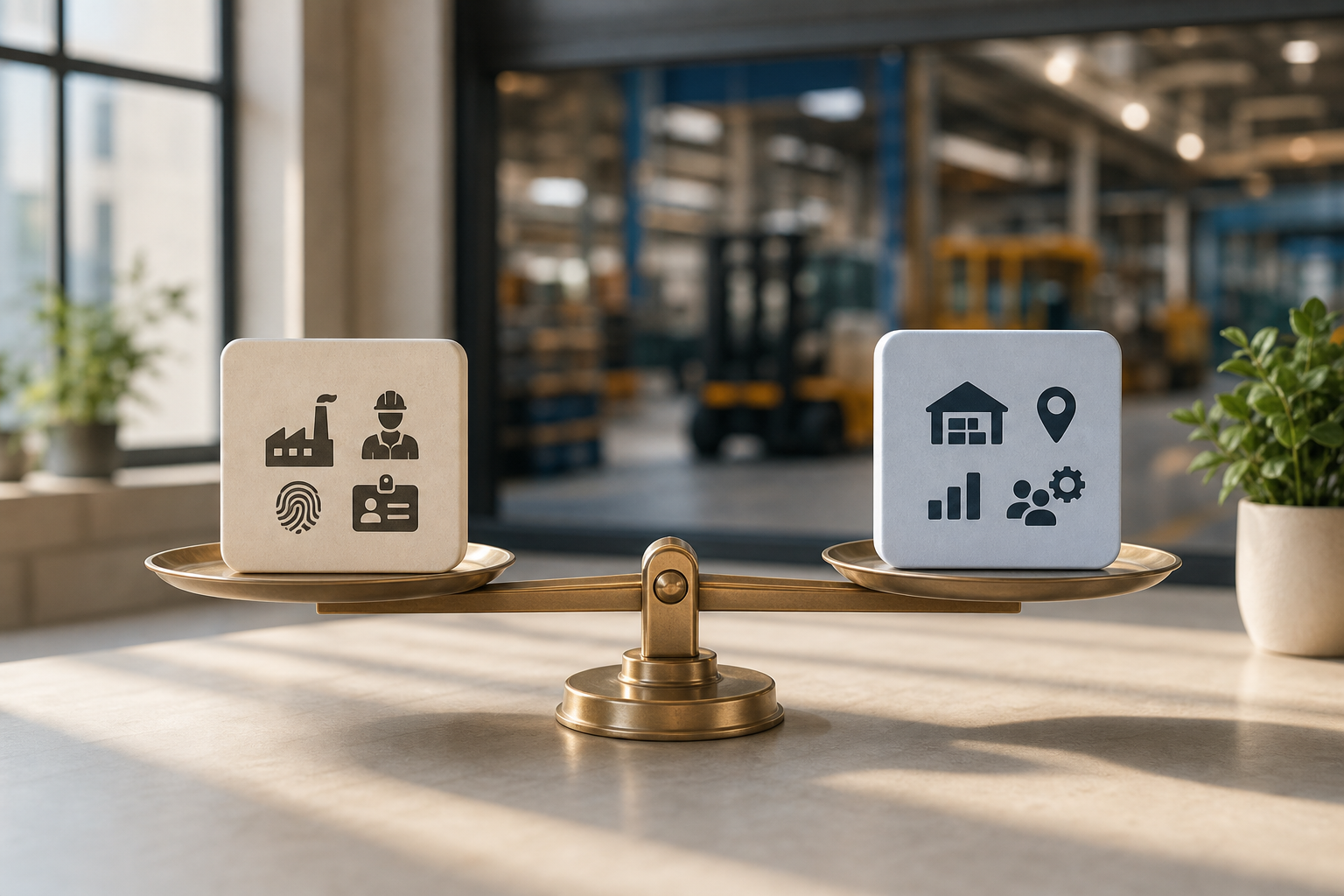
What Manufacturing Companies Actually Need from Employee Monitoring Software
Manufacturing and warehouse teams work in shifts, across lines, docks, and yards. As a result, tools made for desk work can miss the mark. Employee monitoring and productivity tracking must handle physical presence, not just keyboard and mouse activity. For example, preventing buddy punching with face recognition matters more than counting keystrokes on a CNC operator who never touches a PC during a shift.
Furthermore, workforces change fast. High turnover means you need quick onboarding and offboarding, role-based access, and fast badge or face enrollment. In addition, mixed teams bring mixed needs: office staff may require URL/app tracking, while floor workers need accurate clock-ins, break logs, and overtime that aligns with labor rules. And for logistics roles, geo-location is key to verify arrivals, route timing, and yard moves between plants or customer sites.
Specifically, most desk-first tools ignore core shop-floor needs:
- Biometric or access-based time events instead of just timers.
- Shift scheduling with handoffs, swaps, and overtime approvals.
- Field force tracking with live location and geo-verified stops.
- Payroll-grade data with taxes and accounts handled cleanly.
- Privacy practices that avoid overreach on the line.
The 6 criteria that matter in manufacturing employee monitoring
- Biometric/physical attendance tracking: Face recognition attendance and access control reduce buddy punching at turnstiles and plant doors. A camera beats a keyboard for shop-floor time capture.
- Shift scheduling flexibility: Rotating shifts, last-minute swaps, and split shifts need built-in rules and manager approvals that keep the line covered.
- Field workforce management: Geo-location tracking for field workers, route visibility, and geo-verified client or dock visits help dispatch and reduce disputes.
- Scalability for large hourly workforces: Rapid onboarding/offboarding, role-based access, and templates are vital when cohorts change every hiring wave.
- Payroll integration for hourly/overtime: Automated payroll with accurate handling of taxes and accounts cuts errors and rework for HR and finance.
- Privacy-compliant monitoring: On the floor, you need attendance, access, and safety signals, not invasive screen surveillance. SOC 2 frameworks like SOC 2 help standardize controls.
For a desk-heavy perspective, you can also review the Small Business Guide to Choosing Employee Monitoring Software. However, plant managers should anchor themselves on the six points above to avoid buying a tool that shines on desktops yet fails at the turnstile.
EmpCloud Overview: Employee Monitoring Strengths and Weaknesses for Manufacturing
EmpCloud is an integrated workforce platform with a built-in monitoring module (EmpMonitor), not just a point solution. It combines HRMS, payroll, face-based attendance, field force tools, and performance into one suite. In practice, that means you can hire, onboard, schedule, record attendance with facial recognition, calculate overtime, and pay, in one source of truth.
On the floor, EmpCloud’s advanced biometric system for attendance based on facial recognition targets a core factory problem: buddy punching. Moreover, Face Recognition Attendance & Access ties time events to real identity at doors or kiosks, which aligns with how plants actually run. In addition, live geo-location tracking and field force management support logistics and distribution roles, with timeline review, distance tracking, and geo-verified client visits for proof-of-presence.
Furthermore, EmpCloud includes shift scheduling, an HRMS for employee profiles, leave and policy management, and automated payroll with accurate handling of taxes and accounts. The platform adds enterprise-grade controls, an OAuth2/OIDC authorization server with SSO, RBAC, and multi-tenant isolation, plus SOC 2 compliance for security governance. It also brings 41 AI tools across 7 providers that sit on your HR data to speed routine tasks. Social proof matters too: EmpCloud reports being trusted by 1500+ businesses, managing 50,000+ employees, operating in 15+ countries, and partnering with 200+ companies.
"Emp Biometrics has been a big improvement for us. The facial recognition feature is both secure and reliable, eliminating buddy punching with accurate attendance tracking. It has significantly improved our workforce accountability and operational efficiency. Highly recommended!" — Laura Thompson, COO Of Precision Manufacturing
Where it fits — and where it does not
EmpCloud’s monitoring features cover both desk and floor needs. Specifically, for office teams you get automatic time tracking, URL/app tracking, automatic screenshots, keystroke monitoring, a real-time dashboard, and productivity calculation. You can run in Stealth/Un-stealth mode, approve offline/idle time, set multiple roles and permissions, and generate custom reports with a private time option for sensitive work.
However, there are trade-offs. First, the screenshot capture, keystroke logging, and internet activity tracking matter less on the factory floor. A welder won’t sit at a PC, so “activity rates” won’t reflect their output. Second, the platform is broad, 10 modules across HR, projects, performance, field force, and exit management, so there can be a steeper learning curve for admins. Third, although the suite is growing fast, it’s newer and less established in the manufacturing vertical than some dedicated niche tools focused only on plant attendance hardware.
Finally, pricing scales on a per-user model with a free tier available. The paid tiers start at Bronze ($4.66/user/month for 1–10 users), Silver ($3.83 for 11–50), and Gold ($3 for 51–200), with Enterprise beyond 200 seats. For mid-size plants, the Gold tier is the breakpoint where value improves.
- Stealth/Un-stealth and offline/idle time approval help mixed teams.
- OAuth2/OIDC with SSO and RBAC suits IT governance in larger plants.
- Integrated recruitment-to-exit cuts handoffs that cause payroll delays.
For more background on desk-focused features, see the employee monitoring and productivity tracking 2026 guide 3.
Also Read!
Hubstaff Overview: Productivity Tracking Strengths and Weaknesses for Manufacturing
Hubstaff is a well-known time tracking and monitoring platform with strong GPS features. For field and multi-site operations, its GPS and geofencing stand out: dispatchers can define job sites and auto clock-ins/outs kick in when a worker arrives or leaves. As a result, supervisors get cleaner time logs on crews moving between warehouses, customer docks, or service calls in a single day.
Moreover, Hubstaff’s “proof-of-work” features for desk roles are mature. You get screenshots, activity levels, and app/URL usage to review time entries. In addition, Hubstaff Workforce (their workforce management tier) adds scheduling and labor cost tracking, so managers can plan shifts and keep an eye on totals as they build rosters.
However, there are known gaps for factory floors. First, Hubstaff does not include built-in biometric attendance like facial recognition. Therefore, preventing buddy punching will still need turnstile hardware or a separate biometric system. Second, it is not a full HR suite: there’s no native recruitment, onboarding, performance reviews, or exit management.
You’ll need to connect extra tools for those processes. Third, pricing can rise as teams add separate products (Hubstaff Field for GPS/geofencing, Hubstaff Desk for screenshots/monitoring, and Workforce for scheduling). Finally, its monitoring centers on screen activity, which has limited value for non-desk workers running machines.
Where Hubstaff helps most — and what to plan for
- Multi-site logistics and field service routes where geofencing and route visibility lower disputes about arrivals or dwell time.
- Distributed office teams that want screenshots and activity levels tied to timesheets.
- Companies that already have HRMS and payroll in place and only need time + GPS.
Plan around the lack of biometrics and HR lifecycle features. You’ll likely need a separate biometric attendance system for the plant, plus an HR/payroll platform for hires, exits, and pay runs.
For compliance context on labor-hour rules you may track against, you can review the Fair Labor Standards Act overview.
Feature-by-Feature Comparison for Employee Monitoring: EmpCloud vs Hubstaff for Manufacturing
This section compares both tools across the seven criteria that matter most for plants and warehouses. You’ll see a clear call on each category, based on features relevant to shifts, floor work, and field logistics.
1) Biometric Attendance & Buddy Punching Prevention — Winner: EmpCloud
EmpCloud includes an advanced biometric system for attendance based on facial recognition, plus Face Recognition Attendance & Access. That directly addresses buddy punching at doors or kiosks. Moreover, role-based access with SSO and RBAC ties into security policy. Hubstaff lacks built-in biometrics, so you’d need third-party hardware or a separate app and then merge data later.
2) GPS & Geofencing for Field Workers — Winner: Hubstaff
Hubstaff’s mature GPS and geofencing can auto clock people in and out at job sites and provide route details. That is ideal for inter-plant drivers, yard jockeys, and outbound delivery teams. EmpCloud offers live location tracking, timeline review, distance tracking, task management, and geo-verified client visits, which cover most scenarios. However, its geofencing is less refined than Hubstaff’s site-based automation.
3) Shift Scheduling — Slight Edge: EmpCloud
Both platforms provide scheduling, but EmpCloud’s scheduling sits inside a full HRMS. Therefore, managers can align rosters with leave policies, approvals, and payroll rules in one place. In addition, EmpCloud supports multiple roles and permissions and custom reports to check coverage. Hubstaff Workforce adds scheduling and labor cost tracking and works well if you already standardize on Hubstaff for time.
4) Screen & Activity Monitoring (Office Staff) — Winner: Hubstaff
For desk teams, Hubstaff’s depth, screenshots, activity rates, and app/URL usage, is tried and tested. EmpCloud also offers automatic screenshots, keystroke monitoring, URL/app tracking, Stealth/Un-stealth mode, and idle/offline approvals. However, Hubstaff still edges out on “proof-of-work” granularity and reviewer workflows for knowledge roles. On a factory floor, neither screenshots nor keystrokes reflect machine throughput; consider MES/IoT for that.
5) Payroll & HR Integration — Winner: EmpCloud (Decisive)
EmpCloud includes automated payroll with accurate handling of taxes and accounts, integrated with attendance and shifts. In addition, the HR suite spans recruitment, onboarding, performance, and exit management. Therefore, high-turnover plants avoid stitching data across tools. Hubstaff offers basic payroll integrations but lacks a full HR lifecycle, so you’ll need external HRMS and payroll to cover hires, exits, and reviews.
6) Scalability & Pricing for Large Hourly Workforces — Edge: EmpCloud
EmpCloud’s volume pricing improves at scale. The Gold tier costs $3/user/month (51–200 users), with Silver at $3.83 (11–50), and Bronze at $4.66 (1–10), plus a free tier for testing or very small teams. As a result, a 100-person plant lands near $300/month before add-ons. Hubstaff’s per-seat model across Desk, Field, and Workforce can stack up at scale, especially if you need GPS, screenshots, and scheduling together, and you still add HR/payroll.
7) Compliance & Security — Winner: EmpCloud
EmpCloud is SOC 2 compliant and includes an OAuth2/OIDC authorization server with SSO, RBAC, and multi-tenant isolation. Furthermore, protected record management and secured document storage with encryption support privacy-by-design. Hubstaff follows industry norms, but EmpCloud places enterprise security and privacy controls at the foreground, which larger manufacturers expect. For a baseline on what SOC 2 covers, see SOC 2.
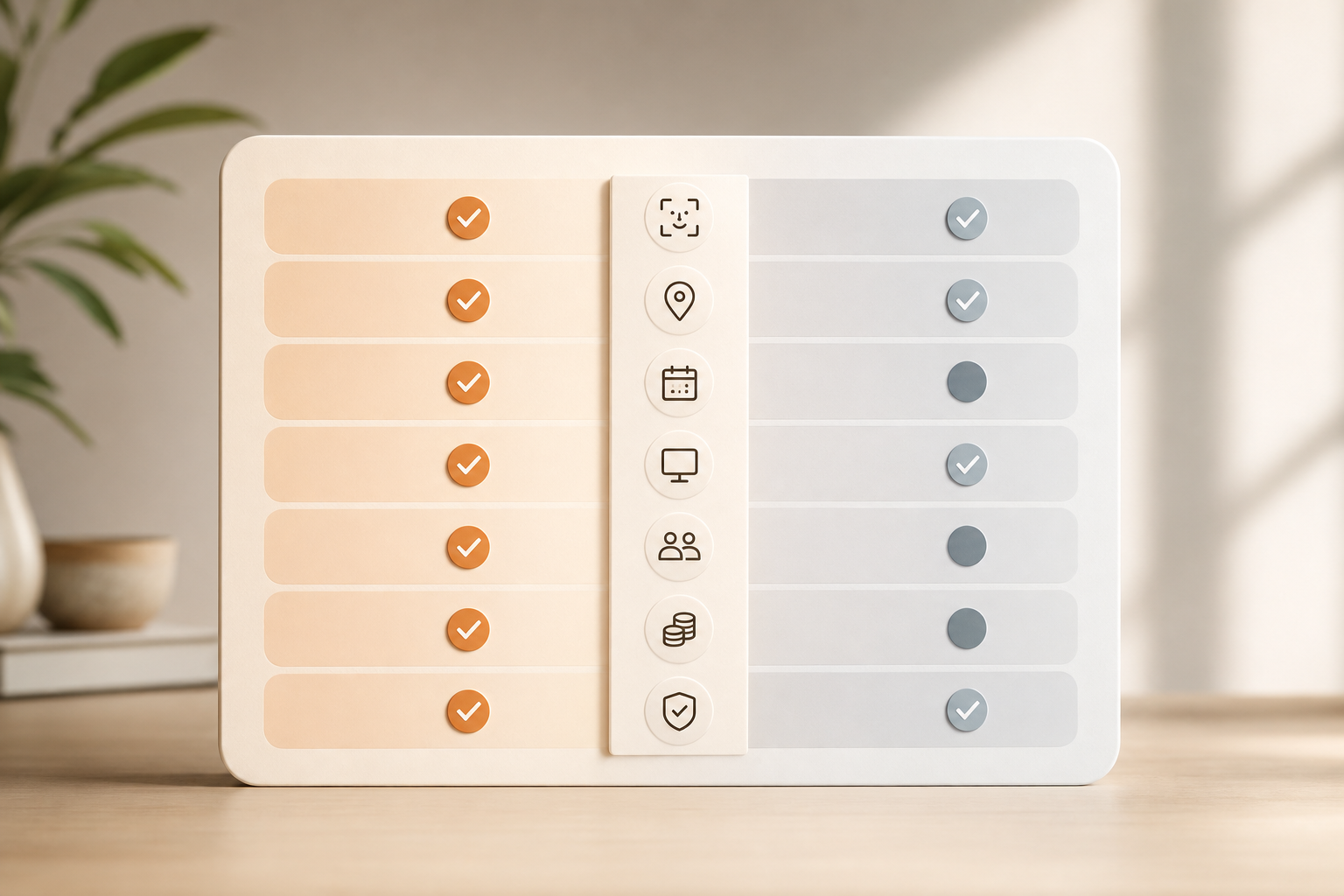
- Biometric attendance: EmpCloud
- GPS/geofencing: Hubstaff
- Shift scheduling: EmpCloud (slight edge)
- Screen monitoring: Hubstaff
- Payroll/HR: EmpCloud
- Scaling value: EmpCloud
- Compliance/security: EmpCloud
Also Read!
How to Choose an HRMS with Payroll for Your Manufacturing Company
EmpCloud vs Keka for Manufacturing Companies: Which Is Better for HRMS with Payroll?
Pricing Comparison: What Manufacturing Companies Actually Pay
Total cost of ownership (TCO) matters more than list price. You pay for people, not features, and every extra tool or export-import step adds time and risk. Therefore, compare the full stack, attendance, scheduling, GPS, payroll, HR, and monitoring, not just the “time tracker.
EmpCloud offers a free tier to test. Paid plans run Bronze at $4.66/user/month for 1–10 users, Silver at $3.83 for 11–50, Gold at $3 for 51–200, and Enterprise for 200+ with tailored pricing. For a 100-person operation on the Gold tier, the rough spend is about $300/month. In return, you get face recognition attendance, shift scheduling, field force tools, employee monitoring for desk staff, automated payroll with taxes and accounts handled, and an HR suite from recruitment to exit. In short, one invoice covers core workforce needs.
By contrast, Hubstaff’s pricing depends on which products you need. If you only need basic time tracking for a small crew, the entry plan is competitive and easy to start. However, if you add GPS/geofencing (Field), monitoring with screenshots (Desk), and scheduling/labor controls (Workforce), per-seat costs stack. Moreover, you still need HR and payroll to handle hires, exits, leave, performance, and pay runs. As a result, the TCO for a 100-person manufacturer who needs GPS, screenshots for office staff, scheduling, and payroll/HR tends to land higher than EmpCloud’s $300/month at 100 seats.
- One-platform coverage is EmpCloud’s pricing strength for plants that need biometrics and HR/payroll in the same system.
- Hubstaff’s Starter plan is good value for very small teams who need only basic time tracking and GPS, with no HR/payroll required.
- For large hourly teams, budgeting hours for app sprawl and integrations is as important as the per-seat price.
For a broader market scan before you decide, you might also compare options in the Best Employee Monitoring Software for Small Businesses in 2026.
Verdict: Which Is Better for Manufacturing Employee Monitoring?
**See Pricing, Save at Scale →
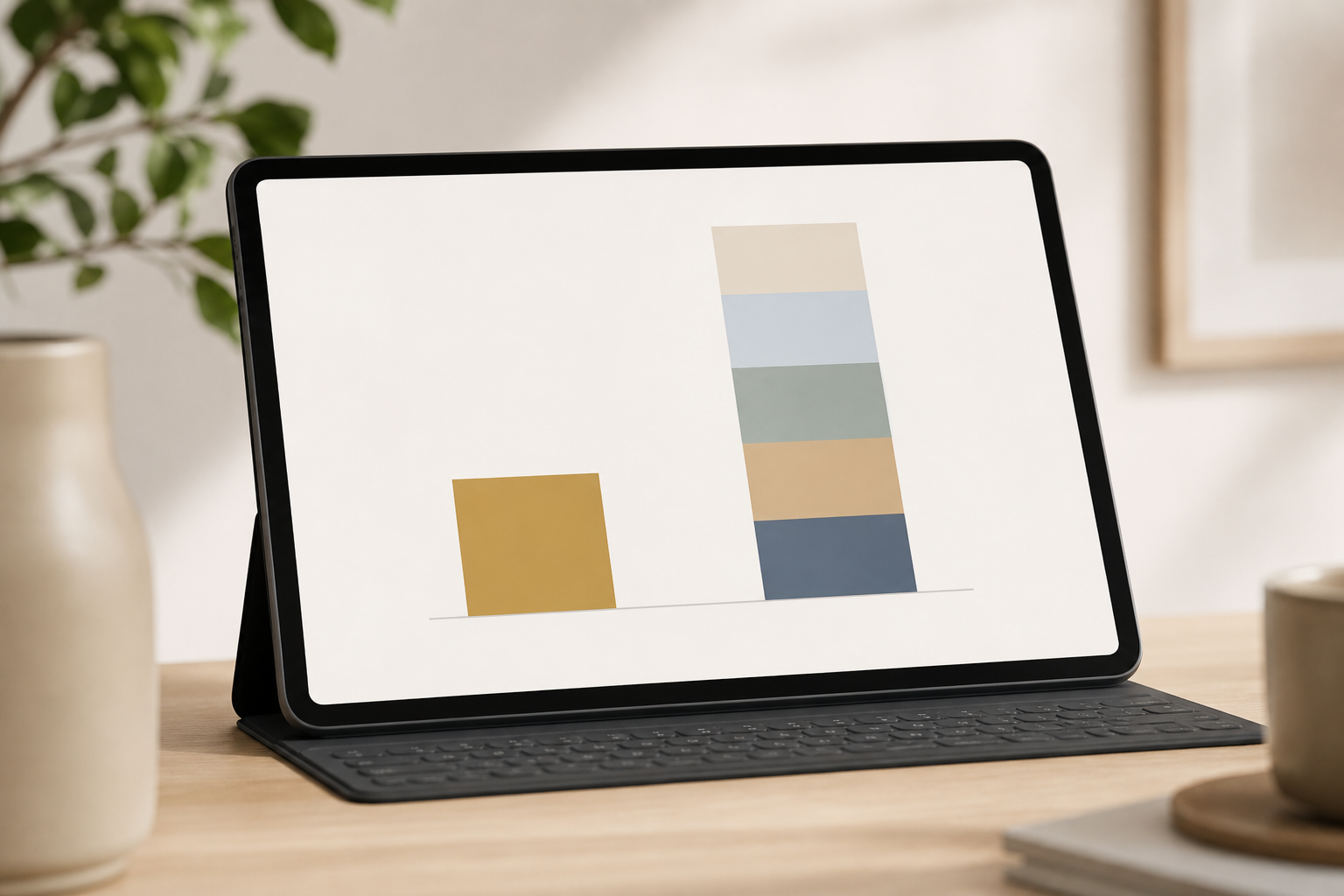
For most manufacturers, EmpCloud is the better all-in-one choice. If you run high turnover, need biometric attendance to stop buddy punching on the factory floor, and want to avoid stitching 3–4 tools, EmpCloud’s integrated suite, covering recruitment, onboarding, payroll, performance, and exit management, fits the job. Moreover, its SOC 2 compliance, encrypted document storage, SSO with RBAC, and multi-tenant isolation align with enterprise IT controls. The total cost of ownership at mid-size (e.g., 100–200 workers) is straightforward and usually lower than assembling multiple point tools.
On the other hand, Hubstaff is the better pick if you already have HRMS and payroll solved and want top GPS/geofencing for a distributed field workforce. Its mature geofencing and site-based auto clock-ins/outs are a real win for multi-site operations and crews who move all day. For office staff who need screenshots and activity rates tied to timesheets, Hubstaff’s depth is strong.
However, neither tool is ideal for pure shop-floor production monitoring. Counting keystrokes will never tell you if a press is idling. Therefore, use MES or IoT systems for machine states, throughput, and safety interlocks, and feed time/attendance data from EmpCloud or Hubstaff into payroll and cost tracking. For safety and labor compliance, align your time policies with plant rules and standards from sources like OSHA (United States Department of Labor) and internal EHS.
- Choose EmpCloud if you need biometrics, HR/payroll, and scheduling in one platform with lower TCO at 50–200+ employees.
- Choose Hubstaff if you want mature GPS/geofencing and you already run HR/payroll elsewhere.
- Consider MES/IoT if you need line-speed, OEE, and machine state data — time apps cannot replace shop-floor systems.
Quick Search Our Blogs
Type in keywords and get instant access to related blog posts.

