

Managing HR across multiple spreadsheets, payroll tools, and review platforms creates unnecessary work for small businesses.
The best HRMS with payroll and performance reviews combines employee records, attendance, payroll, and performance management into one system. Instead of manually moving data between tools, HR teams can automate routine tasks and focus on employee growth.
This guide explains what features matter most in 2026, how leading platforms compare, and why many growing businesses are choosing integrated HRMS solutions over standalone payroll software.
**Start free trial, no credit card → and whether they support off-cycle runs for bonuses or corrections without extra fees.
Second, attendance and leave should feed payroll directly. Time tracked, shifts, and approved leave should roll into pay with zero re-entry. As a result, you cut both mistakes and close time. Ensure there’s support for policies like comp time, geofenced clock-ins, and overtime rules so you’re not adding side systems as edge cases crop up. If you manage field teams, ask to see GPS or geo-fencing in action and how missed punches or exceptions are surfaced for managers before payroll closes.
Third, employee self-service lowers admin load. Staff should update profiles, view payslips, request time off, and track performance goals without pinging you. Therefore, HR stops being a helpdesk for routine asks.
Make sure self-service is available on mobile and web, with notifications that actually nudge tasks to done (e. , “approve leave by Thursday to make payroll”). Confirm that employees can see the status of requests and that managers can approve in one tap from email or chat notifications to keep cycles moving.
To differentiate between platforms, ask one question: “If I add a new hire today, how many clicks until they’re fully set up for time tracking, payroll, and their first 30-day review?” The best hrms with payroll and performance reviews will walk through that in a single, connected flow. Beyond clicks, ask to see audit logs and error-handling, if something goes wrong, how fast can you trace, fix, and re-run?
Pricing and performance essentials
Fourth, pricing must scale. For 1–10 users, a free tier or a low per-user plan is key. As you grow to 11–50, the price should drop per head, not spike. Transparent rates beat “talk to sales.” Watch for extra base fees, per-pay-run charges, or add-on modules that turn a starter price into sticker shock after month three. Read the fine print on document e-sign, integrations, and year-end forms so your budget doesn’t get chipped away by “optional” essentials.
Fifth, even a 12-person team needs structure for growth. So, you want built-in performance reviews, goal tracking, and 360° feedback. Short, frequent check-ins beat once-a-year stress. Confirm you can assign goals at company, team, and individual levels, schedule nudges, and capture qualitative feedback without opening yet another app. Ask to see calibration and rating normalization if you plan to link compensation to performance, it should be simple and fair, not yet another spreadsheet ceremony.
Competitor snapshot for context:
- Compared with Gusto, which is excellent for US payroll but often pairs with separate tools for structured reviews, a unified system can keep compensation, goals, and feedback in one place so rating cycles don’t become copy-paste exercises.
- Versus BambooHR, which provides strong HRIS and performance but may require an additional payroll add-on depending on region and plan, a single subscription that includes payroll from day one keeps costs and setup simpler for small teams.
Security and speed to value
Sixth, check security and compliance. Look for SOC 2 or an equivalent standard, role-based access (RBAC), and SSO. One secure platform beats a mix of downloads and shared drives. Confirm audit logs exist for changes to pay data, and verify that attachments like contracts and IDs are encrypted at rest and in transit. If you work in regulated industries, ask about data residency options and whether access policies can be scoped by legal entity or country.
For background on SOC 2 standards, see SOC 2 on Wikipedia.
Seventh, onboarding should be fast. You should be live in days, not weeks. In addition, guided setup and sample policies help a lot for first-time HR leads. Ask the vendor to outline a go-live plan for your specific use case with milestones: data import, policy setup, test payroll, first review cycle, and stakeholder training. A good vendor will also provide a rollback or contingency plan in case your first live run reveals an edge case that needs attention.
Practical evaluation tips you can apply in any trial:
- Run a “Day in the life” test: add a new hire, assign a manager, set a goal, approve leave, and run a dummy payroll. Time how long it takes and note where you hesitate or need help. – Stress-test support: open a few real questions with support (tax configuration, PTO accrual rules, off-cycle payments).
Measure response and resolution, not just first reply time. – Export-and-audit: export payroll registers and review if the source fields are transparent or cryptic. Good tools make audits faster and explain calculations line by line.
Quick buyer’s checklist (print this)
- Automated payroll with tax, benefits, and reimbursements
- Time, attendance, and leave feed pay runs automatically
- Employee self-service for profiles, payslips, and requests
- Transparent, per-user pricing with a free or starter tier
- Built-in reviews, goals, and 360° feedback
- SOC 2, SSO, RBAC, and encrypted records
- Onboarding in days with templates and support
Include the phrase “hrms with payroll and performance reviews” in your RFP or trial notes so vendors show those features first, not a generic tour.
Also Read!
Best Face Recognition Attendance System for Small Businesses in 2026
EmpCloud vs Keka for Small Businesses: Which Is Better for Face Recognition Attendance?
How EmpCloud Solves HR and Payroll for Small Teams

EmpCloud maps cleanly to the checklist above. Payroll is automated end to end, with accurate handling of taxes, benefits, and reimbursements. Moreover, final pay is calculated with all deductions in place, so offboarding isn’t a mini-project. Time and attendance roll right into payroll, which removes manual steps and reduces errors. For example, approved PTO and shift differentials are reflected automatically in the next pay run, with audit trails for every change.
In addition, EmpCloud’s employee profiles, attendance, leave, and policy management live in one place. As a result, you stop chasing data across tools. Staff can update details, view payslips, and request leave on their own, which frees you from routine admin.
For small teams, that can mean hours back every week. Admins can also create reusable templates for offer letters, NDAs, and review forms so every cycle starts from a high-quality baseline. Embedded e-signatures and task lists help you standardize onboarding in a few clicks.
Furthermore, performance isn’t an afterthought. EmpCloud includes AI-powered performance reviews, continuous performance tracking, and a 360° feedback system with real-time check-ins. Therefore, even lean teams can run fair, structured reviews on a regular cadence.
If you were looking for an hrms with payroll and performance reviews that doesn’t bolt reviews on as an extra app, this is it. You can align company OKRs with team and individual goals, run quarterly pulses, and link achievements to compensation changes without switching systems. Calibration views, private manager notes, and HR guardrails keep reviews consistent and defensible.
“EmpMonitor has been a big improvement for us, providing real-time insights into employee productivity. Coupled with the Project Management tool, we’ve seen a marked improvement in task coordination and project completion rates.” — Karen Martinez, HR Manager At Global Inc.
EmpMonitor is a companion monitoring module within the EmpCloud suite, so teams that need visibility into attendance or productivity can turn it on alongside HR, payroll, and reviews without adding another vendor.
Pricing is clear and small-team friendly. You can start on the free tier. 66 per user per month (paid yearly) for 1–10 users. 00 per user per month (51–200 users), with Enterprise tiers beyond 200.
Therefore, you don’t get penalized for adding people, and the per-user rate decreases as you scale. There are no separate “per-pay-run” charges to surprise you at month-end. If you prefer monthly billing, plans are available at a modest uplift; volume and nonprofit discounts are available on request.
Moreover, EmpCloud brings 10 integrated modules that cover recruitment, onboarding, payroll, performance, and exit management. So, one platform replaces a patchwork of tools. While alternatives might need add-ons for reviews or payroll, this keeps it simple.
And it’s not just manual reporting: you get 41 AI tools across 7 providers to query HR data and find answers fast, without hiring an analyst. Use natural language prompts to surface turnover risk, engagement summaries, or anomaly flags in payroll before they reach employees. Prebuilt dashboards for headcount, compensation, and time variance give managers the context they need to act.
“Thanks to their recruitment & onboarding solutions, we have used it to simplify our hiring process, making it quick and more efficient… setting them up for success from day one.” — Emily White, President Of InnovateTech Corp
Finally, trust the scale and security. EmpCloud is SOC 2 compliant, trusted by 1,500+ businesses, and manages 50,000+ employees. Therefore, you get enterprise-grade safeguards in a package a small team can run. If you want a straight path from first hire to first review and beyond, this is a strong fit.
Book a demo, see payroll today → EmpCloud also provides SSO, RBAC, detailed audit logs, and multi-tenant isolation. As a result, the right people see the right data, and nobody else does.
In addition, protected record management keeps employee files in a centralized, encrypted store. Therefore, payslips, contracts, and performance notes live in one vault, not on someone’s desktop. Furthermore, with 250+ API endpoints and 9 languages supported, the platform is ready for custom workflows and international teams.
Scale also signals reliability. EmpCloud is trusted by 1,500+ businesses, manages 50,000+ employees, and operates in 15+ countries. Moreover, it’s partnered with 200+ companies. That breadth helps small teams work with the same guardrails larger firms expect, without extra setup.
“With EmpCloud, managing attendance and access has never been easier. Its lightning-fast face detection and reliable role-based access control ensure smooth and secure operations.” — Chen Wei, Operations Director
“The facial recognition feature is both secure and reliable, eliminating buddy punching with accurate attendance tracking. It has significantly improved our workforce accountability and operational efficiency.” — Laura Thompson, COO Of Precision Manufacturing
EmpCloud vs. Alternatives: Quick comparisons for small teams
- EmpCloud vs Gusto: Gusto is a popular choice for small US businesses focused on payroll and benefits. However, teams frequently add separate tools for structured performance reviews and 360° feedback. EmpCloud includes payroll and reliable performance management in one subscription, so HR doesn’t juggle data across apps at review time.
- EmpCloud vs BambooHR: BambooHR offers an intuitive HRIS and strong performance features. Payroll may require an add-on depending on your plan and region, which can mean extra setup and another bill. EmpCloud bundles automated payroll with the core platform, making it easier for a small team to go live quickly with time, pay, and reviews connected.
- EmpCloud vs Rippling: Rippling’s modular approach and IT/device management are powerful, but costs can climb as you add modules and base fees. EmpCloud focuses on HR, payroll, and performance essentials with straightforward per-user pricing that decreases as you scale, which can be simpler for teams that don’t need device management.
- EmpCloud vs ADP RUN or Paychex: ADP RUN and Paychex are well-known for payroll and compliance services. They often layer in base fees and per-run charges, and HR/performance tools can feel separate from payroll. EmpCloud provides an integrated workflow from time to pay to reviews, helping smaller teams operate with fewer vendor handoffs.
These comparisons help you see where total cost of ownership and operational simplicity can differ. If your priority is an hrms with payroll and performance reviews that a lean admin can run end to end, EmpCloud’s bundled approach is purpose-built for that scenario.
Also Read!
Remote Team’s Guide to Choosing Employee Monitoring Software
Small Business Guide to Choosing a Face Recognition Attendance System
Getting Started: Setting Up EmpCloud for Your Small Business
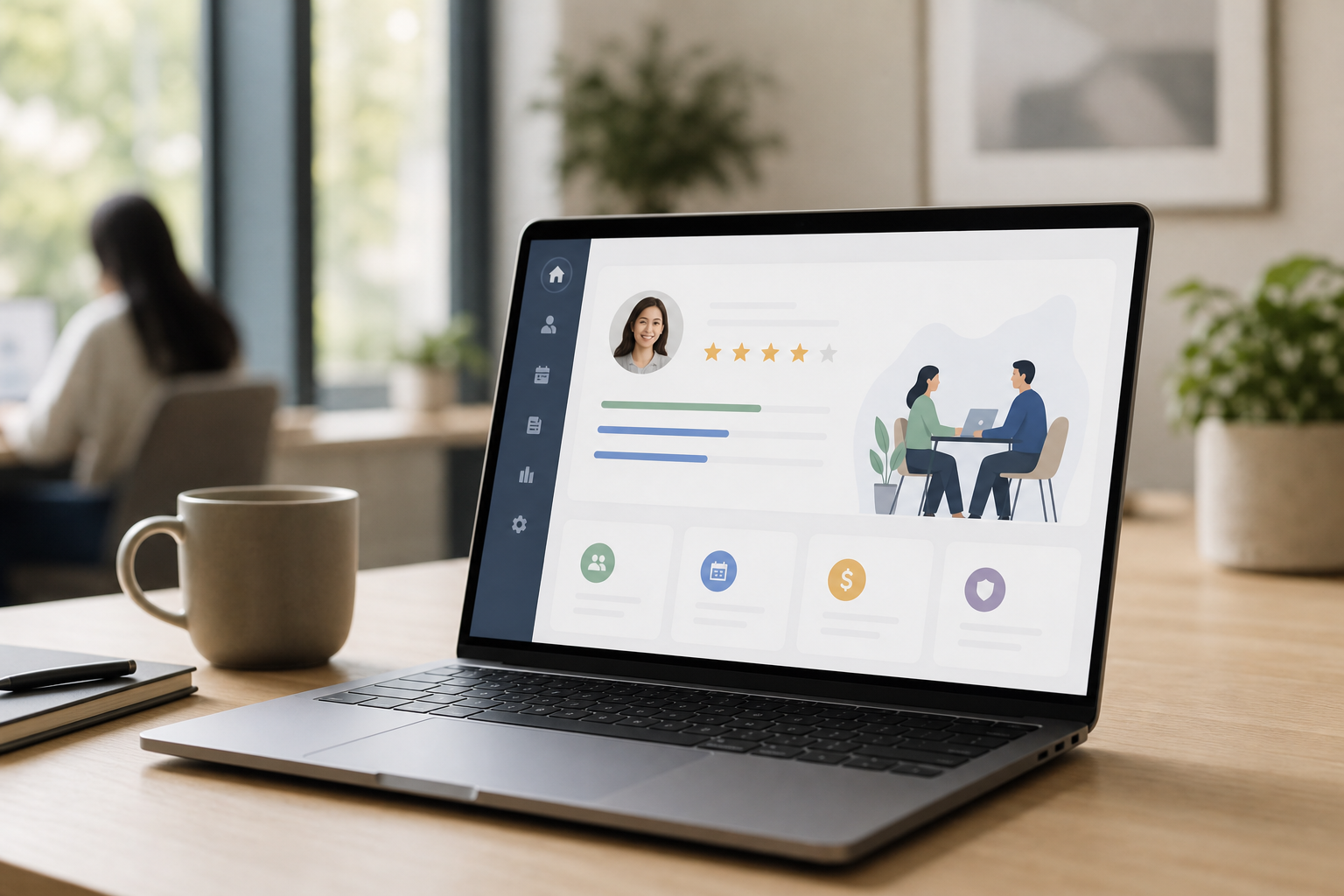
You don’t need a big rollout plan. Start small, make payroll smooth, then layer in reviews and tracking as you grow.
First, sign up on the free tier. There’s no payment barrier, so you can explore core features without risk. Second, add employee profiles. Validate that critical fields (legal name, tax IDs, compensation type, manager, and location) map to your current records, and decide which custom fields you need on day one versus later. If you’re migrating, prepare a simple import sheet with clean headers for positions, departments, and locations to avoid rework.
Roll out in stages
You can import a sheet or add people one by one. Third, set attendance and leave policies. Keep it simple: core hours, holidays, and one or two leave types to start. Define who approves time off, the cutoffs for payroll, and any blackout periods so the system can nudge the right people at the right times. Where relevant, set overtime rules and accrual caps early to prevent surprises mid-quarter.
Fourth, activate payroll. Map earnings, deductions, benefits, and reimbursements. Then run a sandbox pay run to check numbers before you go live.
Use the sandbox to test edge cases like a mid-month hire, a salary increase effective mid-cycle, and an off-cycle bonus. Confirm that taxes and benefits land correctly and that payslips show the right line items. If you have different pay schedules, test each one so downstream GL exports align with your accounting calendar.
Fifth, enable performance reviews. Start with quarterly goals and a short review form. Sixth, as your team grows, turn on monitoring, project tools, or field force tracking if they fit your work. Use templates for 30/60/90-day check-ins, assign managers and peer reviewers, and schedule automated reminders that align with your pay periods to avoid last-minute rushes. Publish a one-page “how we review” guide so managers and employees share expectations for ratings, feedback, and timing.
- Step 1: Start on the free tier and explore
- Step 2: Add profiles and basic policies
- Step 3: Test payroll, then go live
- Step 4: Switch on reviews and feedback
- Step 5: Add other modules as needed
Moreover, if you choose a paid plan, you get personalized onboarding and VIP support. Therefore, most small teams are fully operational in days, not weeks. And with 10 modules, you can adopt EmpCloud in stages.
HRMS and payroll first, then performance reviews, then monitoring or field tools if they help. Create a simple “cutover” checklist: freeze dates for your old system, final data export, validation in EmpCloud, and a single communication to employees covering login, self-service, and where to find payslips. Add a quick 20-minute manager briefing so your first review cycle feels consistent and on time.
Pro tip for smooth adoption:
- Pilot with a two-week micro-cycle. Run time tracking and a test payroll in parallel with your current process to build confidence.
- Use the review templates out of the box for the first cycle; tailor later once you see what managers actually use.
- Turn on SSO early so employees form a habit of logging in without helpdesk tickets.
**[Get started free, be payroll-ready →], and Enterprise beyond 200.
The platform manages 50,000+ employees across 1,500+ businesses, so growth is normal. As a result, you won’t need to switch tools as headcount climbs. You can add modules as needs change.
Does EmpCloud integrate with other tools we use?
EmpCloud includes 250+ API endpoints and supports 9 languages, making it practical to integrate with accounting, ERP, or collaboration tools. Many small teams connect it to their general ledger for automated journal entries and to their identity provider for SSO, reducing duplicate user management. Native connectors and webhooks cover common workflows; if you need something custom, the API documentation includes examples to speed up development.
Can we run international teams with EmpCloud?
Yes. With multi-tenant isolation, RBAC, and language support, you can configure location-based policies and permissions. You can also segment reporting by country, cost center, or legal entity. Confirm tax and payroll coverage for your specific countries during your demo to ensure native support or a partner configuration. For global teams that run consolidated reporting, ask about currency handling and exchange rate snapshots for accurate period closes.
Also Read!
Best Employee Monitoring Software for Remote Teams in 2026
EmpCloud vs Hubstaff for Small Businesses: Which Is Better for Employee Monitoring?
Frequently Asked Questions (FAQ)
What is an HRMS with payroll and performance reviews?
An HRMS with payroll and performance reviews is a single platform that manages employee data, time and attendance, automated payroll (taxes, benefits, reimbursements), and structured performance management (goals, reviews, 360° feedback). For small teams, this consolidation reduces duplicate data entry, shortens payroll close, and makes review cycles consistent. A true hrms with payroll and performance reviews connects these workflows so compensation decisions can reflect goals, feedback, and results without copying data between tools.
How is an HRMS different from HRIS or HCM?
HRIS often focuses on core records (employees, positions, docs). HCM is a broader strategy that can include workforce planning, learning, and analytics. HRMS sits between, it’s operational and execution-oriented, typically bundling time, payroll, benefits, and performance. For a lean team, the labels matter less than outcomes: can you hire, pay, review, and report without juggling five vendors? If yes, you’re in the right category.
Which features matter most for a 5–25 person team?
- Automated payroll with built-in tax tables and filings
- Time and leave that flow to pay without re-entry
- Self-service for payslips, time off, and goal updates
- Simple performance cycles (quarterly or semiannual)
- Clear pricing with no per-pay-run fees
- SOC 2, SSO, and RBAC for security
Extras like org charts, advanced analytics, or LMS can wait. Start with the essentials, then expand.
How do performance reviews connect to compensation in EmpCloud?
You can align company and team OKRs with individual goals, run reviews on a cadence, and calibrate ratings. Merit recommendations can reference performance outcomes directly, so increases and bonuses are tied to transparent criteria. Because payroll and reviews live together, approved changes flow into the next eligible pay run automatically with an audit trail.
How long does implementation take for small teams?
Most 10–50 person teams go live in days. A typical path is: data import and policy setup on day 1–2, test payroll by day 3, first live payroll by the next cycle, and a starter review cycle within 2–4 weeks. Having clean employee data and clear PTO rules speeds this up. EmpCloud’s guided setup and templates shorten the ramp.
What does “SOC 2 compliant” mean for us?
It means the vendor’s controls for security, availability, confidentiality, and related trust service criteria have been independently audited. Practically, you get encryption at rest and in transit, access controls, change logs, and incident processes. For you, this reduces vendor risk and simplifies security questionnaires when customers ask how you protect employee data.
Can we migrate from spreadsheets or another HR/payroll tool?
Yes. Export core records (employees, positions, compensation, accrual balances) and use EmpCloud’s import templates. For payroll, import year-to-date figures so tax forms and reports remain accurate. Most teams pilot with a two-week micro-cycle in sandbox, fix mapping issues, then schedule cutover for the next pay period.
Will this work if we pay contractors and employees on different schedules?
Yes. You can create multiple schedules (e. g., monthly for salaried employees and biweekly for hourly or contractors), assign workers accordingly, and run off-cycle payments for bonuses or corrections. Each schedule maintains its own cutoff, approvals, and GL export settings so finance can reconcile quickly.
What reports are most useful out of the box?
- Payroll register with gross-to-net detail
- Tax liability and benefit contribution summaries
- Time variance and overtime
- PTO balances and projected liabilities
- Performance cycle completion and rating distribution
These make audits and board updates faster and help managers spot issues early.
How much does an hrms with payroll and performance reviews typically cost?
For small teams, expect a free tier or $5–$12 per person per month for core HR + payroll, with discounts as you scale and optional add-ons for advanced analytics or field tools. EmpCloud’s model is straightforward: start free, then per-user pricing that decreases at higher tiers, with no per-pay-run fees. Always confirm what’s included (e. g., e-sign, integrations, year-end filings) to avoid surprises.
Wrapping Up: What Small Teams Should Do Next
- Pick based on the work you do today. You need payroll that runs itself, time and leave that flow into pay, and built-in reviews that keep growth on track.
- Choose the shortest path to value. A free tier, clear per-user pricing, and live-in-days onboarding save real money and stress in 2026.
- Bet on safety and scale. SOC 2, encrypted records, and proof at 50,000+ employees mean fewer surprises.
If you want an hrms with payroll and performance reviews that a lean team can run without extra headcount, test it with your data, not a sample set. Then decide.
Quick Search Our Blogs
Type in keywords and get instant access to related blog posts.

