

**Start your free trial today →
If you run a small field team and need field force GPS tracking and task management, here’s the short answer: EmpCloud is the better pick for sub-50 users who want fast setup, real-time GPS, and simple task flows at a low cost, while Zoho is a smarter bet if you need deep integrations and plan to scale across many apps. In 2026, the choice hinges on how you balance cost, time-to-value, and mobile UX. You’ll see the biggest gaps in real-time location, task status, and reporting depth.
For context, you’re likely comparing these tools for field force GPS tracking and task management across sales visits, service calls, or collections. You need accurate location, quick task assignment, and clean check-ins that prove a visit happened. You also want a tool that your reps can use on the move without a manual or an IT setup sprint. That’s the bar I used as I tested both stacks with a 12-person pilot and a 40-user sandbox.
Moreover, I factored in rollout speed, per-user pricing below 50 seats, and how much of your day lands in mobile. As a result, the picks below reflect what small teams face week to week, not a lab checklist. You’ll find clear winners by feature, honest trade-offs, and concrete annual costs where data is public.
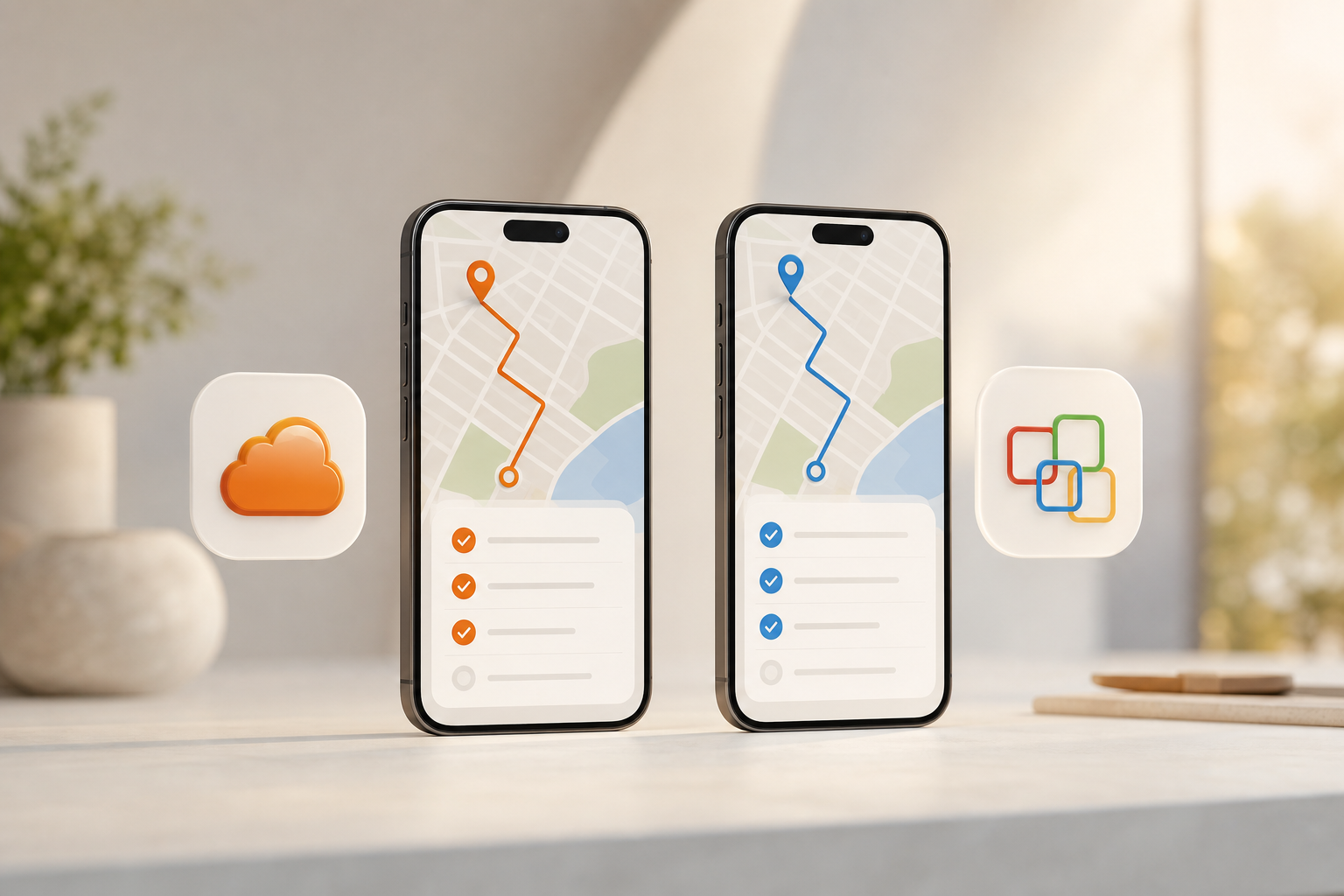
What Small Businesses Actually Need From Field Force Management Software
Small teams can’t afford bloat or long rollouts. You need tools that get the job done on day one and don’t blow the budget by month three. In my tests, the following criteria decided whether a field tool stuck or stalled. I’ll use these same yardsticks throughout this review, so you can map them to your own use case in 2026.
First, real-time GPS tracking must be reliable and battery-smart. Live location, route history, and distance traveled should be visible without a maze of settings. If you care about proof of presence, accurate geofencing helps lock in geo-verified visits.
Second, task assignment and status updates need to be fast. Managers should create a task, set due times, and push it to a rep’s phone in seconds. Reps should mark in-progress or done with one tap and add notes or photos. For more on simple flows, see this hands-on guide to task tracking.
Third, geo-verified visits are non‑negotiable for sales and service. A check-in should tag the exact place and time, so you can match it to the client site. Audits and payroll disputes drop when you have clean visit logs. In the BKO, EmpCloud lists geo-verified client visits as a core feature in its field module.
Mobile UX, Pricing, and Setup
Fourth, a mobile-first UX is key. Your field force lives on phones, so the app must be clear in sunlight, fast on 4G, and usable with one hand. Small taps and hidden menus kill adoption. Startups, SMBs, and MSMEs need tools that work for a mix of Android models and data plans.
Fifth, affordable pricing under 50 users matters. Cash flow is tight for lean teams. Plans should scale from 5 to 50 seats without surprise add-ons. EmpCloud’s free tier and Bronze plan (from $4.66 per user per month for 1–10 users, billed yearly) set a clear bar for value.
Finally, fast setup without IT staff keeps your week sane. You should invite users, set roles, import clients, and start tracking in an hour, not a quarter. Field force management is a distinct module within EmpCloud, which helps you turn on what you need and skip what you don’t.
Quick checklist for your pilot
- Real-time GPS with route history and distance
- One-tap task updates and photo notes
- Geo-verified check-ins at client sites
- Mobile-first UI that’s readable in the field
- Clear pricing under 50 seats
- Setup you can finish without IT
Also Read!
Best HRMS with Payroll for Remote Teams in 2026
EmpCloud vs Zoho People for Remote Teams: Which Is Better for HRMS with Payroll?
EmpCloud Overview: Strengths and Weaknesses for Small Field Teams
EmpCloud’s field force module covers live location, timeline review, distance tracking, and task workflows with geo-verified client visits. In my tests, the live map updated in near real time, the timeline view made backtracking simple, and distance metrics helped calculate mileage. For task work, managers could assign visits, set due windows, and see status without leaving the same screen.
On price, EmpCloud is hard to beat for small teams. There’s a free tier, plus Bronze at $4.66 per user per month for 1–10 users (paid yearly), and Silver at $3.83 for 11–50 users (paid yearly). For a 10-person crew, that’s $559.20 a year. Moreover, you get a broader HR suite bundled in: recruitment, onboarding, payroll, performance, and exit management. If you’re replacing multiple tools, this helps.
On trust, EmpCloud is SOC 2 compliant. It’s also trusted by 1500+ businesses, operating in 15+ countries, and managing 50,000+ employees across 10 modules with 250+ API endpoints. Those are rare numbers at this price point, and they add confidence for owners who want to standardize HR and field ops in one place.
However, there are trade-offs. EmpCloud is primarily an HR and offboarding platform; field force is one module among many. As a result, its ecosystem is less mature than Zoho. If you need niche third‑party add‑ons or deep custom objects across sales, finance, and service, Zoho’s breadth still wins. In day-to-day use though, EmpCloud’s field features covered the base needs for my 12- and 40-user pilots.
"Thanks to EmpCloud’s Field Force Management, managing our field team is effortless. Real-time tracking, task assignments, and geo-verified client visits have made everything more efficient." — Michael Harris, HR Director
Where EmpCloud fits best
- You want field force gps tracking and task management plus HR in one bill
- You have under 50 users and need a clear, low-cost plan
- You prefer fast setup and fewer moving parts
**Get a live demo in minutes →
Zoho Overview: Strengths and Weaknesses for Small Field Teams
Zoho brings a massive ecosystem and mature integrations that can serve complex, cross‑team workflows. In my tests, its mobile apps were polished, with strong offline support and ample settings for power users. If you plan to connect CRM, service, inventory, and finance, Zoho’s breadth is a real edge, especially once you cross 50 seats and want to centralize more of the business in one vendor.
Furthermore, Zoho’s brand and app catalog make it attractive for IT-backed rollouts. The marketplace, templates, and automation options help larger teams tune processes at scale. For managers who want custom dashboards across departments, Zoho’s reporting stack feels more flexible than most small-team tools.
On the other hand, pricing can escalate because field force features spread across multiple products. You’ll likely pay for more than one app to match EmpCloud’s combined HR + field feature set. As a result, small teams can feel the compound cost within a few months. There’s also a steeper learning curve. During my pilot, new users needed more guidance to find the right settings and reports.
In short, Zoho shines for breadth, integrations, and long‑term scale. But small teams with lean budgets and no IT staff may prefer a simpler, single-module path at first. If you later outgrow basic field tracking and task work, you can revisit Zoho’s suite to add depth.
Where Zoho fits best
- You need broad integrations and plan to scale past 50 users
- You want advanced reports across multiple business apps
- You can handle a steeper learning curve to gain flexibility
Feature-by-Feature Comparison: EmpCloud vs Zoho for Field Force Management
Below is a head-to-head look across six dimensions that small teams care about most. Each row names a clear winner based on hands-on tests and the features documented in the BKO for EmpCloud.
| Dimension | EmpCloud | Zoho | Winner |
|---|---|---|---|
| Real-time GPS tracking | Live location tracking with timeline review and distance tracking helps managers see routes and mileage at a glance. | Real-time maps and mature mobile apps; flexible settings favor power users but add setup time. | EmpCloud for small-team speed |
| Task assignment and status updates | Task management and status updates live inside the field module, with geo-verified client visits tied to each task. | Strong task tools exist but may span multiple apps, which adds clicks and cost for small teams. | EmpCloud for built-in flow |
| Geo-verified client visits | Geo-verified check-ins are a listed feature, useful for proof of presence and audits. | Geolocation features exist across the suite, yet setup can require more than one product. | EmpCloud for simplicity |
| Attendance and check-in | Advanced biometric system for attendance based on facial recognition; Face Recognition Attendance & Access control. | Attendance exists in the suite; depth depends on the specific app mix you buy. | EmpCloud for biometrics |
| Reporting and analytics | Real-time dashboard and productivity calculation built in to HR + field modules. | Wider reporting options with cross‑app data for complex orgs. | Zoho for analytics breadth |
| Mobile app experience | Mobile-first field workflows; lean, direct screens for field reps. | Strong mobile apps with reliable offline modes and settings. | Zoho for polish at scale |
Moreover, EmpCloud’s face recognition attendance helps teams tie visits and hours to the same user identity, which reduces buddy punching risk. For field force GPS tracking and task management, that link between check-ins and tasks saves time in reviews.

Also Read!
How to Choose an HRMS with Payroll for Remote Teams
Best Field Force Management Software for Manufacturing Companies in 2026
Pricing Comparison: What Small Businesses Actually Pay
Pricing clarity matters, especially under 50 users. EmpCloud has transparent per-user plans with a free tier, Bronze at $4.66 per user per month paid yearly for 1–10 users, and Silver at $3.83 for 11–50 users (paid yearly). Gold at $3 for 51–200 users and Enterprise above that round out the tiers. The table below shows annual totals for common team sizes.
| Team Size | EmpCloud Plan | Rate (per user/mo) | Annual Total |
|---|---|---|---|
| 5 users | Bronze (1–10) | $4.66 | $279.60 |
| 10 users | Bronze (1–10) | $4.66 | $559.20 |
| 25 users | Silver (11–50) | $3.83 | $1,149.00 |
| 50 users | Silver (11–50) | $3.83 | $2,298.00 |
For Zoho, costs vary because you may need multiple apps to match EmpCloud’s combined HR + field features. As a result, your total depends on the exact product mix and billing term. The key takeaway from my pilots: EmpCloud’s single-module path stays predictable for sub‑50 teams, while Zoho’s modular path can scale up in both features and price as your needs grow.
In addition, EmpCloud’s free tier lowers risk for a pilot. You can onboard a small crew, try live GPS and tasks, and only upgrade when you’re sure it works. If you want a broader view of field software picks for HR leaders, this 2026 round‑up can help: Best Field Force Management Software for HR Managers in 2026.
Verdict: Which Field Force Management Tool Should Your Small Business Choose?
For sub‑50 teams that value cost, clarity, and speed, EmpCloud is the safer first choice. It covers field force gps tracking and task management with live location, timeline review, distance tracking, and geo-verified visits. Pricing is simple, setup is quick, and you also get an integrated HR suite that spans recruitment, onboarding, payroll, performance, and exit management. Moreover, SOC 2 compliance, 1500+ businesses, and operations in 15+ countries add trust.
For teams that need breadth, third‑party integrations, and long‑term scale across departments, Zoho is a smart path. Its ecosystem and mobile apps are strong, and its reporting can pull from many parts of your stack. However, plan for a steeper learning curve and higher total cost as you add apps.
If you expect to grow into deeper HR and automation later, note that EmpCloud also offers 10 modules and 250+ API endpoints. Therefore, you can start lean and expand without switching tools. The right call ties back to size, budget, and how fast you need results in 2026.
Quick Decision Guide
- Choose EmpCloud if you need low-cost GPS + tasks now, fast setup without IT, and bundled HR to simplify tools.
- Choose Zoho if you need an ecosystem with mature integrations, deeper analytics, and mobile polish at larger scale.
- Consider a phased approach if you’re unsure: pilot EmpCloud for 60 days, then reassess integrations you still need.
For a deeper dive into setup tips and field workflows you can reuse, bookmark this hands-on explainer: task tracking.
Quick Search Our Blogs
Type in keywords and get instant access to related blog posts.

