
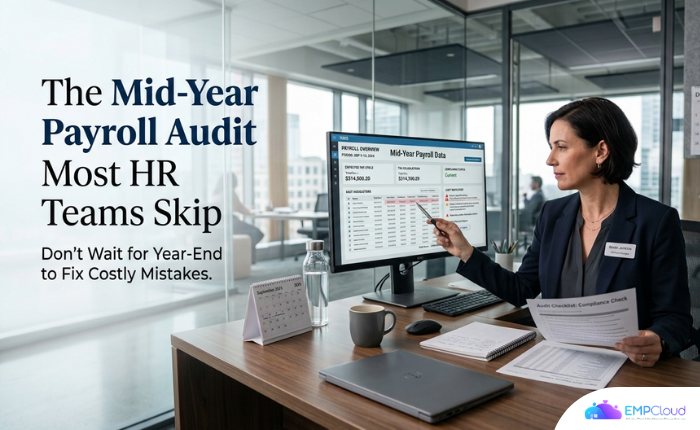
September is when a misapplied tax rate from April quietly graduates into a compliance flag. By December it’s an agency notice, a W-2c correction, and an employee asking why their year-to-date figures don’t add up. The US Wage and Hour Division recovered more than $259 million in back wages in fiscal year 2025. We documented that figure earlier this year — most of it not from bad-faith employers, but from payroll processes that nobody audited mid-year.
This piece is for the HR lead staring at Q4 and wondering if now is too late to check. It is not. But the window is closing.
Hit ‘Play’ Button & Tune Into The Blog!
Why September Is the Right Moment (and December Is Not)
Year-end audits are reactive. You find the error after it has touched 12 months of payslips, after SUI rates compounded, after employees built their personal tax plans around numbers that turn out to be wrong. A mid-year payroll audit — run now, in the first weeks of Q3 — gives you one to two pay cycles to correct before the damage locks in.
The four failure modes that consistently surface at mid-year are data errors, multiple pay-frequency mismatches, complex processing gaps, and tax compliance drift. None arrive loudly. Symmetry’s payroll compliance analysis puts it plainly: a misapplied local tax rate, an outdated W-4, or a missed SUI rate change feels minor in April. By December, it has compounded into notices and corrections.
40% of small businesses have already paid a payroll penalty — per an Employment Hero survey of 1,000 small business leaders. That number does not shrink by doing nothing.
The Specific Audit Nobody Runs: The Mock Pay Cycle

Most HR teams audit payroll by reviewing reports. That is not enough. Reports show you what the system recorded; they do not show you what the system would do with an edge case it has never been asked to handle.
The methodology I recommend — and the one we use when evaluating any HRMS — is a mock pay cycle with five deliberately difficult employees:
- Standard fixed hours — your control case. If this breaks, everything else is moot.
- Variable shifts with overtime — tests whether your attendance-to-payroll pipeline handles irregular hours without manual override.
- Approved mid-cycle leave — catches whether leave accrual logic communicates correctly with the pay run or sits in a separate spreadsheet.
- Pending expense reimbursement — reveals whether reimbursements are gated to a higher pricing tier you may not have purchased yet.
- Mid-exit with final day inside the pay period — the hardest case. Final pay calculation, benefits reconciliation, and statutory compliance all converge here.
Run that mock cycle. If your platform requires a file export at any point — attendance out, payroll in — treat that as a red flag, not a workflow. We documented what happens when attendance data travels via file export: missed overtime, wrong leave accruals, pay runs that look correct until employees check their payslips. One skipped export compounds into three corrected payslips and a compliance flag. The manual step is where errors live.
The Pricing Tier Trap Most Teams Discover Too Late
Here is something that does not appear in any vendor comparison table: several HRMS platforms gate “final pay calculation, benefits, and reimbursements” to higher pricing tiers. Teams typically discover this gap around month 18 — after signing an annual contract at a lower tier that looked sufficient at evaluation. By then, the cost of switching or upgrading is real.
When you run your mid-year audit, pull up your vendor contract and confirm exactly which payroll features are active on your current tier. If final pay or expense reimbursements are locked, you will find out the hard way during the next employee exit. Better to find out in September.
Similarly: audit logs. Some platforms include them at base tiers; others make them a premium add-on. If audit logs are not active, you cannot demonstrate a full trace of each pay value in the event of an IRS or equivalent agency inquiry. That compliance exposure falls on the buyer, not the vendor.
What AI-Native Payroll Actually Changes (and What It Does Not)
Data from 50+ enterprises using AI-powered HRMS shows a 60% reduction in payroll processing time — from five to seven days down to under two hours. The same dataset puts statutory compliance accuracy at 95%, versus 75–80% with manual systems. Those numbers matter. But they only hold when the AI has a clean, connected data pipeline to work with.
An AI that queries across siloed databases — attendance in one system, leave in another, payroll in a third — will reproduce the same errors faster. Speed is not the same as accuracy.
EMPCloud is built on a single-tenant architecture where attendance, leave, payroll, and performance data sit in one system under one OAuth2/OIDC authorization layer. The practical consequence: when you ask HR questions in plain English across modules, you are pulling from one data source, not reconciling three exports. The Smart SQL natural-language analytics tool queries attendance, leave, payroll, and performance in a single conversation. A mid-year payroll audit that would take a controller two days to run manually can be pulled in minutes — no data engineering request required.
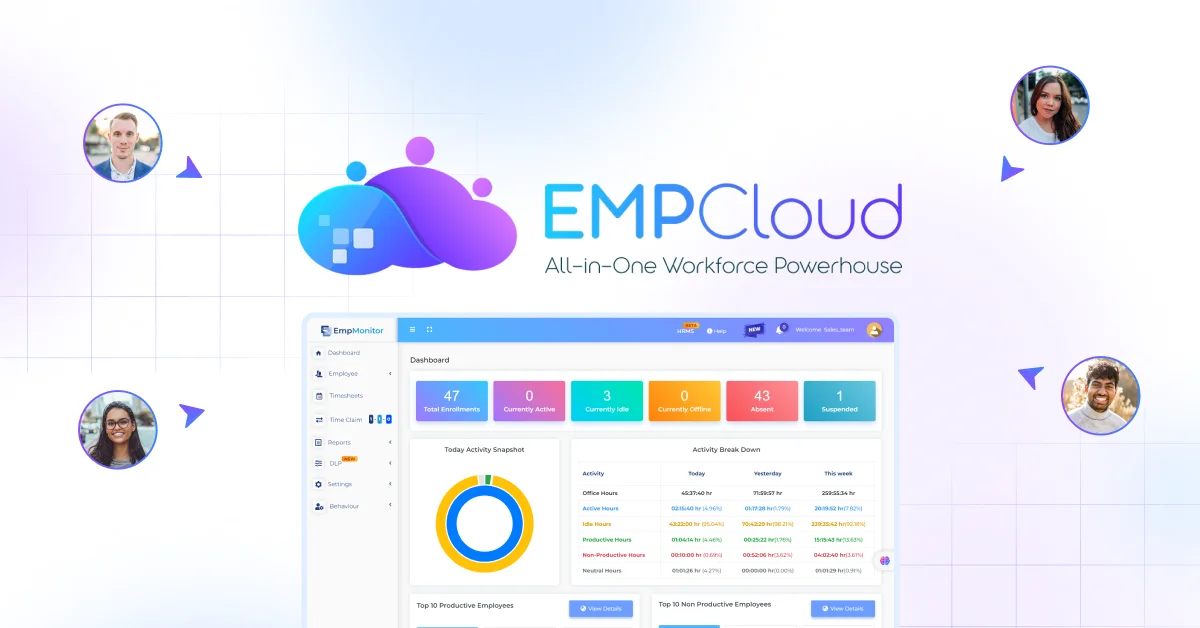
That is what integration actually means. Not a dashboard that aggregates APIs, but a single record that cannot desynchronize.
The Three Checks That Take Under an Hour

If a full mock pay cycle feels out of reach before Q4, start with these three. They catch the errors that surface most reliably at mid-year.
1. Employee tax withholding review
Pull every employee whose W-4 (or local equivalent) was last updated before January. Flag anyone who had a life event — marriage, dependent change, second job — in the first half of the year. Outdated withholding is the most common source of under-withholding notices.
2. Overtime and leave accrual reconciliation
Compare your attendance system’s overtime records against what the payroll run actually paid for the same period. If attendance and payroll are separate systems, run this comparison manually on a sample of 10 employees. Discrepancies are almost always a sign that the file export between systems missed a sync cycle.
3. Audit log spot-check
Pull the audit log for three pay runs from Q2. Confirm you can trace every line item — base pay, overtime, deduction, reimbursement — to its source: a policy, a manual override, or an import. If you cannot trace a value, you cannot defend it in an audit. If your platform does not surface audit logs at your current tier, that is your most urgent finding.
When to Consider Switching Providers Mid-Year
The four challenges of mid-year provider switches — data errors, pay-frequency mismatches, complex processing gaps, and tax compliance drift — are real. APS Payroll’s analysis of mid-year transitions is worth reading if you are weighing this. Each challenge has a practical solution, but only when the incoming provider has genuine mid-year transition experience.
My honest position: switching mid-year carries real risk. But staying in a system where you cannot run a clean mock pay cycle, cannot access audit logs, and are missing final-pay features is also a risk — just a slower-moving one. The question is which risk you can better manage.
If you are evaluating options, the 2026 HRMS evaluation guide covers a structured seven-step framework, including the mock pay-cycle methodology in full. And if payroll compliance gaps are what you are specifically trying to map, the payroll compliance gaps breakdown goes deeper on where the exposure typically sits.
Do the Audit Now
Q4 will arrive whether or not your payroll is ready for it. Payroll inefficiencies cost mid-sized companies over £150,000 a year — counting lost time and corrections. That figure excludes penalties and the employee trust that erodes when payslips are wrong two months running.
Run the mock pay cycle. Pull the audit logs. Check your contract for gated features. Do it before October, while you still have room to fix what you find.
Want to see what a fully integrated payroll and HR platform looks like before you commit? Start your free 15-day EMPCloud trial and run the mock cycle yourself — no file exports, no manual reconciliation, no discovering the feature gap at month 18.
FAQs: –
- Why should you run a payroll audit before year-end?
Waiting until December can leave too little time to correct tax, overtime, leave, and payroll data errors. A mid-year audit gives HR teams time to identify and fix issues before they compound. - What should a mid-year payroll audit include?
A strong audit should cover tax withholding, overtime, leave accruals, reimbursements, employee changes, audit logs, and a mock pay cycle using real-world employee scenarios. - What is a mock payroll cycle, and why does it matter?
A mock pay cycle tests how your payroll system handles difficult cases such as overtime, mid-cycle leave, reimbursements, and employees exiting during a pay period. - How can you tell if your payroll system is creating compliance risks?
Missing audit logs, manual data exports, mismatched attendance and payroll records, outdated tax information, and restricted payroll features can all signal potential compliance exposure. - Is September too late to fix payroll problems before year-end?
No. September can still give HR teams enough time to identify major payroll issues, correct them, and validate the next few pay cycles before year-end reporting begins.
Quick Search Our Blogs
Type in keywords and get instant access to related blog posts.

