

Forty percent of small businesses have already paid a payroll penalty, according to a survey by Employment Hero of 1,000 small business leaders. Most of them had an HRMS. The system just didn’t do what they assumed it did — and they found out after the damage was done.
That gap between assumption and reality almost always opens during the free trial. Not because buyers aren’t thorough. Because they’re testing the wrong things.
In a hurry? Listen to the blog instead!
The Month-18 Discovery Problem

Here’s what happens, repeatedly. A team signs up, clicks through dashboards, imports a few employees, and declares the trial a success. Onboarding looks clean. Leave requests work. The mobile app loads fast.
Eighteen months later, payroll for a departing employee blows up. Final pay needs to include accrued benefits, reimbursements, and the correct statutory withholdings. The system can do it — but only on the higher pricing tier. The feature was always in the documentation. Nobody tested it during the trial because nobody ran a real exit scenario.
As our 2026 HRMS evaluation guide notes, some pricing tiers add “final pay calculation, benefits, and reimbursements” only at higher levels — a feature gap teams often don’t discover until roughly month 18. By then, you’re locked into an annual contract and the workaround is manual calculation with all the risk that carries.
Why Attendance Sync Is the Fault Line
Before the test itself, understand where payroll errors actually originate. It’s rarely the payroll engine. It’s the handoff.
Attendance data traveling to payroll via file export is inherently fragile. File timing drifts. Format assumptions break. The result: missed overtime, wrong leave accruals, a pay run that looks correct until someone checks their slip. Our research into HRMS payroll architecture shows exactly how these breaks compound — one skipped export becomes three corrected payslips and a compliance flag.
A 15-person marketing agency, as our own published analysis found, spends 12+ hours a month pulling hours from timesheets, cross-checking leave in spreadsheets, and manually entering numbers into a payroll site. Two people QA the export. One error still slips through most months. That’s not a people problem — it’s a systems architecture problem, and no amount of process discipline fixes it while data lives in separate silos.
Research on the true cost of payroll errors puts these inefficiencies at over £150,000 a year for mid-sized companies, counting lost time and corrections together. The US Wage and Hour Division recovered more than $259 million in back wages in fiscal year 2025 alone. These aren’t edge cases. They’re the predictable outcome of disconnected systems.
The Mock Pay-Cycle Test (Run This in Week One)
The fix is straightforward, but almost nobody does it during a trial. Run a mock pay cycle before you commit. Here’s the structure that actually exposes problems:
Step 1: Create Five Test Employees With Messy Data
Don’t use clean, identical profiles. Variety is the point. Set up one employee with standard fixed hours, one with variable shifts and overtime, one with approved leave mid-cycle, one with an expense reimbursement pending, and one who is mid-exit — final day falls inside the pay period.
That fifth employee is the one most vendors quietly hope you don’t test. Final pay must include benefits, reimbursements, and the correct withholdings. Doing this by hand introduces errors; the IRS’s own guidance on employment taxes makes clear how many components interact. Your HRMS should handle it natively, in the same run, without a manual override.
Step 2: Watch How Attendance Flows In
If the platform requires you to export an attendance file and import it into payroll — stop. That’s the fault line described above. Any step involving a file handoff is a failure point you will eventually hit in production. The right architecture pulls attendance directly: what was clocked, what was approved, what exceptions were flagged, all resolved before the pay run opens.
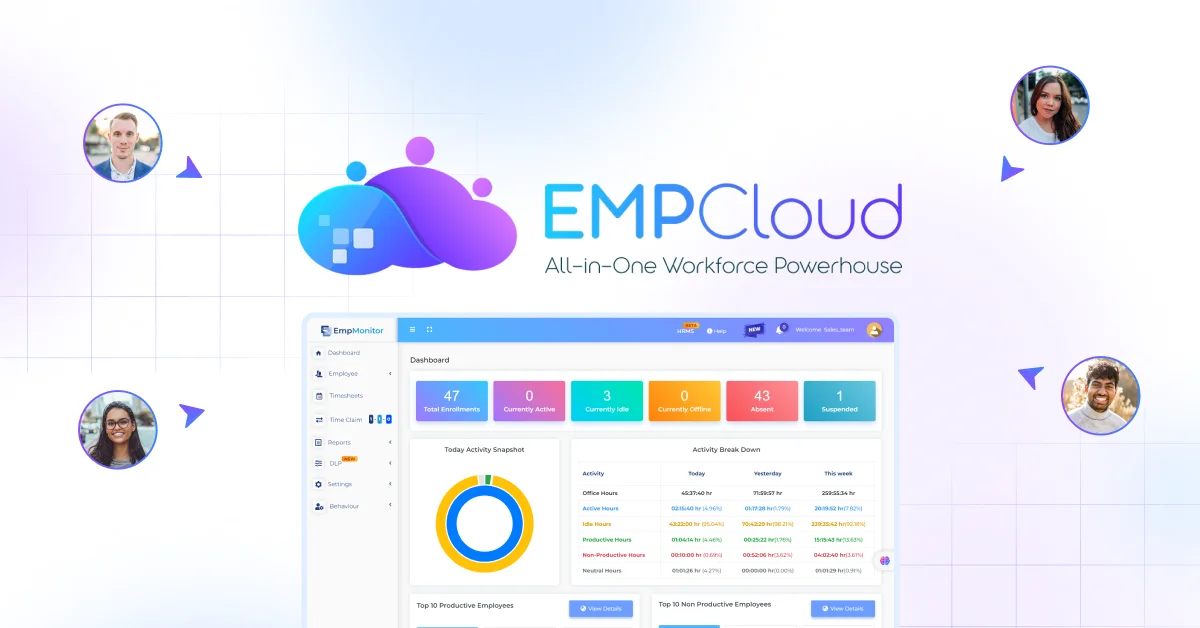
EMPCloud‘s face recognition biometric attendance tracking feeds directly into payroll without an export step. For field teams, geo-location tracking provides the same native data path. No file. No timing drift. No format mismatch.

Step 3: Enable Audit Logs and Trace One Pay Value
Pick the overtime figure for your variable-shift test employee. Ask the vendor to show you — inside the system, not in a slide — exactly where that number came from. Did it come from the attendance policy? A manager override? An imported value? If they can’t answer that with a click, or if audit logs are a premium add-on, that’s a red flag you want to find now.
As our HRMS evaluation guide puts it: during any trial, vendors should enable audit logs and demonstrate the full trace of each pay value — policy, override, or import. If they can’t, the compliance exposure in a real audit is yours to bear.
Step 4: Request a Sample Payslip for Your Region
Before signing anything, ask for a sample payslip that matches your jurisdiction’s statutory requirements: tax line items, contribution calculations, year-end form compatibility. A vendor who produces this in a demo call has clearly handled your region before. A vendor who asks which forms you mean has not.
This matters more as teams grow internationally. EMPCloud operates across 15+ countries. That means compliance configuration for local tax rates exists in the platform. Even so, confirm it for your specific context before the trial ends — not after you’ve run your first real pay cycle.
The Pricing Tier Trap
One thing the mock pay-cycle test will surface that no demo will: which features are gated at which tier. The EMPCloud 2026 guide lays out the tiers plainly: Bronze at $4.66/user/month for 1–10 users, Silver at $3.83/user/month for 11–50 users, and Gold at $3/user/month for 51–200 users, all billed yearly. The features available at each level differ — and that delta matters most at the payroll layer, where final pay, benefits processing, and reimbursement logic tend to live higher up the stack.
Run your mock pay cycle on the tier you actually plan to buy. Not the highest tier the vendor has configured for your demo environment.
What Accurate Payroll Actually Buys You
This isn’t an argument for complexity. It’s an argument for testing what you’re buying. Data from 50+ enterprises using AI-powered HRMS shows a 60% reduction in payroll processing time — from five to seven days down to under two hours — and 95% accuracy in statutory compliance versus 75–80% with manual systems. Those numbers come from platforms where attendance, leave, and payroll share a single data model, not a file-export chain.
EmpCloud’s 41 AI tools across seven providers include a Smart SQL natural-language analytics tool. It lets HR pull from attendance, leave, payroll, and performance in a single plain-English query. No export. No pivot table. No waiting on a report. That’s the architecture behind those accuracy figures — but you still need to verify it holds under your specific payroll conditions, with your specific tax rules, during your trial.
The 15-day free trial exists precisely for this. Most teams use it to tour features. The ones who don’t get burned use it to break things deliberately — bad data, edge-case employees, exit scenarios — and see what happens.
If you’re evaluating platforms right now, our guide to HRMS with payroll and performance reviews covers the full evaluation criteria, including the compliance checklist items most buyers miss.
Run the mock pay cycle. Trace the audit log. Request the regional payslip. Do it in week one, not month eighteen.
Start your free EMPCloud trial and run your mock pay cycle before you commit — the 15-day window is exactly enough time to find every gap that would otherwise cost you.
Quick Search Our Blogs
Type in keywords and get instant access to related blog posts.

