
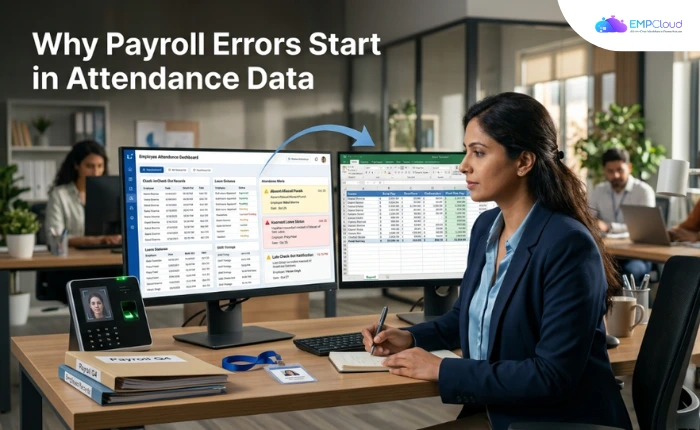
HR leaders audit their payroll software first when something goes wrong. That’s the wrong place to look.
The payroll engine is almost never where the error is born. It’s where the error surfaces. Trace it upstream and you land in the same place almost every time: attendance data that arrived late, incomplete, or wrong. The payroll tool did its job perfectly. It processed garbage.
In a hurry? Listen to the blog instead!
The Upstream Problem No One Talks About
Most HR teams treat payroll and attendance as adjacent systems that happen to share a few numbers. That framing is the mistake. Payroll calculation is downstream of attendance. If the attendance record is corrupted — a missed check-out, a leave category logged incorrectly, a biometric scan that didn’t sync before the payroll run — the salary calculation inherits that corruption.
As EMPCloud’s payroll software guide describes it, the workflow requires attendance to connect with the HRMS and update data each day before the tool reads that data and runs salary checks. Disconnect that feed at any point and the cycle breaks. Attendance data, salary details, and work records held in one place isn’t a convenience — it’s the mechanism that stops miscalculations compounding across an entire monthly payroll cycle.
The data columns that determine whether a payroll run is clean are deceptively simple. EMPCloud’s monthly attendance sheet guide names them: employee name, date, check-in time, check-out time, and leave category. Get any one of those wrong across a workforce of hundreds and you’re not looking at one isolated error — you’re looking at a batch. Research puts the scale in context: time and attendance errors occur at a rate of 1,139 incidents per 1,000 employees, meaning the average company has more attendance errors than it has staff.
Where Attendance Data Actually Breaks Down
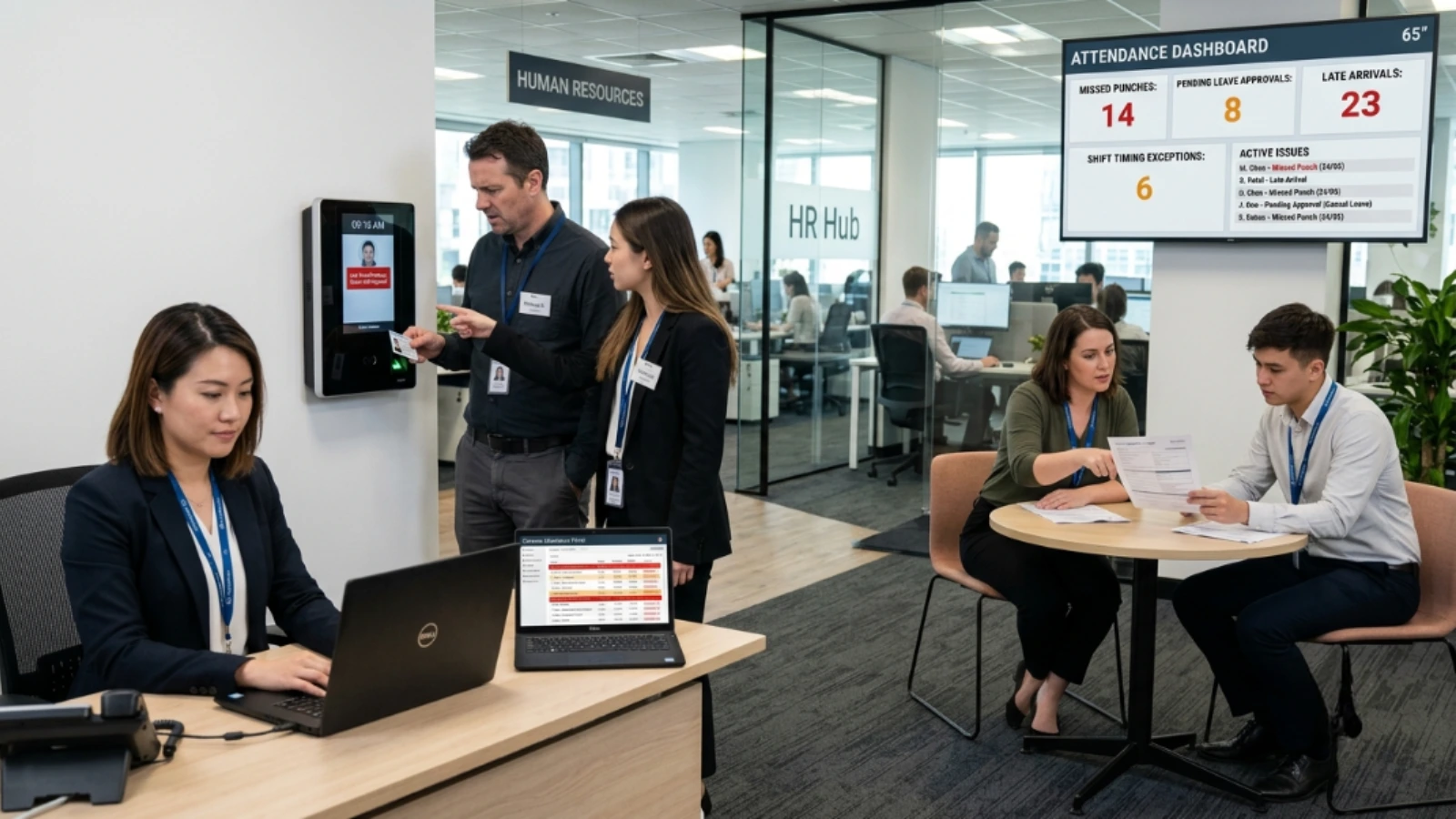
Three failure modes compound each other.
1. Manual or siloed clocking systems
Manual attendance systems are prone to buddy punching and time manipulation. They also slow payroll processing: data must be re-entered into a separate system. That problem compounds quickly — once a team grows beyond five to ten employees, the cracks become structural rather than occasional.
A field worker who clocked in via a mobile app disconnected from the central HRMS is invisible to payroll until someone manually reconciles the data. That reconciliation almost never happens cleanly under deadline pressure. Choosing the right attendance tracker for your workforce type is the first decision that shapes everything downstream.
2. Leave category mismatches
An absent employee whose leave wasn’t formally approved before the payroll cut-off often gets coded as unpaid absent by default. If the leave was actually approved after the fact, fixing it means a manual adjustment. Manual adjustments are where correction costs accumulate fastest — you’re paying someone’s time to find, reclassify, and reprocess, and the error has usually already reached the employee’s payslip.
3. Field workforce visibility gaps
Office attendance is hard to get right. Field workforces are harder still. Without geo-location tracking tied to the same HR system as payroll, you’re relying on self-reported hours or manager sign-off — neither of which scales, and both of which create liability when disputed. Telecom companies managing field engineers across multiple regions face exactly this structural gap: the attendance capture method and the payroll calculation engine sit on two entirely different platforms with a manual handoff between them.
What a Unified HRMS Actually Solves
The fix isn’t a better payroll tool. It’s closing the data gap between where attendance is captured and where payroll is calculated.
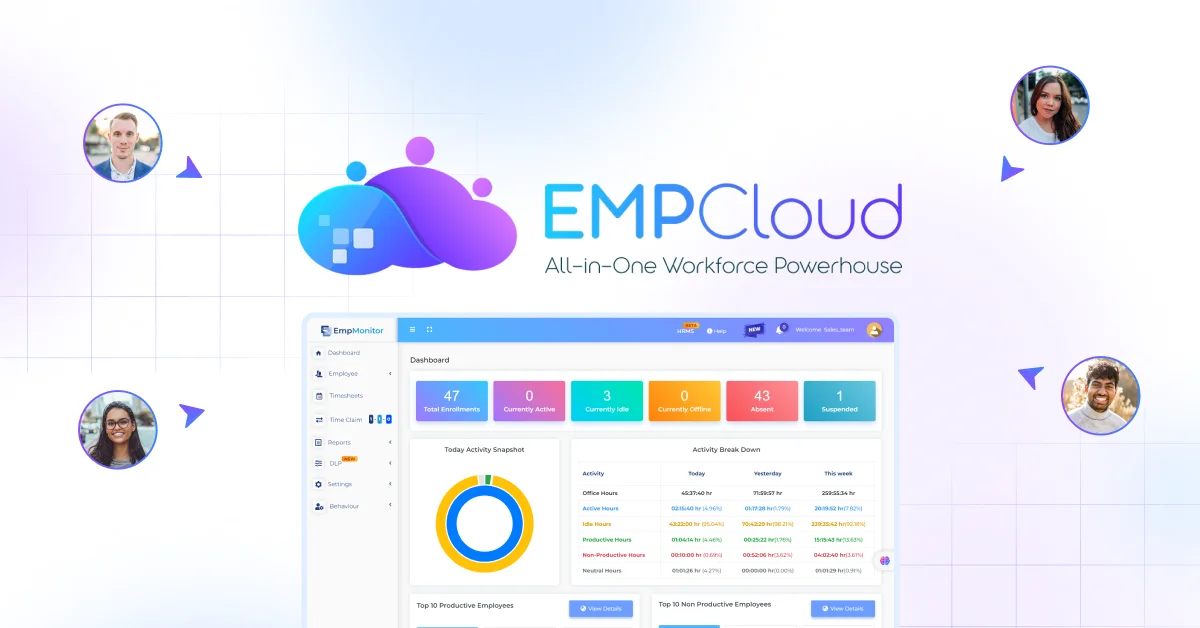
EMPCloud approaches this by keeping employee attendance records, salary details, and work data in one place — the stated mechanism for avoiding miscalculations in monthly payroll cycles. That’s a system design choice with a direct operational consequence. When the same platform captures the attendance event and feeds it into the payroll calculation, there’s no reconciliation step.
The face recognition biometric attendance tracking feature addresses the manual entry problem directly. A PIN or swipe can be proxied. Face recognition can’t. The biometric event ties to a verified identity and writes to the same data store payroll reads from — no export file, no import step, no CSV hand-off. The check-in record becomes the payroll input, not a copy someone moved across.
For field workforces, the geo-location tracking and activity monitoring feature serves the same function. In telecom or NBFC environments, where compliance precision is non-negotiable, self-reported hours create liability. System-verified presence data flows directly into payroll — no human in the loop, no manual reconciliation step.
The practical result for HR ops teams is straightforward. EMPCloud’s payroll guide describes a six-step chain: load records, sync attendance daily, run salary checks, apply compliance updates, create final payout, employees access payslips. That chain runs without a manual correction step wedged between steps two and three. That’s where most correction labour hides. Eliminating it is what “HR can close salary cycles in minutes” actually means — the speed promise disappears the moment attendance data requires fixing before payroll can run.
On the analytics side, the Smart SQL natural-language tool lets an HR lead pull data from attendance, leave, and payroll in a single conversation — no SQL knowledge, no IT request. Ask it to surface employees with unresolved leave discrepancies before the payroll run and it does. That kind of pre-run audit catches errors before they become disputes, not after.
The Framework: Audit Before You Automate

Before you invest in a new payroll tool, run this diagnostic on your current setup.
Map the data handoffs. Every point where attendance data moves between systems — biometric terminal to HRMS, field app to central database, HRMS to payroll — is a potential failure point. List them. If any involve a manual step or a batch sync that runs less than daily, that’s your first fix.
Audit the five columns. Pull last month’s attendance sheet and check for blanks or defaults in: employee name, date, check-in time, check-out time, leave category. Blanks mean something was guessed. Defaults — like “absent” applied to any unresolved day — are silent errors waiting to become payroll disputes.
Check your field workforce separately. Office and field employees almost always run on different attendance capture methods. If your geo-location data isn’t in the same system as your payroll data, you have a structural gap, not a process problem. Process fixes don’t close structural gaps.
Run a pre-payroll audit before every cycle. Even with a unified system, a 30-minute review of leave discrepancies and unresolved attendance flags before the payroll run pays for itself. Catching one error before it’s paid out costs a fraction of correcting it after.
Running this audit inside EMPCloud takes under 15 minutes — see plan options and sign up for the free 15-day trial to walk through it before your next payroll cut-off.
A Word on What This Doesn’t Fix
Unifying attendance and payroll data eliminates the upstream data quality problem. It doesn’t eliminate configuration errors in tax tables, it doesn’t catch statutory compliance changes you haven’t applied, and it doesn’t fix a payroll policy that was written badly in the first place. Those are separate problems.
But the majority of frontline payroll errors — the kind that erode employee trust fastest — trace back to the attendance feed, not policy complexity. Employees don’t read a payroll error as an IT problem. They read it as a signal that the company isn’t paying attention to them. Repeated errors damage that relationship in ways that take far longer to repair than fixing the data gap that caused them. Fix the feed first.
The attendance-to-payroll data gap is fixable, and it is the prerequisite for everything else in your HR stack working as designed. Join the 200+ companies managing 50,000+ employees on EMPCloud — start your free 15-day EMPCloud trial and run the attendance audit before your next payroll cut-off.
Quick Search Our Blogs
Type in keywords and get instant access to related blog posts.

