

**[Start your free trial →] and learn how to choose an hrms with payroll and performance reviews, plus how to test tools the right way this week.
What Does an HRMS with Payroll Actually Do for a Small Business?
An HRMS with payroll and performance reviews helps small businesses manage employee records, payroll processing, attendance, and employee performance from a single platform.
Here’s a real-world view. A 15-person marketing agency spends 12+ hours a month pulling hours from a timesheet, cross-checking leave in Google Sheets, and typing numbers into a payroll site. Two people QA the export. One error slips through most months.
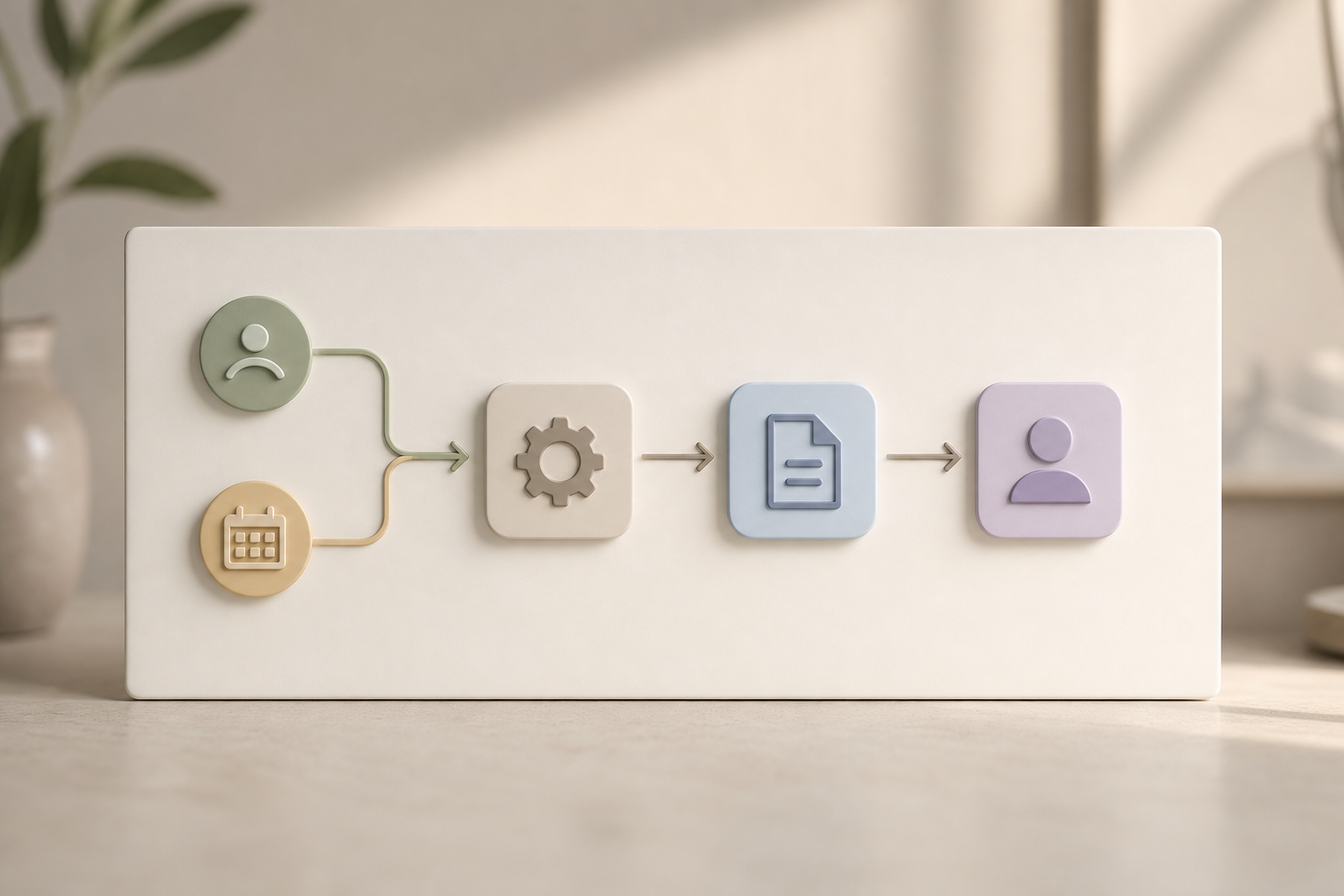
With an integrated HRMS, approved attendance and leave flow into payroll rules. The pay run takes under an hour. Fewer hands, fewer errors.
Small teams win by removing handoffs. When time, leave, and pay live together, mistakes and rework drop fast.
Core modules you actually need
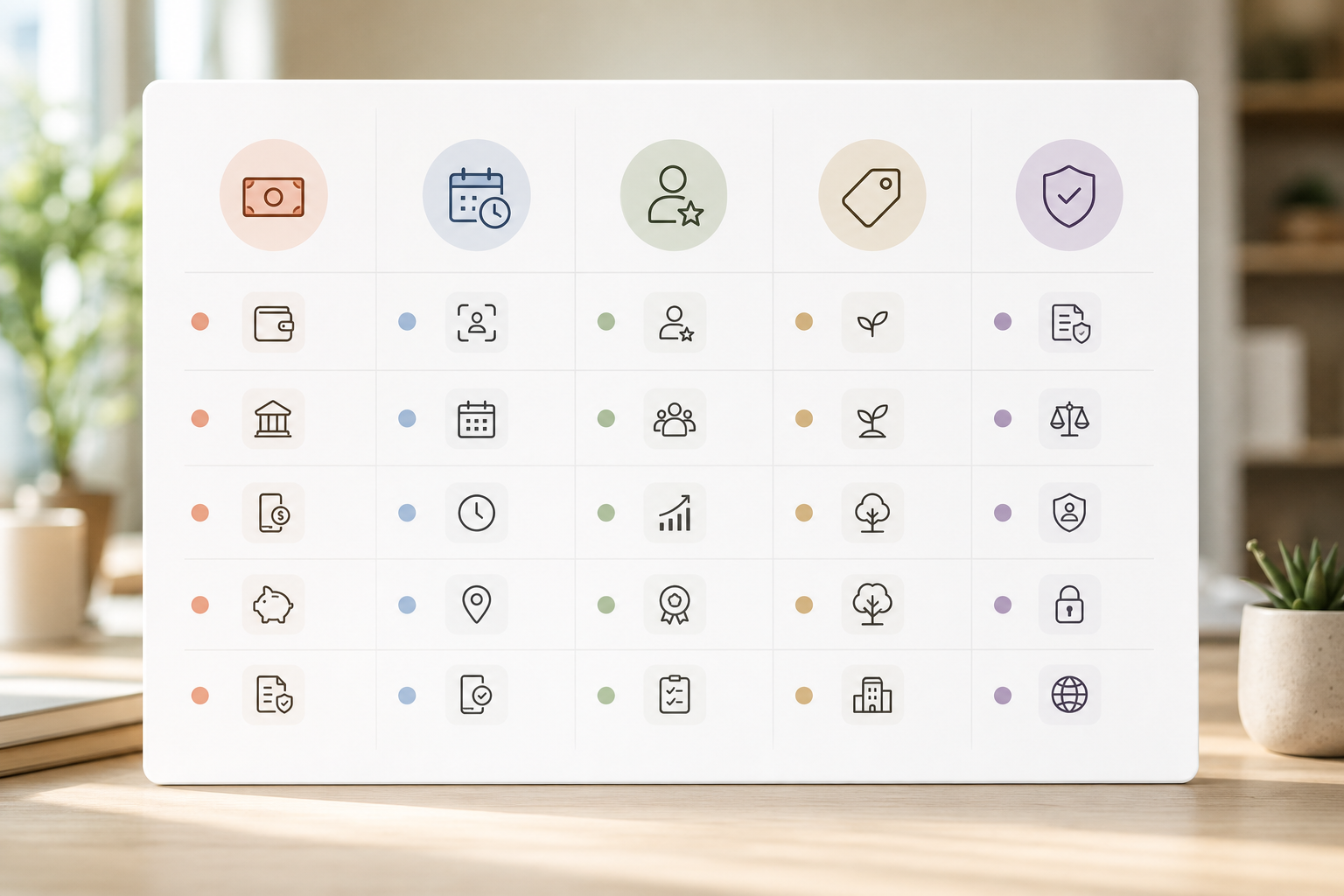
- Employee records: jobs, pay rate, bank details, documents, and policies in one place.
- Attendance and leave: clock-ins, shifts, and approvals tied to the calendar.
- Payroll processing: pay items, deductions, and tax handling with audit logs.
- Performance basics: goals, rating templates, and review cycles you can run quarterly.
Enterprise extras you probably don’t
- Complex org charts with multi-entity cost centers you won’t use under 100 staff.
- Deep learning analytics and custom data lakes you won’t maintain.
- Niche modules like succession planning or campus hiring portals.
Standalone payroll vs integrated HRMS
Standalone payroll tools pay people. That’s it. You still feed them data by hand.
An HRMS with payroll pulls time off and attendance straight into the pay run, applies policies you already set, and posts results back to employee self-service. As a result, fewer steps mean fewer risk points. Moreover, approvals and calculations live together, so your audit trail is clean.
In addition, look for signs of a full suite when you need it: recruitment, onboarding, payroll, performance, and exit management under one login. However, stay focused on the first year’s needs so you don’t over-buy.
- Quick comparison at a glance:
- Data entry: manual (standalone) vs automated sync (integrated)
- Error risk: higher with exports/imports vs lower with unified records
- Setup: tool-by-tool configuration vs one policy driving multiple modules
- Visibility: siloed reports vs shared dashboards and consistent permissions
Also Read!
Best HRMS with Payroll for Small Businesses in 2026
Best Face Recognition Attendance System for Small Businesses in 2026
How to Evaluate an HRMS with Payroll: A 7-Step Framework
You can make real progress this week. Use this seven-step plan to move from “we should” to a shortlist you trust. As you work through it, keep the core test in mind: does attendance-to-payroll flow without manual edits? That’s where small-business HR tools tend to break.
1.
Write down every HR task that takes more than 30 minutes a month. For each, note the tool you use and who touches it. Then circle the steps that involve copy-paste.
2.
Must-haves: tax-compliant payroll, leave-to-pay sync, employee self-service, role-based access, and basic performance reviews. Nice-to-haves: AI analytics, 9-box grids, and advanced dashboards. Be strict: five musts, five nice-to-haves.
3.
For small teams, plan $3–$10 per user per month. For example, some vendors list a Bronze plan at $4.66/user/month for 1–10 users and a Silver at $3.83/user/month for 11–50 when paid yearly. Cap your first-year spend and note any add-on fees.
4.
Ask the vendor to confirm support for your local tax rates, filings, and year-end forms. In the U. S., read the IRS overview of payroll obligations here: https://www.irs.gov/businesses/small-businesses-self-employed/employment-taxes. Then request a sample pay slip that matches your region’s rules.
5.
Create five test employees, mark varied shifts, add overtime and leave, and run a mock pay cycle. Look for zero manual edits and correct net pay the first time and correct net pay the first time. If you must export/import, treat that as a red flag.
6.
Start from a blank account. Can you add policies, leave types, and a basic review cycle in under two hours without a consultant? If setup feels like a maze, it’s wrong for a small team.
7.
Confirm whether pricing drops as you grow and whether features change. For instance, some tiers add “final pay calculation, benefits, and reimbursements” at higher levels, which you might need by month 18.
Pro tip: During trials, ask vendors to enable audit logs and show you exactly where each pay value originated (policy, override, or import). You want traceable math.
Key Takeaways
- Data flow beats feature lists: prioritize attendance-to-payroll sync with no exports.
- Budget smart: target $3–$10 per user per month and watch for add-ons.
- Compliance is binary: pass or fail; prioritize SOC 2 certification or equivalent security controls.
- Buy for month 18: confirm pricing and features at 25 and 50 employees.
- Keep it simple: if setup needs a consultant, it’s the wrong fit for a small team.
Choosing an hrms with payroll and performance reviews now can save you hundreds of hours over the next year. Start with a real trial, not a slide deck, and let the mock pay run make the call.
Compare pricing in minutes →
Frequently Asked Questions
What is an HRMS with payroll and performance reviews?
An HRMS with payroll and performance reviews is a human resource management system that combines employee records, attendance, leave management, payroll processing, and performance evaluation tools in one platform. Instead of using separate systems, businesses can manage payroll calculations, employee goals, review cycles, and HR data from a single dashboard.
Can small businesses use an HRMS instead of separate payroll software?
Yes. Many small businesses replace standalone payroll software with an integrated HRMS because it reduces manual data entry and improves accuracy. Attendance, leave requests, employee information, and payroll calculations work together automatically, helping teams save time and reduce payroll errors.
How much does an HRMS with payroll and performance reviews cost?
Pricing varies based on features and company size. Most small-business HRMS platforms cost between $3 and $10 per user per month. Basic plans typically include employee records, attendance tracking, and payroll, while advanced plans add performance reviews, analytics, custom workflows, and compliance features.
Does an HRMS help with payroll compliance?
Yes. A good HRMS helps businesses stay compliant by automating payroll calculations, tax deductions, leave policies, and recordkeeping. Many platforms also provide audit logs, approval workflows, and region-specific payroll settings to reduce compliance risks and reporting errors.
Quick Search Our Blogs
Type in keywords and get instant access to related blog posts.

