
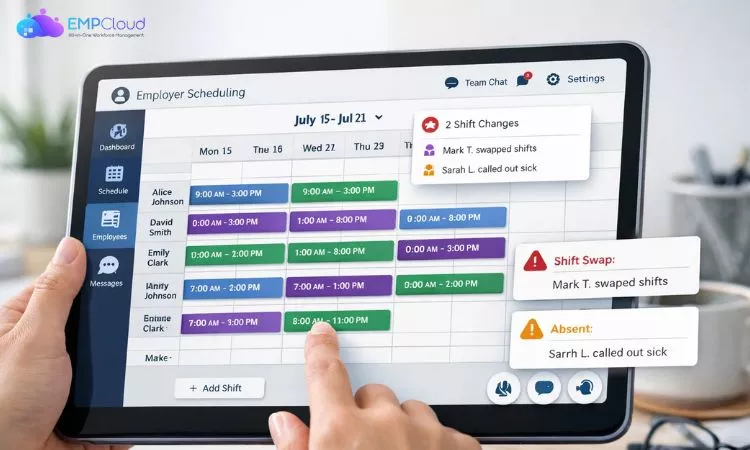
Managing employee shifts is one of the most challenging parts of running a business. From last-minute absences to overlapping shifts and communication gaps, scheduling can quickly become messy without the right system. This is where an employer scheduling app comes in.
An employer scheduling app helps businesses plan, assign, and manage employee work shifts in a structured and efficient way. Instead of relying on spreadsheets, emails, or manual coordination, everything is handled in one centralized digital platform.
Today, many businesses are shifting toward digital tools like an online work scheduling app because they reduce errors, save time, and improve team coordination. Whether you manage a small team or a large workforce, having a proper scheduling system is no longer optional it’s essential.
Listen To The Podcast Now!
What Is an Employer Scheduling App?
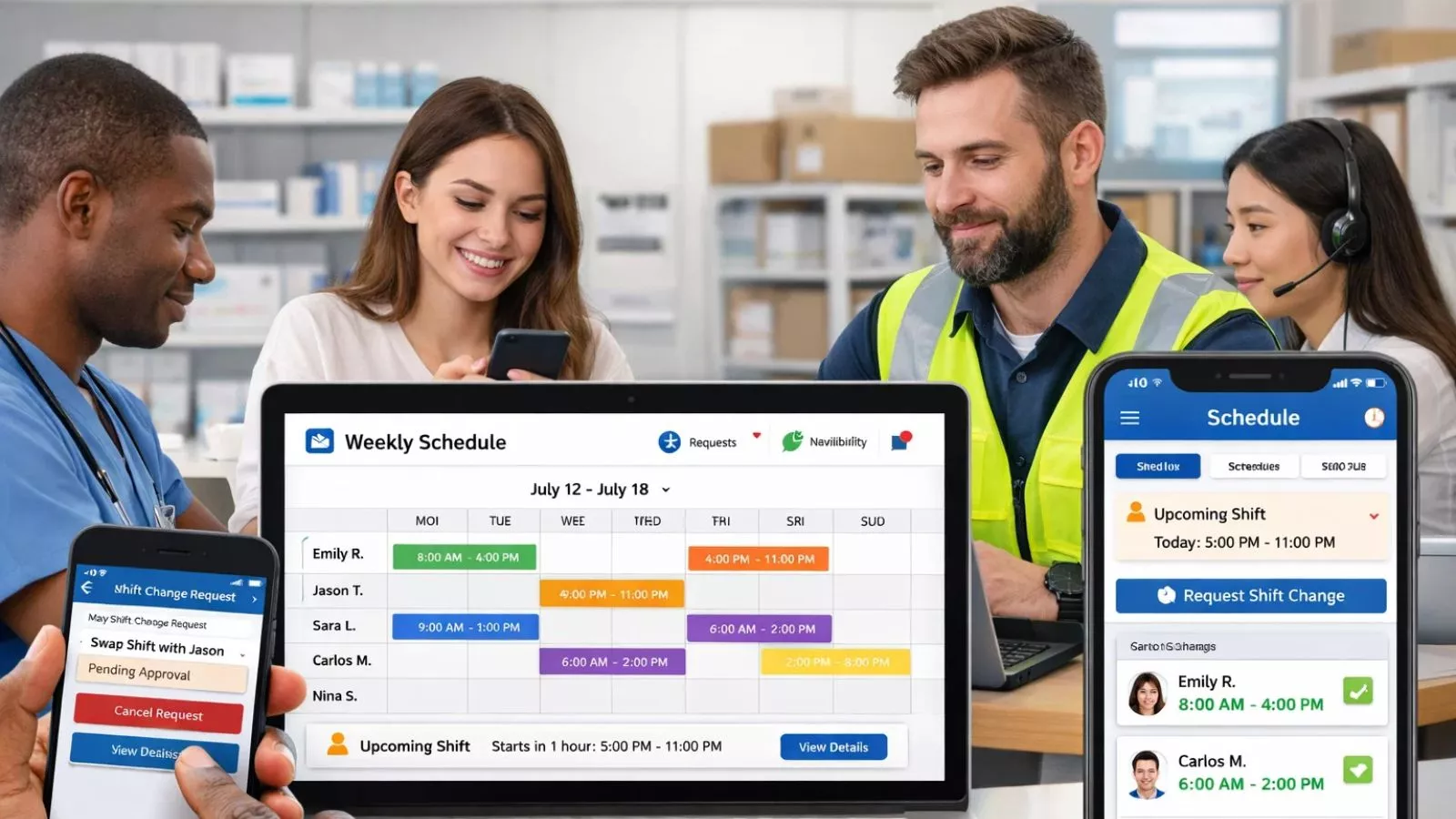
An employer scheduling app is a digital tool that helps businesses create, manage, and optimize employee work schedules in one place. Instead of manually assigning shifts or updating spreadsheets, employers can automate and streamline the entire scheduling process.
At its core, the app ensures that the right employees are assigned to the right shifts at the right time. It also helps avoid conflicts like double bookings, understaffing, or miscommunication.
Most modern tools also function as a work schedule app for employees, allowing staff to view their shifts, request changes, or notify availability directly through the system.
These apps are commonly used in industries like:
- Retail
- Hospitality
- Healthcare
- Logistics
- Customer support
The goal is simple: reduce scheduling chaos and improve workforce coordination.
Many businesses also prefer digital tools because they act as a centralized hub for scheduling, communication, and updates all in real time.
How Does an Employer Scheduling App Work?
An employer or employee scheduling app works by centralizing the entire shift planning process into a single digital system. Instead of manually assigning shifts, employers can create schedules based on employee availability, roles, and business needs.
Typically, the process starts when managers input key details like working hours, shift types, and required staff. The system then helps organize and distribute shifts efficiently, reducing the chances of overlap or understaffing.
Employees can usually access the same platform through a work schedule app for employees, where they can:
- View upcoming shifts
- Check schedule changes in real time
- Submit availability or time-off requests
This two-way system improves communication between employers and staff, making scheduling more transparent and flexible.
Many tools also support automation features, such as shift suggestions or conflict detection. This means the system can automatically flag issues like double bookings or insufficient coverage before the schedule is finalized.
Some advanced platforms, including an online work scheduling app, also send notifications and reminders, ensuring employees never miss updates.
Overall, the workflow is simple:
Employer creates → system organizes → employees access and interact → updates sync in real time.
This reduces manual effort and ensures smoother workforce coordination.
Also Read
How To Optimize Staffing And Scheduling Effectively?
Key Features of an Employer Scheduling App
A modern employer scheduling app comes with a range of features designed to simplify workforce management and reduce manual effort.
One of the most important features is shift creation and assignment, where managers can quickly build schedules based on employee availability, roles, and workload requirements. This eliminates the need for spreadsheets or manual tracking.
Another key feature is real-time updates and notifications. Whenever a schedule changes, employees get instant alerts through the system, ensuring everyone stays informed without confusion.
Most tools also include availability management, allowing employees to update when they can or cannot work. This makes it easier for managers to build accurate schedules.
A work schedule app for employees usually also includes time-off requests, shift swapping options, and attendance tracking, making the entire system more flexible.
Advanced systems may offer automation features like conflict detection, where the app automatically flags issues such as overlapping shifts or understaffing before schedules are finalized.
Reporting and analytics are also common in an online work scheduling app, helping businesses understand labor costs, staffing patterns, and productivity trends.
Together, these features make scheduling faster, more accurate, and far less stressful for both employers and employees.
Benefits of Using an Employer Scheduling App
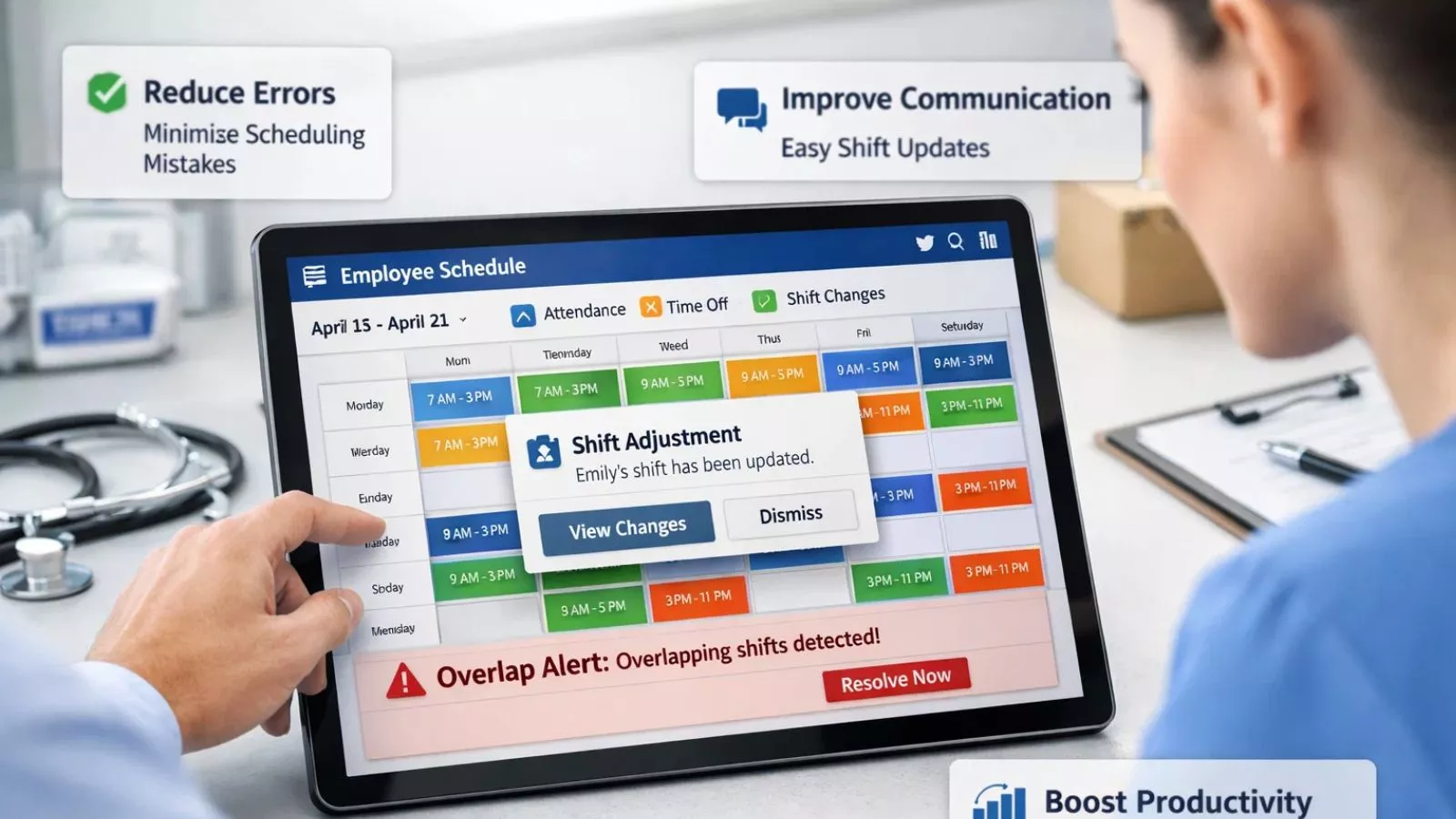
An employer scheduling app offers several advantages that go beyond simple shift planning. It helps businesses save time, reduce errors, and improve overall workforce efficiency.
One of the biggest benefits is time savings. Instead of manually creating schedules, managers can quickly build and adjust shifts in minutes, freeing up time for more important tasks.
It also improves communication between employers and employees. Since updates are shared instantly, there’s less confusion about shift changes, availability, or time-off approvals. Many teams use a work schedule app for employees for this reason.
Another key benefit is better workforce organization. Managers can easily ensure the right number of employees are scheduled for each shift, reducing both understaffing and overstaffing issues.
An online work scheduling app also helps reduce scheduling conflicts. Automated systems can detect overlapping shifts or availability issues before they become a problem.
Additional benefits include:
- Increased productivity
- Better employee satisfaction
- Reduced scheduling errors
- Improved attendance tracking
Some platforms also offer reporting features, helping businesses analyze labor costs and improve planning over time.
Overall, using an employer scheduling app creates a smoother, more efficient scheduling process for both employers and teams.
Common Challenges Without an Employer Scheduling App
Without an employer scheduling app, managing employee shifts often becomes messy, time-consuming, and prone to errors. Many businesses still rely on spreadsheets, manual planning, or scattered communication, which creates avoidable problems.
One of the most common issues is scheduling conflicts. When updates are made manually, it’s easy to assign overlapping shifts or forget employee availability, leading to confusion and coverage gaps.
Another major challenge is poor communication. Employees may miss emails or messages about schedule changes, resulting in no-shows or last-minute disruptions. A work schedule app for employees helps solve this, but without it, communication stays fragmented.
Businesses also struggle with time-consuming scheduling processes. Managers often spend hours every week creating and updating schedules instead of focusing on core operations.
Other common problems include:
- Last-minute shift changes causing chaos
- Difficulty tracking employee availability
- Higher risk of understaffing or overstaffing
- Increased administrative workload
An online work scheduling app helps eliminate most of these issues by centralizing everything in one place and automating key parts of the process.
Without such a system, businesses are more likely to face inefficiencies that directly affect productivity and employee satisfaction.
Try EmpCloud for Smarter Employee Scheduling

If you’re looking to simplify workforce management, EmpCloud is designed to make scheduling easier, faster, and more organized for businesses of all sizes. It works as a modern employer scheduling app that helps you plan shifts, manage teams, and reduce scheduling chaos in one place.
Instead of juggling spreadsheets or manual updates, EmpCloud gives you a centralized system where everything is automated and easy to control. It’s built for managers who want more efficiency and fewer scheduling errors.
Why businesses use EmpCloud:
- Easy shift creation and management
- Real-time schedule updates for teams
- Better coordination between managers and staff
- Reduced scheduling conflicts and manual errors
- Smooth experience for both employers and employees
Whether you’re running a small team or a growing organization, EmpCloud helps you move away from outdated methods and switch to a smarter online work scheduling app system.
It also improves employee experience by making schedules clear, accessible, and always up to date reducing confusion and last-minute surprises.
With EmpCloud, scheduling becomes less of a daily headache and more of a streamlined process that actually supports business growth.
How to Choose the Right Employer Scheduling App
Choosing the right employer scheduling app depends on your business size, team structure, and operational needs. Not all scheduling tools offer the same features, so it’s important to evaluate carefully before committing.
Start by looking at ease of use. A good scheduling tool should be simple enough for managers and employees to use without long training sessions. If the system is too complex, it defeats the purpose of saving time.
Next, check for automation features. A strong online work scheduling app should help reduce manual work by detecting conflicts, suggesting shifts, and automating routine tasks.
It’s also important to consider mobile accessibility. Employees should be able to check schedules, request changes, and receive updates directly from their phones.
Other key factors include:
- Integration with payroll systems
- Real-time notifications
- Scalability for growing teams
- Support for shift swaps and availability tracking
A reliable work schedule app for employees ensures smoother communication and fewer scheduling errors across the team.
Why Businesses Are Switching to Digital Scheduling Tools
More businesses are moving away from manual scheduling methods and adopting an employer scheduling app because traditional systems are no longer efficient in fast-paced work environments.
Spreadsheets and paper-based schedules often lead to errors, miscommunication, and wasted time. As teams grow, these issues become even more difficult to manage.
Digital tools solve this by offering real-time coordination, where updates are instantly shared with all employees. This reduces confusion and ensures everyone is aligned.
Another major reason for this shift is flexibility. A modern online work scheduling app allows managers to adjust shifts quickly based on demand, employee availability, or unexpected changes.
Key reasons for adoption include:
- Faster schedule creation
- Reduced administrative workload
- Improved workforce visibility
- Better employee engagement
This shift is not just a trend it’s becoming a standard for efficient workforce management.
Common Mistakes in Employee Scheduling
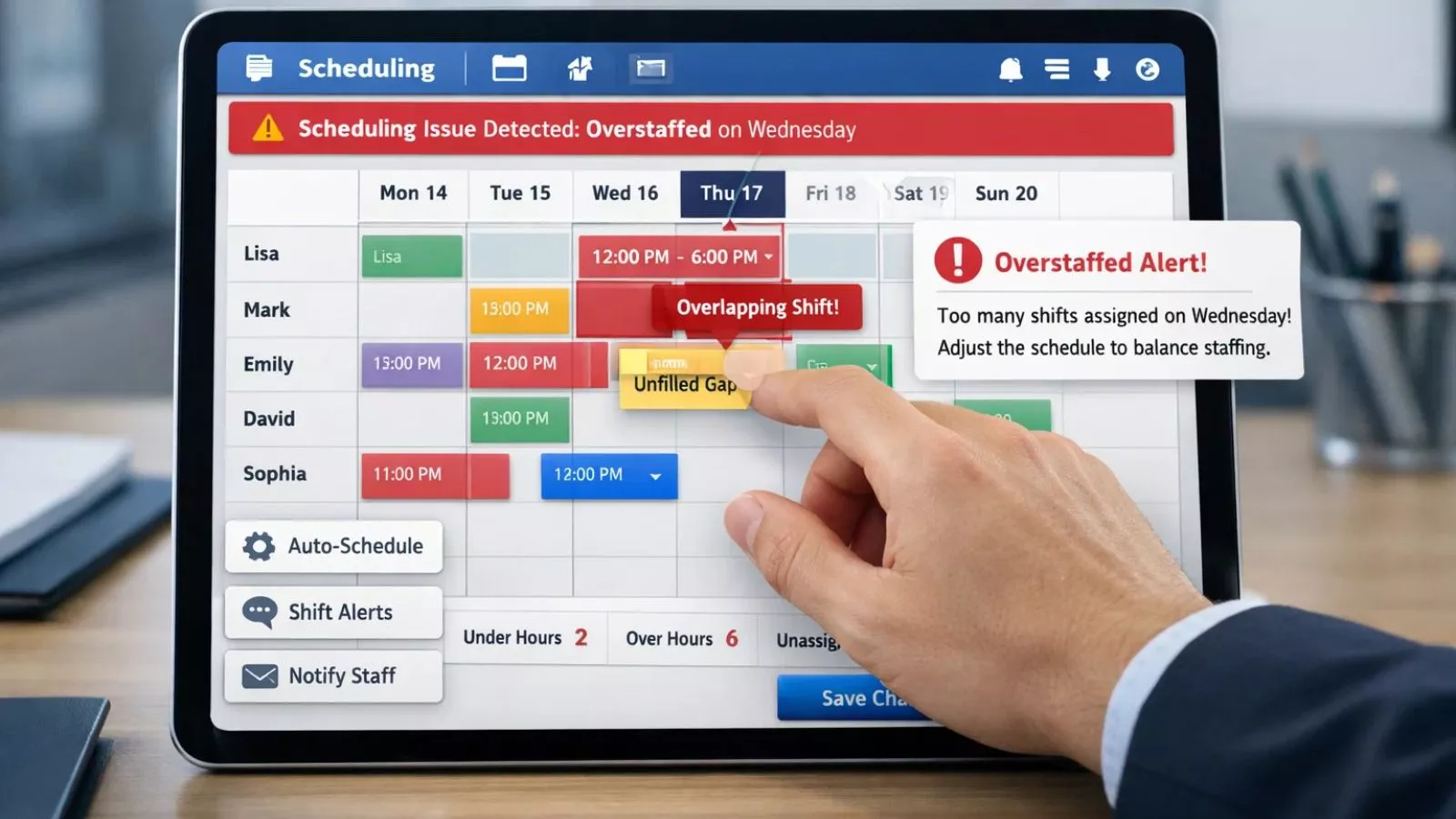
Even with an employer scheduling app, mistakes can happen if scheduling is not managed properly. Understanding these common errors can help businesses avoid unnecessary disruptions.
One frequent mistake is ignoring employee availability, which leads to conflicts and last-minute changes. A proper work schedule app for employees helps reduce this, but managers still need to input accurate data.
Another issue is over-scheduling or under-scheduling staff, which can affect productivity and employee morale. Too many employees on shift increases costs, while too few leads to burnout.
Other common mistakes include:
- Not planning for peak hours
- Failing to update schedules in real time
- Poor communication of shift changes
- Relying only on manual tracking methods
An online work scheduling app helps minimize these issues by automating and organizing the process more effectively.
Avoiding these mistakes leads to smoother operations and better workforce balance.
Future of Employer Scheduling Apps
The future of the employer scheduling app is becoming more intelligent, automated, and data-driven. As businesses continue to grow, scheduling tools are evolving to handle more complex workforce needs.
One major trend is AI-powered scheduling, where systems automatically create optimized shift plans based on demand, availability, and historical data.
Another development is predictive scheduling, where an online work scheduling app can forecast staffing needs before they arise. This helps businesses prepare in advance and avoid shortages.
We are also seeing stronger integration with:
- HR systems
- Payroll platforms
- Performance tracking tools
Mobile-first design is becoming standard, ensuring employees can manage schedules anytime, anywhere.
In the coming years, a work schedule app for employees will not just manage shifts—it will actively help improve productivity, reduce costs, and support smarter workforce decisions.
Conclusion
An employer scheduling app has become an essential tool for modern businesses that want to manage teams more efficiently and reduce scheduling chaos. From shift planning to real-time updates, these tools simplify what was once a complex and time-consuming process.
Instead of relying on manual methods, businesses now use digital solutions like an online work scheduling app to improve accuracy, communication, and flexibility across teams. This not only saves time but also helps reduce errors that impact productivity and employee satisfaction.
A well-designed system, especially one that also works as a work schedule app for employees, ensures everyone stays informed and aligned. Employees can easily view shifts, request changes, and stay updated without confusion.
Tools like EmpCloud further enhance this experience by offering a centralized and streamlined approach to workforce scheduling, making it easier for businesses to scale and manage operations smoothly.
FAQs
- What is an employer scheduling app?
An employer scheduling app is a digital tool that helps businesses create, manage, and update employee work shifts in an organized and efficient way. - How does an employer scheduling app work?
It allows managers to assign shifts based on availability and role, while employees can view schedules, request changes, and receive real-time updates. - Is an employer scheduling app better than spreadsheets?
Yes. It reduces manual errors, improves communication, and saves time compared to traditional spreadsheet-based scheduling. - Can employees use a work schedule app for employees on mobile?
Most modern tools support mobile access, allowing employees to check shifts, get notifications, and manage availability on the go.
Quick Search Our Blogs
Type in keywords and get instant access to related blog posts.

