
If you can’t measure digital work, you can’t manage it. In 2026, computer monitoring software has evolved from simple activity tracking to AI-driven workforce intelligence platforms.
Remote work and hybrid work are now a part of everyday operations, and organizations need a better way to understand how systems are performing and where security risks exist
At the same time, cybersecurity threats are increasing, and data protection laws are more stringent, making responsible monitoring a necessity rather than an option.
Modern computer monitoring software has exceeded simple screen tracking or activity logs on the other side. New tools that provide workforce insights, data annotation, and potential security problems. Thoughtfully, they help IT teams to control the issues and maintain stability.
In this guide, we will explain how to use computer monitoring software and also walk you through how it works and what to consider before choosing one.
🎧 Listen to the blog:
What Is Computer Monitoring Software?
Computer monitoring software is a tool that tracks, analyzes, and reports activities on computer systems. These tools can be used to observe device activity and understand system performance, security, and overall usage.
At a basic level, computer monitoring software collects data on application usage and user activity. And at a more advanced level, it can also monitor user behavior and provide alerts when something goes wrong with the network.
Computer monitoring software helps IT teams quickly identify performance issues and resolve problems before they impact operations. Its primary purpose is to provide complete visibility into systems and user activity.
By delivering real-time management, the software enables organizations to keep systems running smoothly, protect sensitive data, and ensure employees have reliable and secure technology to work efficiently.
While some modern monitoring solutions can be complex, their core value lies in offering structured visibility and control across the IT environment.
In 2026, most monitoring tools will be cloud-based and use automation or AI to highlight the actual issue, allowing you to focus on raw data and more meaningful insights that drive better decisions.
How Computer Monitoring Software Works
Computer monitoring software is powerful and easy to use. Most tools work by collecting data directly from computers or networks and sending it to a central dashboard where IT teams can review and act on the information.
Typically, monitoring software uses a small agent that is installed on each device. This agent records system activities, such as application usage, CPU and memory performance, and network behavior.
Modern computer monitoring software uses automation and AI to analyze and filter out unnecessary data. Instead of reviewing large volumes of raw information, teams receive prioritized alerts and actionable insights that highlight potential problems such as performance slowdowns or suspicious activity. Another key advancement is real-time visibility across systems and user environments.
With continuously updated dashboards and live tracking, IT teams can detect and address issues as they happen rather than waiting for users to report them. This proactive approach reduces downtime, improves system reliability, and enables faster support responses. Overall, modern computer monitoring software is designed to deliver clarity—transforming complex system data into meaningful, timely insights that organizations can act on confidently.
Key Features Of Modern Computer Monitoring Software
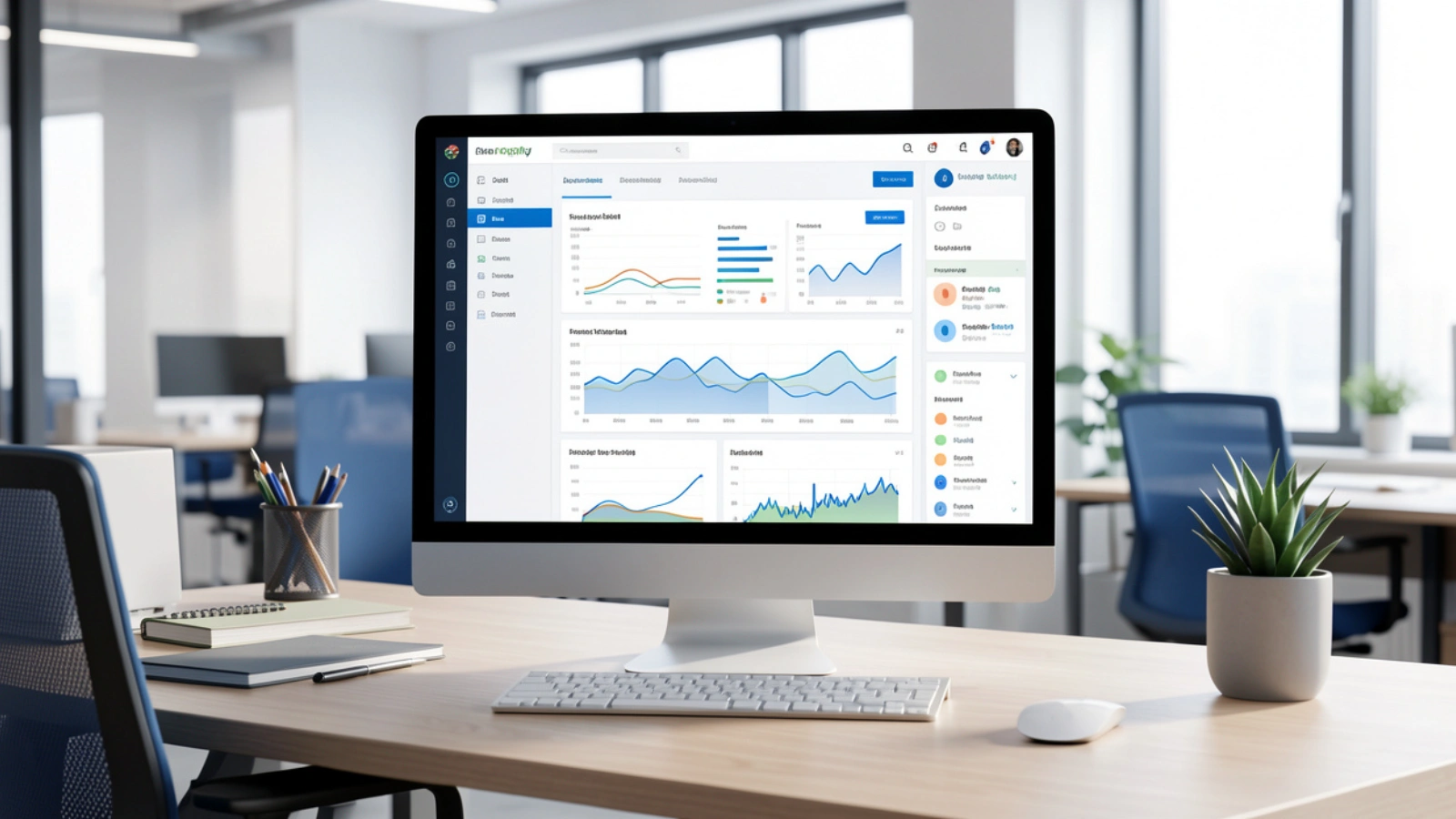
Modern computer monitoring software is designed to provide structured and meaningful visibility across systems and users. The focus is no longer on collecting excessive amounts of raw data, but on capturing the right information and presenting it in a clear, actionable format.
One of the foundational capabilities is activity and usage tracking. This includes insights into which applications are used, how long systems remain active, and overall usage patterns. When analyzed at an aggregate level, this data reveals operational trends and productivity patterns rather than focusing on individual behavior.
In addition to usage insights, system performance monitoring plays a critical role. By tracking CPU utilization, memory consumption, disk health, and network activity, IT teams can detect performance bottlenecks early and prevent disruptions. This is particularly valuable for organizations managing remote or distributed work environments.
Security monitoring further strengthens visibility. Modern solutions can identify unusual behavior, unauthorized access attempts, or risky system activity and trigger real-time alerts. These early warnings enable faster response times and help minimize potential damage.
Finally, dashboards and reporting unify these capabilities into a single, easy-to-understand view. Visual dashboards and automated reports allow stakeholders to monitor progress, evaluate trends over time, and make informed decisions. Together, these features ensure that computer monitoring software delivers clarity, control, and actionable insight.
Also Read!
How To Use Computer Monitoring Software For Different Use Cases
Computer monitoring software can be used in several ways, depending on an organization’s goals. The most effective implementations focus on solving specific problems rather than monitoring everything at once.
Below are some of the most common and practical use cases.
Using Employee Computer Monitoring Software for Productivity
Employee computer monitoring software is often used to understand how work time is spent and where processes can be improved. Rather than tracking individuals minute by minute, modern tools focus on patterns such as application usage and time.
This data helps you to identify inefficiencies, balance workloads, and support employees with better tools or processes.
Clear communication and transparency are critical to ensure monitoring is seen as a productivity aid, not a surveillance system.
Using Computer Remote Monitoring Software for Remote Teams
For remote and hybrid teams, computer remote monitoring software can help IT teams to gain visibility across distributed devices. This includes monitoring system uptime, performance issues, and software health without requiring physical access to machines.
Remote monitoring also simplifies troubleshooting. IT teams can detect issues early, apply updates, and resolve problems, which improves reliability and reduces downtime for employees working from different locations.
Using Computer Monitoring Software for Security and Compliance
Security is one of the strongest use cases for computer monitoring software in 2026. Monitoring tools can flag unusual login behavior, unauthorized software installations, or abnormal data access patterns.
These insights support faster incident response and help organizations meet compliance requirements by maintaining audit trails and system activity records. Used correctly, monitoring becomes a proactive layer of defense rather than a reactive one.
Using Computer Monitoring Software for System Optimization
Beyond people and security, computer monitoring software is widely used to improve system performance. By tracking resource usage and performance trends, teams can identify outdated hardware, inefficient configurations, or applications that consume excessive resources.
This information supports better planning, reduced downtime, and more efficient use of IT budgets.
Best Practices For Using Computer Monitoring Software
Using computer monitoring software effectively requires a bit more effort. Successful monitoring is built around clear goals, transparency, and ongoing review.
The first step is to define clear objectives. Decide what you want to achieve before collecting any data. This could improve system performance, strengthen security, or enhance workflow efficiency. Clear goals help prevent over-monitoring and keep the focus on meaningful outcomes.
Transparency is essential. Employees and users should understand what is being monitored, why it is being monitored, and how the data will be used. Clear policies and open communication help build employee trust and reduce resistance.
It’s also important to monitor outcomes rather than individuals. Reviewing trends and aggregate data provides useful insights without creating unnecessary pressure on specific users. This approach supports productivity while respecting privacy.
Regularly review and adjust monitoring settings as needs change. Tools and teams evolve, and monitoring should adapt accordingly. Periodic reviews help ensure the software continues to deliver value without collecting unnecessary data.
Finally, ensure that access to monitoring data is controlled. Limit data visibility to authorized personnel and use role-based access to protect sensitive information. This reduces the risk of misuse and supports compliance with privacy regulations.
Best Computer Monitoring Software In 2026
EmpCloud is a great example of how computer monitoring tools have been used differently in 2026.
EmpCloud is a monitoring tool that combines productivity tracking with everyday workforce management features like attendance, HR tasks, and payroll.
EmpCloud office, remote, and hybrid teams. It helps businesses to understand where team time is used, manage employees more efficiently, and reduce manual work.
One of the key strengths of EmpCloud is that monitoring is part of a larger system. This means you don’t need separate tools for tracking productivity, attendance, and HR operations. Everything is available in one place.
EmpCloud offers a range of features that support both monitoring and workforce video management:
Productivity Monitoring: Helps track work activity and usage patterns so teams can understand how time is spent and where improvements are needed.
Time and Attendance Tracking: Automatically records work hours, attendance, and leave, making it easier to manage schedules and payroll.
Location Tracking: Useful for remote or field teams, allowing managers to see work locations when required for operations.
HR Management Tools: Supports onboarding, employee records, document storage, and basic compliance monitoring needs.
Task and Project Tracking: Allows teams to assign tasks, track progress, and manage workloads more clearly.
Payroll Support: Uses attendance and work data to simplify payroll calculations and reduce errors.
Reports and Alerts: Provides clear reports and notifications to help managers stay informed without reviewing raw data.
Data Security and Privacy Controls: Includes basic safeguards to protect employee data and support responsible monitoring practices.
Overall, EmpCloud shows how computer monitoring software in 2026 is moving toward a more balanced approach.
Legal, Ethical, And Privacy Considerations
Legal and ethical considerations are central to how computer monitoring software is used. Regulations around data protection and workplace privacy continue to grow, and organizations are expected to monitor systems responsibly and transparently.
From a legal standpoint, employers and administrators must understand the laws that apply to their region. These may include requirements around user notification, consent, data storage, and access controls. Failing to follow these rules can lead to legal risk, even if monitoring is well-intentioned.
Ethically, it is important to balance visibility with respect for privacy. Monitoring should be tied to a clear purpose, such as security or system performance, rather than constant observation of individuals. Collecting only the data that is necessary helps reduce risk and builds trust.
Transparency plays a key role in ethical monitoring. Users should know what is being monitored, how the data is used, and who has access to it. Clear policies and consistent communication help prevent misunderstandings and reduce concerns.
Organizations should regularly review their monitoring practices. As tools and regulations change, monitoring programs should be updated to remain compliant, fair, and aligned with organizational values.
Conclusion
Computer monitoring software has become an essential part of managing modern systems and teams. With remote and hybrid work now firmly established, organizations need reliable ways to maintain system performance, protect sensitive data, and support productivity without adding unnecessary complexity.
As this guide has shown, it is about visibility, early detection, and informed decision-making. When computer monitoring software is used with clear goals, the right tools, and respect for privacy, it helps organizations prevent issues and create more stable work environments.
Choosing the best computer monitoring software depends on understanding your specific needs, whether that involves employee productivity, remote device management, security, or system optimization. Tools like EmpCloud demonstrate how monitoring can be integrated into broader workforce management solutions, reducing the need for multiple disconnected systems.
Ultimately, successful monitoring in 2026 requires balance. Organizations must combine technology with transparency, legal awareness, and ethical practices. When done correctly, computer monitoring software becomes a supportive system that strengthens operations, builds trust, and enables teams to work more effectively in an increasingly digital world.
Frequently Asked Questions (FAQ)
Is it legal to use computer monitoring software?
Yes, computer monitoring software is legal in many regions, but its use depends on local laws and regulations. Organizations must follow rules related to user notifications, consent, data storage, and access control. It is important to review regional regulations before their deployment.
Can computer monitoring software be used without employees’ consent?
In some regions, limited monitoring may be allowed on company-owned systems; however, transparency is strongly recommended. Informing users and clearly documenting monitoring policies help reduce legal risks and build trust.
Does computer monitoring software affect the system performance?
Most modern monitoring tools are designed to operate in the background with minimal impact. Performance issues usually occur only when the software is poorly configured or when too many features are unnecessarily enabled.
How long should the monitoring data be stored?
Data retention should be based on business needs and legal requirements. Many organizations store data for a short, defined period and delete it automatically once it is no longer required.
Quick Search Our Blogs
Type in keywords and get instant access to related blog posts.

