
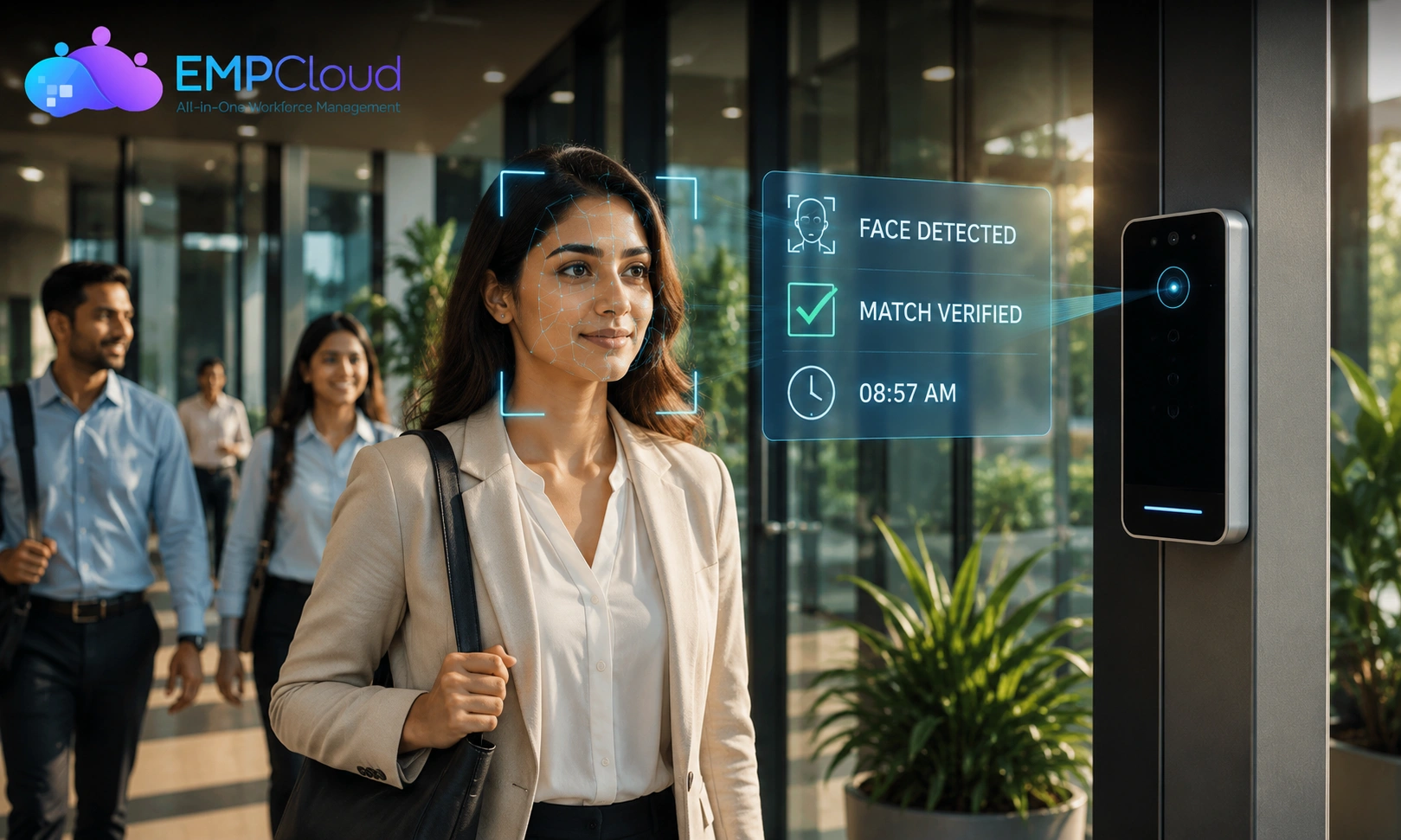
Someone in your office has probably clocked in for a coworker at least once. A face recognition attendance system exists precisely to make that impossible. No shared ID cards, no buddy punching, no fingerprint scanner jamming up during flu season while people queue with their sleeves pulled over their hands.
For years, attendance tracking meant trusting a card or a thumbprint to represent a person. Both can be borrowed or faked. HR teams have spent years chasing mismatched timesheets because of it. This shift toward facial recognition isn’t just a gadget upgrade. It’s a rethink of how identity gets verified at the start of every workday.
Read Aloud!
Quick Answer: What Is a Face Recognition Attendance System
A face recognition attendance system is a biometric tool that identifies employees through their facial features and automatically records when they arrive and leave. Instead of swiping a card or typing a code, the camera does the checking. The system compares a live scan against a stored facial template and logs the match instantly, cutting out manual entry and impersonation almost entirely.
How Does It Actually Work? (The Technology Behind the Scan)

The process looks instant to the person standing in front of the camera. Underneath, it runs through a few distinct stages, each doing a specific job.
Step 1: Face Enrollment
Before anyone can be recognized, they need to be introduced to the system. During enrollment, the camera captures a few images of an employee’s face from different angles. These aren’t stored as photographs. They’re converted into a mathematical map, called a facial template, built from distances between features like the eyes, nose bridge, and jawline.
This template is what gets compared later, not the raw image. That distinction matters when privacy questions come up.
Step 2: Detection and Matching
When someone steps up to the scanner, the camera detects a face, then extracts the same measurements taken during enrollment and checks them against the stored templates. This is the core matching engine behind every face recognition attendance system on the market today.
Modern systems lean on deep learning models trained on large datasets, which is why accuracy has improved so much in recent years. Matching happens in under a second, even across databases with thousands of enrolled faces.
Step 3: Liveness Detection
Here’s a step many explainers skip, and it’s genuinely one of the cleverer parts of the technology. Liveness detection checks whether the thing in front of the camera is an actual living person, not a printed photo or a video on a phone screen.
It looks for subtle cues: micro-movements, blinking, texture changes in skin, or depth data from infrared sensors. Without this layer, a system relying purely on facial matching would be easy to fool. With it, spoofing becomes genuinely difficult.
Step 4: Attendance Logging
Once the match is confirmed and liveness is verified, the system timestamps the event and logs it automatically. No manual entry, no paper register, no end-of-month reconciliation for HR. This is where an AI attendance system quietly saves hours of admin work every week, without anyone noticing the effort it’s replacing.
Where This Technology Actually Gets Used

It’s easy to picture this as something reserved for high-security labs, but that’s outdated thinking. A face recognition attendance system has become fairly ordinary HR infrastructure.
Corporate offices and hybrid teams use it to handle irregular schedules, where employees drift in at different hours and manual tracking becomes unreliable fast.
Factories and warehouses favor it for hands-free convenience. Workers wearing gloves don’t need to fumble with a card reader, and there’s a hygiene benefit too, since nothing physical gets touched.
Educational institutions use similar setups to track staff and student attendance, cutting down on proxy attendance a paper register never could catch.
One area that deserves more attention is a face recognition attendance system for multiple locations. Businesses running several branches often assume biometric attendance only works well in a single building. In reality, cloud platforms sync data from every location into one central dashboard, so a manager in Delhi can see real-time attendance from a branch in Pune without asking anyone for a spreadsheet.
Choosing the Right System: A Practical Framework
Reading about how the technology works is one thing. Choosing a face recognition attendance system to actually implement is different, and this is where most buying guides get vague.
Before shortlisting a vendor, run through four questions:
- Does it handle real-world conditions well? Poor lighting and masks vary across offices. Ask for a demo under conditions that match your workplace, not a polished sales video.
- Does it prevent spoofing? Confirm the vendor’s liveness detection has been independently tested.
- Does it scale across locations? If you run more than one office, ask specifically how multi-branch syncing works.
- Is the data stored compliantly? Biometric data carries legal weight in most countries. Ask where templates are stored and under what regulation.
Integration matters as much as accuracy. A system that doesn’t talk to your existing payroll just creates another disconnected tool nobody wants to maintain.
Read More!
Common Mistakes and Misconceptions
A few assumptions about a face recognition attendance system tend to trip people up before they even get started.
“It’s only for high-security buildings.” That was true a decade ago. Today, a face recognition attendance system is standard HR tech, used by small businesses as often as large enterprises.
“All systems handle masks and low light the same way.” They don’t. Accuracy varies significantly between vendors, and this detail often gets glossed over in sales pitches.
“Employee consent isn’t really necessary.” In many regions, biometric data collection legally requires informed consent, and skipping it can expose a company to real compliance penalties.
“Setup requires a major IT overhaul.” Most modern platforms are cloud-based and can be running within days. That assumption is one of the biggest reasons companies delay adopting something that would save them time.
How EmpCloud Makes Face Recognition Attendance Effortless
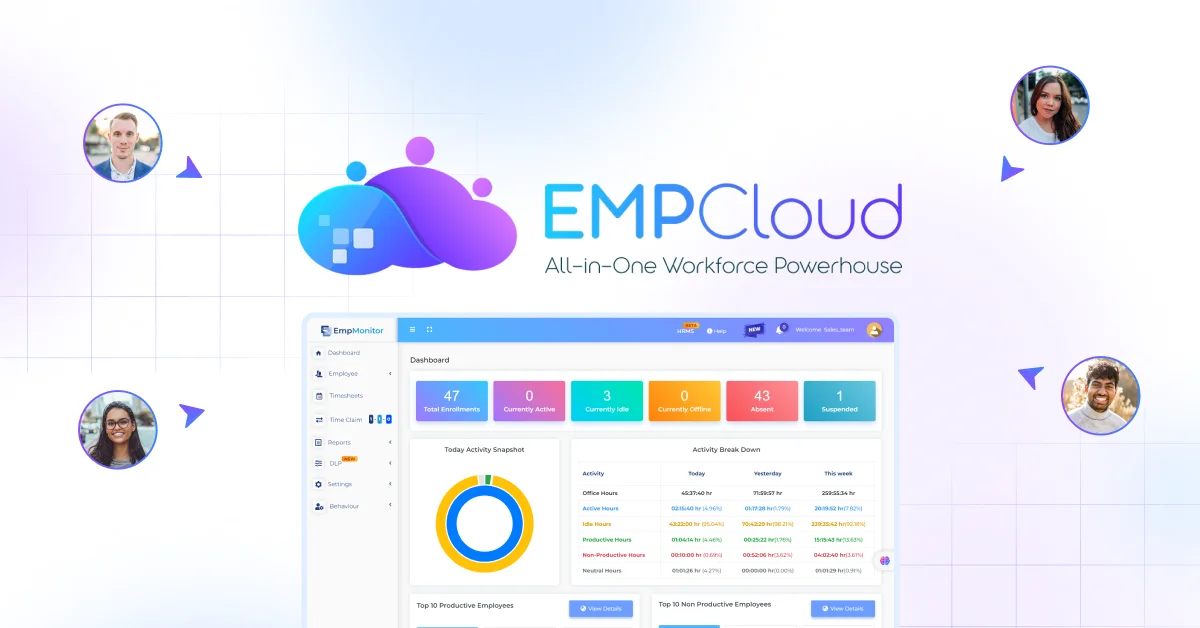
This is exactly the kind of friction EmpCloud was built to remove. Instead of stitching together separate tools for attendance, payroll, and reporting, it brings everything into one place. EmpCloud provides a suite of workforce management solutions, including attendance management with an AI-based face recognition system. It makes the tracking process more feasible for management, making it easier to track employees’ presence and absence in the workplace.
- Centralized dashboard syncing attendance across multiple office locations in real time
- Built-in liveness detection to prevent photo or video spoofing
- Direct payroll integration, so hours logged translate straight into pay
- Quick cloud-based setup, no heavy IT infrastructure required
- Consent and data-handling workflows built around common compliance requirements
For a team dealing with buddy punching or the headache of tracking attendance across branches, this setup turns an administrative task into something that runs quietly in the background.
The Bigger Shift: Why Attendance Tech Is Becoming Invisible
There’s a broader pattern worth noticing. Attendance tracking used to be a small daily chore involving a card or a code. It’s increasingly becoming something that simply happens, unnoticed, while people go about their work.
This mirrors a larger shift in workplace technology generally, away from friction and toward invisibility. The best tools aren’t the ones people interact with constantly. They fade into the background and just work, which is exactly what a well-built face recognition attendance system should do.
Attendance Shouldn’t Be a Daily Battle
Chasing down missed punches and worrying about proxy attendance shouldn’t eat into anyone’s week. The technology behind a face recognition attendance system isn’t complicated once you see how each piece fits together, and the payoff is a workplace where attendance simply takes care of itself. If your team is still fighting that daily battle, it’s worth seeing what a system built around this problem, like EmpCloud, looks like in practice.
Frequently Asked Questions
Is it safe for employee data?
Reputable systems store facial data as encrypted templates rather than raw images, and reliable vendors follow data protection regulations for storage and consent.
How accurate is it in low light or with masks?
Accuracy varies by vendor. Systems using infrared sensors and modern deep learning models handle poor lighting and partial obstructions noticeably better than older camera-only setups.
Can it work across multiple office locations?
Yes, cloud-based platforms sync data from every branch into a single dashboard, giving managers real-time visibility regardless of where employees are checking in.
Do employees need special hardware to use a face attendance app?
Most setups only need a standard camera-equipped device, though dedicated kiosks with infrared sensors offer better accuracy in tricky lighting.
Is it legal under privacy laws like GDPR?
It can be, provided companies obtain informed consent, limit data retention, and store templates securely. Requirements vary by country, so local compliance checks matter.
How is this different from fingerprint-based systems?
Face recognition is contactless, works faster in high-traffic areas, and avoids the hygiene concerns fingerprint scanners raise, though both rely on biometric matching.
What happens if the system fails to recognize someone?
Most platforms include a fallback, such as a manual override or a secondary verification step, so one failed scan doesn’t block someone from logging attendance.
How long does setup take?
Cloud-based platforms can typically be deployed within a few days, including employee enrollment, since there’s usually no heavy on-premise infrastructure involved.
Quick Search Our Blogs
Type in keywords and get instant access to related blog posts.

