
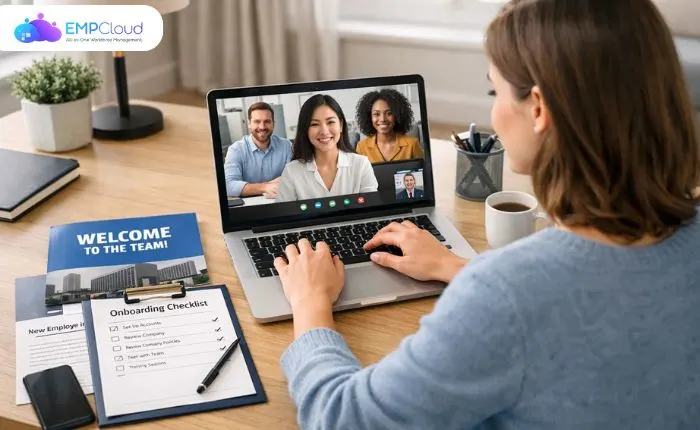
Hiring employees remotely offers flexibility and access to a global talent pool, but it also presents unique challenges. Without in-person guidance, new hires can feel disconnected, unsure of expectations, or overwhelmed by tools and processes. This makes a well-structured remote onboarding process essential for engagement, productivity, and long-term retention.
A strong onboarding program ensures that new employees understand their roles, connect with the company culture, and have the necessary resources to succeed. From clear communication and organized schedules to leveraging the right technology, every element contributes to a seamless experience.
This guide will show you how to build an effective remote onboarding process for employees, covering strategies, best practices, and tools that make onboarding smooth, engaging, and measurable. Whether managing a few remote hires or a fully distributed workforce, these insights will help your team get up to speed quickly and confidently.
Listen to the podcast.
What Is Remote Onboarding?
Remote onboarding refers to the process of integrating new employees into an organization when they work outside a traditional office environment. Unlike in-person onboarding, which relies on face-to-face interactions, remote onboarding uses digital tools, structured communication, and online resources to ensure new hires understand their roles, the company culture, and workplace expectations.
The goal of remote onboarding is not just administrative; it’s about helping employees feel connected, confident, and productive from day one. It typically includes orientation sessions, training materials, introductions to team members, and clear guidance on workflows and responsibilities.
With the rise of distributed teams and hybrid work models, many companies are adopting online onboarding methods. These methods leverage video calls, collaboration platforms, and employee management software to streamline the process and create a consistent experience regardless of location.
Understanding what remote onboarding entails is the first step in building a system that supports engagement, reduces confusion, and accelerates new hire productivity.
Why Remote Onboarding Fails Without a Strategy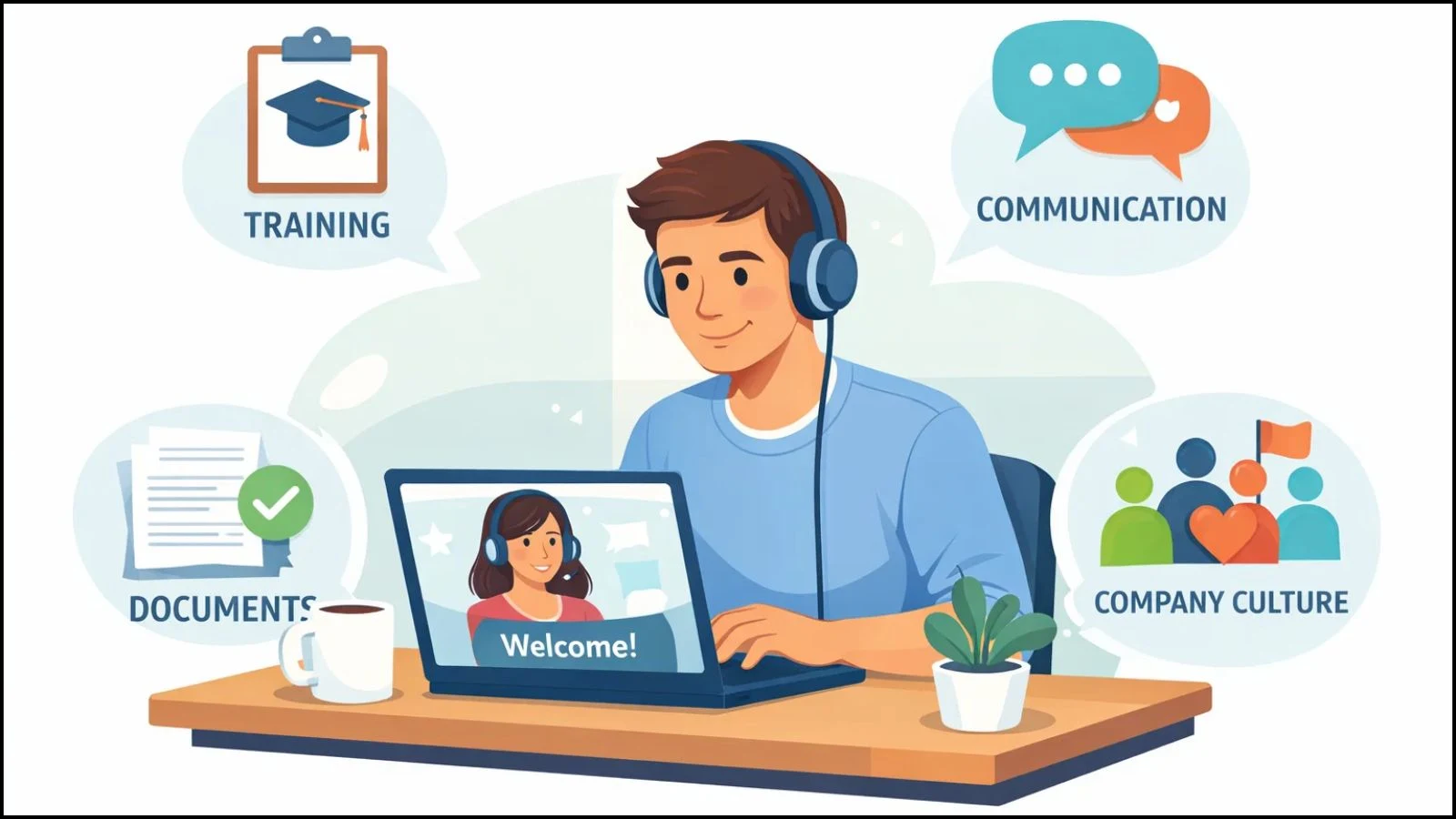
Many organizations assume that remote onboarding is simply a matter of sending documents and scheduling a few virtual meetings. However, without a clear strategy, remote onboarding can quickly become ineffective, leaving new hires disengaged and unprepared.
Common mistakes include:
- Lack of structured guidance: New employees may not know who to ask for help or which tools to use, leading to frustration.
- Minimal communication: Inconsistent check-ins or unclear instructions can make remote hires feel isolated.
- Ignoring company culture: Without intentional efforts to share values and norms, employees may struggle to feel connected to the team.
These failures have real consequences. Poor remote onboarding can result in lower employee engagement, decreased workforce productivity, higher turnover, and even negative impacts on team morale. A study shows that employees who experience ineffective onboarding are more likely to leave within the first year.
Building a thoughtful and structured remote onboarding process prevents these issues. It ensures new hires have the clarity, support, and tools needed to integrate successfully, contributing positively to both their performance and long-term retention.
Key Elements of an Effective Remote Onboarding Process
A successful remote onboarding program goes beyond paperwork—it focuses on clarity, connection, and consistency. Here are the core elements that make a remote onboarding process effective:
- Clear Documentation and Role Clarity
New hires need well-defined job descriptions, responsibilities, and expectations. Providing detailed guides and easy-to-access resources ensures employees know what’s required and reduces confusion. - Structured Communication
Regular check-ins, team introductions, and open channels for questions help remote employees feel supported. Consistent communication prevents feelings of isolation and fosters engagement. - Company Culture and Values
Introducing new hires to the organization’s culture, mission, and values is essential. Sharing stories, team rituals, and core principles helps remote workers feel part of the larger community. - Training and Skill Development
An effective onboarding process includes training modules tailored to the role. This can be delivered via video tutorials, webinars, or interactive online sessions to ensure employees have the skills to succeed. - Feedback and Support Loops
Encourage employees to provide feedback about their onboarding experience and offer continuous support. This enables managers to address challenges promptly and enhance future onboarding cycles.
Focusing on these elements ensures that workers onboard feel confident, connected, and ready to contribute from day one, setting the stage for higher retention and productivity.
Step-by-Step Remote Onboarding Process
A structured remote onboarding process ensures that new hires feel welcomed, informed, and productive from the very beginning. Breaking it down into stages helps both managers and employees navigate the transition smoothly.
1. Pre-Onboarding Preparation
Before the employee’s first day, preparation is key:
- Set up accounts and access: Provide login credentials for email, collaboration tools, and company software.
- Prepare equipment: Ensure laptops, headsets, and any other devices are delivered on time.
- Share welcome materials: Send a welcome email, employee handbook, and links to training resources.
- Set expectations: Outline first-day objectives, schedules, and key contacts to make the employee feel prepared.
This stage ensures that new hires can start smoothly without delays or confusion.
2. Day-One Experience
The first day sets the tone for the employee’s experience:
- Virtual introductions: Organize video calls with team members and key stakeholders.
- Orientation sessions: Cover company policies, tools, and workflows.
- Short-term goals: Set clear, achievable goals for the first week to create a sense of purpose and direction.
A well-structured first day makes employees feel welcomed and part of the team, even from a distance.
3. First Week and First Month Plan
Maintaining momentum after day one is critical:
- Structured onboarding schedule: Include training sessions, project overviews, and regular check-ins.
- Continuous feedback: Managers should provide guidance and support as employees learn new tasks.
- Milestone tracking: Set early performance objectives to help employees measure progress and stay motivated.
A clear onboarding schedule keeps new hires engaged and accelerates their integration into the team.
Best Practices to Onboard Remote Employees Successfully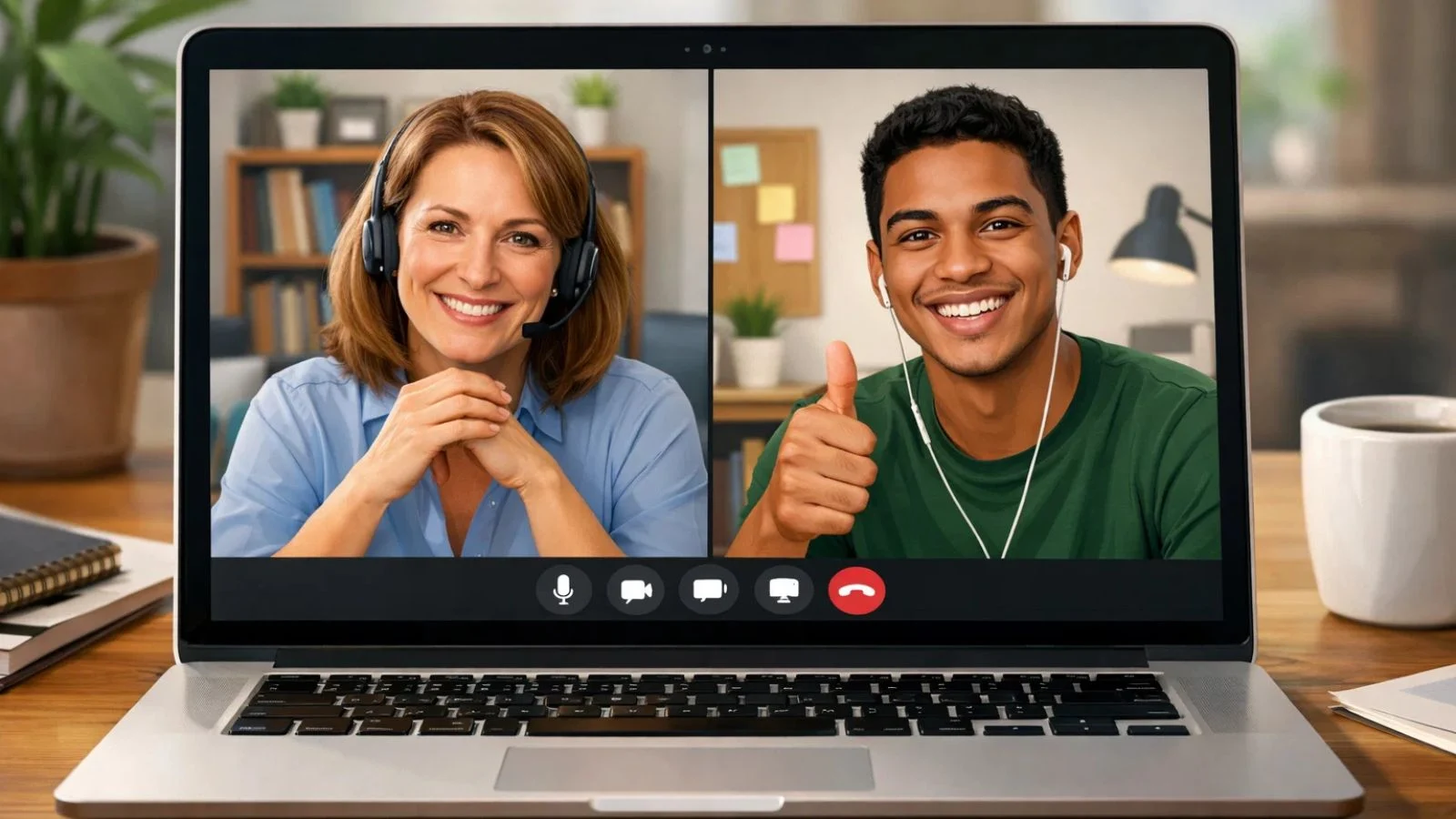
Successfully onboarding remote employees requires more than just processes it relies on intentional practices that foster engagement, trust, and productivity. Here are some proven strategies:
- Support from Managers
Managers should proactively reach out to new hires, schedule regular check-ins, and provide clear guidance. This support helps employees feel valued and reduces confusion during their initial weeks. - Build Trust Without Micromanagement
Remote employees thrive when given autonomy. Avoid constant monitoring; instead, focus on outcomes and encourage open communication to build trust and accountability. - Encourage Collaboration
Promote teamwork by involving new hires in group projects, virtual meetings, and social activities. Collaboration helps them understand workflows, connect with colleagues, and feel part of the company culture. - Personalize the Experience
Tailor onboarding activities to the employee’s role and experience level. Personalized learning paths and mentorship can accelerate skill acquisition and engagement. - Use Feedback Loops
Ask new hires for feedback on the onboarding process. Their input can highlight areas for improvement and create a culture of continuous enhancement.
Implementing these best practices ensures that workers onboard are not only competent in their roles but also connected to the team and aligned with company goals.
Tools That Power Successful Remote Onboarding
Technology plays a crucial role in making remote onboarding efficient, organized, and engaging. Using the right tools ensures new hires have access to resources, training, and support without feeling isolated.
- Online Onboarding Platforms
Platforms dedicated to onboarding centralize training materials, policies, and workflows. They allow employees to complete tasks, track progress, and access documents anytime, making the process seamless. - Employee Management Software
Employee management software helps HR teams monitor progress, assign tasks, and manage performance. It ensures accountability while simplifying communication and workflow tracking. - Collaboration and Communication Tools
Tools like Slack, Microsoft Teams, or Zoom facilitate team interactions, virtual meetings, and group projects. They are essential for building connections and maintaining engagement in a remote environment. - Learning Management Systems (LMS)
LMS platforms host training modules, quizzes, and certifications. They make skill development structured and measurable, helping employees ramp up faster.
By integrating these tools into your online onboarding strategy, you can provide a consistent, transparent, and productive experience for every remote hire.
Remote Employee Monitoring Without Killing Trust
Monitoring remote employees is often necessary to ensure productivity, but it must be done thoughtfully to maintain trust and engagement. Overly intrusive tracking can harm morale, while transparent practices help employees feel accountable without feeling micromanaged.
Best practices for ethical remote employee monitoring include:
- Set Clear Expectations
Clearly communicate what will be monitored, why it’s necessary, and how the data will be used. Transparency prevents misunderstandings and builds trust. - Focus on Outcomes, Not Activity
Instead of tracking every keystroke or idle minute, measure results and deliverables. This approach emphasizes productivity over surveillance and encourages autonomy. - Use the Right Tools
Workforce productivity software can provide insights into project progress, task completion, and collaboration without being invasive. The goal is to support employees, not micromanage them. - Regular Check-Ins
Combine monitoring with frequent one-on-one meetings to discuss progress, challenges, and feedback. This human touch ensures employees feel supported, not watched.
When done correctly, remote employee monitoring can enhance performance, identify challenges early, and support both the employee and the organization—without damaging trust.
How Remote Onboarding Impacts Workforce Productivity
A well-structured remote onboarding process directly influences workforce productivity, employee engagement, and overall organizational performance. When new hires are properly integrated, they can contribute faster and more effectively to team goals.
Key ways remote onboarding boosts productivity:
- Faster Ramp-Up Times
Structured onboarding helps employees understand their roles, tools, and workflows quickly. With clear guidance, they can start contributing to projects sooner. - Reduced Turnover
Employees who feel supported and connected are more likely to stay with the company. Lower turnover saves time and resources spent on recruitment and training. - Alignment with Company Goals
Onboarding programs that communicate vision, values, and objectives ensure that employees focus on priorities that drive business outcomes. - Enhanced Collaboration
Introducing new hires to collaboration tools, workflows, and team norms early improves communication and teamwork, which are essential for productivity in remote environments. - Data-Driven Insights
Using workforce productivity software allows managers to track onboarding effectiveness and employee progress, helping optimize processes for maximum impact.
When executed correctly, remote onboarding doesn’t just acclimate employees—it empowers them to perform at their best from the start.
Common Remote Onboarding Challenges & How to Fix Them
Even with a strong plan, remote onboarding comes with its own set of challenges. Recognizing these obstacles and addressing them proactively ensures a smoother experience for new hires.
- Time Zone Differences
- Challenge: Coordinating meetings and training across multiple time zones can be difficult.
- Solution: Use asynchronous communication for non-urgent tasks and schedule critical meetings at overlapping hours.
- Communication Gaps
- Challenge: Remote employees may feel isolated or miss important updates.
- Solution: Establish regular check-ins, use team messaging platforms, and create clear communication guidelines.
- Lack of Engagement
- Challenge: Without face-to-face interactions, new hires may struggle to feel part of the team.
- Solution: Encourage virtual team-building activities, mentorship programs, and collaborative projects.
- Technology Hurdles
- Challenge: Issues with software access, hardware, or connectivity can slow onboarding.
- Solution: Provide pre-configured equipment, comprehensive guides, and IT support during the first days.
By proactively addressing these challenges, companies can ensure that remote onboarding is effective, engaging, and supportive, helping new hires integrate seamlessly into the team.
How EmpCloud Simplifies Remote Onboarding
Managing remote onboarding can be complex, but EmpCloud streamlines the process, making it easier for HR teams and managers to bring new hires on board efficiently.
Here’s how EmpCloud helps:
- Head Hunting Integration
Easily post job openings and connect with top talent through integrations with platforms like LinkedIn, Indeed, Monster, and Naukri, helping you reach the right candidates faster. - Applicant Tracking System
Track and manage applications from submission to hiring in one place, ensuring no candidate is missed, and every stage of the hiring process stays organized. - Multi-Platform Job Posting
Publish job openings across multiple job boards simultaneously to maximize visibility and attract a larger, more relevant talent pool. - Virtual Interviews
Conduct remote interviews seamlessly with built-in video conferencing and scheduling tools, simplifying coordination and reducing hiring delays. - Offer Management
Create, send, and manage job offers efficiently, streamlining the final stages of hiring and improving candidate experience. - Employee Portal
Provide new hires with a self-service portal for onboarding tasks, document submission, and training, ensuring a smooth and structured onboarding experience. - Talent Pool Management
Build and maintain a database of potential candidates for future roles, reducing time-to-hire and enabling proactive recruitment. - Centralized Dashboard
Manage hiring activities, employee data, and documentation from a single dashboard, offering better visibility and control over the onboarding process. - Secure Document Storage
Store employee documents securely with encryption and controlled access, ensuring compliance and protection of sensitive information.
By leveraging EmpCloud, companies can simplify onboarding, boost engagement, and accelerate the productivity of remote employees, all while maintaining a structured, organized, and transparent process.
Remote Onboarding Checklist
A structured checklist ensures nothing is overlooked during remote onboarding. Breaking onboarding into clear stages helps new hires feel supported and ensures consistency across the organization.
Pre-Hire
- Send a welcome email and the company handbook.
- Provide login credentials for email and collaboration tools.
- Deliver necessary hardware (laptops and headsets).
- Share the first-day agenda.
First Day
- Conduct virtual introductions with team members.
- Orientation session covering company policies and culture.
- Set short-term goals for the first week.
- Provide access to training resources.
First Week
- Schedule role-specific training sessions.
- Conduct regular check-ins with managers.
- Assign small, achievable projects to build confidence.
- Encourage participation in team meetings and virtual social activities.
First 30 Days
- Track progress against initial milestones.
- Gather feedback on the onboarding experience.
- Provide mentorship or buddy support.
- Review performance and provide constructive guidance.
Using this checklist ensures that workers onboarding experience a smooth, structured, and engaging integration into the company.
Also Read,
How To Implement Remote Employee Monitoring Without Micromanaging
Conclusion
An effective remote onboarding process comes down to three things: clarity, consistency, and connection. When new hires know what to do, who to reach out to, and how their work fits in, they settle in faster and perform better.
Define a clear structure for the first few weeks, keep communication intentional, and give people early opportunities to contribute. Use tools to simplify, not complicate, the experience.
Get these fundamentals right, and onboarding stops being a challenge. It becomes a system that consistently turns new hires into confident, productive team members.
FAQs
- How long should remote onboarding last?
The duration varies depending on role complexity, but most effective programs last 30–90 days. This allows employees to gradually learn responsibilities, culture, and tools while achieving early milestones. - Can remote onboarding be automated?
Yes, many aspects of onboarding can be automated using online onboarding platforms. Automated workflows, reminders, and training modules help standardize the process and reduce administrative burden. - What tools are essential for remote onboarding?
Key tools include:
- Employee management software for task tracking and progress monitoring
- Communication platforms like Slack or Teams for collaboration
- Video conferencing tools for orientation and team meetings
Quick Search Our Blogs
Type in keywords and get instant access to related blog posts.

