
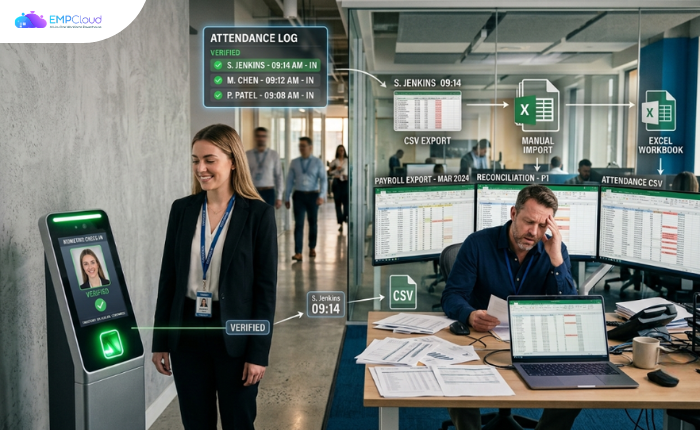
Most HR teams that deploy face recognition attendance expect their payroll headaches to disappear. They don’t. They relocate.
The clocks are accurate. The faces are enrolled. Buddy punching — which costs U.S. employers roughly $11 billion a year — is finally plugged. And yet, on payroll cutoff day, someone is still pulling a CSV export, opening a spreadsheet, and running VLOOKUPs to reconcile clock data against pay codes. HR becomes, as one integration audit bluntly put it, “the bottleneck between clock data and payroll.”
Buyers treat biometric hardware as the finish line. It’s actually the starting gun.
In a hurry? Listen to the blog instead!
Why the Clock-to-Payroll Gap Survives Biometric Rollouts
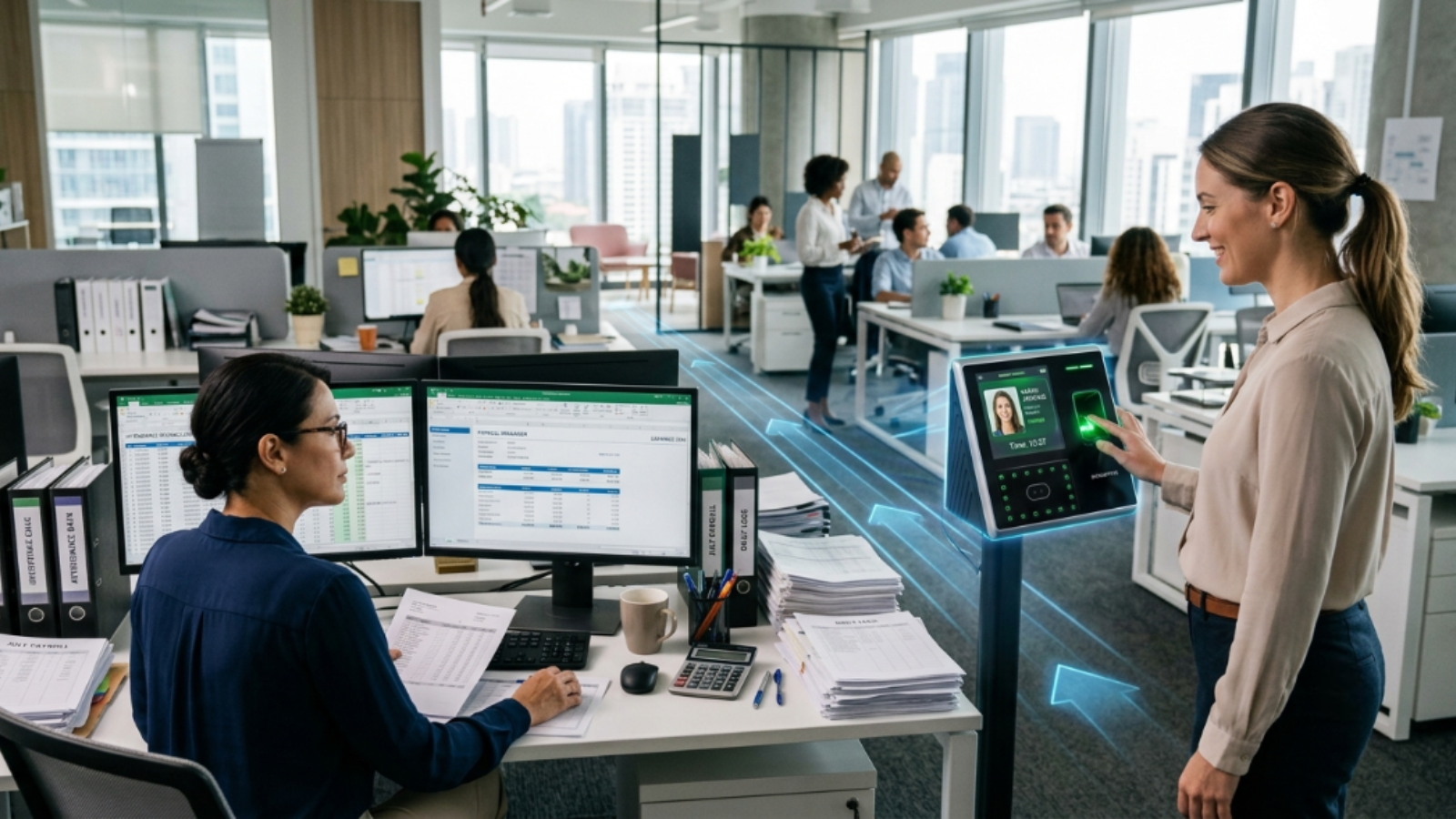
Biometric terminals capture a clean timestamp. That’s the easy part. What happens next determines whether you’ve actually improved payroll accuracy or just moved the error surface.
In most deployments, the terminal vendor and the HRMS vendor are different companies with different data schemas. The terminal logs a raw punch. The payroll engine needs a processed work-hour record — one that already accounts for shift rules, overtime thresholds, grace periods, and pay-code mappings. Nothing in the hardware bridges that gap automatically.
So HR exports a file, cleans it, maps columns, and imports it into payroll. Every manual touch is a place where a formula breaks, a row gets dropped, or a rounding rule gets misapplied. For a 50-person team, manual timesheet processing runs approximately $13,000 per year in admin time and error correction — more than 13× the annual cost of automated attendance software. The biometric terminal solved authenticity. It did nothing about the data pipeline.
At a 200-person site, the volume becomes visible fast. Teams without automated sync report dozens of disputes per month traced directly to manual attendance reconciliation. Employees see a paycheck that doesn’t match their mental tally. HR spends hours triaging which row in which spreadsheet was wrong. Multiply that across a multi-site operation and the cost isn’t just financial — it’s trust.
The Integration Checklist Most Buyers Skip
Before you sign with any biometric attendance vendor, run through these four questions. Not in the sales call. In the technical evaluation.
1. Does clock data reach payroll via API or via file?
This is the single most important question. A direct payroll/HRMS API sync — with pay-code and overtime-rule mappings confirmed before go-live — is the minimum bar on any serious vendor evaluation checklist. If the answer is “we generate a CSV that you import,” that’s a human-error risk compounding every pay period. It’s not a minor implementation detail. It’s a structural flaw.
2. Are pay codes and overtime rules mapped in the system, not the spreadsheet?
Shift differentials, weekend premiums, jurisdiction-specific overtime rules — these need to be encoded in the integration layer, not handled manually downstream. If your HR team is applying them in Excel after export, you haven’t automated payroll. You’ve automated the punch and kept the error-prone part.
3. How does the system handle exceptions?
Face recognition fails sometimes. Lighting changes. Employees grow beards. Enrollment quality degrades. The question isn’t whether exceptions happen — it’s how long they take to resolve. A useful pilot benchmark: if manual exception fixes still consume more than an hour per day after a two-to-four week pilot, resolve that before full rollout. An unresolved exception backlog is exactly where payroll errors breed.
4. Where does biometric data live, and who’s responsible for it?
This isn’t a compliance checkbox to tick after launch. Illinois BIPA requires informed written consent, a posted retention policy, and strict limits on data sharing. EU GDPR Article 9 classifies biometric data as a special category requiring a clear lawful basis before processing. If you’re operating across jurisdictions — and most companies with 200+ employees are — you need to know which legal framework applies at which site before you enroll a single face. SOC 2 certification is a required checkpoint when evaluating vendors on this dimension.
Scale Changes the Problem
Here’s something most vendor demos won’t show you: recognition speed degrades under load. A terminal clocking in employees at 0.6 seconds per person at 50 enrolled users can slow to 1.8 seconds per person at 500 users on the same hardware. That’s a tripling of clock-in time. At a shift change with 600 employees moving through three entry gates, that’s not minor slowness — it’s a queue problem that undermines the whole point of touchless access.
The integration question changes at scale too. A small office can sometimes tolerate a weekly CSV pull. A 600-person plant with staggered shifts and multiple pay codes cannot. The data pipeline that works at 50 employees will collapse at 500. Build for where you’re going, not where you are.
What a Unified HRMS Actually Solves
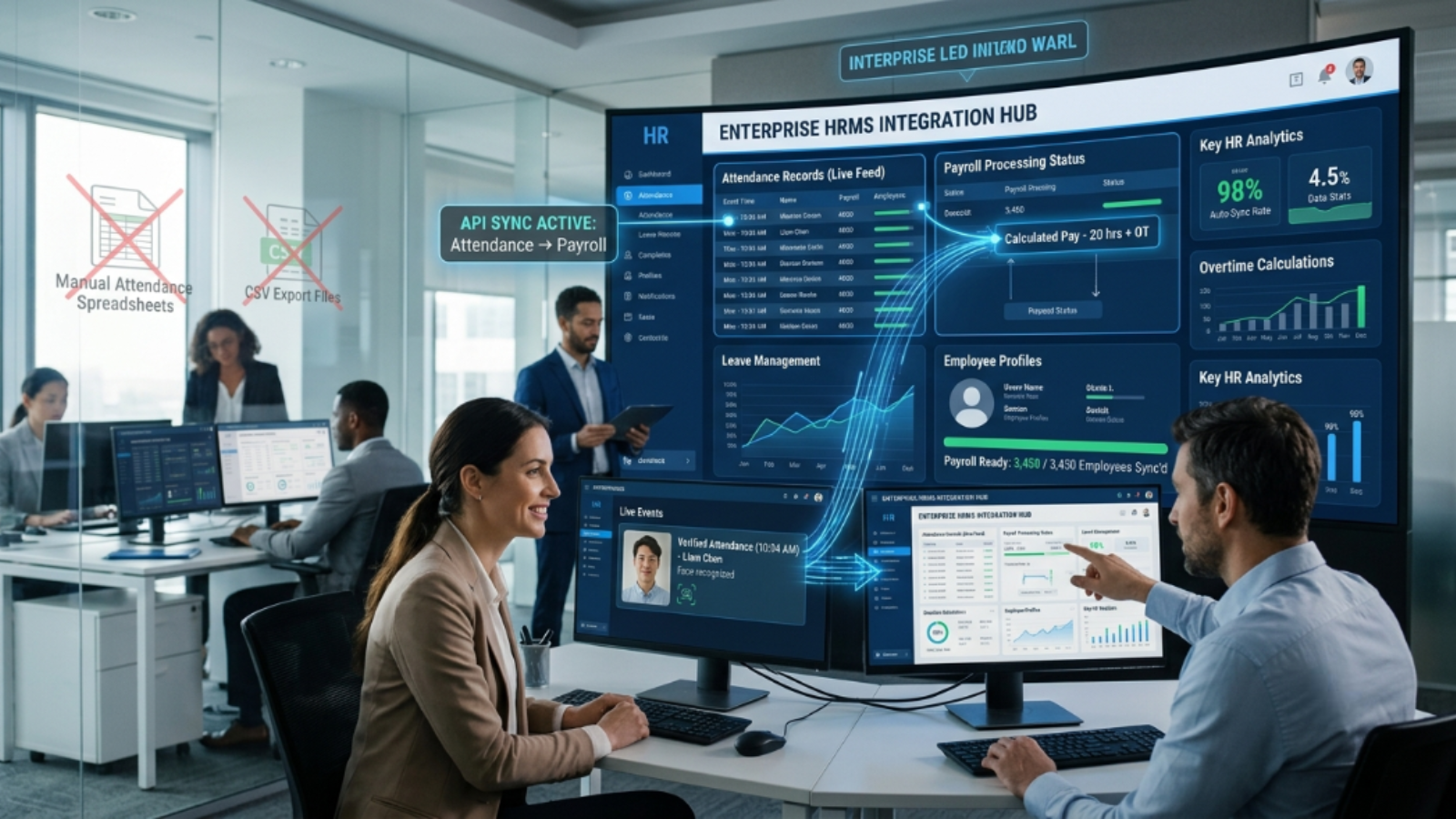
The core problem with bolt-on biometric hardware is that it adds a new data source without adding data coherence. The fix isn’t better spreadsheets. It’s eliminating the gap between clock data and payroll at the system level.
EmpCloud treats this as a single-platform problem: face recognition biometric attendance, payroll, and leave management sit inside the same architecture, connected by the same OAuth2/OIDC authorization layer with SSO, RBAC, and multi-tenant isolation. That structure — cited as reducing user-admin work and access risk in HR system integrations — means clock data doesn’t travel via export. It’s already in the same environment as payroll.
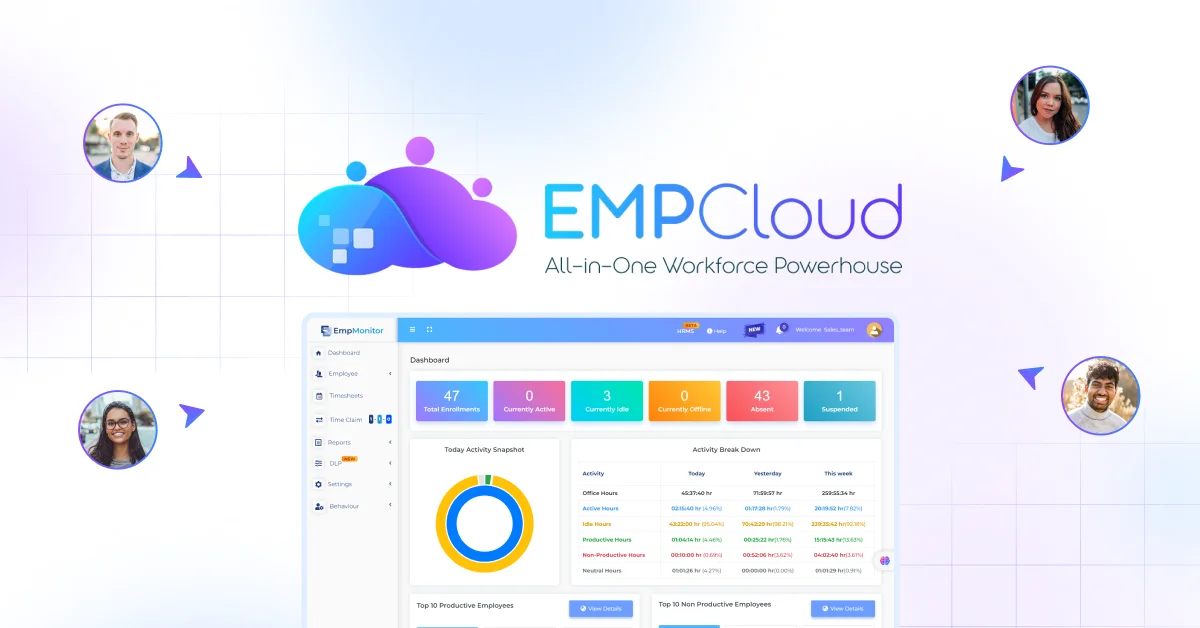
Beyond attendance, the platform’s Smart SQL natural-language analytics tool lets HR pull data from attendance, leave, payroll, and performance in a single conversation — no export, no spreadsheet, no waiting on IT to build a report. Ask a plain-English question. Get the answer. That’s a materially different workflow from stitching outputs together from three separate vendor systems.
EmpCloud currently manages 50,000+ employees across 200+ companies in 15+ countries — including in the IT, telecom, and NBFC sectors where compliance and data-security requirements make the single-database architecture particularly relevant.
Two pieces on our blog complement each other here: the payroll software guide covers the accuracy side of the equation. The case for biometric time tracking covers the attendance layer. Read both and the full shape of the problem gets clearer.
The Honest Takeaway
Biometric attendance solves authenticity. It does not solve payroll. The gap between a verified clock-in timestamp and an accurate paycheck is filled by integration architecture, exception-handling workflows, and compliance infrastructure — none of which come in the hardware box.
If you’re evaluating a biometric rollout and nobody on the vendor side has asked about your pay-code mapping, your overtime jurisdiction rules, or your exception-resolution SLA, you’re being sold half a solution. The other half is what HR ends up doing manually at month-end.
Start with the right question: not “does this terminal capture faces accurately?” but “where does this timestamp go, and how does it become a paycheck?”
Start your free 15-day EmpCloud trial and see what a fully integrated attendance-to-payroll workflow looks like without the spreadsheet in the middle.
Quick Search Our Blogs
Type in keywords and get instant access to related blog posts.

