
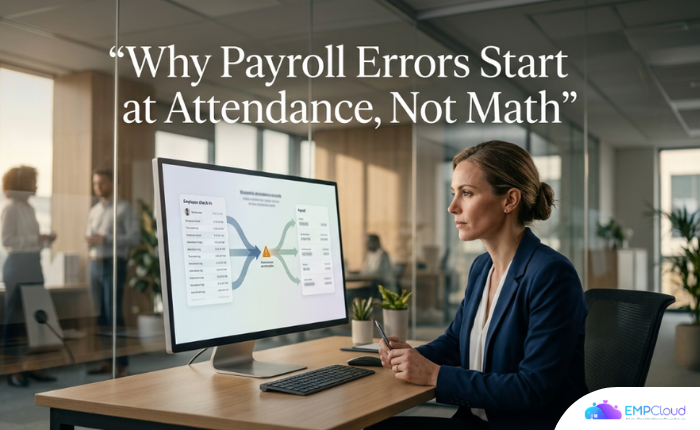
Blame the payroll software. That’s usually the first instinct when an employee gets a wrong payslip. It’s almost always wrong.
Roughly 1 in 6 companies reported litigation tied to payroll errors in the past year. The average payroll accuracy rate sits at 80.15% — which sounds passable until you realise that means roughly one in five payroll entries carries some kind of error. That’s not a rounding issue. That’s a structural one.
The calculation engine in most modern payroll systems is actually fine. The problem is what feeds it.
In a hurry? Listen to the blog instead!
The Six-Step Chain — and the One Step That Breaks Everything
Payroll follows a predictable sequence. Load employee records. Sync attendance daily. Run salary checks. Apply compliance updates. Create the final payout. Grant employee payslip access. Six steps, one chain — and according to EMPCloud’s analysis of common payroll chain failures, step two is where things collapse most often: the attendance sync.
Not the gross-to-net calculation. Not the tax table. The sync.
A 2025 global payroll compliance report confirmed it — the most frequent root cause of cross-border payroll errors is upstream data change failures: joiners not yet loaded, leavers still active, salary changes not propagated. The math runs correctly on wrong inputs, and the payslip comes out wrong.
This changes where you look for the fix. Evaluating payroll software purely on calculation accuracy or tax rule coverage means solving the wrong problem.
Three Specific Failure Modes Worth Naming
Vague references to “data quality issues” don’t help anyone. These are the exact breakdowns that surface repeatedly in real deployments.
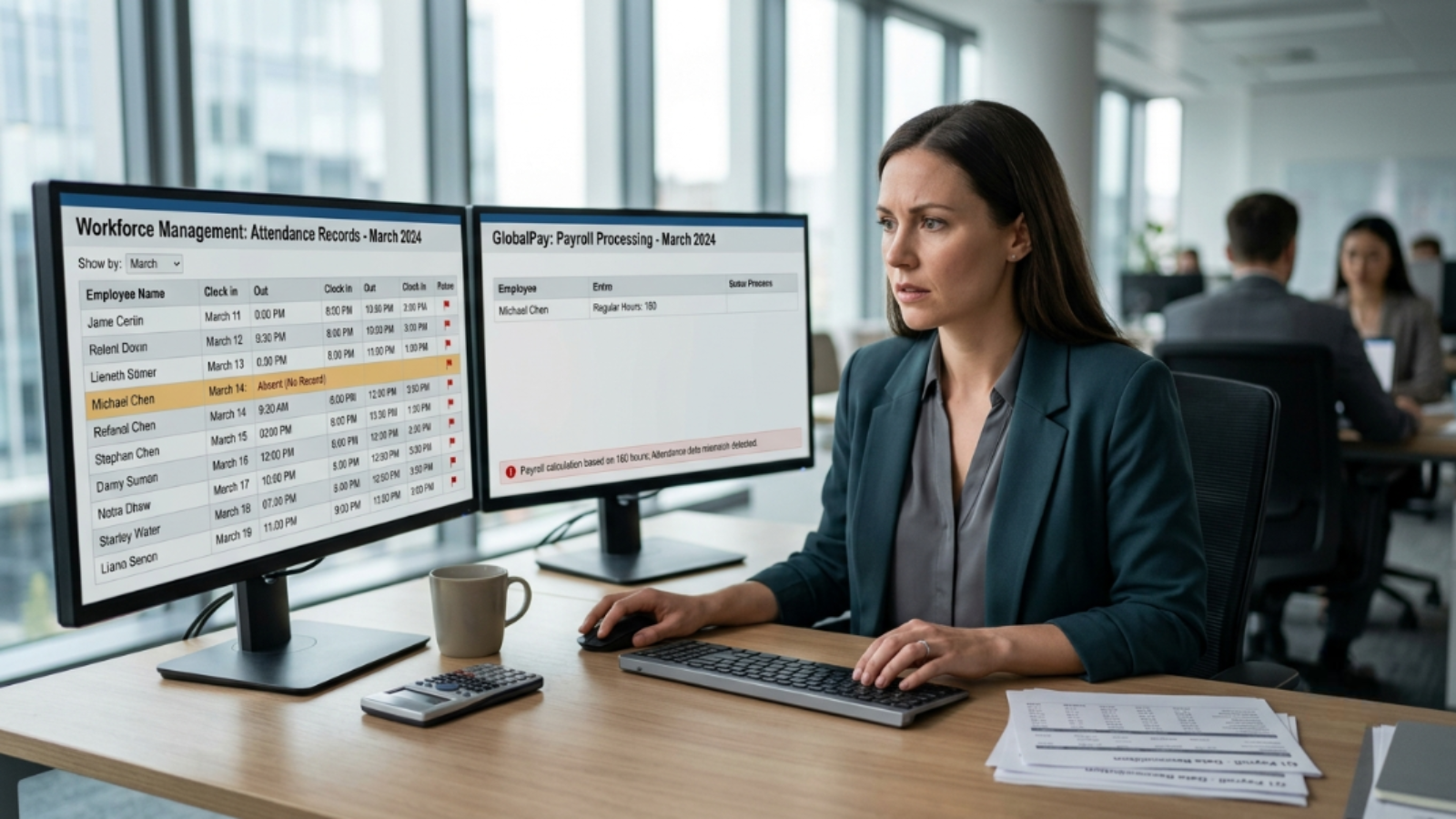
1. The Leave-Payroll Disconnect
When the leave module and payroll module are separate systems with no automated handoff, a submitted-but-unapproved leave gets coded as unpaid absent by default. The payslip is wrong before anyone touches it. No one at the payroll stage even knows a leave request existed.
This isn’t an edge case. It’s what happens every cycle at organisations running disconnected point solutions — and it generates disputes HR spends hours untangling after the fact.
2. The Field Worker Gap
Field workers clocking in via a mobile app not connected to the central HRMS have attendance that is invisible to payroll until someone manually pulls and reconciles data. Under deadline pressure — and there’s always deadline pressure — hours get estimated, approximated, or dropped entirely.
Telecom companies managing engineers across multiple regions and NBFCs with distributed compliance requirements are specifically identified as sectors where field-worker reconciliation failures are acute. The problem scales with headcount and geography. It doesn’t self-correct.
3. The Vendor Split Trap
Buying biometric terminals from one vendor and HR software from another forces a manual export-clean-map-import cycle every single payroll cycle — not just at initial migration. Every cycle. That manual step is where data gets corrupted, truncated, or lost. Teams at 200-person sites without automated sync report dozens of disputes per month traced directly to this reconciliation gap.
The integration audit description that keeps appearing in post-mortems: HR is the bottleneck between clock data and payroll. That’s a structural diagnosis, not a personnel criticism.
The Numbers Behind the Gut Feeling
If these failure modes feel familiar but abstract, the numbers ground them fast.
Time and attendance errors occur at a rate of 1,139 incidents per 1,000 employees — meaning the average organisation has more attendance errors than it has employees in any given period. Manual timesheet processing for a 50-person team runs approximately $13,000 per year in admin time and error correction. That’s more than 13× the annual cost of automated attendance software doing the same job.
Buddy punching costs U.S. employers roughly $11 billion a year. That’s not a compliance footnote. It’s a direct payroll leak that accurate biometric data closes.
→ See how EMPCloud closes the attendance-payroll gap — and what it costs at your headcount.
The compliance picture is getting harder, not easier. Multi-state payroll errors rose 38% year-over-year in 2025, driven largely by remote work complexity. Running that gauntlet on a fragmented data chain is a compounding risk.
What “Unified” Actually Means in Practice
The word “integrated” has been stretched to meaninglessness by vendors who mean “we have an API.” What actually matters is whether attendance, leave, payroll, and performance data sit on the same underlying data layer — with no manual handoff step between them.
Five data fields determine payroll accuracy: employee name, date, check-in time, check-out time, and leave category. If any of those five arrive at payroll from a different source than the others — or arrive late — the chain is broken.
EMPCloud builds the connection between biometric attendance and payroll processing on a single OAuth2/OIDC authorization layer with SSO, RBAC, and multi-tenant isolation. Attendance data committed at the terminal is the same record payroll reads — no export, no import, no reconciliation step. The face recognition biometric attendance module and the payroll module share one data layer, not two systems linked by a scheduled job.
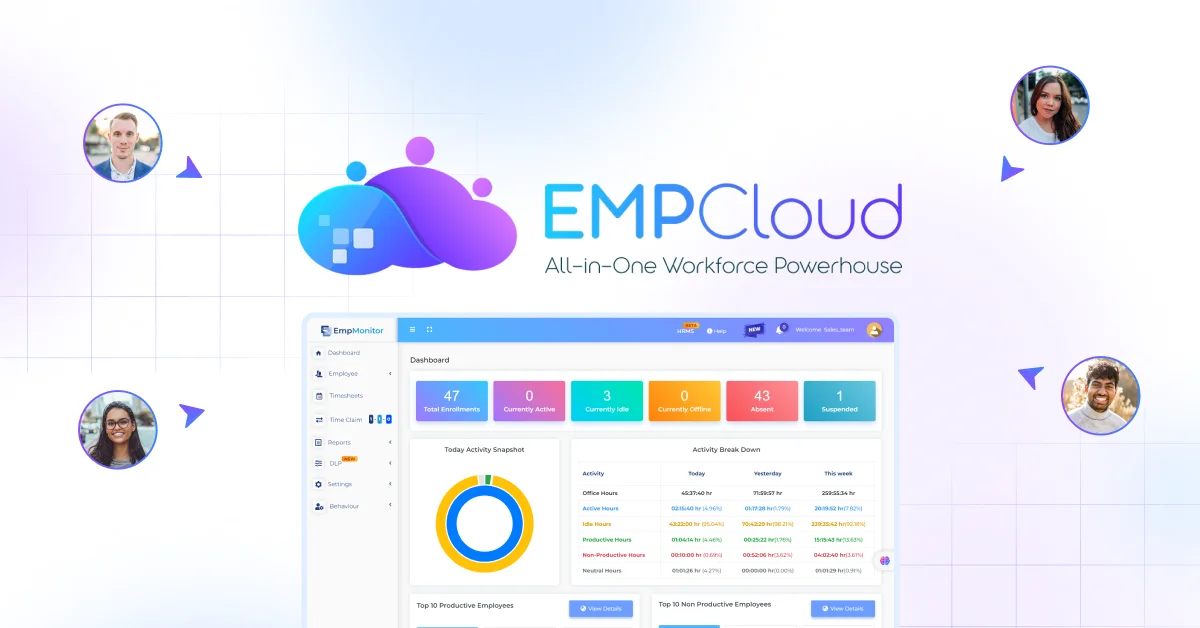
For field workforces, geo-location tracking and activity monitoring feed into the same unified record — so remote engineers and distributed NBFC staff aren’t invisible to payroll until someone remembers to pull a CSV.
The Smart SQL natural-language analytics tool pulls simultaneously from attendance, leave, payroll, and performance data in a single query. An HR manager can ask “show me everyone with more than three leave disputes this quarter” and get an answer without opening four separate systems. That’s what exception-handling looks like when the data is actually unified.

Before You Run a Full Rollout: The Pilot Benchmark
Run a two-to-four week pilot and measure one thing: how long does manual exception-handling take per day? If it still consumes more than one hour per day after the pilot period, the integration problem hasn’t been solved — and full rollout will make it worse, not better.
On the biometric side, watch for recognition speed under load. A terminal performing at 0.6 seconds per person at 50 enrolled users slows to 1.8 seconds per person at 500 users on the same hardware — a 3× degradation. At a shift change with 600 employees moving through three entry gates, that creates a real queue and attendance records that don’t reflect actual clock-in times. Benchmark at scale, not in a demo environment.
The compliance perimeter for biometric data deserves its own checklist. Illinois BIPA requires informed written consent, a posted retention policy, and strict limits on data sharing. EU GDPR Article 9 classifies biometric data as a special category requiring a clear lawful basis before processing. SOC 2 certification is the minimum checkpoint when evaluating any biometric attendance vendor. None of these are optional — they’re the conditions under which the data can be legally collected at all.
What the Data Says About Outcomes
Aggregate data from 50+ enterprises running AI-powered HRMS shows a 60% reduction in payroll processing time — from five to seven days down to under two hours. Statutory compliance accuracy reaches 95% in unified systems, versus 75–80% with manual or fragmented approaches.
Those figures don’t come from better calculation engines. They come from eliminating the manual steps between clock data and payroll run.
EMPCloud claims to manage 50,000+ employees across 200+ companies in 15+ countries, concentrated in IT, telecom, and NBFC sectors. The use-cases where the attendance-payroll sync problem is sharpest — field engineers, distributed compliance teams, high-headcount shift operations — are exactly the sectors where that footprint is concentrated.
If your payroll keeps producing errors and your instinct is to evaluate a better calculation engine, spend time upstream first. Map the path from your biometric terminal to your payroll run and count the manual steps. That number is your real problem — and eliminating it is where the time savings actually come from.
Start your free 15-day EMPCloud trial and run the attendance-to-payroll sync audit in your own environment — before the next payroll cycle closes with the same errors as the last one.
FAQs: –
1. Why do payroll errors happen even when payroll software is accurate?
Payroll software can calculate correctly and still produce the wrong payslip if it receives incorrect attendance, leave, or employee data. The real issue often starts before the payroll run.
2. Can attendance errors really affect my payroll?
Yes. Incorrect check-in times, missing hours, or leave records can change an employee’s payable days and salary. Even a small attendance mismatch can create a payroll error.
3. Does biometric attendance automatically prevent payroll errors?
No. Biometric attendance improves the accuracy of clock-in data, but it does not guarantee accurate payroll. If the data still moves through manual exports or disconnected systems, errors can continue.
4. How can I tell if my payroll problem is actually an attendance problem?
Start by checking where the error first appears. If the attendance record, leave status, or employee information is wrong before payroll calculates the salary, the problem is upstream.
5. What should I look for in attendance and payroll software?
Look for a system that connects attendance, leave, and payroll without manual data transfers. The goal is to make sure payroll reads the same employee records that HR and attendance teams use.
Quick Search Our Blogs
Type in keywords and get instant access to related blog posts.

