
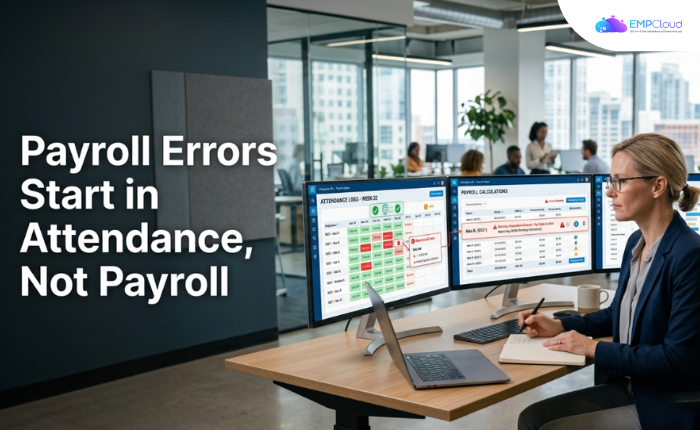
Time and attendance errors occur more than once per employee per year — and for every 1,000 employees, the total cost aggregates to around $250,000. Most HR teams respond by auditing their payroll software. Wrong department.
The damage is done before payroll even opens. It happens the moment an employee clocks in with someone else’s badge, a manager reconstructs a missed punch from memory, or an attendance sheet sits uncorrected for three weeks. By the time payroll runs, it’s inheriting a broken data set — and no payroll engine, however sophisticated, can produce accurate output from inaccurate input.
In a hurry? Listen to the blog instead!
Why the Audit Always Points Upstream
Here’s the pattern I see repeatedly: a company invests in payroll software, gets cleaner output for a quarter, then watches errors creep back. The culprit is rarely the payroll logic. It’s the attendance-to-payroll pipeline — the hand-off between raw time data and the figures payroll actually processes.
Monthly attendance sheets form the data layer for the entire payroll cycle. Gaps in that layer — a missed punch here, an unresolved dispute there — cascade directly into incorrect salary calculations and overtime errors. Payroll errors in 2025 are shifting from back-office nuisance to measurable business risk. The forces driving that shift all trace back to how time data is captured and how it flows downstream.
That upstream origin is what most fix-it plans miss entirely.
The Three Points Where the Pipeline Breaks
1. Clock-In Fraud (Buddy Punching)
PIN and ID card systems have a fundamental flaw: they verify who has the card, not who is actually standing at the terminal. A colleague clocks in for a late peer, a supervisor swipes someone out at shift end — and every one of those phantom punches flows into payroll as legitimate time. In industries with large shift groups — manufacturing, retail — buddy punching causes losses quantified as thousands of dollars every year.
No amount of payroll auditing recovers that money after the fact. The only fix is a clock-in method that binds identity to presence.

2. Manual Reconstruction of Missed Punches
When an employee forgets to clock out, or a terminal goes offline, someone has to reconstruct that time manually. Managers end up fixing missed punches, calculating overtime by hand, and resolving disputes about hours worked — all cited consequences of attendance systems that can’t self-verify. Every manual reconstruction is an error waiting to happen. A manager who guesses wrong on a clock-out time has just introduced inaccurate data into the payroll cycle, and nobody flags it.
3. Stale Attendance Data
Even when time is captured correctly, delay corrupts it. Regular updates are an explicit best practice precisely because data gaps are a recognized failure mode — implying that in practice, sheets go stale. A week-old attendance record that gets corrected retrospectively creates retroactive payroll adjustments, which create more manual work, which creates more error surface. The longer the gap between capture and payroll processing, the worse this compounds.
The Biometric Shortcut Everyone Understands in Theory but Few Implement Well
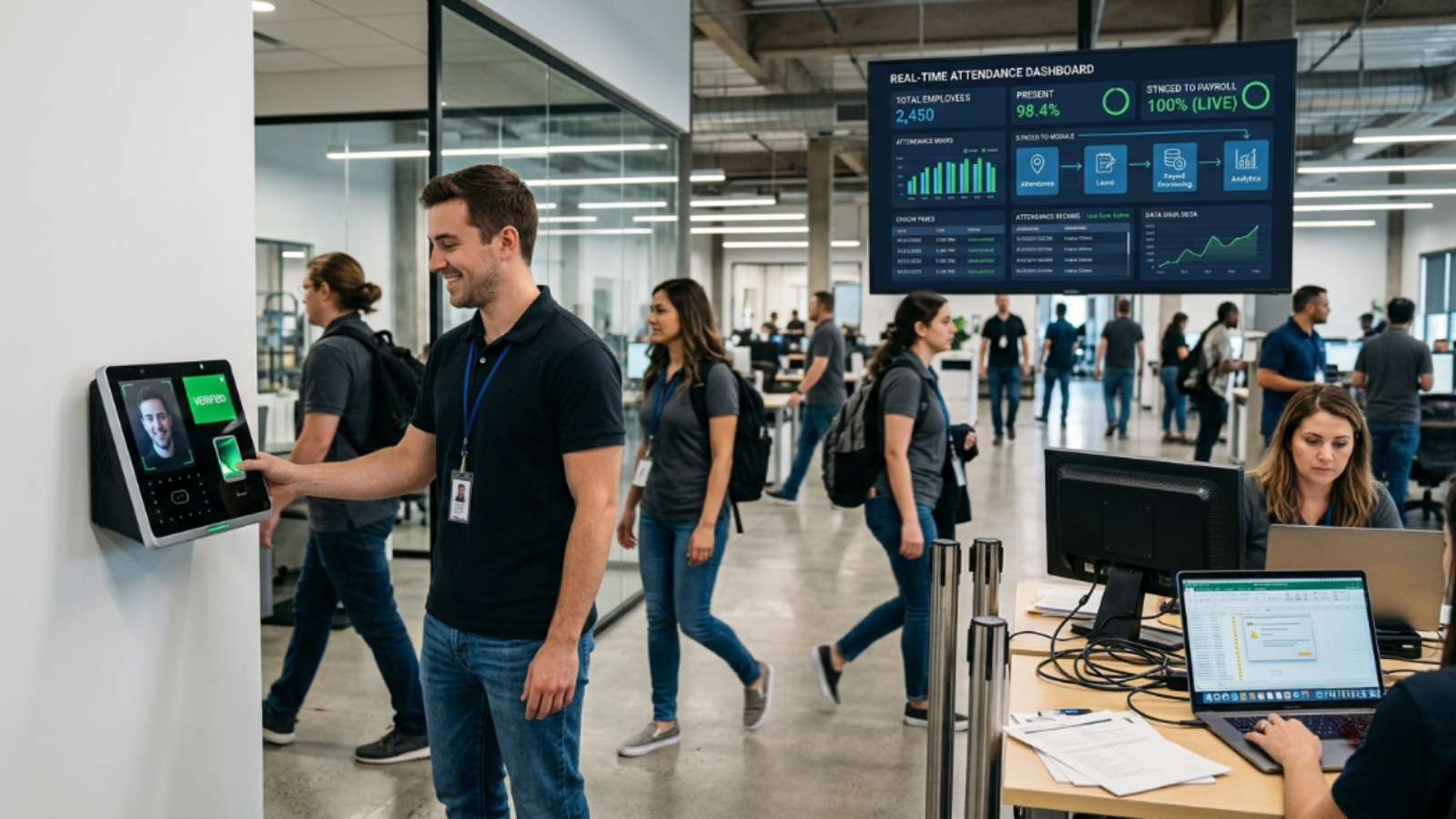
Facial recognition as a clock-in mechanism addresses all three breakpoints simultaneously. It eliminates buddy punching at the source (a face can’t be lent). It removes missed-punch ambiguity for a defined shift window. And because it logs to a system record rather than a paper sheet, it’s updatable in real time.
Facial recognition or fingerprint clock-in takes only a few seconds per employee — meaningful when you’re moving a hundred-person shift through a single terminal. Card and PIN systems create queues precisely because they require physical objects to change hands. That queue pressure is also why employees buddy-punch: the shortcut feels low-stakes in a crowded break room at 5:58 AM.
The implementation failure I see most often: companies deploy a biometric terminal but leave the downstream flow unchanged. Biometric punch data still exports to a spreadsheet, which a payroll administrator imports manually, weekly. You’ve fixed the capture problem but preserved the pipeline break. The attendance data needs to flow into payroll processing without a human hand-off in the middle.
What a Closed Pipeline Actually Looks Like
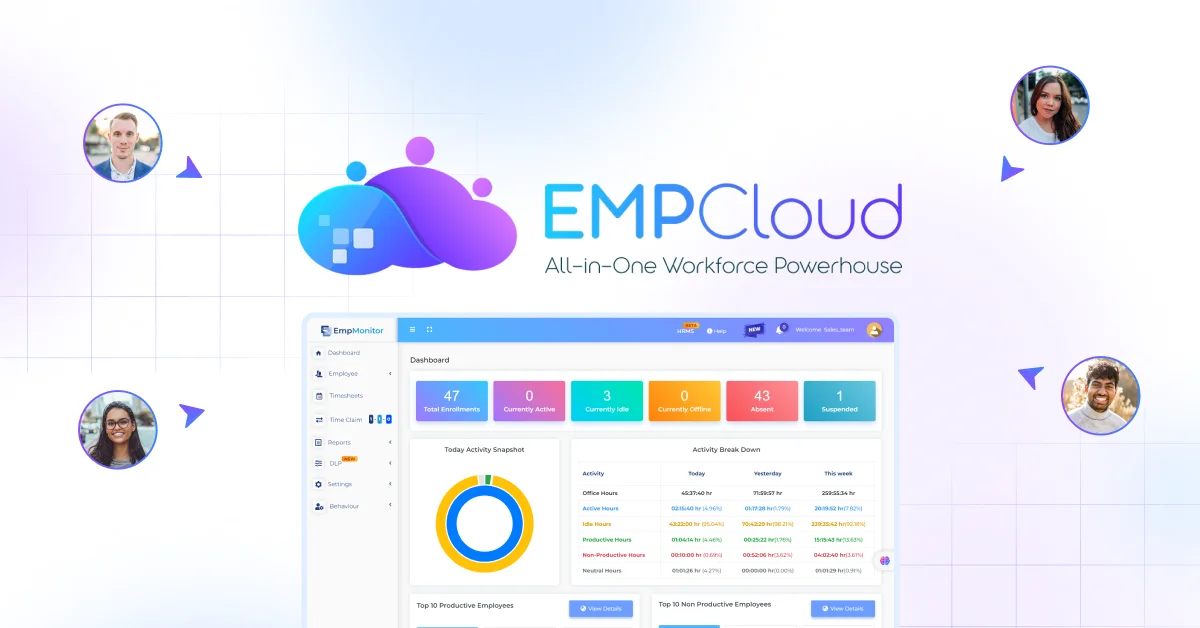
EMPCloud handles this through what it calls Cross-Module Data Access — attendance, leave, payroll, and performance live in a single data environment rather than separate systems that export to each other. When biometric attendance records are generated, they’re available to payroll calculation in the same session. No file to export, no import to trigger, no staging spreadsheet to maintain.
The AI layer matters here in a practical, not marketing, sense. EMPCloud surfaces 41 AI tools across 7 providers, and one of the genuine use cases is asking HR questions in plain English across modules without prior training. That means a payroll manager can query attendance anomalies — missed punches, outliers in overtime — before running payroll, in natural language, without knowing how to write a SQL query or navigate a separate reporting module. The Smart SQL tool handles custom analytics via natural language, which means exception reporting doesn’t require a data analyst.
That’s the closed pipeline: biometric capture → real-time record → cross-module availability → pre-payroll exception review → payroll run. Each stage hands off to the next without a human moving a file.
The Compliance Exposure Nobody Budgets For
There’s a second cost beyond the direct payroll error figure. Labor law compliance and audit exposure are named consequences of poor attendance tracking for companies with hourly employees. An audit that reveals systematic attendance data gaps doesn’t just result in back pay — it raises questions about whether the gap was systematic and deliberate. That’s a different category of legal risk than a computational payroll error.
Healthcare facilities, as one named example, need the same biometric system to handle both accurate attendance records and restricted departmental access. The compliance requirement isn’t just about paying people correctly — it’s about demonstrating, on demand, that access and time records are accurate and tamper-resistant. A biometric system that feeds into a closed payroll pipeline can produce that audit trail. A PIN-based system feeding a spreadsheet cannot.
AI adoption in HR is real and accelerating — adoption jumped from 26% of organizations in 2024 to 43% in 2025. But the companies getting actual ROI from that adoption are the ones who fixed the data quality problem first. An AI that queries bad attendance data produces confident-sounding wrong answers. Fix the pipeline, then layer the intelligence on top.
Where to Start If You’re Mid-Cycle
You don’t need to overhaul everything at once. The single highest-impact intervention, if you can only do one thing: audit your missed-punch correction rate for the last three payroll cycles. Count how many manual adjustments your team made. That number is your error surface. If it’s more than a handful, you have a pipeline problem, not a payroll problem.
From there, evaluate whether your attendance capture method verifies identity or just credentials. If it’s the latter, the manual corrections will keep coming regardless of what payroll software you run. For a closer look at how facial recognition attendance and access control works in practice in 2026, that’s a good place to dig deeper. So is understanding what to look for in payroll software that handles this integration end to end.
The $250,000-per-1,000-employees figure is real. It’s also preventable. Just don’t look for the fix inside your payroll module.
Ready to close the attendance-to-payroll gap? Start your free EMPCloud trial and see how biometric attendance and cross-module payroll processing work as a single system — no file exports, no manual hand-offs, no inherited errors.
Frequently Asked Questions (FAQs)
1. Why do payroll errors often start with attendance data?
Payroll calculations rely on accurate attendance records. Missed punches, buddy punching, manual corrections, and delayed updates can introduce incorrect data that leads to salary, overtime, and leave calculation errors.
2. How does biometric attendance reduce payroll errors?
Biometric attendance systems verify employee identity using facial recognition or fingerprints, preventing buddy punching and reducing manual attendance corrections. This creates more accurate time records for payroll processing.
3. Can payroll software fix inaccurate attendance records?
No. Payroll software can only process the data it receives. If attendance records are incomplete or inaccurate, payroll calculations will also be inaccurate unless the attendance data is corrected first.
4. What is a closed attendance-to-payroll pipeline?
A closed attendance-to-payroll pipeline automatically transfers verified attendance data into payroll without manual exports or spreadsheet imports. This minimizes human errors and improves payroll accuracy.
5. What should businesses look for in an attendance and payroll solution?
Choose a solution that offers biometric attendance, real-time data synchronization, automated payroll integration, leave management, reporting, and compliance features within a unified HR system.
Quick Search Our Blogs
Type in keywords and get instant access to related blog posts.

