
This 2026 small-business guide to face recognition attendance and access control shows you how to choose, pilot, and roll out a system with less risk and more clarity. **Start Free Trial. No Card →, and plain-English notes on privacy laws. In the end, you’ll have a shortlist and a pilot plan, not a pile of buzzwords.
What Is a Face Recognition Attendance System and Why Do Small Businesses Need One?
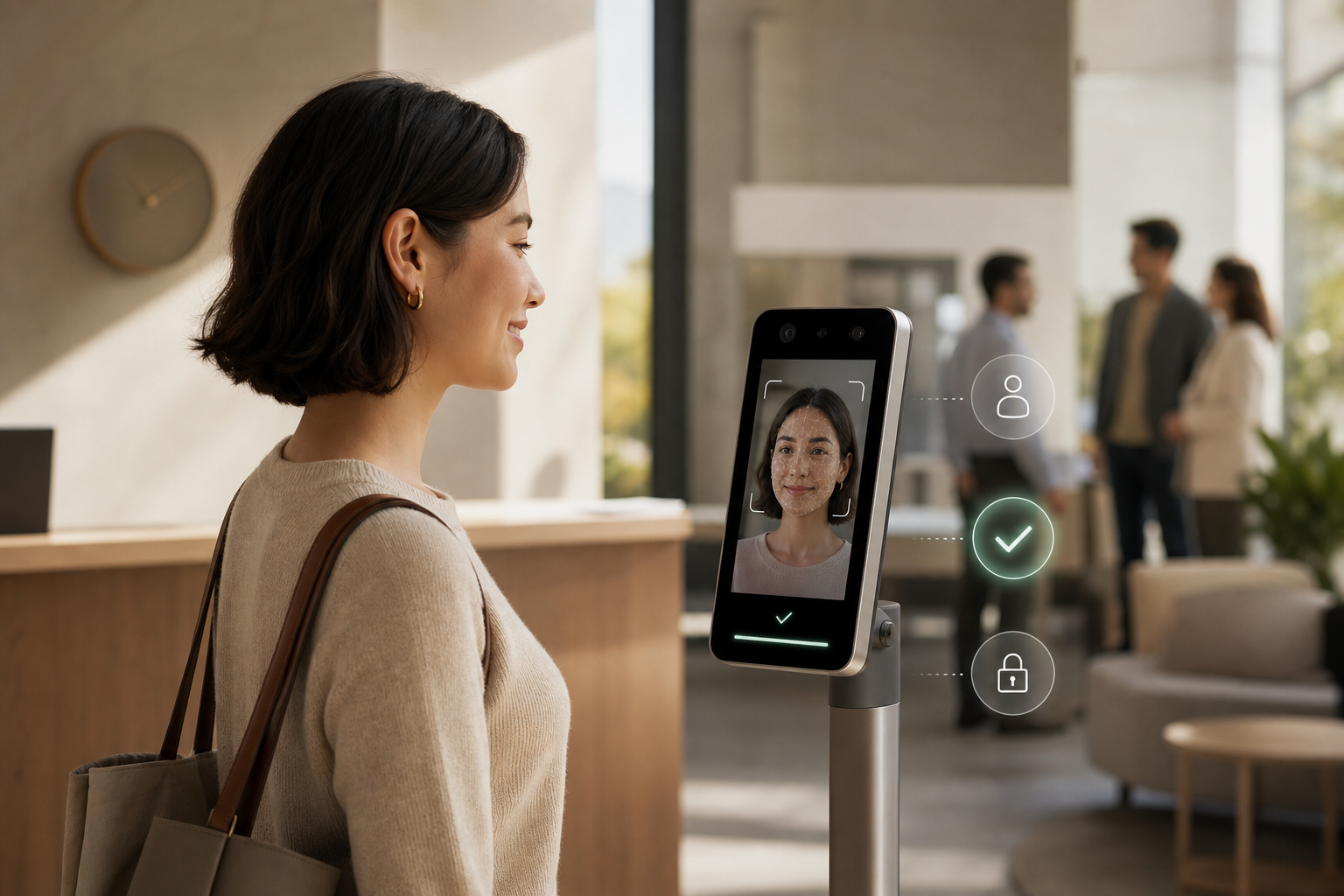
A face recognition attendance system uses a camera to map key points on a person’s face and match them to a stored profile. In plain terms, a small tablet or phone acts as the “clock,” and your team clocks in and out with a face scan instead of a card or PIN. Many tools pair this with door control, so the same scan can open a door or gate for approved staff.
For small businesses, the core problems it solves are simple and real. First, it stops buddy punching, where one person clocks in for a friend. Second, it trims data-entry errors that creep in with manual timesheets. Third, it frees you from late-night reconciliation in Excel or clunky punch-card math. As a result, payroll runs faster, and schedules line up with who was actually on-site.
In addition, this tech is no longer only for big firms. Over the last five years, camera quality, on-device AI, and cloud pricing made it affordable for teams of 5–50. You can start with a single tablet and a low-cost plan, then add a second device when you grow. If face recognition attendance and access control sounds “too advanced,” think of it like moving from a cash box to a card reader, the jump feels big, but the daily time savings are bigger.
Finally, if you wear six hats and “attendance admin” is one of them, you shouldn’t be stuck fixing mismatched times every Friday. A good setup logs who arrived, when, and where in under a second. You’ll still make policy calls, but the system handles the clicks and math.
What It Solves, At A Glance
- Stops buddy punching with a face scan tied to a single person
- Cuts timesheet errors and missing punches
- Speeds payroll by feeding clean data to your pay run
- Syncs access permissions with roles so doors unlock only for the right people
- Creates an auditable trail, helping you pass client or partner reviews faster
Also Read!
Best Employee Monitoring Software for Remote Teams in 2026
EmpCloud vs Hubstaff for Small Businesses: Which Is Better for Employee Monitoring?
How to Evaluate a Face Recognition Attendance System: A 7-Step Framework
You can use this seven-step plan to go from “we should do this” to a real pilot in one week. Each step has a concrete action so you keep moving.
Step 1: Audit Your Pain Points
List your top three issues (late arrivals, buddy punching, payroll errors). Then count hours spent each week on attendance fixes. Action: write a one-page “before” snapshot with time and cost notes.
Step 2: Define Must-Haves vs. Nice-to-Haves
Set “must-haves” like 99%+ match accuracy, works in bright and dim light, and mobile clock-in for field staff. Keep “nice-to-haves” like geo-fencing and payroll integration on a second list. Action: score features 1–5 for impact on your pain points.
Step 3: Set a Real Budget
Plan $2–$8 per user/month for cloud-based software. For hardware, expect $500–$2,000 per device once, plus a wall mount or stand if needed. Action: cap your Year 1 spend and note the break-even point in hours saved.
Quick math example: If you save 3 admin hours per pay period at $30/hour, that’s ~$1,800/year back. For many teams, this alone covers a solid 2026 plan for face recognition attendance and access control.
Step 4: Check Privacy and Compliance
Understand the basics. GDPR (EU) sets rules on personal data, consent, and rights to access or delete data. Illinois’ BIPA requires written consent before collecting biometric data and allows $1,000–$5,000 per violation fines if you break it; see Biometric Information Privacy Act. Ensure the vendor stores templates (not raw images) with encryption at rest and in transit. Also, ask for consent flows and a data retention policy. Action: add “GDPR/BIPA readiness” and “encryption” as must-haves; read a primer on GDPR at Wikipedia (General Data Protection Regulation).
Step 5: Test With a Free Trial or Pilot
Run a two-week pilot with 5–10 employees across roles and shifts. Track accuracy, speed, and how staff feel about the process. Action: use a simple scorecard (match rate, seconds per scan, failed scans, user feedback) and review on Day 14.
Step 6: Evaluate Integrations
Confirm it connects to your payroll and HR systems so data flows without exports. Check for APIs and standards like OAuth2/OIDC for sign-in and SSO. Action: test an end-to-end run where a scan creates an approved time entry that lands in your next pay run.
Step 7: Assess Support and Scale
Ask how the system scales from 10 to 50 users without a platform switch. Confirm support hours, SLAs, and access to a real person. Action: request a scale plan and a named support contact before you buy.
Security and Roles, In Plain English
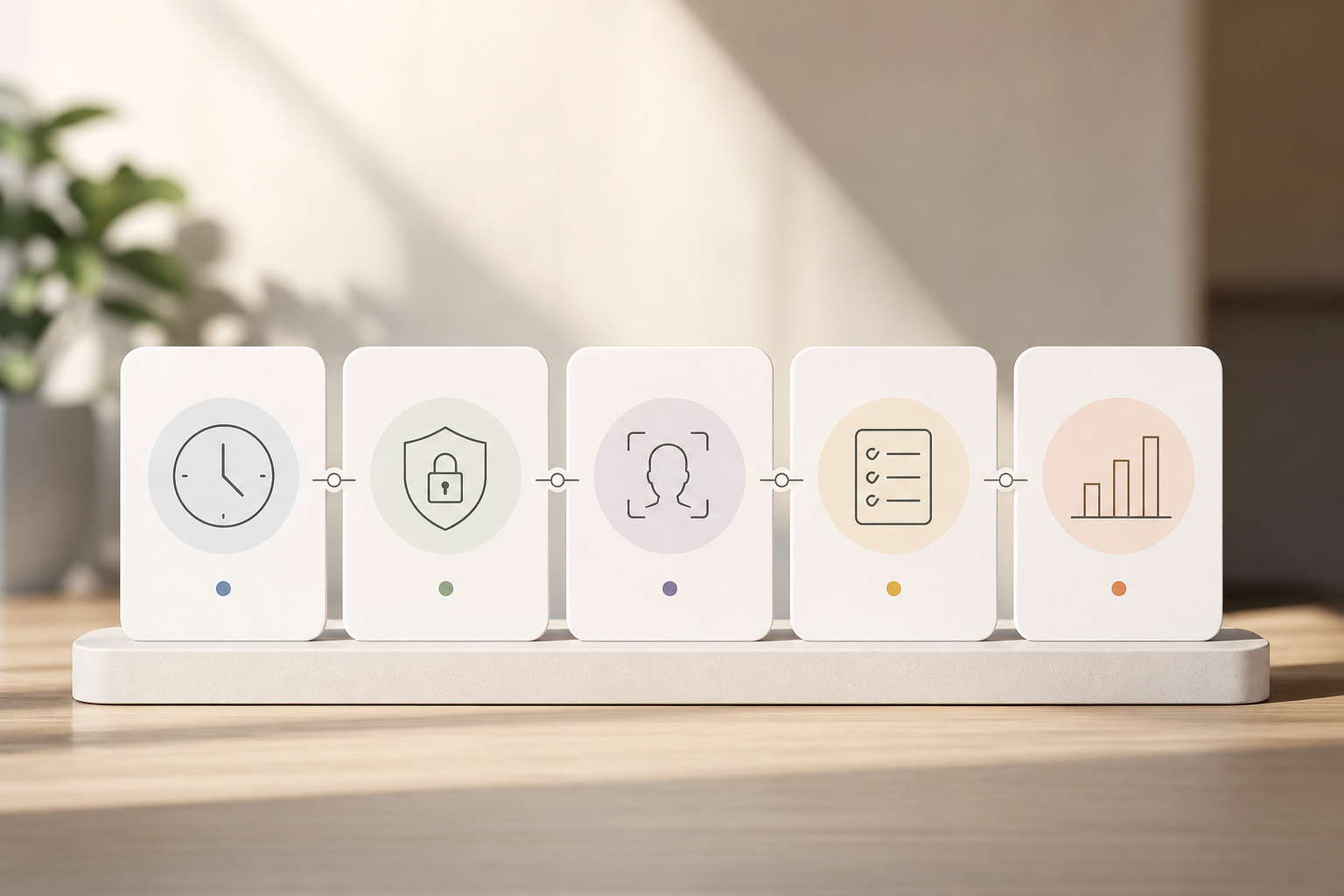
- RBAC (role-based access control): You assign roles like “HR,” “Manager,” and “Staff,” each with clear permissions, so only the right people see or change data.
- SOC 2: An audit standard for how a vendor handles security, availability, and confidentiality. A SOC 2 report gives you third-party assurance that controls exist and work.
- Encryption and storage: Look for centralized, encrypted record storage with tight access logs.
Therefore, put “RBAC,” “SOC 2 attestation,” and “encrypted storage” on your due-diligence list. These reduce risk today and save time at your next client audit.
**Book A Demo. See It Live →, the “how” (templates, not photos), and the “rights” (consent and deletion).
Avoid Common Buying Mistakes
Below are common pitfalls and quick fixes so your pilot doesn’t stall.
Mistake 1: Skipping Written Consent
Biometrics are sensitive. If you roll out scans without a signed consent, you invite complaints and penalties in places covered by BIPA and similar rules. Fix: provide a short, plain-English consent explaining what you collect (templates, not photos), why you collect it (attendance/access), how long you keep it, and how to opt out.
Mistake 2: Ignoring Lighting and Camera Placement
Even great algorithms struggle if the camera points at a bright window or is too high/low. Fix: mount at face height, avoid strong backlight, and test in morning/afternoon/evening conditions. Ask vendors for a placement guide and run a 10-scan lighting test during your pilot.
Mistake 3: Forgetting Change Management
People want to know “what’s in it for me?” Fix: explain that scans are faster than PINs, reduce timesheet errors that delay pay, and keep doors safer. Offer a 15-minute kickoff with a quick demo and Q&A.
Mistake 4: Buying a Standalone Island
If time data can’t flow to payroll and leave, you will export CSVs every week. Fix: require direct payroll/HRMS integration and test it during the pilot.
Mistake 5: Over-Buying Enterprise Features
Geo-fencing every doorway or “AI anomaly detection” sounds neat, but it adds cost and noise for a 15-person team. Fix: buy for the next 12 months, not the next 5 years; upgrade later if needed.
Build Trust Without Adding Work
Moreover, ask vendors about SOC 2 reports and data encryption at rest. In addition, look for protected record management and centralized storage so audits take hours, not weeks. As a social proof check, see if the provider serves 1,500+ businesses or runs in 15+ countries; that hints at mature support. Finally, ensure roles and permissions (RBAC) keep sensitive records locked down.
Also Read!
Best Employee Monitoring Software for Small Businesses in 2026
Small Business Guide to Choosing Employee Monitoring Software
Tools Worth Evaluating for Small Business Face Recognition Attendance
You don’t need a ranked list. You need a map. Here are three categories, who they fit, and the trade-offs. Tools like EmpCloud in the “all-in-one HR” category bundle face scans with payroll, leave, and HRMS, and start with a free tier for small teams.
Category 1: All-in-One HR With Built-In Face Scans
Best for teams that want one login for HR, attendance, leave, and payroll. You gain tight integrations, fewer exports, and central policy setup. Trade-off: you may pay a bit more per user than a single-purpose app, but you save time on glue work. EmpCloud is one option in this group, with face recognition attendance, access control, leave and policy management, and pricing from a free tier up to a Bronze plan at $4.66/user/month (paid yearly for 1–10 users).
Category 2: Dedicated Biometric Attendance (Hardware-First)
Best for shop floors and doors that need a sturdy device on a wall or gate. You get rugged hardware and fast scans. Trade-off: extra cost for devices and mounts, and you must check how data reaches payroll. Vendors in this space include well-known biometric brands with wall terminals and door relays.
Category 3: Mobile-First (Smartphone Camera)
Best for field crews and remote staff who don’t pass a front desk. You get GPS and on-phone scans, with geo-verification for client visits. Trade-off: you need strong consent and device policies, and should plan for offline mode and battery drain.
How To Compare, At A Glance
| Criteria | All-in-One HR | Dedicated Hardware | Mobile-First |
|---|---|---|---|
| Pricing Model | Per user/month; free tier to ~$5 | One-time device ($500–$2,000) + software | Per user/month |
| Integration Depth | Deep (HR, payroll, leave) | Varies; check payroll connectors | Good with modern HR/payroll APIs |
| Mobile Support | Native apps + kiosk mode | Often limited to admin apps | Core strength (iOS/Android) |
| Compliance | Look for SOC 2, RBAC, consent flows | Ask about encryption and retention | Ask about consent, GPS controls |
| Free Trial | Common (7–30 days) | Pilot device + trial software | Common (7–30 days) |
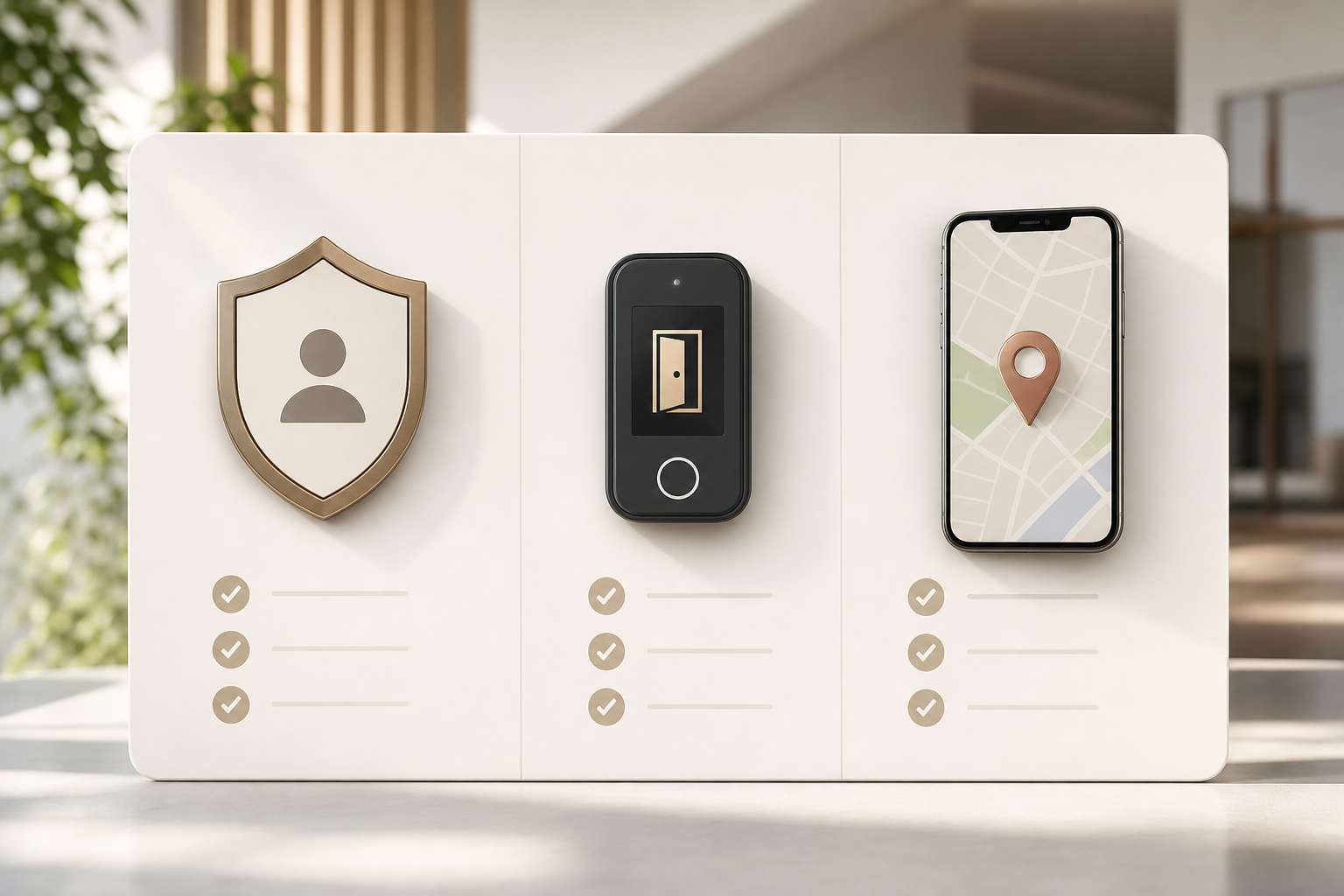
Furthermore, for access control, ensure the vendor can tie scans to door permissions by role. That way, a “Manager” can enter at 7 a., but a “Contractor” only from 9 a. m.
to 6 p. m. This is where RBAC meets physical access and saves you key-management headaches.
Tie Attendance to Access Permissions
- Map roles to schedules once, and let permissions follow the person rather than the keyfob.
- Common pattern:
- Managers: 7 a. m. access for opening shifts.
- Contractors: 9 a. m. to 6 p. m. access windows for daytime work.
- Connect your attendance policy (late/early rules) to door logs to spot exceptions quickly.
- Keep a clear audit trail for facilities and HR so reviews take minutes, not days.
That way, a “Manager” can enter at 7 a., but a “Contractor” only from 9 a. m.
to 6 p. m. This is where RBAC meets physical access and saves you key-management headaches.
One-Week Pilot Schedule (Template for Small Teams)
Use this simple cadence to validate accuracy, speed, staff comfort, and integrations.
- Monday: Capture the “before” picture and align budget. Write down top problems and their frequency: buddy punching (1 case/month), payroll fixes (2 hours/pay period). Also outline hardware options and pick a budget cap. Check pricing with at least two vendors. Check Pricing. Plan Your Budget →, buddy punching (1 case/month), payroll fixes (2 hours/pay period).
- Tuesday: Read your country/state rules on biometrics. For the EU, review GDPR basics on Wikipedia (General Data Protection Regulation). For Illinois, see the Biometric Information Privacy Act. Draft a one-page consent and data-retention note.
- Wednesday: Sign up for 2–3 trials across categories (one all-in-one HR, one hardware-first, one mobile-first). Enroll 5–10 people and capture baseline photos with consent.
- Thursday–Friday: Run your pilot. Track match rate, seconds per scan, failed scans, and how staff feel. Also check if face recognition attendance and access control roles match your door and shift rules. By next Monday, compare pilots on accuracy, staff feedback, and how well data flowed to payroll. Shortlist one or two tools and plan rollout in weeks, not months.
- Next Monday: Review your scorecard, pick the winner, and schedule enablement (training, access policy mapping, and payroll integration test).
As a final note, small teams that switch see full adoption in 2 weeks or less when the steps above are followed. You’ll spend less time fixing timesheets and more time growing your business.
Key Takeaways
- A camera-based system stops buddy punching and cuts admin work; $373M in annual losses show the stakes.
- Budget smart: $2–$8 per user/month for cloud, plus $500–$2,000 if you add hardware.
- Make privacy part of setup: written consent, encryption, and a clear retention policy under laws like BIPA and GDPR.
- Test for 14 days with 5–10 staff, score accuracy and speed, and verify integrations reach payroll without exports.
- Prefer vendors with RBAC, SOC 2, and protected, centralized record storage; plan to scale from 10 to 50 users without a platform swap.
- In 2026, prioritize vendors that can combine attendance with access rights in one console to cut duplicate work.
What to do this week: audit your pain points, study your local biometric rules, run two trials, and pick the pilot that gave you the cleanest time data with the least staff friction. You’ll feel the lift fast.
Quick Search Our Blogs
Type in keywords and get instant access to related blog posts.

