

In 2026, small teams are rethinking employee monitoring and productivity tracking to balance trust, transparency, and results while getting real value from every payroll dollar. Start a free trial, get insights today →. That shift pushed owners to ask for proof of work, fewer status meetings, and better use of payroll dollars. As a result, software has moved from raw surveillance to actionable productivity insights.
Before we compare tools, let’s set the six dimensions that matter most for small teams. These reflect budget, setup time, team morale, and legal risk. They also go beyond screenshots to show how work gets done.
- Core monitoring features: screenshots, activity rates, app/URL tracking, keystrokes, and idle time
- Productivity analytics: dashboards, trend lines, AI insights, and coachable metrics
- Ease of setup for non-technical teams: install steps, onboarding time, and change management
- Pricing at small team sizes (1–25 users): real annual costs and what features are included
- Privacy and transparency controls: opt-in modes, private time, data retention, and GDPR-friendly defaults (see EU guidance: https://europa.eu/youreurope/citizens/consumers/internet-telecoms/data-protection/index_en).
- Breadth of HR/workforce features beyond monitoring: time-off, payroll, attendance, performance, and field force
For policy and team norms, you may also want a clear template for return-to-office or hybrid schedules. If that’s on your plate, this practical return to work letter guide can save you a few hours.
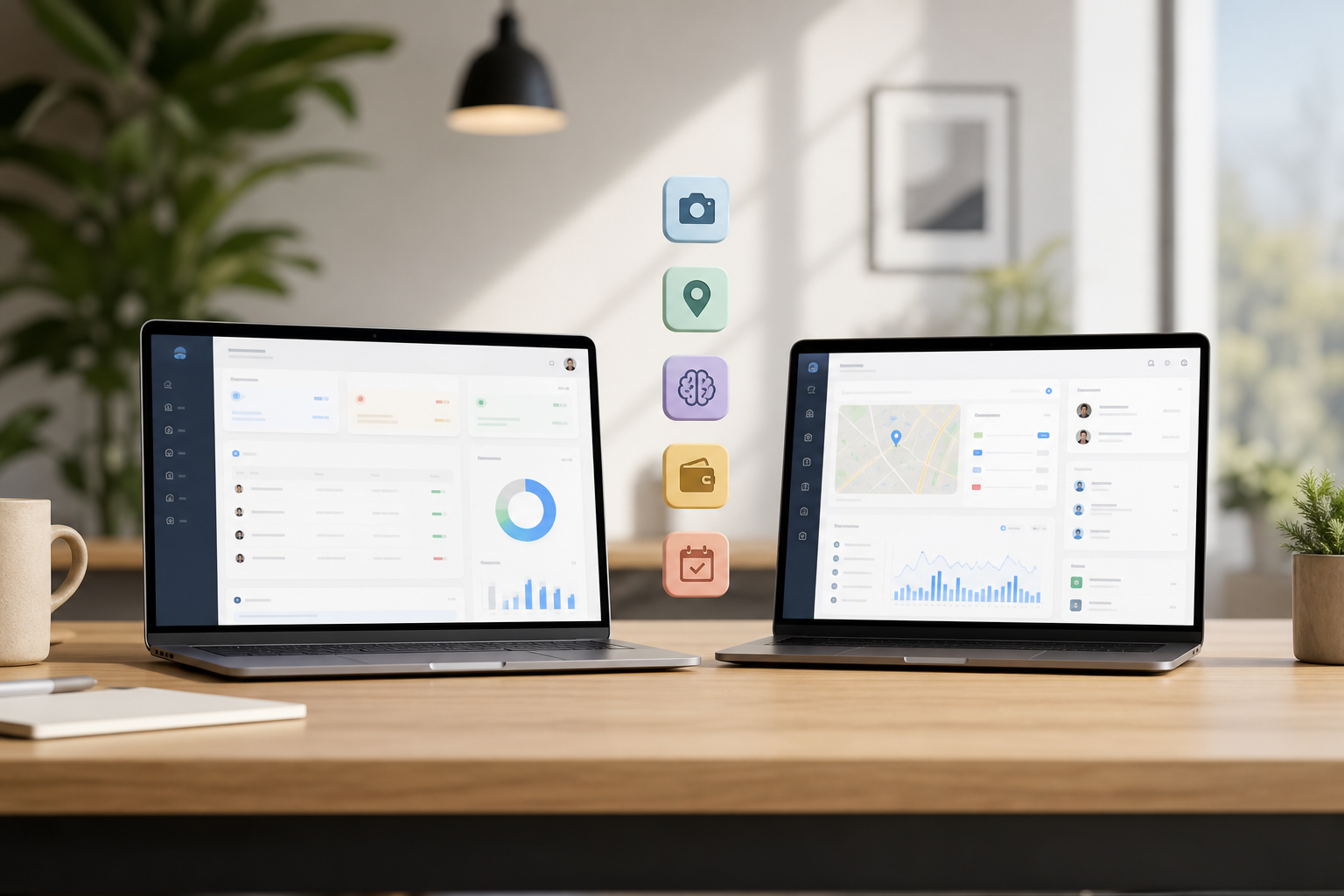
How We’ll Use These Criteria to Compare Employee Monitoring and Productivity Tracking
- We’ll score core tracking first, then layer in analytics and AI.
- We’ll check setup friction and real cost at 5 and 20 users.
- We’ll weigh privacy, because trust makes or breaks adoption.
- We’ll close with HR breadth and integrations to show long-term fit.
To keep this practical, each dimension maps to a common small-business decision: proof of work (core monitoring), coaching and performance (analytics), time-to-value (setup), total cost (pricing), trust and compliance (privacy), and avoiding app sprawl (HR breadth and integrations).
When tools look close on features, we’ll prioritize clarity of workflows, administrator controls, and how easily non-technical managers can turn raw data into meaningful actions. The goal is not just oversight, but sustained productivity gains your team accepts and understands.
Who This Guide Is For
- Owners and operations leads running 5–50 employees who need proof of work without crushing morale.
- HR managers aligning time tracking with payroll, attendance, and return-to-office policies.
- Project leads and client services teams who reconcile timesheets to budgets and invoices.
- IT and security stakeholders who must balance privacy, lawful bases, and auditability across tools.
EmpCloud Overview — Strengths and Weaknesses for Employee Monitoring and Productivity Tracking
EmpCloud is a full workforce platform where monitoring (the EmpMonitor module) is one piece of a larger HR suite. That matters if you want time tracking, attendance via facial recognition, payroll, project management, performance reviews, and even offboarding in one place.
On price, EmpCloud offers a free tier for very small teams to test the waters. The Bronze plan runs $4.66 per user per month for 1–10 users (billed yearly).
For growing teams, the Silver plan drops to $3.83 for 11–50 users, and Gold goes to $3 for 51–200 users. For a cash‑sensitive small business, that slope helps you plan for 5, 20, and 50 employees without sticker shock.
On monitoring depth, EmpCloud includes automatic screenshots, keystroke monitoring, URL/app tracking, and real-time dashboards with productivity calculations. Stealth and un‑stealth modes let you choose full transparency or quiet background capture. A private time option respects personal tasks during the day.
For field teams, live location tracking, timeline review, distance tracking, and geo‑verified client visits are built in. If you also manage attendance, its facial recognition system reduces buddy punching and feeds time data into payroll. Admins can add rules for break compliance, shift exceptions, and approvals so the monitoring data directly informs accurate payouts.
For data-driven coaching, EmpCloud brings 41 AI tools across 7 providers into the HR stack, from quick queries on trends to AI‑assisted performance reviews. If you want to ask, “Show me who had the biggest context-switch jumps last week,” you can get an answer without building a spreadsheet.
Managers can drill into app/URL shifts by hour, see baseline activity versus peak windows, and turn those insights into small habit changes that compound over time. The result is a coaching rhythm grounded in data, not guesswork, which helps managers make fairer, faster decisions.
Security and trust signals also matter. EmpCloud is SOC 2 compliant, runs in 15+ countries, and is used by 1,500+ businesses managing 50,000+ employees. For leadership teams, that level of adoption plus third‑party compliance reduces perceived vendor risk.
“EmpMonitor has been a big improvement for us, providing real-time insights into employee productivity. Coupled with the Project Management tool, we’ve seen a marked improvement in task coordination and project completion rates.” — Karen Martinez, HR Manager At Global Inc.
However, the breadth can feel like “too much” if you only want a lightweight monitor. The UI has a learning curve because there is a lot in the platform: HRMS, payroll, projects, performance, and exit management. For a 10‑person startup, offboarding workflows might feel out of place, useful later, but not day one.
In addition, some niche features, like USB detection and VIP support, sit behind higher tiers. If you never plan to touch HR or payroll, you might pay for more surface area than you need. The flip side is that as you grow, you won’t outgrow the platform, and you can turn modules on gradually with role-based permissions and clear audit logs.
To make that growth path smoother, EmpCloud lets you assign granular roles by team, site, and project. You can restrict sensitive monitoring data to designated reviewers and keep a searchable audit trail of changes. In regulated environments, those controls simplify internal audits and demonstrate accountable use of monitoring features.
Where EmpCloud Fits Best
- Small teams that want monitoring plus HR, payroll, and projects in one place
- Field-heavy teams that care about geo‑verified visits and location timelines
- Leaders who want AI-driven insights, not just raw screenshots
Hubstaff Overview — Strengths and Weaknesses for Employee Monitoring and Productivity Tracking
Hubstaff is a well-known standalone tool for time tracking and monitoring, especially for remote agencies, freelancers, and distributed teams. Its desktop and mobile apps are light, fast, and tuned for day‑to‑day use. That polish shows up in frictionless timers, idle detection that prompts for notes, and activity rates that are easy to read.
As of late 2025 pricing, Hubstaff’s per‑user fee starts around $4.99 per user per month on the Starter plan, with a 14‑day free trial. More advanced features, like app/URL tracking and custom reports, sit on higher tiers around $10+ per user per month. If your needs are basic time tracking with a few screenshots, Starter may be enough. If you need deeper analytics, you will likely move up a tier.
For field teams, Hubstaff’s GPS tracking is strong. Teams use it to confirm visits, map routes, and see work zones. Integrations are another clear strength: it connects to 30+ common tools across project management and payroll, including names like Asana, Trello, and QuickBooks (mentioned here for context, not endorsements or links). If you live in other tools already, that ecosystem helps.
On the monitoring front, Hubstaff supports screenshots with configurable frequency, activity rates, and idle time prompts. It offers options around keystroke logging that focus on activity, not text content. For teams wary of heavy surveillance, screenshot blurring helps reduce sensitivity.
Hubstaff Pricing and Plan Considerations
- Starter is affordable for basic screenshots and time tracking; feature depth grows with higher tiers.
- App/URL tracking, advanced reporting, and some scheduling options may require a mid or top-tier plan.
- There is no free‑forever plan; teams should plan for post‑trial adoption to avoid workflow disruption.
However, Hubstaff is not an HR platform. It does not include HRMS, payroll processing, performance reviews, or onboarding/offboarding. That focus is good if you want a tight, light monitor.
This design keeps administrative surface area small, which many owners prefer. The tradeoff is that end-to-end HR workflows live across separate vendors unless you integrate them.
But if you plan to add attendance, payroll, reviews, or field force tasking, you will need added tools (and budgets). There is also no free‑forever plan; you get a trial, then pay.
Hubstaff also covers basics like timesheets, approvals, and simple scheduling on certain tiers. You can set project budgets and alerts so overruns surface early. For many small teams, those features plus integrations provide the right balance of visibility and simplicity in employee monitoring and productivity tracking.
Day‑One Ease for Non‑Technical Teams in Employee Monitoring and Productivity Tracking
If your goal is “install this today and track time by lunch,” Hubstaff excels. The apps are simple, and the core flows are proven. If you want a one‑stop workforce system, EmpCloud’s breadth will win, but setup may take a bit longer to make the most of it.
In practice, a non-technical manager can invite a contractor, have them install the desktop app, start a project timer, and see activity within minutes.
EmpCloud, by contrast, rewards a short onboarding session: define teams, set privacy defaults (stealth or un‑stealth), and connect attendance or payroll so the monitoring data pays dividends beyond screenshots. A 20–30 minute kickoff with screenshots of the employee view, privacy settings, and “what managers will see” typically reduces questions and helps teams adopt the tools with fewer surprises.
[Book a live demo, see it in action →]
Feature-by-Feature Comparison
| Category | EmpCloud | Hubstaff | Verdict |
|---|---|---|---|
| 1) Screenshot & Activity Monitoring | Automatic screenshots, keystroke monitoring, activity scoring; stealth/un‑stealth; private time | Screenshots with frequency controls; activity rates; optional blur; keyboard activity (non‑content) | Tie. |
| 2) Time Tracking & Idle Detection | Automatic time tracking with offline/idle time approval; shift scheduling | Purpose‑built timers; idle prompts; polished day‑to‑day flows | Hubstaff, time tracking polish is its core strength |
| 3) URL & App Tracking | Included within EmpMonitor; visible in real‑time dashboards with productivity calcs | Available on higher tiers (as of late 2025) | EmpCloud, similar features available without stepping up tiers |
| 4) GPS & Field Force Management | Live location tracking, timeline review, distance tracking; task management; geo‑verified client visits | Strong GPS and routes; solid location features | EmpCloud, adds tasking plus geo‑verified visit workflows |
| 5) Productivity Analytics & AI Insights | Real‑time dashboard; productivity calculation; 41 AI tools across 7 providers; AI‑powered reviews | Activity %, screenshots, and reports; fewer AI‑driven insights | EmpCloud, deeper analytics and AI‑assisted coaching |
| 6) HR & Workforce (Payroll, Attendance, Performance) | Integrated HRMS with payroll, facial recognition attendance, performance & career management, exit management | Not included; monitoring/time tracking focus | EmpCloud, decisive win for teams wanting one platform |
| 7) Integrations & Ecosystem | More self‑contained suite; replaces several tools | 30+ third‑party integrations for PM/payroll | Hubstaff, better if you prefer a plug‑and‑play stack |
| 8) Privacy & Transparency | Stealth or un‑stealth, private time option, roles/permissions, custom reports | Screenshot blurring, activity toggles, clear app prompts | Tie, different styles; both can be rolled out transparently |
Moreover, both tools can be rolled out with clear policies. For a smoother rollout, pair the software with a written policy and a manager note. If you need a starting point, this return to work letter explains tone, scope, and timing so your team knows what’s changing and why.
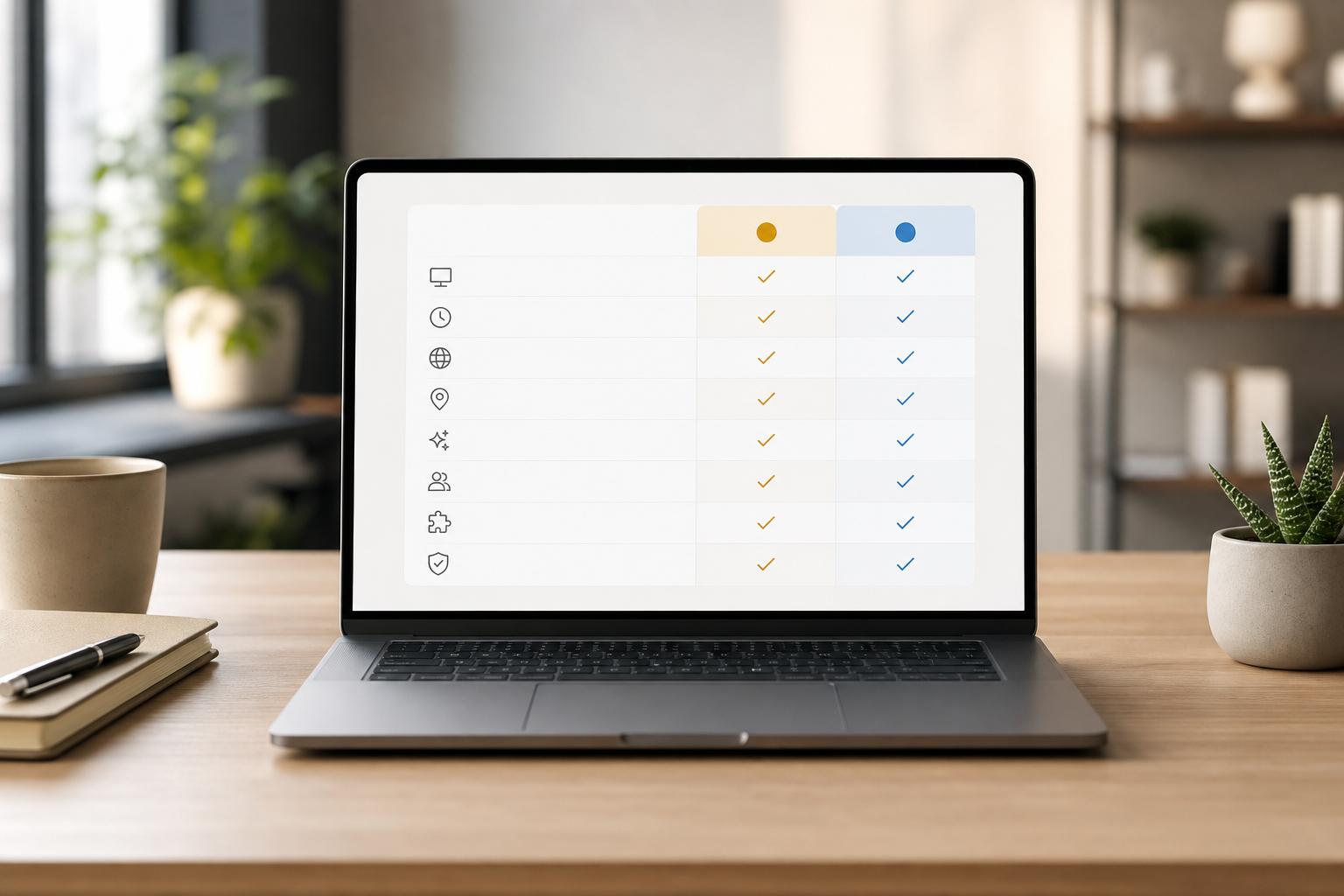
Quick rollout checklist for managers
- Confirm which teams or roles are in scope for week one, then expand.
- Set default privacy mode and explain it during a 15‑minute kickoff.
- Turn on screenshot blurring or private time where appropriate for your policy.
- Connect payroll or invoicing early so time data delivers visible wins fast.
- Schedule a manager Q&A after the first week to close gaps and reduce friction.
Implementation Tips That Save Time
- Standardize project and task naming before rollout so time data aligns with budgets and invoices.
- Pilot both desktop and mobile workflows if you have field teams; confirm GPS permissions and battery settings.
- Create saved reports or dashboards for weekly reviews; consistency builds trust in the metrics.
Notes on Privacy and Lawful Use in Employee Monitoring and Productivity Tracking
- Use un‑stealth modes and employee‑facing dashboards when trust is the goal.
- Keep data retention tight and explain what’s collected.
- For EU teams, align with GDPR guidance on lawful bases and transparency (source above on europa. eu).
Also consider purpose limitation: write down the specific reasons you collect data (e. g., payroll accuracy, safety for field teams, or performance coaching) and avoid repurposing it beyond those reasons. Make opt‑out or private time options clear and easy, especially for breaks or sensitive tasks.
Finally, inform staff before rollout. Share what will be captured, who can see it, retention periods, and how to raise concerns. A short Q&A meeting plus a written policy improves acceptance and reduces shadow IT or workarounds that undermine data quality.
Beyond policy, align metrics with outcomes. Explain to managers which indicators matter (for example, on‑time timesheets, verified client visits, or reduced context switching) so reviews focus on results, not just activity.
If employees use personal devices (BYOD), publish a device policy that limits monitoring to work profiles or specified hours. None of this is legal advice; consult counsel to tailor your approach to local regulation and collective agreements.
Tip: Keep a changelog for your monitoring policy. When retention windows, screenshot frequency, or privacy settings change, note the date and why. That transparency reduces confusion and helps with audits.
For larger EU rollouts, consider a Data Protection Impact Assessment (DPIA) and, where applicable, consultation with works councils or unions. Engage your security team early to document encryption, access controls, and audit logs. Those steps reduce risk while signaling that employee monitoring and productivity tracking will be used responsibly.
BYOD and Privacy Best Practices
- Use mobile work profiles where supported, so personal apps and data remain out of scope.
- Limit GPS collection to on‑the‑clock hours and defined geofences; disable after shifts.
- Provide a visible “private time” toggle and train staff on when to use it.
- Make data access role‑based; restrict raw screenshots to designated reviewers.
Also Read!
Best Employee Monitoring Software for Small Businesses in 2026
Small Business Guide to Choosing Employee Monitoring Software
Pricing Comparison: What Small Businesses Actually Pay for Employee Monitoring and Productivity Tracking Tools
Let’s put real numbers on the table for 5‑person and 20‑person teams. The totals below reflect annual costs for each scenario.
EmpCloud has a free tier for testing. Bronze is $4.66 per user per month for 1–10 users, billed yearly.
That puts a 5‑person team at $279.60 per year. When you grow to 20 people, Silver drops to $3.83 per user per month (billed yearly), or $919.20 per year. The Gold tier goes to $3 for 51–200 users if you scale further.
Hubstaff, as of late 2025 pricing, starts around $4.99 per user per month on Starter, with a 14‑day trial. That makes a 5‑person Starter team about $299.40 per year. For deeper monitoring, like app/URL tracking and custom reports, you’re looking at higher plans around $10+ per user per month. At $10, a 20‑person team lands at $2,400+ per year.
Here’s the key insight: EmpCloud’s price includes HRMS, payroll, project management (Gantt/Kanban), performance reviews, field force tracking, and offboarding. If you pay for separate tools (for example, a payroll system plus a PM app), EmpCloud’s effective cost drops even more because it replaces those extra subscriptions.
On the flip side, Hubstaff stays cheaper if you only need monitoring and time tracking, and you already have HR/payroll covered elsewhere. That clarity helps owners avoid overbuying and stick to the smallest stack that does the job.
| Team Size | EmpCloud Plan | Annual Cost | Hubstaff Plan (as of late 2025) | Annual Cost |
|---|---|---|---|---|
| 5 users | Bronze ($4.66/user/month, billed yearly) | $279.60 | Starter (~$4.99/user/month) | ~$299.40 |
| 20 users | Silver ($3.83/user/month, billed yearly) | $919.20 | Higher tier (~$10+/user/month) | $2,400+ |
Furthermore, EmpCloud’s per‑user price goes down as your headcount grows. That is handy for teams that plan to move from 5 to 50 employees in 12–24 months. If you plan a phased return to office or role changes, pair your rollout with a clear manager note using this practical return to work letter template.
Budget for the hidden costs, too. Training time for managers, policy writing, and light change management can add a few hours per person in month one. On the upside, fewer status meetings and cleaner timesheets usually repay that time within a quarter when monitoring data feeds payroll and project planning reliably.
Storage and reporting matter to long‑term cost. EmpCloud’s consolidated suite can reduce overlapping exports and CSV wrangling between HR, payroll, and monitoring tools. Hubstaff’s lean focus and integrations keep your stack light if you prefer specialized tools.
Just confirm that data you need for audits or client reporting remains accessible without manual copying. Also consider renewal timing. Aligning contract dates across tools (or consolidating into one platform) simplifies annual budgeting and reduces surprise overages.
Total cost of ownership also includes support response times, admin overhead, and integration maintenance. If you rely on spreadsheets to bridge gaps between systems, bake that labor into your budget. A small investment in automation early can save dozens of hours by year end.
Real-World Cost Scenarios to Pressure-Test Your Budget
- If you invoice clients: confirm screenshot and activity data aligns with statement of work items to avoid write‑offs.
- If you pay overtime: verify idle detection and shift rules prevent accidental overcounting.
- If you’re hybrid/field: include GPS and attendance needs in your tier selection; map them to actual roles.
Verdict: Which Employee Monitoring Software Should Your Small Business Choose?
Neither tool is “the best” for everyone. The right choice depends on how much platform you want to buy, and how fast you need to get value.
EmpCloud is the better pick if you want one system that covers the work lifecycle: monitoring, attendance (with facial recognition), payroll, performance reviews, projects, field force management, and even exit management. If you plan to grow from 5 to 50 employees without stitching tools together, the all‑in‑one model pays off. You also get SOC 2 compliance, encryption for records, and 41 AI tools that turn raw activity into coachable insights.
EmpCloud is trusted by 1,500+ businesses operating in 15+ countries and managing 50,000+ employees, which is strong social proof for a small team buying with care. For leaders who want to standardize processes and reduce vendor risk, having one accountable platform for employee monitoring and productivity tracking can simplify compliance and budgeting.
Hubstaff is the better pick if you want a focused, lightweight monitor and time tracker with a polished UX. If your team already runs HR and payroll elsewhere, you’ll appreciate its simple apps, strong GPS for field work, and integrations with common PM and accounting tools. As of late 2025 pricing, a 5‑person Starter plan is budget friendly, and setup is fast.
Here’s the clean way to think about it: EmpCloud is the Swiss Army knife; Hubstaff is the precision scalpel. If you need breadth beyond monitoring, go with the suite. If you only need tracking and screenshots, go with the tool.
- Choose EmpCloud if you need monitoring plus HR, payroll, attendance, projects, and AI insights in one place, with prices that step down as you grow.
- Choose Hubstaff if you need a lightweight, polished time tracker and already have HR/payroll handled, or prefer a best‑of‑breed stack tied together by integrations.
- Consider a pure HRIS without monitoring if you only need HR workflows (policies, leave, and payroll) and do not plan to record screens or apps at all.
As a next step, many teams pilot with a single department for two weeks, validate the data against payroll and client invoices, and then roll out more broadly with a short playbook for managers. That staged approach builds credibility and ensures your chosen tool supports real-world processes, not just a feature checklist.
A simple 14‑day pilot plan
- Days 1–2: Define goals, privacy settings, and success metrics. Share the policy and set expectations.
- Days 3–7: Run live with one team. Review dashboards daily. Note questions and surprises.
- Days 8–10: Compare time data with payroll or invoices. Spot gaps and adjust settings.
- Days 11–14: Document the rollout playbook. Train managers. Expand to the next team.
Frequently Asked Questions
- How do screenshots and privacy coexist? Use un‑stealth modes with clear banners, limit retention, and enable blurring or private time for sensitive tasks.
- Can managers coach without feeling invasive? Focus on trend lines, context switching, and outcome metrics; discuss process improvements, not keystroke counts.
- What if contractors resist monitoring? Share scope and purpose in writing, narrow data collection to work projects/hours, and offer visibility into their own dashboards.
- How quickly will we see ROI? Most teams report fewer status meetings and faster payroll reconciliation in 2–4 weeks once time, attendance, and monitoring data align.
See pricing, model your costs in minutes →
Quick Search Our Blogs
Type in keywords and get instant access to related blog posts.

