
When your day feels scattered, tasks pile up, and deadlines seem to sneak up out of nowhere, the problem usually isn’t a lack of capability—it’s a lack of structure. That’s where smart task organisation steps in. A simple list can transform the way you plan, prioritise, and execute your work. It’s no surprise that teams and individuals rely on different to do list ideas to stay on track and reduce unnecessary stress.
In today’s fast-moving work environment, clear workflows are essential. You need a system that shows what needs attention, what’s pending, and what should be completed first. A well-designed to-do list gives you that foundation. It creates order, builds focus, and ensures that tasks don’t slip through the cracks. More importantly, it helps you approach your day with intention instead of reacting to every new interruption.
Whether you’re planning daily tasks, managing team activities, or handling multiple projects, an organized list helps bring clarity to the chaos. And once you understand how these lists can simplify decision-making, improve visibility, and strengthen work routines, you can build a workflow that truly supports your productivity.
You can listen to this blog here.
Why To-Do Lists Still Matter in Modern Workflows?
Even with advanced tools, automation, and digital dashboards everywhere, the simple act of listing out tasks remains one of the most effective methods for staying organized. To-do lists work because they help your brain offload information. Instead of juggling tasks mentally, you create a clear roadmap that tells you exactly what needs to be done.
A well-structured list reduces mental fatigue. When you don’t have to constantly remember deadlines, follow-ups, and small details, you free up mental space for real work that needs focus. This alone improves decision-making and reduces the chances of missing important tasks. For teams, it keeps everyone aligned on priorities, which leads to smoother collaboration and fewer workflow interruptions.
Another reason to-do lists still matter is their flexibility. You can adjust them daily, weekly, or based on the complexity of your projects. They can be used for small personal tasks or to manage large projects with multiple steps. They fit into almost any workflow, making them a universal productivity staple.
Most importantly, a reliable list acts as a visual progress tracker. Checking off completed tasks gives a sense of momentum, which motivates you to keep going. Even in a digital-first world, the simplicity and effectiveness of to-do lists have kept them relevant—and essential—for efficient workflows.
Types of To-Do Lists for Work
Not all tasks fit into one standard format, and that’s why different types of lists exist. Choosing the right structure can make your day smoother, more organized, and far easier to manage. When you build a to do list for work that matches your routine, you create a system that supports focus instead of forcing you to scramble throughout the day.
1. Daily To-Do List
This is the most common style. It includes everything you want to accomplish today—meetings, deadlines, small tasks, and priorities. A daily list works best when you want clarity and a manageable overview of your schedule.
2. Weekly To-Do List
A weekly list helps you zoom out and see what the next few days look like. This makes planning easier, especially when tasks span multiple days or when you need to prepare for upcoming deadlines. It’s great for balancing workload and avoiding last-minute stress.
3. Priority-Based Lists
Sometimes you don’t need a long list—you need clarity on what matters most. Priority-based lists group tasks based on urgency or importance. Many people use the Eisenhower Matrix, separating tasks into:
- Do now
- Schedule
- Delegate
- Remove
This helps you avoid wasting time on activities that don’t contribute to real progress.
4. Context-Based Lists
Instead of mixing everything, context-based lists group tasks by situation. For example:
- Emails to send
- Calls to make
- Admin tasks
- Meetings to prepare for
This is helpful when you want to batch similar activities and work with fewer interruptions.
5. Project-Specific Lists
Large tasks become manageable when broken into smaller steps. Project-based lists provide clarity by outlining every step from start to completion. This keeps long-term work organized and ensures nothing important gets missed.
Each format brings its own benefits. Once you understand your workflow style, you can mix and match these list types to create a structure that keeps your workday organized and stress-free.
Best To Do List Ideas to Boost Workflow Efficiency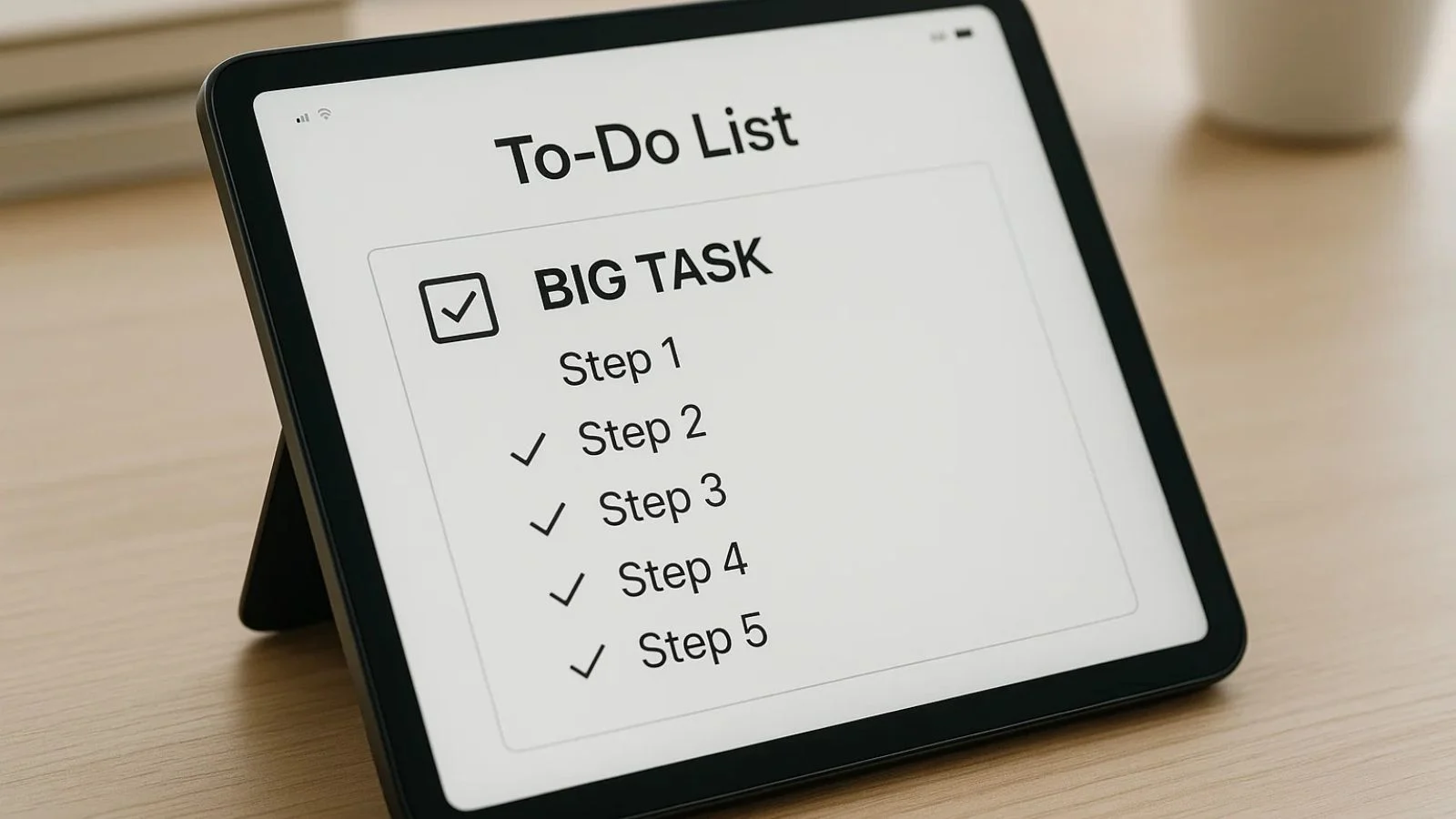
Using simple and effective to do list ideas can make your day clearer and more manageable. These quick techniques help you stay organized without complicating your workflow.
1. Break Tasks Into Smaller Steps
Large tasks feel overwhelming. Splitting them into smaller actions makes them easier to start and track.
2. Batch Similar Tasks
Group emails, calls, or admin work together. This reduces constant switching and keeps you in the same flow.
3. Add Clear Deadlines
Even simple deadlines give structure and help you decide what should be done first.
4. Use Action Verbs
Write tasks starting with words like “send,” “prepare,” or “review” so each item feels clear and actionable.
5. Review Your List Daily
A quick end-of-day review helps you adjust priorities and start the next day with clarity.
These simple techniques keep your list focused, manageable, and aligned with your daily workflow.
Real To-Do List Examples You Can Use Today
Sometimes the easiest way to improve your workflow is by seeing how a well-structured list actually looks. These simple to-do list examples can help you organize your tasks more clearly and reduce the confusion that often comes with busy workdays.
1. Morning Routine List
- Check emails
- Review today’s schedule
- Prepare priority tasks
- Quick team update
2. Project Workflow List
- Outline project goals
- Assign responsibilities
- Set deadlines
- Track daily progress
3. Client Communication List
- Respond to pending messages
- Share weekly updates
- Schedule follow-up calls
4. Admin & Maintenance List
- Update documents
- Organize files
- Complete routine checks
5. Remote Work List
- Log in and review tasks
- Attend virtual meetings
- Submit daily summary
These examples give structure to common work routines and make it easier to move through tasks without missing important steps.
Productivity Tips to Make Your To-Do Lists More Effective
Even the most well-written list won’t help if it isn’t used the right way. A few simple adjustments can bring more clarity and efficiency to your workflow. These productivity tips ensure your list supports your day instead of overwhelming it.
1. Keep Your List Realistic
Adding too many tasks creates stress and makes the list harder to follow. Focus on what you can realistically complete in a day.
2. Use the 1–3–5 Rule
This method helps you stay balanced:
- 1 big task
- 3 medium tasks
- 5 small tasks
It keeps your workload structured and achievable.
3. Assign Priorities
Mark high-priority tasks so you know what needs attention first. This prevents confusion and helps you stay focused.
4. Schedule Breaks
Short breaks keep your energy up and reduce burnout, making it easier to maintain momentum throughout the day.
5. Review Your Progress
Spend a few minutes at the end of the day checking off completed tasks and planning what carries over to tomorrow. This keeps your workflow organized and predictable.
These tips make your to-do lists more practical and help you maintain steady progress without feeling overwhelmed.
Common Mistakes People Make With To-Do Lists
Even the most organized people slip into habits that make their lists less effective. Understanding these common mistakes helps you avoid them and build a smoother workflow.
1. Adding Too Many Tasks
A long, overloaded list becomes overwhelming and leads to procrastination. When everything looks important, nothing feels achievable.
2. Using Vague Task Descriptions
Writing tasks like “Marketing work” or “Project stuff” creates confusion. Clear, specific tasks make it easier to take action.
3. Ignoring Priorities
A list without priorities forces you to decide on the spot, which wastes time and disrupts focus. Highlighting the most important tasks saves mental energy.
4. Not Reviewing the List
Some people create a list in the morning and never check it again. A quick midday or end-of-day review keeps things aligned.
5. Mixing Personal and Work Tasks
Combining everything in one place often clutters your list. Keeping work tasks separate makes it easier to stay focused and organized.
Avoiding these mistakes helps your lists stay practical, clear, and genuinely useful throughout your day.
How To-Do Lists Improve Workflow Across Teams?
To-do lists aren’t just useful for individuals—they make a big difference in team environments too. A well-structured work to do list brings clarity, reduces confusion, and keeps everyone aligned on shared goals.
1. Clear Priorities for Everyone
When each team member knows what needs to be done first, tasks move faster and more smoothly. There’s no guessing or waiting for instructions.
2. Less Task Duplication
Shared lists help teams avoid doing the same task twice. Everyone can instantly see what’s assigned, what’s pending, and what’s already completed.
3. Better Collaboration
When tasks are organized clearly, communication becomes easier. Team members know who’s responsible for what, which reduces back-and-forth messages.
4. Seamless Progress Tracking
A list acts as a simple dashboard showing who has completed which tasks. This keeps the entire team aware of progress without micromanagement.
5. Reduced Workflow Interruptions
When everyone follows a structured list, there are fewer delays, fewer missed steps, and a smoother workflow overall.
To-do lists may seem simple, but they play a powerful role in helping teams stay coordinated, productive, and aligned.
Enhance Productivity With Digital Tools
While traditional lists work well, digital tools take task management to an entirely new level. They help teams stay connected, track progress effortlessly, and manage workflows without losing important details. This is where EmpCloud becomes incredibly valuable.
EmpCloud is designed to simplify how individuals and teams plan, organize, and execute their tasks. Instead of juggling multiple tools or relying on scattered notes, everything stays in one streamlined space. It offers structured task management features that make work smoother and more transparent for everyone.
How EmpCloud Improves Your Workflow?
1. Clear Task Assignment
EmpCloud provides you with a project and task management toolkit, using which you can assign tasks to team members with defined priorities and deadlines, ensuring everyone knows what they’re responsible for.
2. Cloud-Based Access
Your team can update and review tasks anytime, from anywhere. This is especially helpful for remote or hybrid work environments.
3. Productivity Insights
EmpCloud supports features linked to employee productivity monitoring, giving managers a clear overview of work patterns, progress, and time usage. With these insights, you can identify bottlenecks and streamline workflows quickly.
4. Smart Monitoring Capabilities
Integrated analytics offer the benefits of productivity monitoring software, helping you understand how tasks are being handled while maintaining transparency and trust.
5. Gantt Charts for Timeline-Driven Planning
EmpCloud’s Gantt chart view transforms your to-do list into a clear project roadmap. Tasks are plotted along a timeline, allowing teams to understand start dates, end dates, dependencies, and overlapping work at a glance.
Instead of juggling scattered deadlines, managers can:
- Visualize how tasks align with project milestones
- Identify delays before they impact delivery
- Adjust timelines quickly when priorities change
This makes long-term planning easier while keeping daily to-dos aligned with bigger goals.
6. Kanban Boards for Daily Task Flow
For teams that prefer a more flexible approach, EmpCloud’s Kanban board offers a simple, intuitive way to manage tasks. Each task moves across stages like To Do, In Progress, and Completed, giving instant visibility into work status.
With Kanban boards, teams can:
- Track progress in real time without lengthy updates
- Balance workloads by spotting stalled or overloaded tasks
- Stay focused on execution rather than constant follow-ups
It turns a static to-do list into a living workflow that updates as work happens.
By combining structured to-do lists with a powerful digital platform like EmpCloud, you can build a workflow system that’s more organized, efficient, and aligned with your team’s goals.
Advanced To Do List Ideas for High-Level Workflows
As work becomes more complex, your task management strategy should evolve with it. Using advanced to do list ideas helps you handle bigger projects, coordinate with multiple people, and maintain clarity even during busy periods.
1. Automation-Based Lists
Automate recurring tasks—like weekly reports, reminders, or follow-ups—so they appear automatically without extra effort. This keeps important routines consistent.
2. Reusable Task Templates
For processes you repeat often, create templates. These save time and ensure you don’t miss any steps during project execution.
3. Categorized Lists
Sort tasks by difficulty, time required, or priority level. This makes it easier to pick the right task based on your focus or schedule.
4. Milestone-Based Lists
Break large projects into milestone segments. Each milestone gets its own short list, making long-term goals easier to track.
5. Time-Sensitive Lists
Have a list dedicated to tasks that must be completed today or this week. This adds urgency and prevents important items from blending in with routine tasks.
These advanced approaches help you manage bigger workloads with more structure, making your entire workflow smoother and more strategic.
To-Do Lists for Managers and Teams
Managers often juggle multiple responsibilities—from project planning to team collaboration. Using structured lists helps bring clarity and reduces unnecessary stress. With the right approach, these lists become powerful tools for guiding teams and maintaining workflow consistency.
1. Delegation Lists
Managers can create clear lists outlining tasks assigned to each team member. This helps track progress and ensures that responsibilities are evenly distributed.
2. Approval & Review Lists
These lists include tasks that require managerial approval, such as content drafts, project updates, or reports. Keeping them organized prevents delays and keeps workflows moving smoothly.
3. Project Milestone Lists
Breaking large projects into milestone-based lists helps managers monitor progress without micromanaging. Each milestone becomes a small, manageable goal for the team.
4. Team Progress Dashboards
A shared list that updates in real time allows managers and team members to see what’s completed, ongoing, or pending. This builds transparency and reduces the need for frequent check-ins.
5. Meeting Preparation Lists
A simple list for agendas, discussion points, and follow-up actions helps managers run more effective meetings and ensures nothing gets missed.
Using these list formats helps leaders stay organized, improve communication, and keep their teams aligned toward shared goals.
How To Choose the Right To-Do List Method?
With so many formats and styles available, it’s easy to feel unsure about which list structure fits your workflow best. The key is choosing a method that matches your work style, task complexity, and daily routine. Here’s how to find the right approach:
1. Consider Your Workload
If your day is packed with quick tasks, a simple daily list works well. If you handle long-term projects, a weekly or project-based list offers more clarity.
2. Match It to Your Work Style
Some people prefer detailed breakdowns, while others like minimal, high-level lists. Choose a method that keeps you motivated rather than overwhelmed.
3. Look at Your Task Frequency
If you repeat many tasks daily or weekly, templates or recurring digital lists save time and reduce errors.
4. Think About Collaboration Needs
If you work with a team, shared digital lists or collaborative platforms make coordination easier and reduce communication gaps.
5. Start Simple and Adjust
Your first method doesn’t need to be perfect. Start with a basic structure, experiment for a week or two, and refine it based on what feels natural and efficient.
Choosing the right system ensures your list supports your workflow instead of adding extra stress.
Conclusion
To-do lists are simple tools, yet they have the power to transform workflows. By using smart to do list ideas, prioritizing tasks, and leveraging digital tools like EmpCloud, you can stay organized, boost productivity, and keep both individual and team tasks on track. The right list reduces stress, improves focus, and ensures nothing important gets missed. Start small, stay consistent, and watch your workflow become smoother and more efficient every day.
Also Read,
How To Implement Remote Employee Monitoring Without Micromanaging
The Powerful Impact Of Project Management On Team Collaboration
FAQs
1. What is the best way to create a to-do list for work?
Start with a simple daily or weekly list, prioritize tasks, and break large tasks into smaller steps. Use action verbs and set deadlines to make each item actionable.
2. Which tools help in improving task management?
Digital platforms like EmpCloud, Trello, or Asana help assign tasks, track progress, and collaborate efficiently with teams.
3. How do to-do lists improve team productivity?
Shared or structured lists create clarity, reduce task duplication, and make it easy to track progress, ensuring teams stay aligned and efficient.
Quick Search Our Blogs
Type in keywords and get instant access to related blog posts.

