
Today, managing a team involves more than just delegating tasks; it also entails ensuring that everyone remains motivated, in sync, and productive regardless of where they work. Many businesses are realising that traditional spreadsheets and email chains are no longer sufficient as remote and hybrid work become the new norm.
Software for team management can help with that. From a single, centralised platform, it facilitates task organisation, performance monitoring, and smooth departmental communication. Having the appropriate software can transform collaboration difficulties into well-coordinated success, regardless of the size of your corporate workforce or small creative team.
We’ll go over everything you need to know about team management tools in this blog post, including what they are, how they benefit your company, and, above all, how to pick the one that best suits your team’s needs. By the time it’s all over, you’ll know exactly what to look for when making an investment in a system that empowers your employees and increases quantifiable productivity.
You can Listen to this Blog here.
What Is Team Management Software?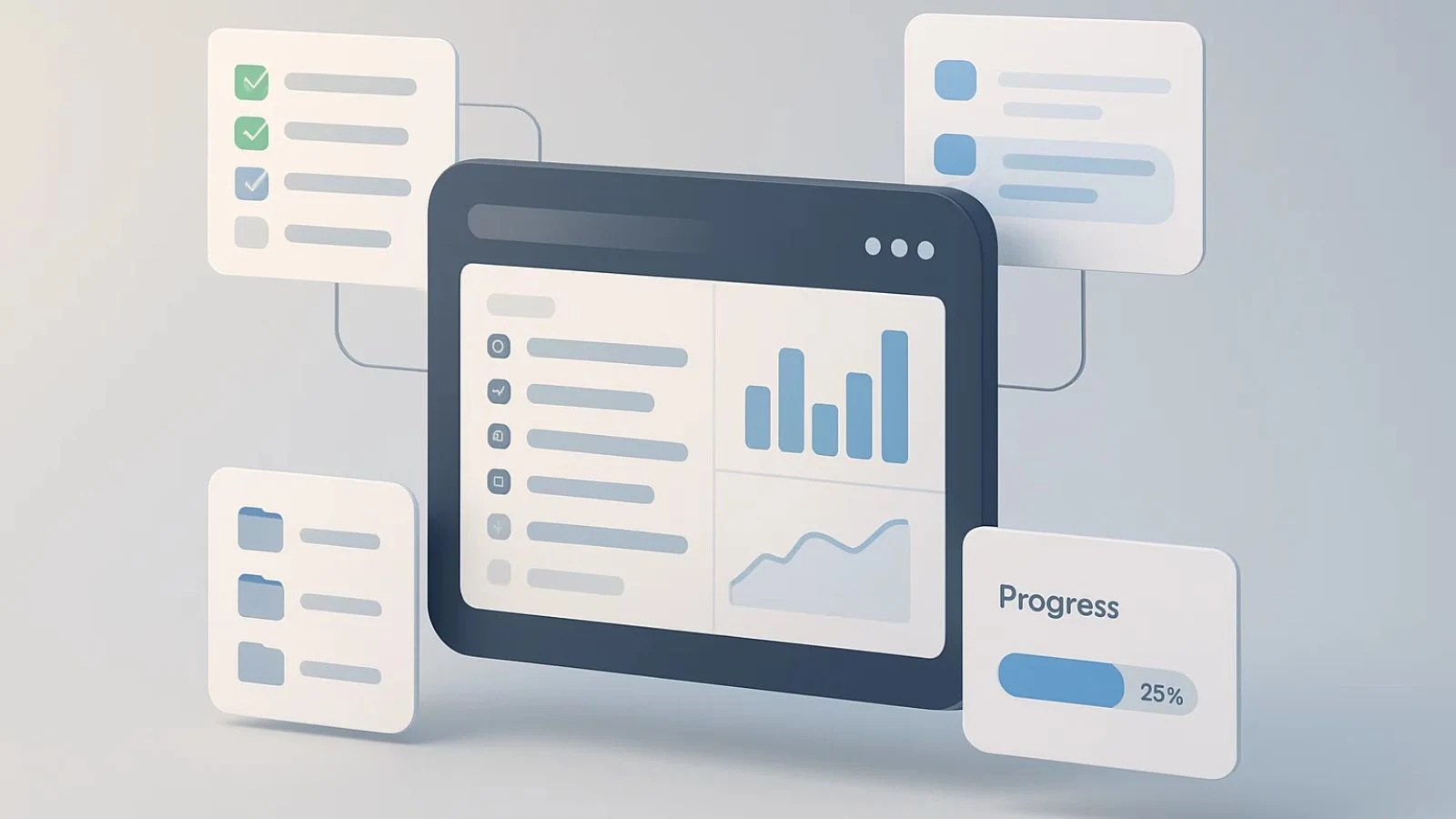
At its core, team management and project management software is a digital platform designed to help organizations plan, organize, and monitor team activities in one place. It enables managers to assign tasks, set deadlines, track progress, and communicate effectively without the chaos of endless email threads or scattered spreadsheets.
Unlike simple project trackers, this software focuses on people management ensuring everyone knows their roles, responsibilities, and priorities. It’s built to simplify collaboration, improve transparency, and make team performance measurable in real time.
Modern online team management systems come equipped with features like instant messaging, file sharing, time tracking, and reporting dashboards. These tools allow managers to see who’s working on what and help team members stay accountable.
In a world where remote work and distributed teams are the norm, this kind of visibility is essential. It ensures that teams remain connected and projects stay on schedule, even across different time zones.
In short, team management software acts as the backbone of modern collaboration — helping businesses manage workflows efficiently while creating an environment of accountability and clarity.
Why Businesses Need Team Management Software?
Every business depends on how well its team collaborates. When communication breaks down or deadlines slip through the cracks, productivity suffers. That’s why investing in the right team management software is no longer optional — it’s essential.
Without proper coordination tools, managers often struggle with common issues: unclear task ownership, misaligned goals, scattered updates, and missed project timelines. These challenges slow down decision-making and create frustration among team members.
The best team management software solves these problems by centralizing all activities in one place. Managers can assign tasks, track progress, and instantly share feedback — all while ensuring transparency across the team. For employees, it removes confusion and gives them clarity on priorities and expectations.
It also helps streamline remote team collaboration, which has become a key part of how modern teams operate. Features like activity tracking, progress analytics, and automated reporting make it easier to monitor workloads and maintain accountability without micromanaging.
By adopting a powerful team management solution, businesses experience better alignment, faster execution, and improved employee engagement. In short, it’s the bridge that connects individual productivity to overall organizational success.
Key Features to Look For 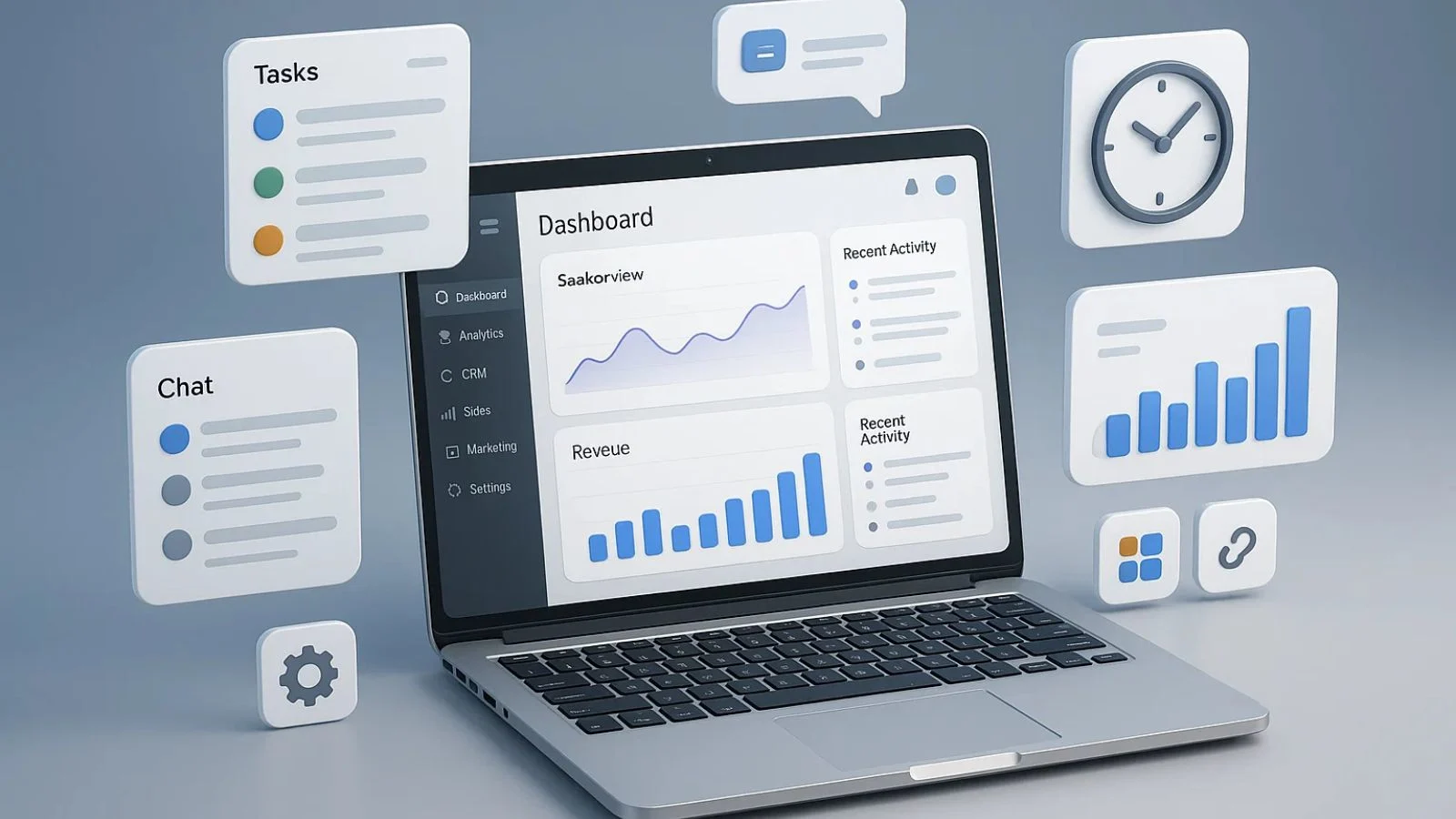
Choosing the right team management software isn’t just about picking a platform that looks good — it’s about finding one that truly meets your team’s daily needs. The best tools combine organization, communication, and analytics in one easy-to-use space. Here are the key features to consider:
- Task and Project Tracking:
A good system lets you assign, prioritize, and monitor tasks effortlessly. You should be able to see project timelines, dependencies, and real-time progress updates at a glance. - Time and Productivity Management:
Look for built-in team management tools that track time spent on tasks, measure performance, and identify productivity patterns. These insights help managers balance workloads more effectively. - Seamless Communication and Collaboration:
Chat, comments, and file-sharing features reduce the need for endless meetings and email chains. This keeps everyone aligned and connected. - Integration with Existing Tools:
The ideal team management app should integrate easily with your existing software stack — such as email, cloud storage, and workforce systems — to streamline operations. - Analytics and Reporting:
Comprehensive reports on performance, attendance, and task completion rates provide data-driven insights to improve overall efficiency.
A feature-rich platform doesn’t just keep work organized; it empowers teams to achieve more with less effort.
How Team Management Software Boosts Productivity?
When teams operate without a structured system, time often gets wasted on repetitive updates, unclear communication, and manual tracking. Team management software eliminates that chaos by turning complex workflows into organized, automated systems — giving teams more time to focus on meaningful work.
One of the biggest productivity advantages comes from transparency. Everyone knows what needs to be done, who’s responsible, and when deadlines are due. This eliminates confusion and reduces time spent on follow-ups.
It also helps managers identify bottlenecks early on. Real-time progress tracking makes it easier to spot delays, redistribute workloads, and ensure projects stay on course.
Additionally, built-in analytics help measure performance and highlight areas where the team can improve. When employees see their progress visualized, it naturally encourages accountability and motivation.
For remote or hybrid teams, productivity tools like time tracking, task boards, and instant updates ensure seamless coordination, no matter where team members are located.
In short, team management software doesn’t just help teams do more work — it helps them do it smarter, faster, and with greater clarity.
Comparing Team Management Software vs Workforce Management Software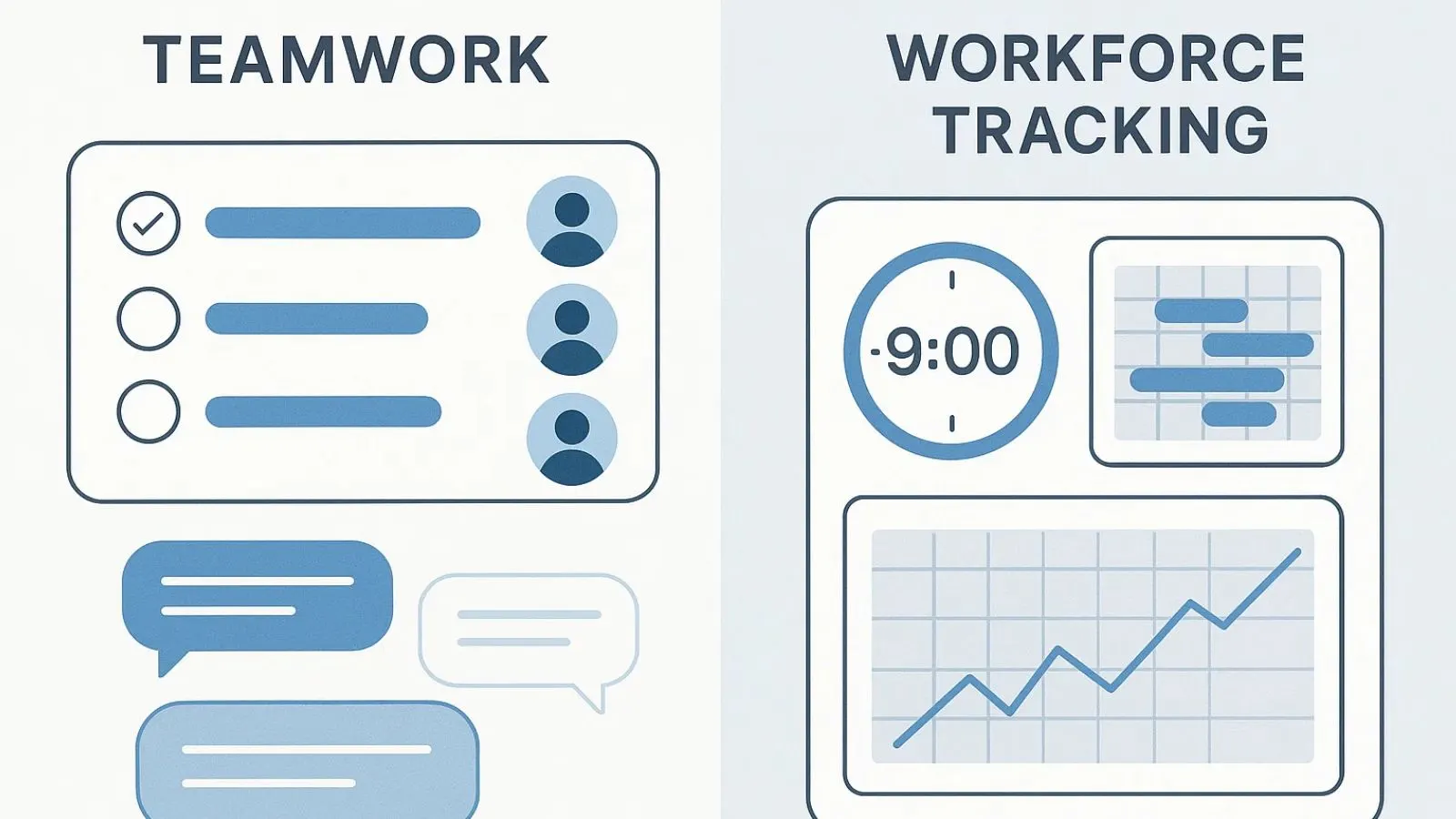
While team management software and workforce management software may sound similar, they serve different but complementary purposes within an organization. Understanding the distinction can help you decide which solution your business really needs — or how both can work together.
Team management software focuses primarily on collaboration, communication, and project coordination. It’s built to help managers organize workflows, assign tasks, monitor progress, and ensure everyone is working toward shared goals. These tools are ideal for teams that rely heavily on creativity, cross-department collaboration, or remote setups.
Workforce management software, on the other hand, leans more toward operational efficiency. It helps track employee attendance, manage shifts, monitor productivity, and ensure compliance with company policies. In other words, it’s designed for businesses that need to manage schedules and workforce data at scale.
When used together, these two systems can create a complete management ecosystem — one that covers both people operations and performance optimization. While workforce tools handle the “when and how” of employee work, team management platforms focus on “what and why” tasks are being done.
For businesses aiming to enhance productivity and collaboration simultaneously, integrating both systems can be a strategic move toward long-term success.
How to Choose the Best Team Management Software for Your Business
Selecting the best team management software depends on your company’s size, goals, and workflow style. There’s no one-size-fits-all tool, but a few key factors can help you make the right decision.
- Ease of Use:
Choose a platform that your team can adapt to quickly. Complicated dashboards or lengthy training sessions can slow down adoption and productivity. Look for intuitive navigation and a clean interface. - Integration Capabilities:
Your software should easily connect with other tools your team already uses—like email, CRM, or communication apps. Seamless integrations reduce the need for manual updates and ensure smooth collaboration. - Scalability:
As your business grows, your needs will change. Pick a solution that can handle more users, projects, and data without losing performance. Scalability ensures your investment lasts in the long run. - Features and Customization:
From time tracking and project templates to task automation, find software that lets you tailor features to your team’s workflow. The more customizable it is, the better it fits your business model. - Security and Support:
Always consider the level of data protection and the quality of customer support. A dependable vendor provides not just a product, but ongoing assistance when you need it most.
The best team management tools aren’t the ones with the most features—they’re the ones that truly align with your team’s way of working.
Why Is EmpCloud the Ultimate Team Management Solution?
If you’re looking for a team management software that simplifies collaboration and boosts productivity, Empcloud stands out as a powerful choice. It brings everything your team needs into one intuitive platform—making work coordination easier, faster, and more transparent.
Empcloud offers all the essential team management tools—from project planning to real-time tracking. You can assign tasks, set priorities, and monitor progress effortlessly. Its cloud-based design ensures that team members can access projects from anywhere, which is especially useful for hybrid or remote teams.
One of Empcloud’s key advantages is its built-in analytics dashboard. Managers get detailed insights into team performance, helping them identify roadblocks early and make data-driven decisions. You can easily track work hours, attendance, and productivity, all in one place.
Empcloud also integrates seamlessly with popular business applications, reducing the friction of switching between multiple platforms. Its user-friendly interface means your team can get started without a steep learning curve.
Security is another strong suit EmpCloud ensures your team’s data remains protected with top-grade encryption and secure access controls.
In short, Empcloud is more than just a team management app—it’s a complete ecosystem designed to help teams stay organized, accountable, and connected. For businesses aiming to optimize workflows and enhance collaboration, Empcloud delivers unmatched reliability and efficiency.
Also read,
How To Manage Remote Teams With Onboarding Best Practices?
Common Mistakes to Avoid When Using Team Management Software
Even with the best team management software, success depends on how effectively you use it. Many teams adopt great tools but fail to get the most out of them due to common mistakes that slow down progress and reduce efficiency.
One frequent mistake is skipping onboarding. When teams don’t take time to learn the features, the software becomes underused or misused. Proper training ensures everyone knows how to collaborate, track progress, and use analytics effectively.
Another issue is overcomplicating workflows. Online team management tools work best when processes are simple and clear. Adding too many layers of approvals or unnecessary tracking can frustrate team members instead of helping them.
Ignoring updates is also a big miss. Most modern tools release performance upgrades and new features regularly—using outdated versions limits efficiency and security.
Lastly, some managers focus only on monitoring rather than collaboration. Remember, team management tools should empower—not control—your team.
By avoiding these pitfalls, you can make sure your team management software actually streamlines work, improves communication, and enhances performance rather than becoming another digital burden.
The Future of Team Management Software
The landscape of team management software is evolving rapidly as businesses embrace hybrid and remote work environments. The future is all about smarter, AI-driven tools that don’t just track progress but actually help teams make better decisions.
Artificial intelligence will play a huge role in predicting project delays, identifying performance bottlenecks, and automating repetitive management tasks. Imagine your team management app suggesting workload adjustments or flagging communication gaps before they cause real issues—that’s where the technology is heading.
Integration will also become a major focus. Businesses will prefer platforms that connect seamlessly with other workforce management software and collaboration tools to create a unified workspace. This will reduce manual data entry and ensure teams have a single source of truth.
Moreover, analytics will move from basic reporting to actionable insights. Future tools will help managers understand not just what’s happening, but why—making it easier to lead with data-driven clarity.
Final Thoughts
As businesses continue to adapt to flexible work models, the need for reliable team management software has never been more important. From streamlining communication to tracking performance, it serves as the central hub for collaboration and productivity.
But choosing the right solution is what truly makes the difference. Look for a platform that fits your workflow, grows with your team, and integrates smoothly with your existing systems.
That’s where EmpCloud stands out. It simplifies every aspect of managing distributed teams — from time tracking to task monitoring — all within one unified platform. With real-time insights, automated reporting, and seamless collaboration tools, EmpCloud helps your business stay organized, transparent, and efficient.
The right software won’t just manage your team — it will empower them to perform better, communicate clearly, and achieve results faster. In today’s fast-paced work culture, that’s exactly what every growing business needs.
FAQs
- How secure is data in team management software?
Most modern team management software solutions use encryption, role-based access, and secure cloud storage to protect your team’s data. It’s important to choose a platform that complies with privacy standards like GDPR or SOC 2 for added safety. - Can team management software integrate with other business tools?
Yes, the best platforms easily integrate with tools like CRMs, communication apps, and workforce management software. This helps teams manage everything from one place and reduces the need for manual data transfers. - How can I measure ROI from using team management software?
You can track productivity metrics such as task completion rates, project turnaround time, and employee efficiency. Many tools provide analytics dashboards that highlight improvements in workflow and team performance over time.
Quick Search Our Blogs
Type in keywords and get instant access to related blog posts.

