
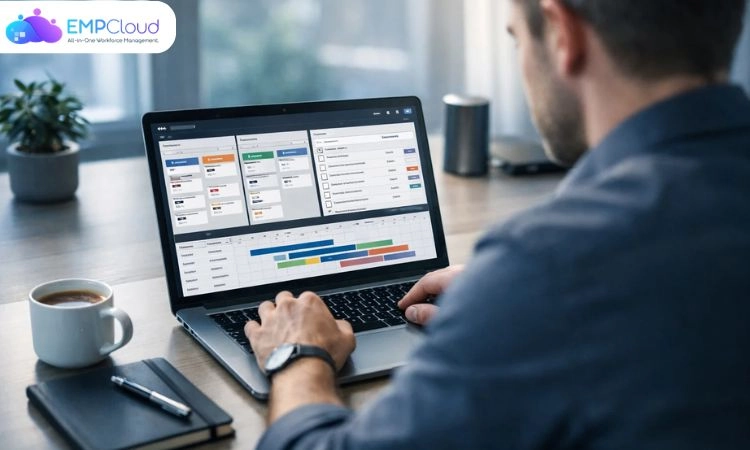
Remote and async teams operate in a completely different environment than traditional office setups. There are no shared working hours, fewer real-time conversations, and a heavy reliance on written communication. While this flexibility improves work-life balance, it also creates a new challenge: staying aligned without constant check-ins.
In this setup, productivity is no longer about how fast teams respond, but how clearly work is structured and tracked. When tasks, updates, and priorities are scattered across emails, chats, and documents, confusion builds quickly and progress slows down.
This is where project tracking software becomes essential. Instead of relying on meetings and follow-ups, remote teams use centralized tools to create visibility across tasks, deadlines, and ownership. Everyone knows what needs to be done, who is responsible, and what the current status is, without needing to ask.
For async teams especially, project tracking tools act as the single source of truth. They replace interruptions with clarity, reduce dependency on real-time communication, and allow teams to move work forward independently while staying aligned.
Listen To The Podcast Now!
What Is Project Tracking Software?

Project tracking software is a digital system that helps distributed teams plan work, assign ownership, and follow progress without relying on constant communication. For remote and async environments, it acts as a shared workspace where every task, update, and decision is documented and accessible at any time.
Unlike traditional workflows that depend on meetings, status calls, or scattered tools, these platforms bring everything into one place. Tasks are clearly defined, timelines are visible, and updates happen within the system rather than through back-and-forth messages. This structure allows team members in different time zones to contribute without waiting for others to come online.
At a practical level, work is broken into smaller units with clear owners, deadlines, and context. Instead of asking for updates, anyone can check the current status, review past activity, and understand what needs attention next. This reduces interruptions and keeps progress moving even when teams are not working simultaneously.
For async teams especially, the real value lies in transparency and documentation. Every action leaves a trace, making it easier to track decisions, identify delays, and maintain accountability without micromanagement.
In this way, project tracking software is not just a management tool. It becomes the operational backbone that enables remote teams to stay aligned, move faster, and work independently without losing coordination.
How Project Tracking Software Improves Productivity in Remote Teams?
Project tracking software enhances productivity in remote teams by creating clarity, reducing dependency on constant communication, and ensuring work progresses smoothly across locations and time zones.
1. Structured Task Ownership and Accountability
Every task is clearly defined with an owner, deadline, and priority. This eliminates ambiguity and ensures that team members understand their responsibilities without repeated follow-ups. Clear ownership leads to faster execution and fewer missed deliverables.
2. Centralized Visibility Across Projects
All project activities, updates, and timelines are available in a single system. Managers and team members can quickly understand the current status of work without scheduling meetings or requesting updates, improving overall operational transparency.
3. Reduced Dependency on Real-Time Coordination
Remote teams often face delays due to availability gaps. Project tracking tools minimize this by allowing work to be updated and reviewed independently. Team members can move tasks forward based on documented information rather than waiting for responses.
4. Streamlined Collaboration and Communication
Discussions, files, and feedback are directly linked to tasks, ensuring context is never lost. This reduces scattered communication across emails and chat platforms, making collaboration more efficient and easier to track.
5. Better Time Planning and Resource Allocation
With clear timelines and workload visibility, teams can plan their work more effectively. Managers can identify overburdened team members, redistribute tasks, and ensure optimal use of resources.
6. Automation of Routine Processes
Automated reminders, status updates, and workflow triggers reduce manual effort. This allows teams to focus more on high-impact work rather than administrative tasks.
7. Data-Driven Performance Insights
Built-in reporting features provide insights into task completion rates, bottlenecks, and overall team performance. These insights help leaders make informed decisions and continuously improve workflows.
Key Features to Look for in Project Tracking Software for Remote Teams
Selecting the right project tracking software is especially important for remote teams, where clarity and coordination depend heavily on systems rather than in-person interactions. The right feature set ensures work stays organized, visible, and easy to manage across locations.
1. Clear Task Structuring and Ownership
The platform should make it simple to break down projects into actionable tasks, assign responsibility, and set priorities. Clear task structuring ensures that team members know exactly what is expected without needing constant clarification.
2. Shared Visibility with Live Status Updates
A reliable system provides up-to-date project views through dashboards or boards. This allows both managers and team members to understand progress instantly, reducing the need for status meetings.
3. Contextual Communication Within Workflows
Communication should happen where the work is. Features like task-level comments, file attachments, and update threads help keep discussions organized and directly linked to specific deliverables.
4. Workload and Time Insights
Understanding how time is spent and how workloads are distributed is critical in remote environments. Tools that offer time tracking or workload views help teams plan realistically and avoid burnout.
5. Process Automation for Consistency
Automation capabilities such as recurring tasks, notifications, and workflow triggers help maintain consistency without manual intervention. This ensures that routine processes continue smoothly even when teams are distributed.
6. Performance Tracking and Reporting
Access to structured reports and performance metrics allows teams to identify delays, measure output, and improve execution over time. Data-driven insights are essential for maintaining efficiency at scale.
7. Seamless Integration with Existing Tools
Remote teams rely on multiple platforms for communication, documentation, and customer management. Integration with tools like email, calendars, and collaboration platforms ensures a more connected and efficient workflow.
How to Choose the Right Project Tracking Software for Remote Teams?
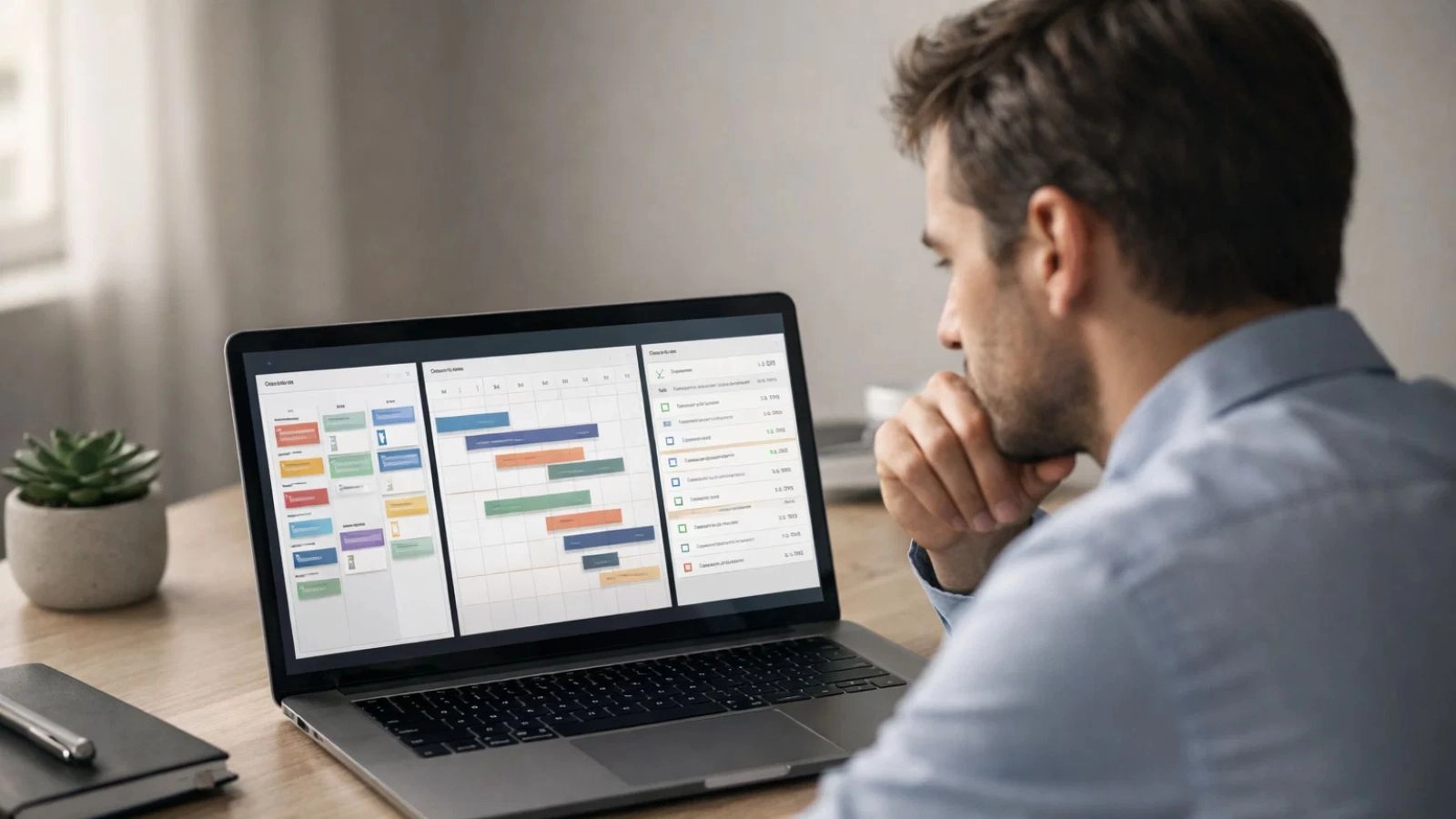
For remote teams, selecting project tracking software is less about feature overload and more about how well the tool supports clarity, independence, and seamless coordination across locations. The right choice should simplify work, not add another layer of complexity.
1. Align the Tool with Remote Workflows
Start by evaluating how your team operates across different locations and time zones. The software should support clear documentation, task visibility, and minimal reliance on real-time communication. A tool that works well in an office setup may not translate effectively to a distributed environment.
2. Prioritize Ease of Adoption
Remote teams’ onboarding shouldn’t be long or complicated interfaces. Choose a platform that is intuitive and easy to navigate, so team members can start using it with minimal training. Simplicity directly impacts consistency and usage.
3. Look for Strong Visibility and Transparency
The system should provide a clear view of tasks, timelines, and progress at all times. Features like dashboards, status indicators, and activity logs help teams stay aligned without needing frequent check-ins.
4. Evaluate Collaboration in Context
Since remote work relies heavily on written communication, ensure the tool supports discussions within tasks, file sharing, and contextual updates. This keeps all relevant information in one place and reduces scattered communication.
5. Assess Scalability for Growing Teams
As your team expands, your processes will become more complex. Choose software that can handle increased workloads, additional users, and more advanced workflows without requiring a complete switch later.
6. Check Integration with Your Existing Stack
Remote teams typically use multiple tools for communication, documentation, and operations. The project tracking software should integrate smoothly with these systems to avoid fragmented workflows.
7. Consider Reliability and Support
In a remote setup, downtime or technical issues can disrupt the entire workflow. Opt for a platform with strong reliability and responsive customer support to ensure continuity.
How EmpCloud Supports Project Tracking in Remote Teams?

For remote teams, productivity depends on having a system that brings structure, visibility, and accountability into one place. This is where EmpCloud stands out. It combines project tracking with workforce insights, helping distributed teams stay aligned without relying on constant follow-ups or meetings.
Instead of switching between multiple tools for tasks, communication, and performance tracking, EmpCloud provides a unified workspace where everything is connected. This makes it easier for teams to manage work, track progress, and maintain consistency across locations.
Why EmpCloud Works Well for Remote Teams
Centralized Work Management
EmpCloud brings all tasks, deadlines, and updates into a single dashboard. Team members can clearly see what needs to be done and track progress without searching across different platforms.
Real-Time Visibility Across Teams
Managers and team members get instant access to project status and ongoing activities. This level of transparency helps reduce delays and keeps everyone aligned, even when working from different locations.
Integrated Time and Productivity Tracking
Understanding how time is spent is critical in a remote setup. EmpCloud provides built-in tracking that helps teams manage workloads effectively and maintain consistent output.
Actionable Performance Insights
Detailed reports offer a clear view of team performance, helping leaders identify gaps, improve workflows, and make informed decisions without guesswork.
Simplified Team Collaboration
By keeping updates, communication, and task-related discussions within the same system, EmpCloud reduces dependency on scattered tools and ensures that important context is never lost.
Common Challenges Teams Face Without Project Tracking Software
- Limited Visibility Across Workstreams
Without a centralized system, team members lack clarity on task ownership, priorities, and progress. This often leads to duplicated efforts, confusion, and slower execution. - Fragmented Communication
When updates are scattered across emails, chat tools, and meetings, critical information gets missed. This results in repeated conversations, misalignment, and delays in decision-making. - Difficulty in Tracking Deadlines
In the absence of structured tracking, it becomes challenging to monitor timelines. Delays are often identified too late, impacting overall project delivery. - Lack of Accountability
When responsibilities are not clearly defined and tracked, it becomes harder to ensure ownership. Tasks may remain incomplete due to unclear expectations. - Unbalanced Workload Distribution
Without visibility into team capacity, some individuals may be overburdened while others are underutilized. This imbalance affects both productivity and team efficiency. - Reduced Operational Efficiency
Manual processes and disconnected tools create unnecessary friction in workflows. Teams spend more time coordinating work than actually executing it.
Project Tracking Software vs Traditional Methods
1. Visibility of Work
- Traditional: Limited visibility, depends on meetings or manual updates
- Software: Real-time visibility with live progress tracking
2. Information Flow
- Traditional: Scattered across emails, spreadsheets, and chats
- Software: Centralized information in one unified system
3. Task Management
- Traditional: Unclear ownership and loosely managed tasks
- Software: Clearly assigned tasks with deadlines and priorities
4. Communication
- Traditional: Fragmented communication across multiple tools
- Software: Contextual communication linked directly to tasks
5. Error Risk
- Traditional: High risk due to manual updates and tracking
- Software: Reduced errors with automated systems
6. Time Efficiency
- Traditional: Time-consuming with constant follow-ups
- Software: Streamlined workflows that save time
7. Automation
- Traditional: Little to no automation
- Software: Automated reminders, updates, and recurring tasks
8. Scalability
- Traditional: Becomes inefficient as team grows
- Software: Easily scales with team size and complexity
9. Decision-Making
- Traditional: Based on delayed or incomplete data
- Software: Driven by real-time insights and reports
10. Suitability for Remote Teams
- Traditional: Not designed for distributed teams
- Software: Built for remote environments with full transparency
Best Practices for Using Project Tracking Software Effectively

Using project tracking software effectively in a remote environment requires more than just assigning tasks. The focus should be on creating clarity, maintaining alignment, and enabling teams to work independently without constant supervision.
1. Document Work Clearly from the Start
In remote teams, clarity replaces conversation. Every task should include detailed descriptions, expectations, and relevant context so team members can proceed without needing additional clarification.
2. Define Ownership and Priorities Upfront
Each task should have a clear owner and priority level. This avoids confusion and ensures that work progresses without delays caused by uncertainty around responsibility.
3. Standardize Workflows Across Teams
Consistent workflows make it easier for everyone to understand how work moves from one stage to another. Standardization reduces friction, especially when multiple team members collaborate across different functions.
4. Keep All Updates Within the System
Encourage teams to share progress, feedback, and decisions directly within the platform. This creates a reliable record of work and minimizes the risk of losing important information across external channels.
5. Minimize Unnecessary Meetings
Leverage the visibility provided by the tool to reduce dependency on status calls. When updates and progress are clearly tracked, teams can stay aligned without frequent meetings.
6. Monitor Workload Distribution Regularly
Use the system to review how work is allocated across the team. Balanced workloads help maintain productivity and prevent burnout, which is especially important in remote setups.
7. Use Data to Continuously Improve Execution
Regularly review reports and performance insights to identify delays, inefficiencies, or recurring issues. Use these insights to refine processes and improve overall team output.
Future Trends in Project Tracking Software
Project tracking software is evolving quickly to meet the needs of distributed teams. Key trends include:
- AI-Driven Workflows
Smarter systems that automate task prioritization, predict delays, and optimize resource allocation. - Built for Remote Collaboration
Enhanced real-time updates, cloud access, and communication features designed for distributed teams. - Advanced Analytics
Deeper insights into productivity, performance, and workflow efficiency for better decision-making. - Seamless Integrations
Stronger connectivity with tools like CRMs, communication platforms, and productivity apps.
Conclusion
For remote teams, productivity depends on clarity, visibility, and the ability to move work forward without constant coordination. Project tracking software provides that foundation by organizing tasks, centralizing updates, and ensuring everyone stays aligned regardless of location.
With the right system in place, teams can reduce confusion, improve accountability, and execute work more efficiently. Solutions like EmpCloud further strengthen this by combining project tracking with performance insights, helping businesses not just manage work, but continuously improve how it gets done.
Ultimately, adopting the right tool is about creating a structured environment where remote teams can operate smoothly, collaborate effectively, and deliver consistent results.
FAQs
1. How does project tracking software reduce dependency on meetings?
It provides real-time visibility into tasks and progress, allowing team members to access updates anytime. This reduces the need for frequent status meetings and keeps work moving without interruptions.
2. What challenges of remote work does project tracking software solve?
It addresses common issues like lack of visibility, scattered communication, unclear ownership, and missed deadlines by centralizing all work-related information in one place.
3. How does project tracking software improve accountability in remote teams?
By assigning clear ownership to every task and tracking progress transparently, it ensures that responsibilities are well-defined and follow-ups are minimized.
4. Can project tracking software help manage teams across different time zones?
Yes, it enables teams to collaborate without needing to be online at the same time. Updates, progress, and feedback are documented, allowing work to continue seamlessly across time zones.
Quick Search Our Blogs
Type in keywords and get instant access to related blog posts.

