
Work and personal computing have undergone significant changes. Remote work, cloud-based tools, and increased online activity mean that computers now handle sensitive business data, personal information, and daily communication. Simultaneously, cybersecurity threats, data breaches, and system misuse have become common. To manage these risks and understand how computers, organizations, and individuals rely on personal computer monitoring.
Personal computer monitoring involves methods and tools to observe and analyze activities on computers. It includes tracking application usage, system behavior, network activity, and, in some cases, user actions, such as logins or file access. Businesses monitor to protect company data and measure productivity. Individuals may encounter it through workplace systems or security software to detect such threats.
In this guide, you will learn about personal computer monitoring, its functions, and the types of software available for it. The article also explains common use cases, addresses concerns around privacy and ethics, and helps you understand when monitoring is legitimate and when it may cross boundaries. By the end, you will have a clear, practical understanding of how personal computer monitoring functions and why it is important.
In a hurry? Listen to the blog instead!
What Is Personal Computer Monitoring?

Personal computer monitoring is the process of observing and recording user activities and system performance on a computer or network using specialized software that collects data to support security, compliance, productivity, and system management processes.
At a basic level, personal computer monitoring helps answer questions such as:
- What applications are running on your computer?
- How is a computer used during a specific time period?
- Is the system operating normally, or does it show signs of risk, misuse, or performance problems?
Monitoring tools can track a wide range of activities, including website visits, application usage, login duration, file access, and network connections.
Some dlp solutions also record keystrokes, capture screenshots, or log system events. This information helps you understand how to identify security threats and troubleshoot technical problems.
In many cases, monitoring focuses on system behavior rather than personal content.
For example, it may track applications and for how long, reading private messages or emails. However, more advanced personal computer monitoring software can collect detailed usage data, which makes transparency and clear policies essential for its use.
It is important to note that personal computer monitoring is neutral. Its impact depends on how it is used and the purpose behind it. When used responsibly, it supports cybersecurity, regulatory compliance, and efficient workflow. When used without user awareness or proper limits, it can raise serious privacy and trust concerns.
Personal computer monitoring is most commonly used in workplaces to manage remote or in-office teams and to maintain productivity. It is also used in houses for parental supervision and in cybersecurity environments to detect malware, unauthorized access, and unusual system behavior.
Types Of Personal Computer Monitoring
Personal computer monitoring can be implemented in several ways depending on the monitoring goals. Each type focuses on specific aspects of computer activity and serves a distinct purpose.
Understanding these factors can help clarify how monitoring works in real-world settings.
Security and Threat Detection Monitoring
This type of monitoring focuses on protecting computers from malware, unauthorized access, and suspicious behaviors. It tracks system processes, file changes, and network connections to identify patterns that may indicate security threats to the system. Security teams typically rely on this approach to detect attacks early and respond before damage occurs.
Productivity and Activity Monitoring
Productivity monitoring to understand how time and resources are spent on computers. It may track which applications are used, how long systems remain active or idle, and general work patterns. To improve efficiency and identify workflow issues, rather than observing personal behavior.
Employee Monitoring Software
Employee monitoring software is commonly used in professional settings to oversee work-related computer usage by employees. These tools may combine activity tracking, application usage reports, and performance metrics. When used responsibly, employee monitoring software supports accountability and compliance while respecting the clear boundaries set by company policies.
Parental and Home Monitoring
In home environments, monitoring tools are used to supervise children’s computer use. These tools may restrict access to certain websites, limit screen time, or provide activity summaries for the parents. The focus is usually on safety and guidance rather than on detailed system analysis.
Compliance and Audit Monitoring
Some monitoring systems must meet legal or regulatory requirements. They record access to sensitive data, system changes, and user actions for auditing purposes. This type of monitoring organization demonstrates compliance and investigates incidents when necessary.
Each type serves a specific function. Together, these studies show that personal computer monitoring is a set of approaches tailored to different needs and responsibilities.
How Personal Computer Monitoring Software Works
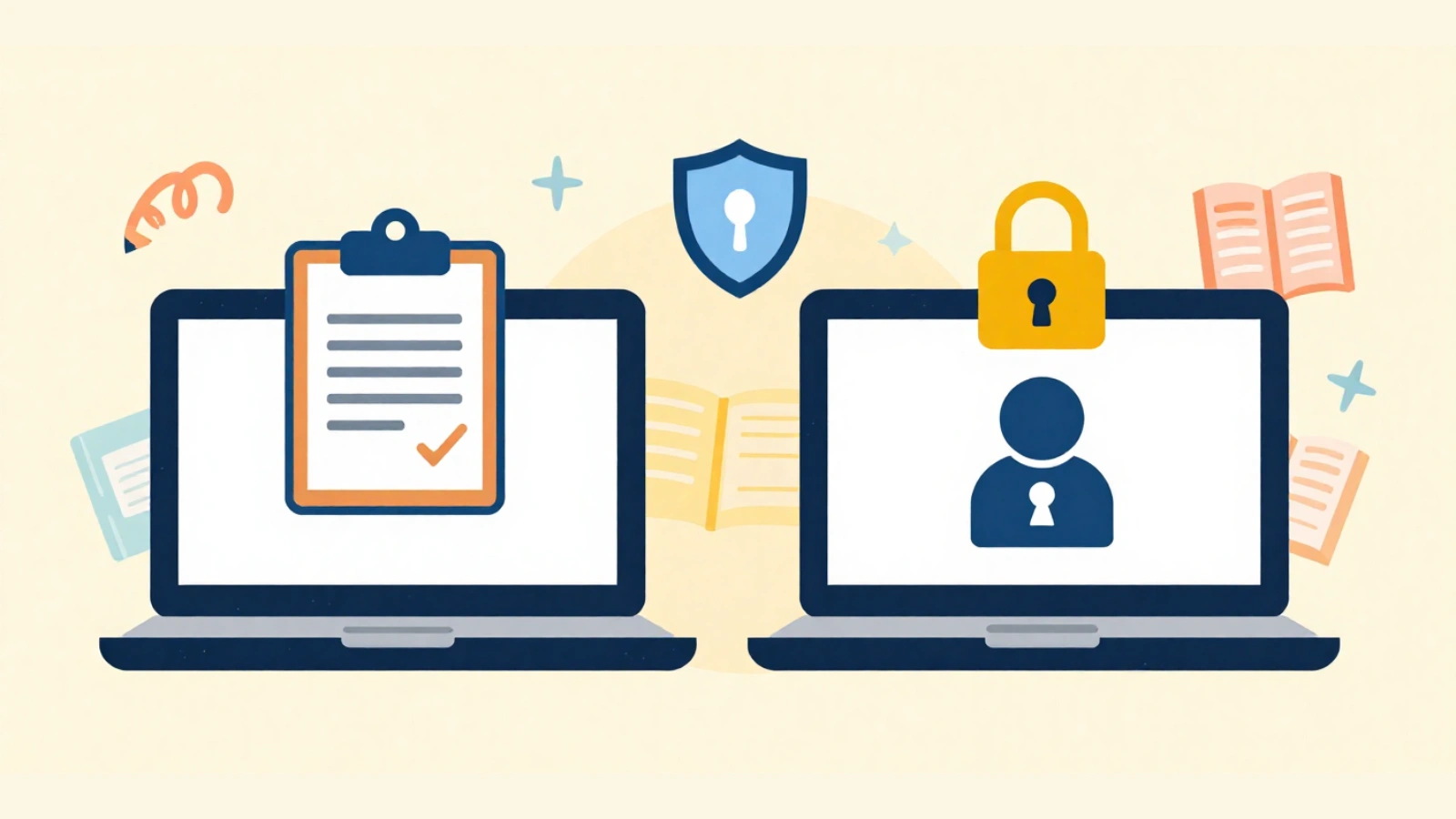
Personal computer monitoring software operates by collecting specific system data and presenting it in a readable format for administrators or users. Although the features of these tools vary, most monitoring software follows a similar technical flow.
Installation and Setup
Monitoring software is on computers as an application or a background service. In workplace environments, IT teams use centralized systems. During the setup, administrators define the data to be collected, such as application usage, system performance, or network activity. A clear configuration that monitors remains within the approved limits.
Data Collection on the Computer
Once activated, the software continuously observes predefined system events. May include:
- Applications are being opened or closed
- Time spent on specific programs or websites
- File access and changes
- System performance indicators like CPU or memory usage
The software runs quietly in the background at regular intervals or when specific actions are taken.
Processing and Analysis
The collected data are processed locally on a computer or securely sent to a central server or cloud platform. The software organizes the raw data into structured logs and reports. Advanced systems can analyze patterns to identify unusual behaviors, policy violations, and potential security risks.
Reporting and Visibility
The monitoring results are on the dashboard. These summaries help users and administrators understand the trends. For example, reports may show daily activity summaries, usage trends over time, or alerts for specific events such as falls.
Alerts and Actions
Some monitoring systems can trigger alerts when predefined conditions are met, such as the use of unauthorized software or unusual system behavior. In security-focused setups, the software may also take limited automated actions, such as blocking access or isolating a system until.
Overall, personal computer monitoring software provides visibility into computer usage and behavior. When configured correctly, it delivers insights while maintaining system stability and respecting the defined privacy boundaries.
What Data Can Computer Monitoring Software Track?

Computer monitoring software can collect different types of data depending on its purpose and configuration. Not all monitoring tools track the same information. Some focus only on system health or security, while others provide detailed usage insights. Below are the most common data categories monitored.
Application and Software Usage
Monitoring software can record which applications are used, how often they are used, and how long they remain active. Helps identify work patterns, unused tools, or unauthorized software installations.
Website and Internet Activity
Some systems track websites visited, time spent on specific pages, and categories of online activity. In professional environments, this data is used to ensure acceptable-use policies rather than to inspect personal browsing content.
File Access and Changes
Monitoring tools may log when files are opened, modified, copied, or deleted. This is especially important in environments that handle sensitive or regulated data, where knowing who accessed a file and when is critical.
System Performance and Behavior
Many monitoring solutions collect technical data such as CPU usage, memory consumption, disk activity, and system error information, which helps detect performance issues and identify abnormal behavior that could indicate security threats.
Login and Session Activity
Some monitoring systems record login times, logout times, and session duration. This data is useful for understanding availability, access patterns, and potential unauthorized use.
Screenshots and Screen Activity (Optional)
In certain setups, monitoring software may capture periodic screenshots or screen activity. This feature is usually configurable and should be, as it has stronger privacy implications.
The type and depth of data collected depend on the software. Responsible use focuses on collecting only what is necessary to meet security, productivity, or compliance goals.
Can My Employer Monitor My Personal Computer
It is one of the most common questions people have when working remotely or using personal devices. The short answer is that it depends on the situation, setup, and policies in place.
Work Devices vs Personal Computers
Employers generally have the right to monitor computers that they own and provide to employees for work. These devices are subject to company policies that require monitoring.
Personal computers are different from other devices. If a computer is owned by an employee and used for both personal and work activities, employers usually have limited rights to monitor it. Monitoring a personal device without clear consent raises serious privacy and legal concerns.
Bring Your Own Device (BYOD) Environments
In BYOD setups, employees use their personal computers to work. In such cases, employers may require the installation of specific software to access company systems remotely. This software often monitors only work-related activities, such as access to company applications or data, rather than the entire device.
Employees must agree to these conditions before using their personal computers for work. Without this agreement, the broad monitoring of a personal computer is generally inappropriate.
Consent and Company Policies
Consent plays a key role in determining the acceptability of monitoring. Clear policies should be established to explain the following:
- What is monitored
- When monitoring occurs
- Which data is excluded from monitoring
Employees should always review the company’s IT and privacy policies to understand how monitoring applies to their situations.
What Employees Should Be Aware Of
If you are concerned about monitoring your personal computer, consider using separate devices for work and personal tasks. Keeping personal activities off work systems helps maintain privacy and reduces confusion about what may be monitored.
Understanding the boundaries between work devices and personal computers helps clarify when monitoring is reasonable and when it may require further discussion.
Risks And Concerns Of Personal Computer Monitoring

While personal computer monitoring can provide useful insights and improve security, it also poses certain risks and concerns. These issues mainly arise when the monitoring is excessive, unclear, or poorly managed.
Privacy Concerns
One of the biggest concerns is the potential invasion of privacy by AI. If monitoring collects more data than necessary or captures personal information, it can make users feel uncomfortable and exposed. This is especially sensitive when screenshots, keystrokes, or browsing activities are involved.
Data Misuse and Access Risks
Monitoring systems store large amounts of data. If access to these data is not properly restricted, they may be misused or viewed by unauthorized individuals. Poor data handling practices increase the risk of internal misuse or external data breaches.
Trust and Workplace Impact
Over-monitoring can affect the trust between employees and organizations. When people feel constantly watched, it may reduce their morale, creativity, and engagement. Monitoring should support productivity and not create stress or fear.
System Performance Issues
Certain monitoring tools consume system resources. If not optimized, they can slow down computers, affect performance, or cause software conflicts, especially on older devices.
Legal and Compliance Risks
Improper monitoring can expose organizations to legal issues, particularly if laws regarding consent, transparency, or data protection are not followed. This risk increases when personal devices are involved or when monitoring crosses geographical boundaries of privacy.
Recognizing these risks helps organizations and individuals approach personal computer monitoring carefully and responsibly.
How To Detect If Your Computer Is Being Monitored
In some situations, users may want to understand whether monitoring software is running on their computers. This is especially important when monitoring has not been clearly communicated or when a device behaves unexpectedly.
Unusual System Behavior
Monitoring software often runs in the background but can still affect system performance. Signs may include slower startup times, frequent system lags, increased fan activity, or higher CPU and memory usage without an obvious reason.
Unknown Programs or Services
Check the list of installed applications and background services on your computer. Monitoring tools typically appear as system services or management agents. If you notice unfamiliar software names or services that you do not recognize, they may require further investigation.
Unexpected Network Activity
Some monitoring software regularly sends the data to external servers. Unusual or constant network activity, especially when you are not actively using the Internet, can be a sign of background monitoring.
System Permissions and Settings
Review system permissions, such as screen recording, keyboard access, camera, or microphone permissions. Monitoring tools often require elevated permissions to operate. Permissions granted to unknown or unnecessary applications should be carefully reviewed.
Security and Anti-Malware Scans
Reputable security or antivirus tools can help identify unauthorized monitoring. While legitimate workplace monitoring tools may not be flagged, malicious or hidden software is often flagged
The detection of monitoring software does not always indicate that something is amiss. In many cases, monitoring is legitimate and policy-based. However, being aware of these indicators helps users stay informed and take appropriate action if something seems unclear or unexpected to them.
Read More ↓
Why Endpoint Security Software Matters For Modern Businesses?
How To Protect Your Privacy From Computer Monitoring Software
Protecting privacy does not mean avoiding monitoring entirely. This means understanding where monitoring applies and taking practical steps to keep personal activities separate and secure.
Use Separate Devices for Work and Personal Use
The most effective way to protect privacy is to use different devices for work and personal activities. Work computers should be used only for job-related tasks, whereas personal computers should remain free from workplace monitoring tools whenever possible.
Understand Policies and Permissions
Always review the company’s IT and acceptable-use policies. These documents explain what is monitored, when monitoring occurs, and which data are collected. Knowing this helps you make informed decisions regarding the use of your computer.
Limit Permissions on Your System
Regularly check system permissions and remove unnecessary accesses. Applications should only have permissions that are essential for their functions. Be cautious when granting access to screen recording, keyboard input, camera, or microphone features.
Secure Your Accounts and Data
Strong passwords and two-factor authentication help protect accounts, even if activity is monitored. Avoid saving personal passwords or sensitive personal data on devices that may be monitored by third parties.
Keep Software Updated
Regular updates improve security and reduce vulnerabilities. Updated operating systems and applications are less likely to be exploited by malicious monitoring tools.
Ask Questions When Unsure
If you are unsure about monitoring on a device, ask your IT team or employer for clarification on the same. Clear communication helps prevent misunderstandings and ensures that expectations are aligned.
By following these steps, users can maintain a reasonable level of privacy while working in environments where computer monitoring software is present.
Best Practices For Ethical And Transparent Monitoring
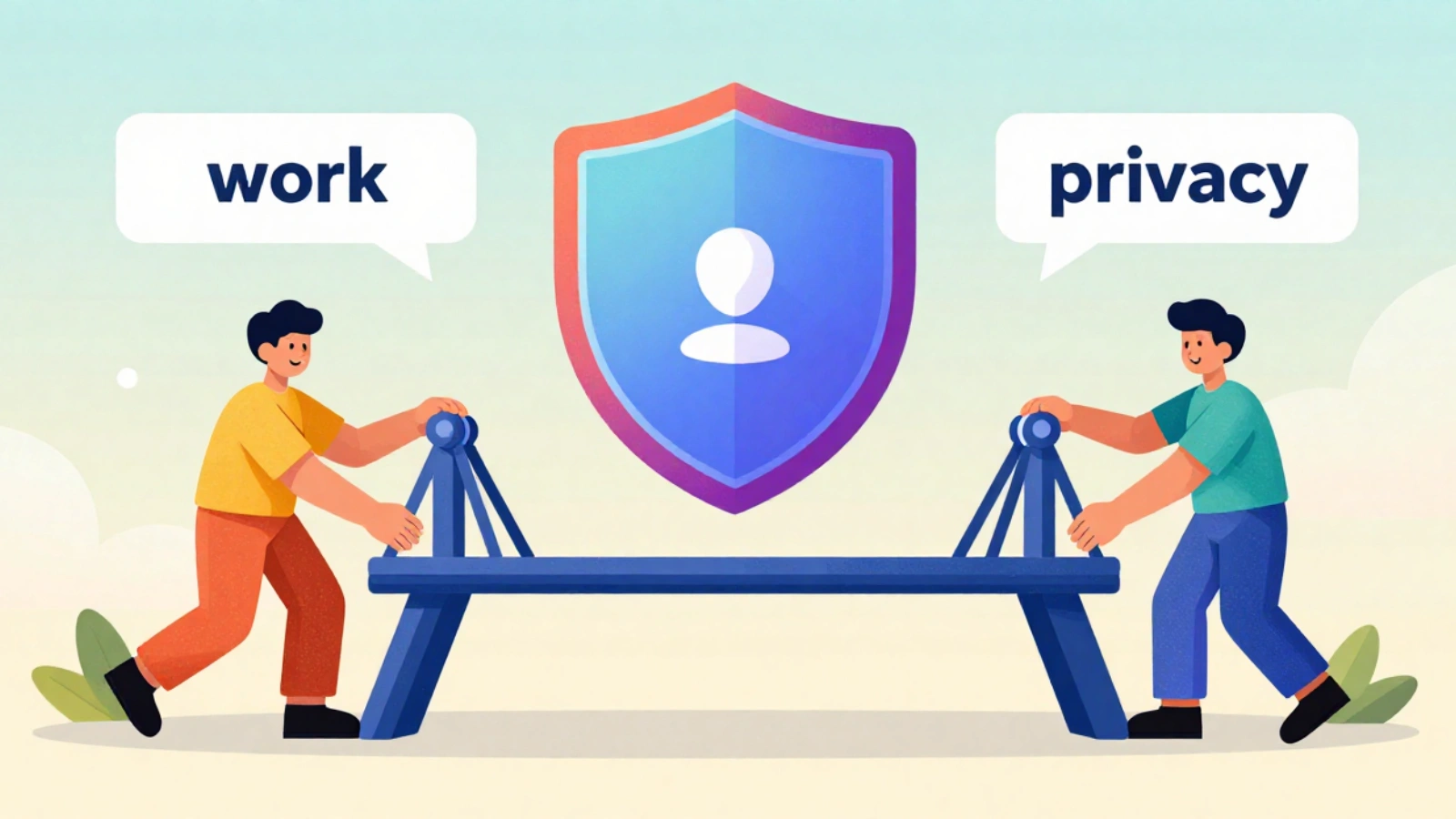
For personal computer monitoring to be effective and acceptable, it should be implemented ethically and transparently. Clear guidelines and responsible practices help to balance operational needs with individual privacy.
Be Clear and Open About Monitoring
Transparency is essential in this regard. Users should be informed when monitoring is in place, what data is collected, and the purpose behind it. Clear communication reduces confusion and builds trust.
Collect Only What Is Necessary
Monitoring should be limited to data that directly supports the defined goals, such as security or compliance. Avoid collecting personal or sensitive information that is not relevant to the monitoring objectives.
Define Access and Usage Rules
Access to monitoring data should be restricted to authorized personnel. Clear rules should define who can view the data, how it can be used, and under what circumstances it can be shared.
Set Data Retention Limits
Monitoring data should not be stored indefinitely. Establish clear retention periods and delete data when they are no longer required. This reduces privacy risks and limits the potential for misuse.
Review and Audit Monitoring Practices
Regular reviews help ensure that monitoring remains appropriate and compliant with policies and regulations. Audits can identify overreach, outdated configurations, and gaps in data protection.
Respect Legal and Cultural Boundaries
Monitoring practices should align with applicable laws and respect regional and cultural expectations regarding privacy. Extra care is required when personal devices or remote work environments are involved.
Ethical and transparent monitoring creates a system that supports security and productivity without undermining trust or the individual rights of employees.
EmpCloud: The Best Workforce Management Suite

Managing employees, prioritizing tasks, attendance, and productivity can become difficult as teams grow or move to remote or hybrid work models. EmpCloud is a platform that organizations use to manage their workforce in a simple and structured manner.
What Is EmpCloud?
EmpCloud is a cloud-based workforce management suite that helps businesses handle employee management, attendance, productivity, HR operations, and field workforce activities on a single platform. Instead of using multiple tools for different tasks, EmpCloud combines them into one system, making workforce management easier and more efficient.
The platform is suitable for office-based teams, remote employees, and field staff. It focuses on improving visibility, reducing manual work, and helping managers make better decisions using clear and accurate data.
Key Features of EmpCloud
EmpCloud offers a range of features that support daily operations and long-term workforce planning.
Employee Attendance and Time Tracking
EmpCloud accurately tracks employee attendance and working hours. It supports modern methods, such as facial recognition and location-based attendance, helping to reduce errors and manual effort.
Productivity Monitoring
This platform provides insights into employee activities and work patterns. This helps managers understand how work time is used and identify areas where processes can be improved without micromanagement.
HRMS (Human Resource Management System)
EmpCloud centralizes employee records, leave management, policies, and documents. This reduces paperwork and makes it easier for human resource teams to manage employee information throughout the employee’s lifecycle.
Payroll Management
Payroll processes have been automated to reduce manual calculations and errors. EmpCloud ensures accurate salary processing, compliance, and timely payouts.
Field Force Management
For teams working outside the office, EmpCloud offers location-tracking and task-management features. Managers can assign work, track progress, and ensure accountability of field employees.
Project and Task Management
Teams can plan project objectives, assign tasks, and track their progress on the platform. This helps improve coordination and keeps everyone aligned with the deadlines and priorities.
Performance and Career Management
EmpCloud supports performance reviews, skills tracking, and career development. This helps organizations encourage growth and recognize their contributions to the field.
Employee Exit Management
The platform also supports structured offboarding, ensuring that documentation, approvals, and compliance steps are completed smoothly when an employee leaves the organization.
Overall, EmpCloud is a practical workforce management suite for organizations looking to simplify operations, support modern work models, and manage employees clearly and professionally.
Conclusion
Personal computer monitoring has become an important aspect of modern digital work and security environments. As computers handle more sensitive data and support remote and hybrid work, organizations and individuals require better visibility into system usage, performance, and risks. When implemented correctly, personal computer monitoring helps improve security, maintain compliance, and support productivity without disrupting daily work processes.
Simultaneously, monitoring must be performed carefully. Clear policies, transparency, limited data collection, and respect for privacy are essential to avoid misuse and loss of trust in AI. Whether you are an employer, employee, or individual user, understanding how personal computer monitoring works allows you to make informed decisions and set healthy boundaries.
Tools such as monitoring software and workforce management platforms can add value when used responsibly by employees. The key is not just monitoring daily activity but using insights ethically to protect systems, support teams, and create a balanced work environment.
Frequently Asked Questions (FAQ)
Is personal computer monitoring always active after installation?
No. Most monitoring tools operate based on configuration. They may run only during work hours when connected to company systems, or when specific conditions are met. Monitoring does not always imply continuous tracking.
Can personal computer monitoring software function without Internet access?
Yes. Some monitoring software can collect data locally, even when computers are offline. The data are usually uploaded or synchronized once the device reconnects to the Internet.
Does the computer monitoring software record everything I do?
Not necessarily. Most tools are designed to track specific activities, such as application usage, system performance, or security events. The recorded data depend on the software configuration and the monitoring purposes.
Can the user disable the monitoring software?
In managed environments, such as company-owned devices, users usually cannot disable monitoring without administrator permission. On personal devices, users typically have more control unless they have agreed to monitoring as part of a work policy.
Quick Search Our Blogs
Type in keywords and get instant access to related blog posts.

