
Every business today runs on software, and when that software slows down or breaks, the impact is immediate: lost revenue, frustrated users, and damaged trust. This is exactly why monitoring applications has become a non-negotiable part of running a modern tech stack. As systems grow more distributed across cloud, hybrid, and on-premise environments, teams need reliable visibility into performance, uptime, and user experience.
In 2026, the tools used for monitoring applications have evolved far beyond simple uptime checks, offering AI-driven insights, real-time alerts, and deep diagnostics. This blog walks you through the top tools shaping this space, why monitoring applications matters more than ever, and how businesses can choose the right solution for their needs, including a workforce angle that’s often overlooked.
Listen To The Podcast Now!
Why Monitoring Applications Matters More Than Ever
Modern applications are complex, built from microservices, APIs, and third-party integrations that all need to work in sync. A single failure point can ripple across the entire system, making monitoring applications essential rather than optional.
Effective monitoring application strategies help teams catch performance bottlenecks before users notice them, reduce downtime, and improve overall reliability. Beyond just uptime, monitoring applications today also cover user experience metrics, error rates, and resource consumption.
For businesses, the cost of poor visibility is steep. Outages damage customer trust and can result in significant revenue loss within minutes. That’s why monitoring applications have shifted from a reactive IT task to a proactive business priority. Teams that invest in strong monitoring applications practices are better equipped to scale, troubleshoot faster, and deliver consistent digital experiences, regardless of how complex their infrastructure becomes.
Top Tools for Monitoring Applications in 2026:
The landscape for monitoring applications has expanded significantly, with platforms now offering AI-powered anomaly detection and predictive insights. Here are some standout categories and tools worth watching:
- Datadog – A unified observability platform that brings together infrastructure monitoring, application Performance Monitoring (APM), log management, and security insights. It offers customizable dashboards, real-time alerts, and seamless integrations, making it ideal for monitoring cloud-native and hybrid environments.
- New Relic – A powerful application performance monitoring (APM) solution that provides deep visibility into application health, real-user experiences, and distributed systems. Its detailed performance analytics help development teams identify bottlenecks and optimize application reliability.
- Dynatrace – An AI-powered observability platform that automatically discovers dependencies, analyzes performance data, and pinpoints root causes without manual intervention. It’s particularly well-suited for large enterprises managing complex, multi-cloud, and microservices-based infrastructures.
- Prometheus + Grafana – A widely adopted open-source monitoring stack where Prometheus collects and stores time-series metrics, while Grafana transforms them into interactive dashboards. Together, they provide flexible monitoring, custom alerting, and excellent support for Kubernetes and cloud-native applications.
- AppDynamics – A business-centric application monitoring platform that connects technical performance metrics with business outcomes. It helps organizations understand how application issues impact customer experiences, transactions, and revenue, enabling faster issue resolution and informed decision-making.
These application monitoring software options vary in pricing and complexity, so choosing the right one depends on your infrastructure size, budget, and the depth of insight your team requires. Many of these platforms now offer free tiers, making it easier for smaller teams to start monitoring applications without a large upfront investment.
Key Features to Look for in Monitoring Tools:
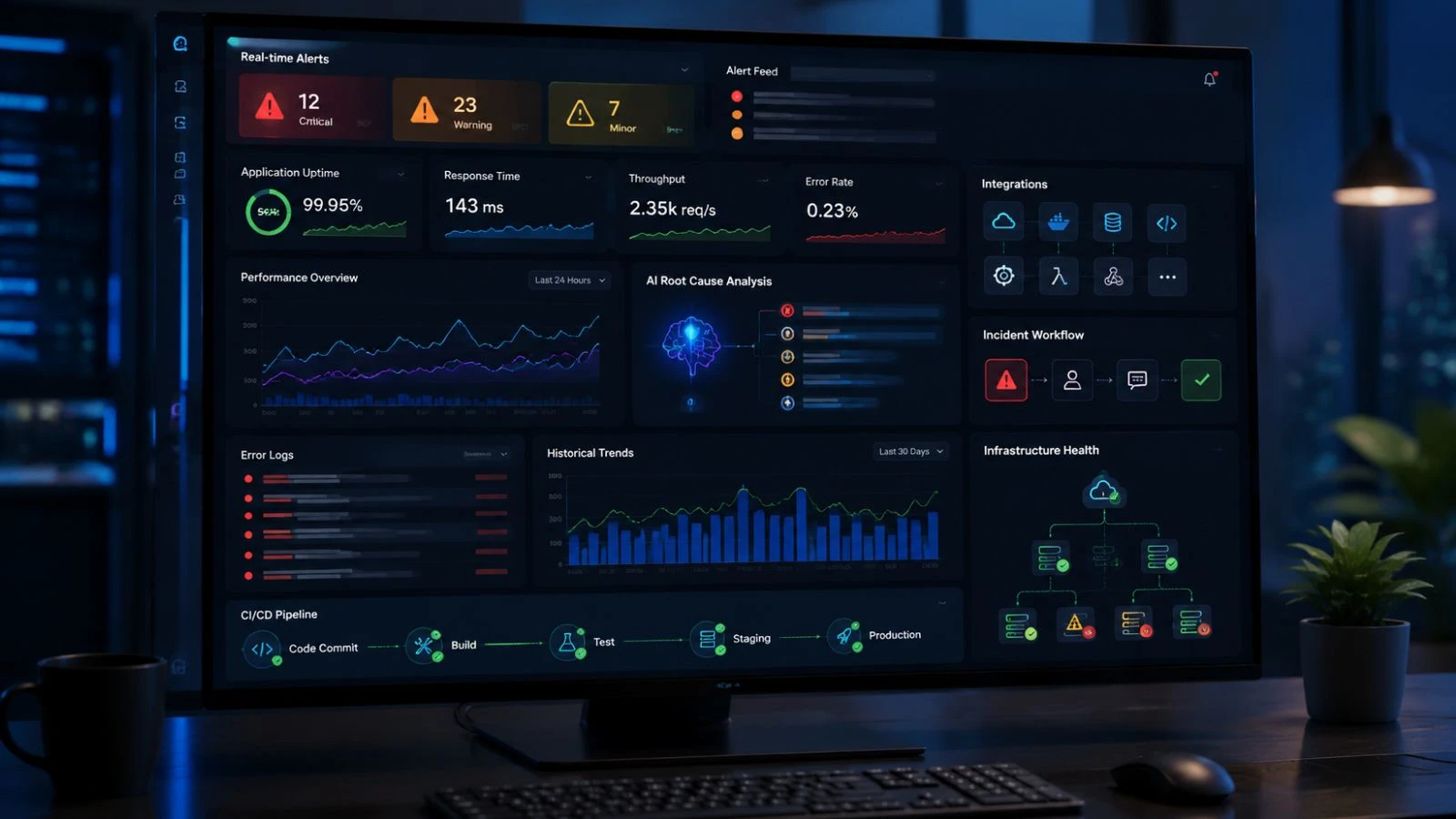
Not all monitoring application platforms are built equally, so it helps to know what separates a basic tool from a truly effective one. Real-time alerting is non-negotiable; teams need to know about issues the moment they happen, not after users complain. Look for tools offering customizable dashboards that present data in a way relevant to your team’s workflow.
Root cause analysis powered by AI is increasingly standard among the best web applications monitoring tools, helping reduce the time spent diagnosing issues manually. Integration capabilities also matter; your monitoring applications tool should connect smoothly with your existing tech stack, including CI/CD pipelines, cloud providers, and incident management systems. Scalability is another factor, as a good monitoring applications setup should grow with your infrastructure without requiring a complete overhaul. Finally, prioritize tools with strong historical data retention, since trend analysis over time often reveals issues that real-time monitoring alone might miss.
Common Challenges Teams Face While Monitoring Applications:
Even with the right tools, monitoring applications isn’t always straightforward. One common challenge is alert fatigue, when teams receive too many notifications; important issues can get buried in noise. Configuring thresholds carefully is essential to keep alerts meaningful rather than overwhelming.
Another challenge is fragmented visibility. Many organizations use multiple tools for different layers of their stack, infrastructure, network, and application, which can make monitoring applications across the full system difficult. Consolidating data into a single dashboard, where possible, helps teams avoid switching between platforms during incidents.
Cost is also a recurring concern. As infrastructure scales, the price of monitoring applications can grow quickly, especially with usage-based pricing models. Teams should regularly review their monitoring stack to ensure they’re not paying for redundant features or unused data retention periods.
Also Read:
How EmpCloud Complements Your Monitoring Applications Strategy?

While most monitoring application tools focus on servers and infrastructure, EmpCloud (app.empcloud.com) brings visibility to the human side of performance through its EmpMonitor product. It’s a useful addition for teams that want to understand not just whether systems are running but also how employees are interacting with applications during work hours. This pairs naturally with technical monitoring application efforts, giving managers a fuller picture of productivity and operational health.
EmpCloud’s EmpMonitor offers:
- Real-time activity tracking – Monitors active time, idle time, and application or website usage through a live dashboard.
- Work hours and engagement insights – Helps identify productivity trends and workflow bottlenecks.
- Application and website usage reports – Shows which tools employees rely on most during work hours.
- Exception alerts – Flags unusual app activity or shift deviations for quick response.
- Privacy-conscious modes – Includes stealth and transparent tracking options, plus Private Time for breaks.
- Seamless integration – Connects with HRMS, payroll, and project management tools in one suite.
For teams already managing application performance, EmpCloud adds a workforce monitoring layer that supports accountability and smarter resource planning.
Choosing the Right Monitoring Setup for Your Team:
Selecting the right approach to monitoring applications isn’t a one-size-fits-all decision. Smaller teams may benefit from simpler, cost-effective tools like Grafana paired with Prometheus, while enterprises managing complex, multi-cloud environments often need platforms like Dynatrace or Datadog for their AI-driven depth. Consider your team’s technical expertise too; some monitoring application tools require significant setup and configuration, while others are designed for quick onboarding.
It’s also worth evaluating whether you need pure infrastructure monitoring or a broader view that includes user experience and business metrics. Combining technical monitoring application tools with workforce insights, like those EmpCloud offers, can give leadership a more complete operational picture. Ultimately, the goal is to choose tools that reduce downtime, speed up troubleshooting, and align with how your team actually works day to day.
The Future of Monitoring Applications:
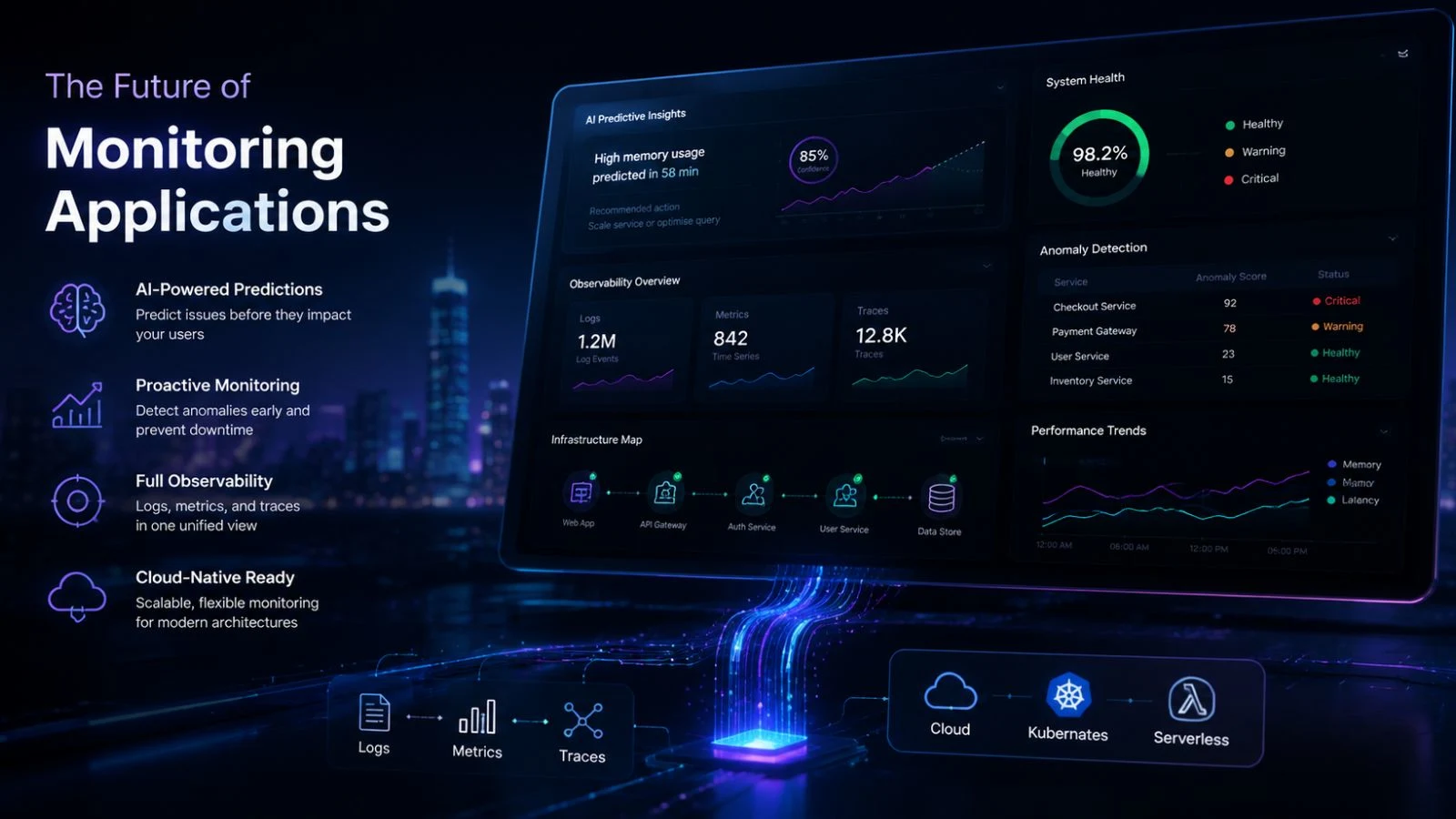
Looking ahead, monitoring applications will continue to lean heavily on artificial intelligence and predictive analytics. Instead of just alerting teams after something breaks, tools are increasingly forecasting issues before they occur, based on historical patterns and anomaly detection. This shift toward proactive monitoring applications is expected to reduce downtime significantly across industries.
Additionally, observability is becoming a broader discipline, combining logs, metrics, and traces into unified platforms. As businesses adopt more cloud-native architectures, the demand for flexible, scalable monitoring application solutions will only continue to grow, making this an area worth watching closely in the years ahead.
Conclusion:
As applications grow more complex, the importance of monitoring applications continues to rise. From AI-driven platforms like Dynatrace and Datadog to open-source combinations like Prometheus and Grafana, 2026 offers a strong range of options for teams of every size, each with different strengths depending on budget and infrastructure needs.
Pairing technical monitoring with workforce visibility tools like EmpCloud’s EmpMonitor can give businesses a more complete picture of both system and team performance. By staying proactive rather than reactive, organizations can reduce downtime, protect user trust, and build software environments that scale confidently into the future.
FAQs:
Q1: What is the main purpose of monitoring applications?
Ans: It helps teams detect performance issues, downtime, and errors before they impact users, ensuring reliable software operations and a smoother overall experience.
Q2: Are open-source tools good for monitoring web applications?
Ans: Yes, tools like Prometheus and Grafana are widely used, especially by teams wanting customizable, budget-friendly solutions with strong community support.
Q3: How often should teams review their monitoring setup?
Ans: Reviewing tools and alert thresholds quarterly helps avoid alert fatigue and ensures the system stays relevant as infrastructure scales.
Q4: Can EmpCloud replace traditional application monitoring tools?
Ans: No, EmpCloud focuses on workforce and productivity monitoring, complementing rather than replacing infrastructure-focused monitoring platforms.
Quick Search Our Blogs
Type in keywords and get instant access to related blog posts.

