
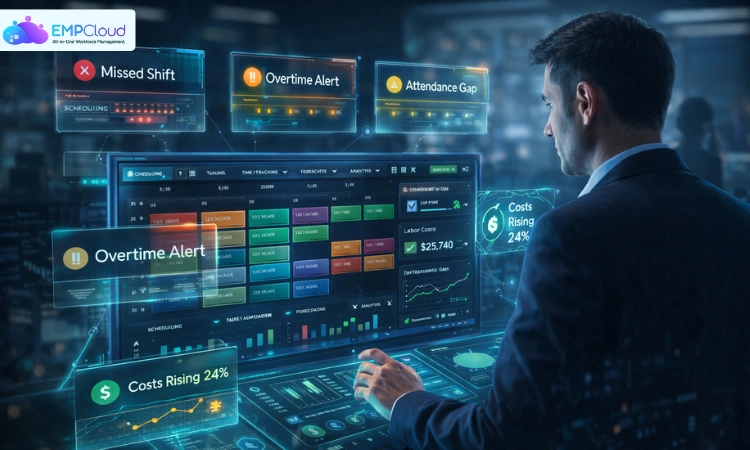
Workforce management solutions often become a priority only after things start breaking. A shift goes uncovered, payroll numbers don’t match, and managers spend hours fixing schedules instead of leading teams.
These issues rarely feel urgent at first. Over time, though, they compound into higher labor costs, compliance risks, and frustrated employees. What looks like small operational friction turns into a much bigger business problem.
The shift from manual processes to structured systems changes how teams operate. With the right approach, workforce management solutions bring clarity, control, and consistency to everyday operations.
Read Aloud!
What Are Workforce Management Solutions?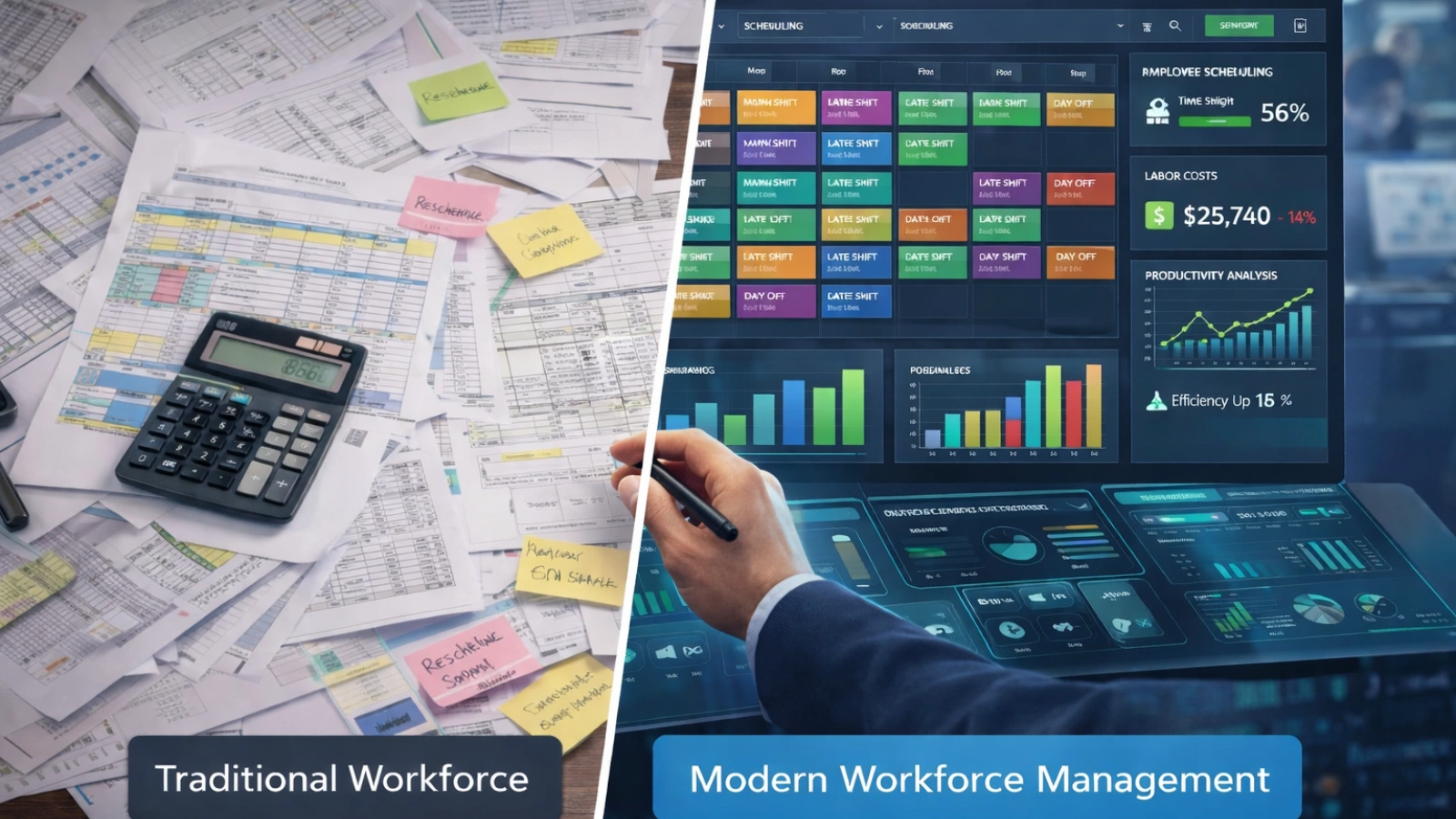
Workforce management is often confused with general HR work. The difference becomes clear when you look at what each one handles day to day.
HR focuses on hiring, performance, and long-term employee development. Workforce management solutions focus on execution. They deal with schedules, shifts, attendance, and labor allocation in real time.
This shift in focus changes how decisions are made. Instead of reviewing reports after the fact, managers can act while work is happening.
Manual systems struggle in this environment. A spreadsheet might work for a small team, but it quickly breaks down as schedules grow more complex. Errors increase, visibility drops, and decisions become reactive.
Workforce management solutions solve this by connecting data with daily operations. HR managers gain compliance control, operations leaders manage staffing more effectively, and business owners finally see where labor costs are going.
Quick Answer
Workforce management solutions help organizations schedule employees, track attendance, forecast labor demand, and stay compliant. HR teams and operations leaders use them to reduce labor costs, improve productivity, and bring structure to everyday workforce operations.
Core Components of an Effective Workforce Management Solution
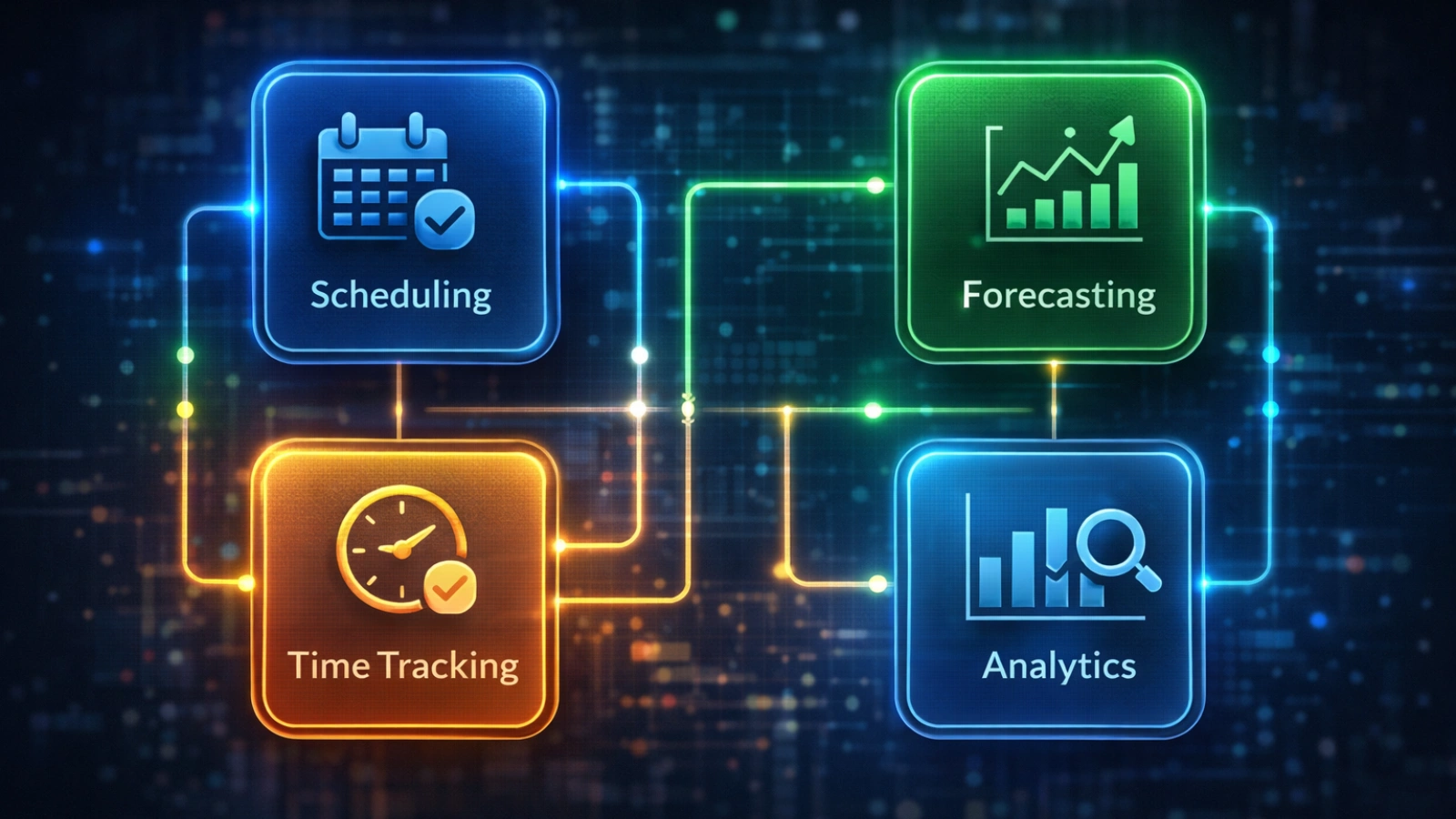
A single feature won’t fix workforce challenges. Effective workforce management solutions combine multiple capabilities that work together in a connected system.
Employee Scheduling and Shift Management
Scheduling is where most issues begin. Many managers still rely on instinct or past patterns to assign shifts.
Modern workforce management solutions use actual data. For example, a retail store can adjust staffing based on expected customer traffic instead of guesswork. This prevents overstaffing on slow days and shortages during busy hours.
Time and Attendance Tracking
Tracking work hours seems straightforward until inconsistencies appear. Small errors in logging time can lead to payroll disputes or compliance issues.
Digital tracking tools, including mobile clock-ins, solve this problem. They create accurate records and reduce the need for manual corrections.
Labor Demand Forecasting
Forecasting moves workforce management from reactive to proactive.
A support team, for instance, can analyze past call volumes and prepare schedules in advance. Instead of scrambling during peak hours, staffing is already aligned with demand.
The goal is not perfect predictions. It’s better planning with fewer surprises.
Absence and Leave Management
Unplanned leave disrupts schedules quickly. Without a central system, managers often find out too late.
Workforce management solutions track leave requests in one place and adjust schedules automatically. This reduces last-minute chaos and keeps operations stable.
Workforce Analytics and Reporting
Data only matters when it drives decisions. Workforce management solutions provide dashboards that show labor costs, attendance patterns, and productivity trends.
Instead of reviewing reports at the end of the month, managers can adjust schedules and staffing in real time.
The Real Business Case – Why Workforce Management Solutions Matter
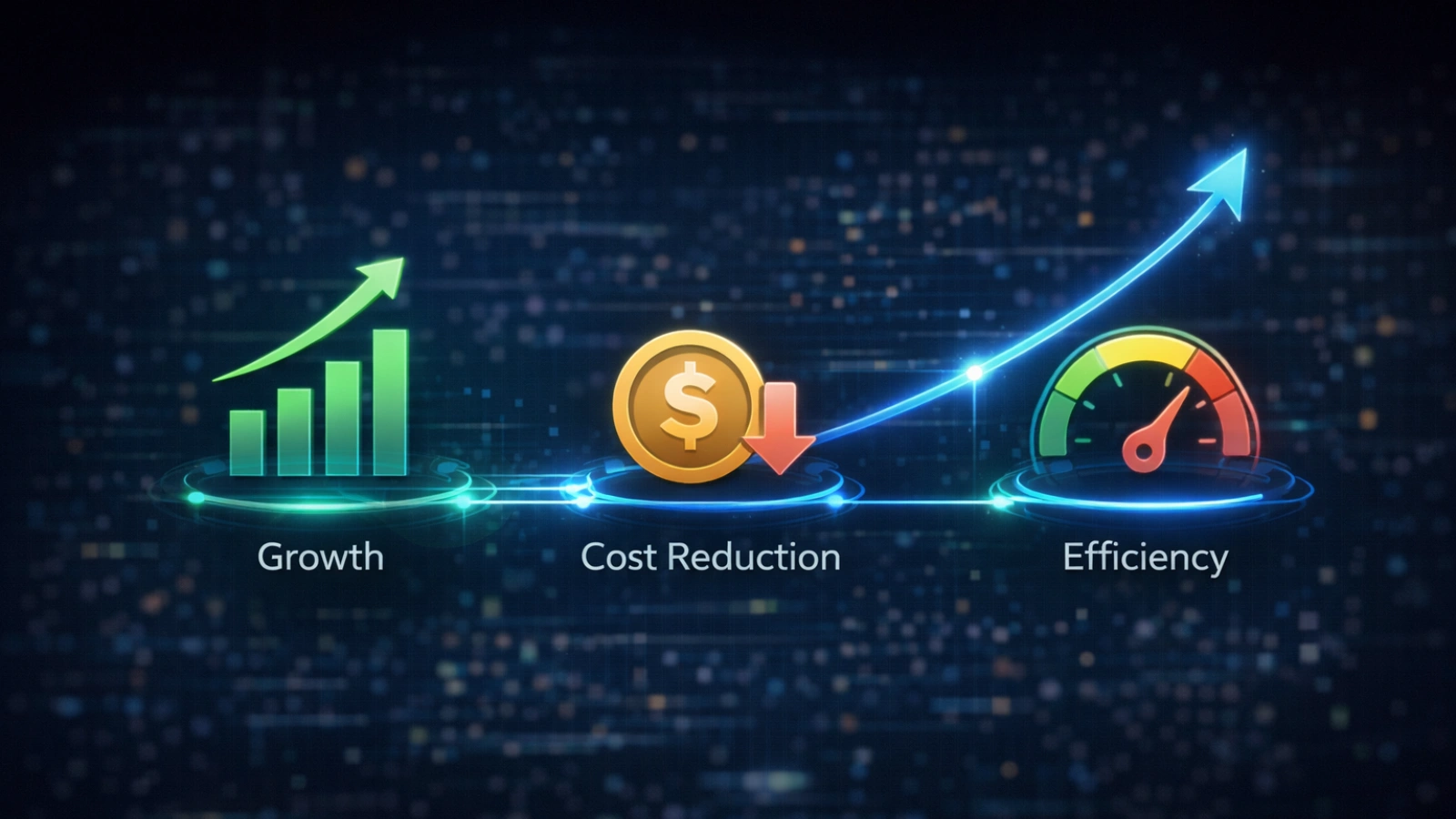
The value of workforce management solutions becomes clear when you connect actions to outcomes.
When staffing aligns with actual demand, overtime decreases naturally. It’s not about stricter rules. It’s about better planning.
Compliance risks also shrink. Systems flag violations before they become serious issues, which reduces legal exposure.
Employee experience improves in subtle but important ways. Clear schedules and easy access reduce confusion. Employees don’t need to chase managers for updates or approvals.
Time savings are often underestimated. Managers spend hours fixing schedules and handling routine requests. Automation removes much of that burden and allows them to focus on higher-level decisions.
How to Implement a Workforce Management Solution – Step by Step
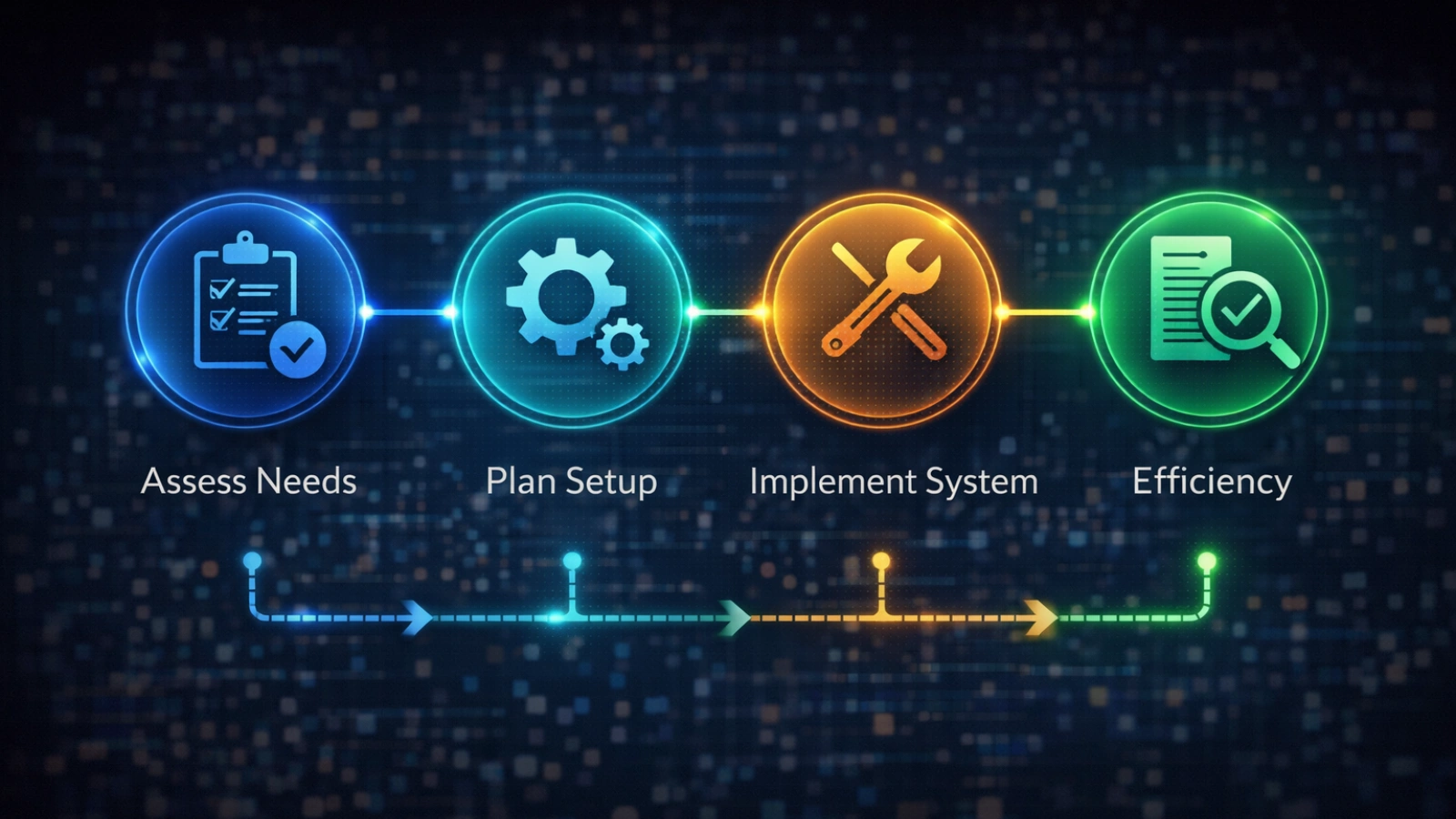
Even the best workforce management solutions fail without a clear implementation plan. The process needs structure and patience.
Step 1: Audit Your Current Workforce Operations
Start by understanding what’s already happening. Identify where errors occur, which processes are manual, and what consumes the most time.
Focus on your biggest pain points first. This clarity helps you choose the right solution later.
Step 2: Define Your Requirements by Role and Workflow
Each team interacts with workforce management differently. Operations leaders need forecasting tools, while HR teams focus on compliance and leave tracking.
Employees want visibility and easy access. Document these needs before evaluating any workforce management solutions.
Step 3: Choose a Platform That Fits Your Scale and Industry
Not every system fits every business. Small teams often need simplicity, while larger organizations require deeper integrations.
Industry requirements also matter. Scheduling in healthcare looks very different from retail or logistics.
Step 4: Configure the System to Match Your Structure
Once you select a platform, it needs to reflect your actual workflows. Set up roles, departments, and shifts correctly from the start.
Import employee data carefully and create schedules that mirror real operations. Skipping this step leads to confusion later.
Step 5: Train Your Team and Encourage Adoption
Adoption determines success. Even strong workforce management solutions fail if teams don’t use them properly.
Train managers first, then employees. Start with a small pilot group, gather feedback, and refine the setup before expanding.
Step 6: Measure, Adjust, and Improve
Implementation doesn’t stop at launch. Track key metrics such as scheduling accuracy, labor costs, and absenteeism.
Review performance regularly and make adjustments based on real usage. Continuous improvement is what makes workforce management solutions effective over time.
Implementation Timeline
- Week 1–2: Audit and planning
- Week 3–4: Platform selection
- Month 2: Setup and pilot
- Month 3+: Full rollout and optimization
EmpCloud: A Workforce Management Solution Built for Modern Teams

Once you understand what effective workforce management requires, the next step is choosing a platform that actually supports those needs in practice.
EmpCloud focuses on simplifying workforce management without removing the depth businesses need to operate efficiently. It’s built for HR teams, operations managers, and business owners who want better control over scheduling, attendance, and labor visibility.
Here’s how it supports day-to-day workforce operations:
- Employee Scheduling
Create and manage shift schedules from a single dashboard. Set recurring shifts, assign roles, and update schedules quickly when changes happen. - Time and Attendance Tracking
Track employee working hours with digital clock-in and clock-out. Maintain accurate records that help reduce payroll errors and support audits. - Leave and Absence Management
Manage leave requests in one place with approval workflows. Once approved, schedules adjust automatically to reflect employee availability. - Employee Self-Service Portal
Employees can view schedules, request leave, and check attendance without depending on managers for updates. - Basic Reporting and Insights
Access reports on attendance, working hours, and leave patterns. This helps managers monitor trends and make better staffing decisions. - Centralized Employee Data
Store and manage employee information in one system, reducing reliance on multiple tools or manual records. - Simple Setup and Usability
Designed for easy onboarding, making it suitable for teams moving away from spreadsheets or manual workforce management processes.
EmpCloud works best for teams that want a structured system without unnecessary complexity, especially when transitioning from manual workforce management methods.
Common Mistakes When Implementing Workforce Management Solutions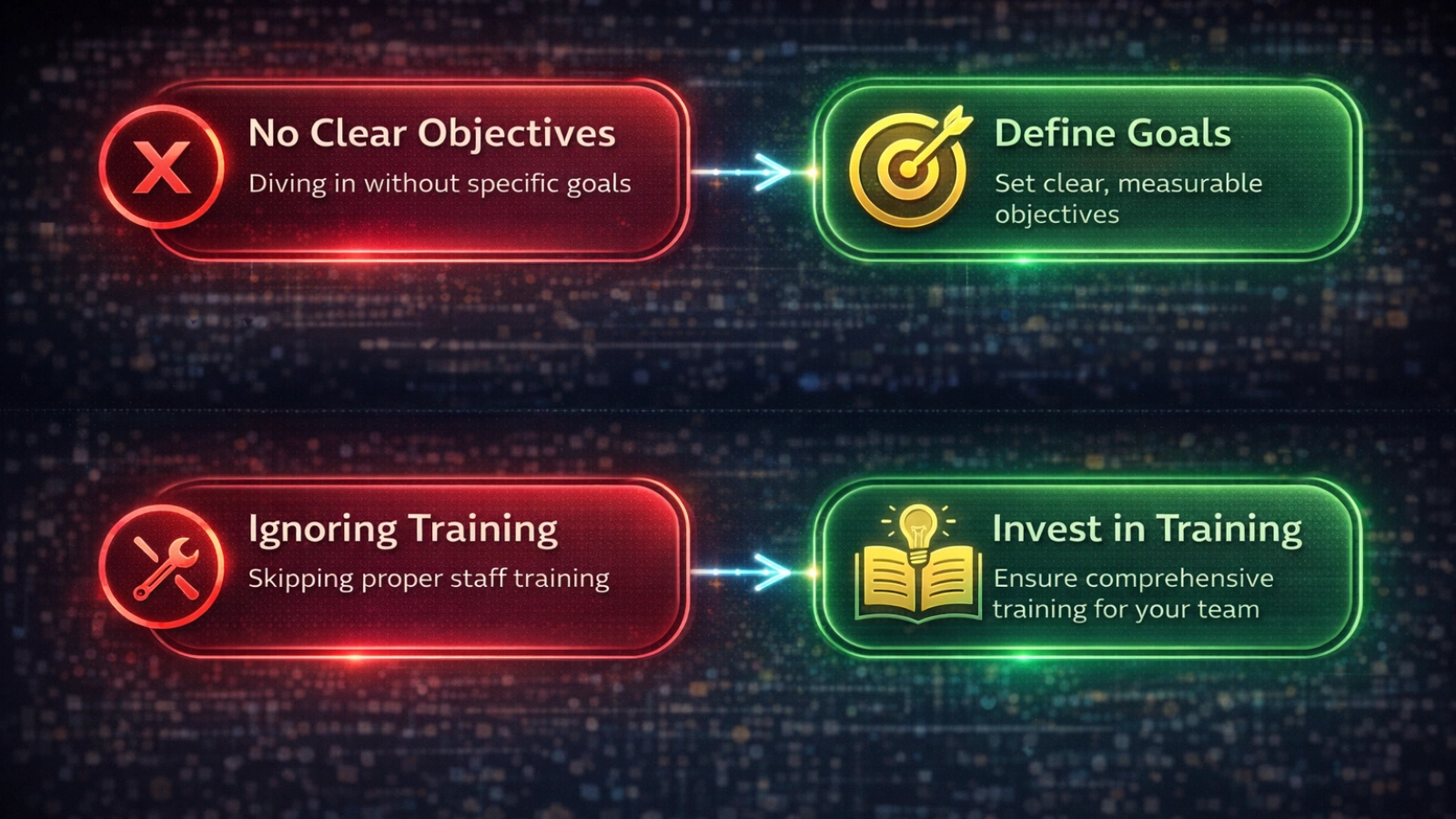
Most problems during implementation come from poor planning rather than technical issues.
Choosing software too early is a common mistake. Without clear requirements, it’s easy to select tools that don’t solve real problems.
Adoption is another challenge. Even the best workforce management solutions fail if managers and employees don’t use them consistently.
Skipping a pilot phase increases risk. Testing with a small group helps catch issues before a full rollout.
Some teams focus on the wrong metrics. Usage numbers matter less than outcomes like cost savings and scheduling accuracy.
Treating workforce management as only an IT project limits its impact. It requires coordination across HR, operations, and finance.
Ignoring employee experience can also create resistance. If the system feels complicated, people avoid using it.
Read More!
Advanced Insights – The Future of Workforce Management

Workforce management solutions are becoming smarter and more predictive.
AI-based forecasting is improving scheduling accuracy by considering factors beyond historical data. Weather, events, and seasonal trends now influence staffing decisions.
Predictive insights are expanding as well. Some systems can identify employees who may be at risk of leaving based on scheduling patterns.
Employee-driven scheduling is gaining traction. Instead of fixed assignments, employees can choose or request shifts based on availability.
Integration is becoming more valuable than adding new features. Connecting workforce data with payroll and finance systems creates a more complete operational view.
Compliance is also evolving. Automated updates help organizations keep up with changing regulations without constant manual intervention.
Conclusion
Workforce management solutions are not just another tool. They replace reactive processes with a system that brings structure and clarity to daily operations.
The companies that see real results approach implementation carefully. They understand their challenges, choose the right platform, and focus on adoption from the start.
If you are still relying on manual systems, begin by mapping your current workflow. Identify where issues occur and where time is lost.
From there, explore how workforce management solutions like EmpCloud can address those gaps in a practical and scalable way.
Frequently Asked Questions
1. What are workforce management solutions?
Workforce management solutions are systems that help businesses schedule employees, track attendance, and manage labor efficiently. They bring structure to daily operations by replacing manual processes with automated tools that improve accuracy and visibility.
2. How do workforce management solutions reduce labor costs?
Workforce management solutions reduce labor costs by improving scheduling accuracy and preventing unnecessary overtime. They use data to match staffing with demand, which helps avoid overstaffing and identifies inefficiencies in workforce usage.
3. What features should workforce management software include?
Workforce management software should include scheduling tools, time tracking, leave management, compliance alerts, and analytics. Employee self-service features are also important, as they reduce administrative work and improve overall efficiency.
Quick Search Our Blogs
Type in keywords and get instant access to related blog posts.

