
We are all aware of how crucial teamwork is in the workplace. It is the foundation of an effective project management strategy. Collaboration is more crucial than ever in the connected workplace of today. When team members work well together, they can share knowledge, capitalize on each other’s strengths, and overcome obstacles more quickly.
Project oversight tools are essential for improving teamwork because they give teams the tools they need to coordinate, communicate, and complete tasks. With the help of these tools, team members can assign tasks, monitor progress, and instantly share updates on a centralized platform. Project management tools promote a collaborative culture that propels project success by removing obstacles to communication and optimizing workflows.
With the right project oversight tool, teams can stay aligned with their goals and work seamlessly together to achieve them.
In a hurry? Listen to the blog instead!
The Challenges Of Team Collaboration
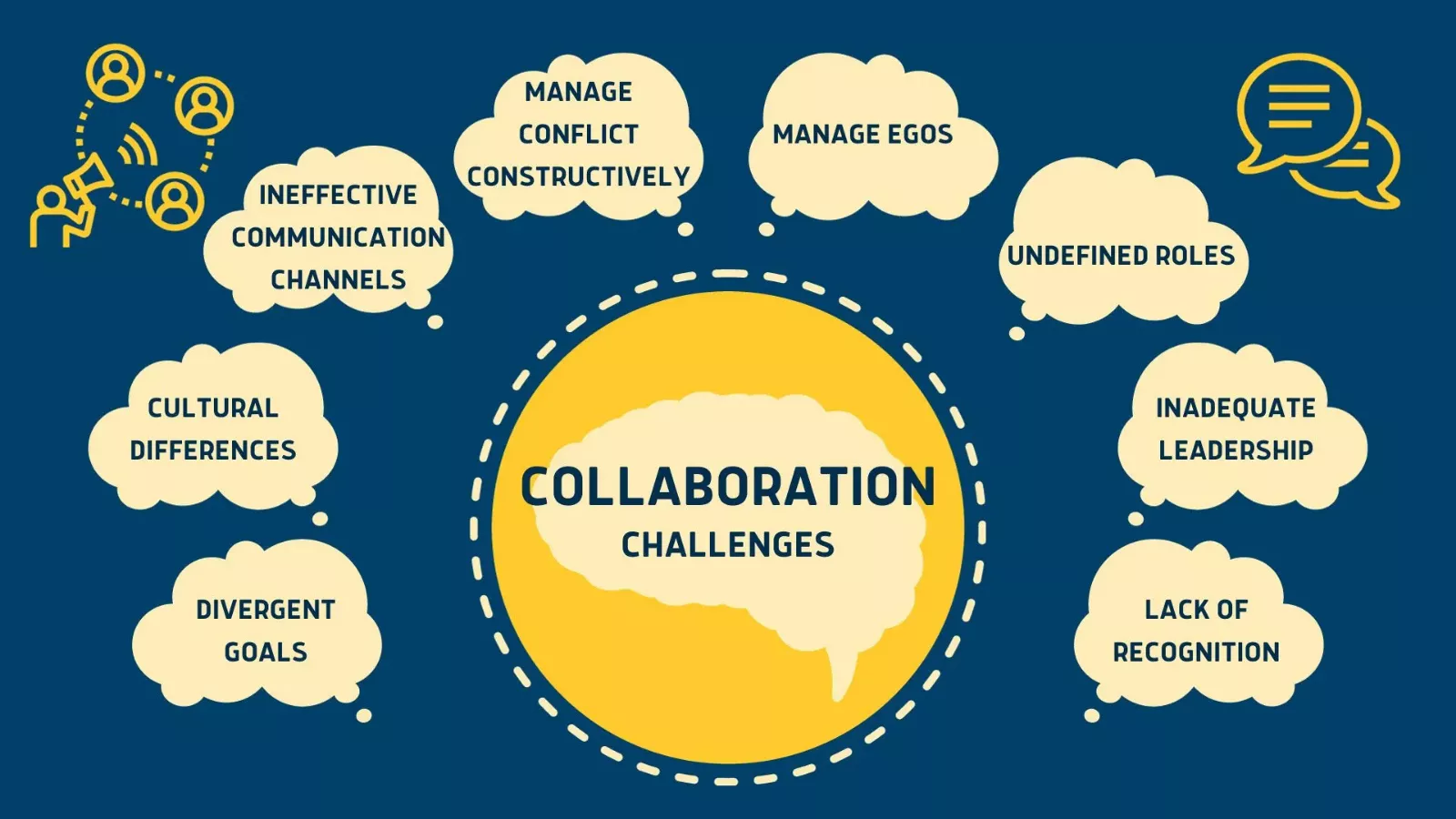 Effective team collaboration is essential for successful project oversight. However, it often comes with challenges that can hinder progress and impact project outcomes. One of the main issues that may arise in team collaboration is when people are working remotely or in hybrid mode. Likewise, there can be different scenarios where it could be quite challenging for you as a manager to collaborate with your team while working on a project.
Let’s explore some common challenges teams face and how project oversight tools can address them.
Miscommunication
Miscommunication is one of the most common challenges in team collaboration. Without clear and effective communication channels, important information can get lost, leading to misunderstandings and errors.
Unclear Roles and Responsibilities
When team members are unsure of their roles and responsibilities, it can cause confusion and duplication of effort. A clear role definition is crucial for ensuring that everyone knows what is expected of them.
Lack of Organization
Disorganized workflows can hinder progress and lead to missed deadlines. Without a structured approach to managing tasks and projects, teams may struggle to stay on track.
Remote Work and Time Zone Differences
With the rise of remote work, teams often find themselves collaborating across different time zones. It can create challenges in coordinating meetings, ensuring timely communication, and maintaining alignment.
How Project Management Tools Address These Challenges?
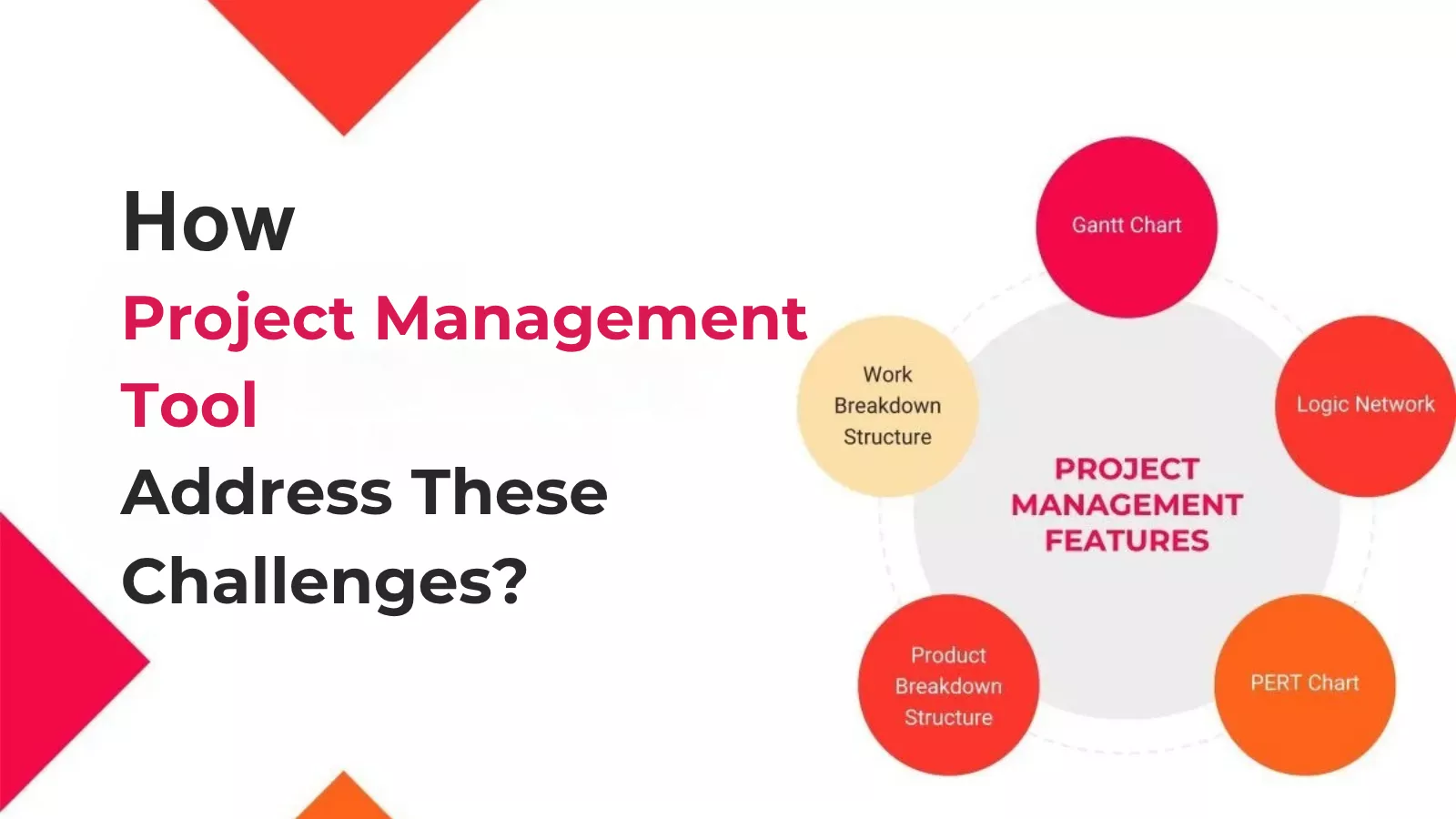 Project oversight tools are designed to tackle these common collaboration challenges head-on. Let’s explore how these tools can enhance team collaboration:
Improved Communication
Project oversight tools provide centralized communication platforms where team members can share updates, ask questions, and collaborate in real time. This helps ensure are on the same page and reduces the risk of miscommunication.
Clear Role Definition
These tools allow project managers to assign specific roles and responsibilities to team members, ensuring they know their tasks and deadlines. This clarity helps prevent duplication of effort and ensures accountability.
Organized Workflows
Project management tools offer features like task lists, timelines, and calendars to help teams organize their work effectively. By providing a clear structure, these tools help teams stay on track and meet their deadlines.
Facilitating Remote Collaboration
With features like video conferencing, document sharing, and time zone synchronization, project oversight tools make it easier for remote teams to collaborate effectively. They bridge the gap created by physical distance and ensure seamless communication.
Key Project Management Software Features That Enhance Collaboration
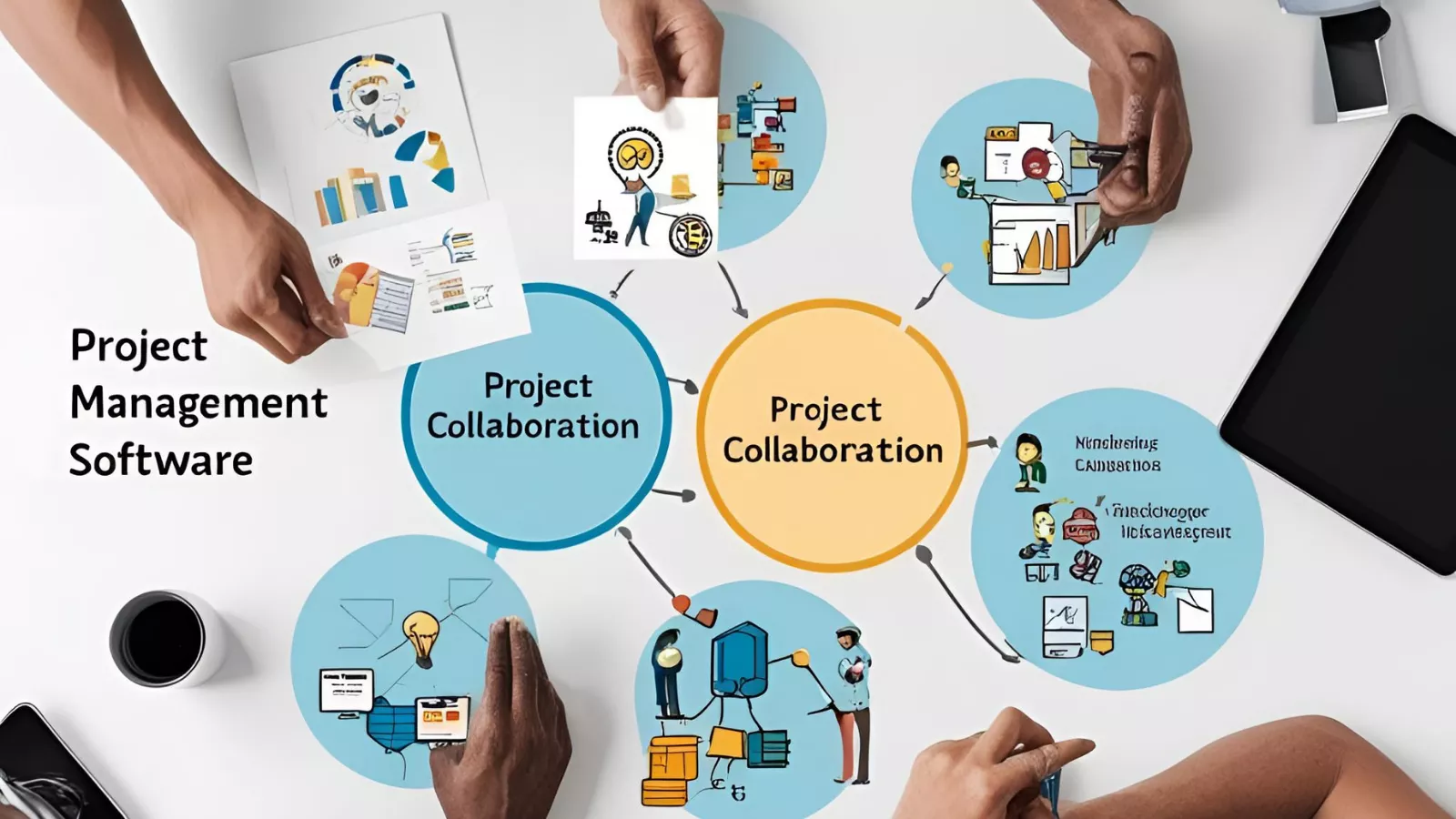 Project management tools come equipped with various features designed to streamline collaboration and improve team productivity. These features not only help in organizing tasks but also foster a collaborative environment where team members can work seamlessly together. Let’s delve into some of these key features:
Access Control
Ensuring appropriate permissions for team members to maintain security and clarity is essential. Access control allows project managers to grant customized permissions, ensuring everyone has access suited to their roles and responsibilities. This helps in preventing unauthorized access and maintaining data integrity.
Role Management
Assigning specific roles and responsibilities to team members streamlines tasks and accountability. Role management helps define team members’ duties and specifies the permissions they can modify, creating a clear structure. This clarity ensures that everyone knows their tasks and can focus on their responsibilities without any confusion.
Team Organization
Improving communication and boosting collaboration through efficient team structuring is crucial. Team organization features help in organizing team members, enhancing teamwork, and improving workflow efficiency. By clearly defining team hierarchies and roles, these tools facilitate better coordination and cooperation among team members.
Project Oversight
Control over project creation, management, and reporting ensures seamless oversight. Project oversight tools allow project managers to create, manage, search, and generate reports (CSV/PDF) with ease and precision. This comprehensive oversight ensures that projects stay on track and any issues are promptly addressed.
Task Management
Efficiently delegating tasks ensures that every team member has a clear, defined responsibility. Task management features help streamline execution and ensure tasks are completed on time. By providing a clear overview of all tasks and deadlines, these tools help teams stay organized and productive.
Subtask Breakdown
Breaking tasks into subtasks allows for better control and progress tracking. Subtask breakdown ensures that all critical details are for, making it easier to manage complex projects. This granular level of detail helps in monitoring progress and identifying potential bottlenecks early on.
Timeline Tracking
Monitoring project timelines from creation to completion ensures effective management. Timeline tracking helps in maintaining smooth oversight and ensuring projects stay on schedule. By providing visual representations of project timelines, these tools make it easier to track progress and meet deadlines.
Profile Updates
Seamless admin updates help maintain accurate team and employee data. Profile update features allow admins to update profile details efficiently, ensuring proper management of team information. It ensures that team records are always up-to-date and accurate.
Visual Planning
Kanban boards and Gantt charts help track productivity and manage projects effortlessly. Visual planning tools cater to all team needs, providing a clear overview of project progress. These visual tools make it easier to plan, monitor, and adjust project activities as needed.
These features are essential for fostering effective team collaboration. With the right project oversight tool, teams can overcome common challenges and work more efficiently. One promising new tool in the market is EmpCloud, which offers a comprehensive suite of project management features designed to enhance collaboration and productivity.
EmpCloud: The Future of Project Management
 Empcloud is poised to revolutionize the way teams collaborate and manage projects. This innovative upcoming project management suite is designed with a clear vision: to enhance productivity and streamline teamwork, making it the go-to solution for modern project managers.
By integrating cutting-edge technology with user-friendly interfaces, EmpCloud addresses common challenges faced by project teams, providing a comprehensive suite of tools that cater to various aspects of project oversight. Whether you’re delegating tasks, tracking timelines, or ensuring clear communication, EmpCloud has got you covered.
Key Features of EmpCloud for Enhanced Collaboration
Access Control EmpCloud ensures members have appropriate permissions tailored to their roles. By granting customized access, project managers can maintain security and clarity within the team.
Role Management: Assigning specific roles and responsibilities to each team member helps streamline tasks and improve accountability. With EmpCloud’s role management feature, you can define duties and specify permissions, ensuring everyone knows their role.
Team Organization: EmpCloud makes team organization seamless, enhancing communication and collaboration. By efficiently structuring your team, you can boost teamwork and improve workflow efficiency, leading to better project outcomes.
Project & Task Management: Efficient task delegation is key to project success. EmpCloud’s task management feature allows you to assign tasks clearly and track their progress, ensuring that every team member knows their responsibilities and deadlines.
Visual Planning: EmpCloud offers customizable Kanban boards and Gantt charts, making project planning and tracking effortless. These visual planning tools provide a clear overview of project progress, helping teams stay organized and on track.
By incorporating these features, EmpCloud is set to become a game-changer in the realm of project management, fostering a collaborative environment where teams can thrive.
The Benefits Of Using Project Management Tools For Remote Teams
 Remote work has become increasingly common, and with it comes a unique set of challenges. project oversight tools play a vital role in overcoming these challenges and ensuring that remote teams can collaborate effectively.
Enhanced Communication
Effective communication is crucial for remote teams. Project oversight provides platforms for real-time communication, enabling team members to stay connected no matter where they are. Features like instant messaging, video conferencing, and centralized communication channels help bridge the gap created by physical distance.
Improved Accountability
In a remote work environment, it can be challenging to keep track of everyone’s tasks and responsibilities. Project management tools offer features like task assignment and progress tracking, ensuring members are accountable for their work. This clarity helps prevent misunderstandings and ensures that everyone knows what is expected of them.
Streamlined Workflow
Managing workflows can be complex when team members are spread across different locations. Project oversight tools help streamline workflows by providing a centralized platform for task management, project oversight, and timeline tracking. This organization helps remote teams stay on top of their projects and meet deadlines.
Increased Flexibility
Remote teams often work across different time zones, making it challenging to coordinate schedules. Project oversight tools offer time zone synchronization and flexible scheduling, allowing team members to work at their own pace while staying aligned with the team’s goals.
Enhanced Collaboration
Collaboration can be difficult when team members are not physically present. Project management tools offer features like document sharing, collaborative editing, and visual planning tools (e.g., Kanban boards and Gantt charts) to facilitate collaboration. These tools help remote teams work together seamlessly, regardless of their location.
By leveraging the benefits of project oversight tools, remote teams can overcome the challenges of distance and work together effectively to achieve their project goals.
Adopt A Collaborative Culture In Project Management
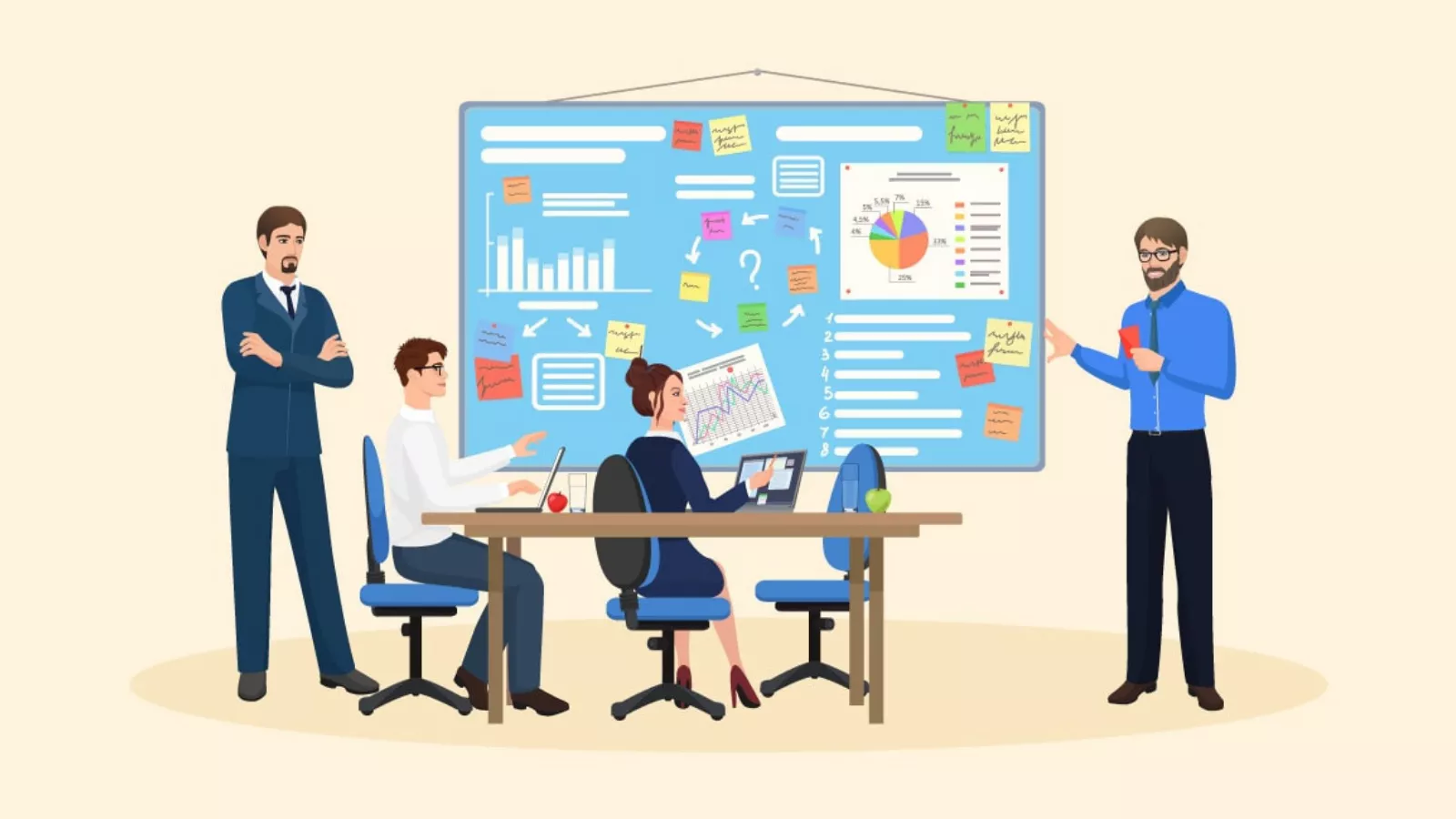 A collaborative culture within a team is crucial for the success of any project. Encouraging open communication, fostering trust, and promoting ownership among team members can lead to higher levels of collaboration and productivity.
Open Communication
Open communication is the foundation of a collaborative culture. Encouraging team members to share their ideas, feedback, and concerns without fear of judgment creates an environment of trust and mutual respect. Regular team meetings, brainstorming sessions, and open channels for communication help in building this culture.
Fostering Trust
Trust is a vital component of effective collaboration. Team members need to trust each other’s capabilities and be confident that everyone is working towards the same goals. Project managers can foster trust by recognizing and appreciating team members’ efforts, providing constructive feedback, and promoting a culture of accountability.
Promoting Ownership
When team members feel a sense of ownership over their tasks and responsibilities, they are more likely to be engaged and motivated. Project managers can promote ownership by involving team members in decision-making processes, setting clear expectations, and providing opportunities for professional growth.
By adopting a collaborative culture, teams can work more effectively, overcome challenges, and achieve project success.
Read More
Master Workforce Management In 2025 Like Never Before!
Project Objectives: A Clear Guide To Setting, Managing, And Achieving Them Effectively
Employee Trust: Why It Matters and How Organizations Can Build It
The Role Of Leadership In Fostering Team Collaboration
 Effective leadership plays a crucial role in fostering a collaborative environment within teams. Strong leaders can inspire, motivate, and guide their teams to work together harmoniously and achieve their goals. Here are some key aspects of leadership that contribute to successful team collaboration:
Vision and Direction
A good leader provides a clear vision and direction for the team. By setting clear goals and expectations, leaders help team members understand the bigger picture and how their contributions fit into the project. This sense of purpose encourages team members to work together towards a common goal.
Empowerment and Support
Empowering team members and providing them with the necessary support is essential for collaboration. Leaders who trust their team members and delegate responsibilities effectively enable their teams to take ownership of their tasks. Providing support, resources, and guidance helps team members feel confident and motivated.
Open Communication
Leaders who foster open communication create an environment where team members feel comfortable sharing their ideas, concerns, and feedback. Encouraging transparent and honest communication helps build trust and ensures that everyone is on the same page. Regular check-ins and team meetings are effective ways to maintain open communication.
Conflict Resolution
Conflicts are inevitable in any team, but effective leaders know how to address and resolve them constructively. By addressing conflicts promptly and fairly, leaders can prevent misunderstandings and maintain a positive team dynamic. Encouraging a culture of respect and understanding helps minimize conflicts and promotes collaboration.
Recognition and Appreciation
Recognizing and appreciating team members’ efforts and achievements can boost morale and motivation. Leaders who acknowledge individual and team contributions create a positive and supportive work environment. This recognition fosters a sense of camaraderie and encourages team members to collaborate and support each other.
By focusing on these aspects of leadership, team leaders can create a collaborative culture that enhances teamwork and drives project success.
Conclusion
Effective team collaboration is essential for project success. Project management tools play a pivotal role by addressing challenges like miscommunication, unclear roles, and lack of organization. These tools offer features such as access control, role management, team organization, task management, and visual planning, which help teams stay aligned and boost productivity.
Adopting a collaborative culture and leveraging technology can significantly improve team collaboration and project outcomes. Project oversight tools foster a collaborative environment, streamline workflows, and enhance communication and coordination.
EmpCloud is an innovative project management suite that offers these essential features and more. As an upcoming tool in the market, EmpCloud is to transform how teams collaborate and manage projects, providing the necessary tools for efficient project oversight and seamless teamwork.
FAQ Section
Q1: What are the key features to look for in project management software?
When evaluating project management software, key features to consider include task management, timeline tracking, collaboration tools, document sharing, and reporting capabilities. Additionally, look for features that allow for customization, integration with other tools, and robust security measures.
Q2: How do project management tools improve team productivity?
Project management tools improve team productivity by providing a centralized platform for task delegation, progress tracking, and communication. They help streamline workflows, reduce the risk of miscommunication, and ensure that team members are aligned with project goals.
Q3: What are some common features of project tracking software?
Common features of project tracking software include real-time progress updates, Gantt charts, Kanban boards, milestone tracking, and time tracking. These features help project managers monitor the progress of tasks and ensure that projects stay on schedule.
Q4: How can project management tools facilitate remote collaboration?
Project management tools facilitate remote collaboration by offering features such as video conferencing, instant messaging, document sharing, and time zone synchronization. These tools help remote teams stay connected, communicate effectively, and collaborate seamlessly, regardless of their location.
Q5: What is the importance of having customization options in project management software features?
Customization options in project management software features are important because they allow teams to tailor the tool to their specific needs and workflows. Customizable task lists, dashboards, and reporting options enable teams to work more efficiently and adapt the software to their unique project requirements.
Quick Search Our Blogs
Type in keywords and get instant access to related blog posts.

