

Productivity often slips when teams rely on guesswork, manual entries, or scattered tools to track their work hours. In today’s fast-moving work culture, managers need clear visibility, and employees need simple ways to log their time without interruptions. This is exactly where web based time tracking makes a difference. It helps teams stay organised, improves accuracy, and ensures every minute of work is recorded with minimal effort.
Instead of struggling with spreadsheets or outdated systems, businesses can now track time from anywhere with just a browser. This shift not only reduces administrative work but also boosts overall productivity by letting teams focus on what actually matters: completing tasks, meeting deadlines, and delivering better results.
You can listen to this blog here.
What Is Web Based Time Tracking?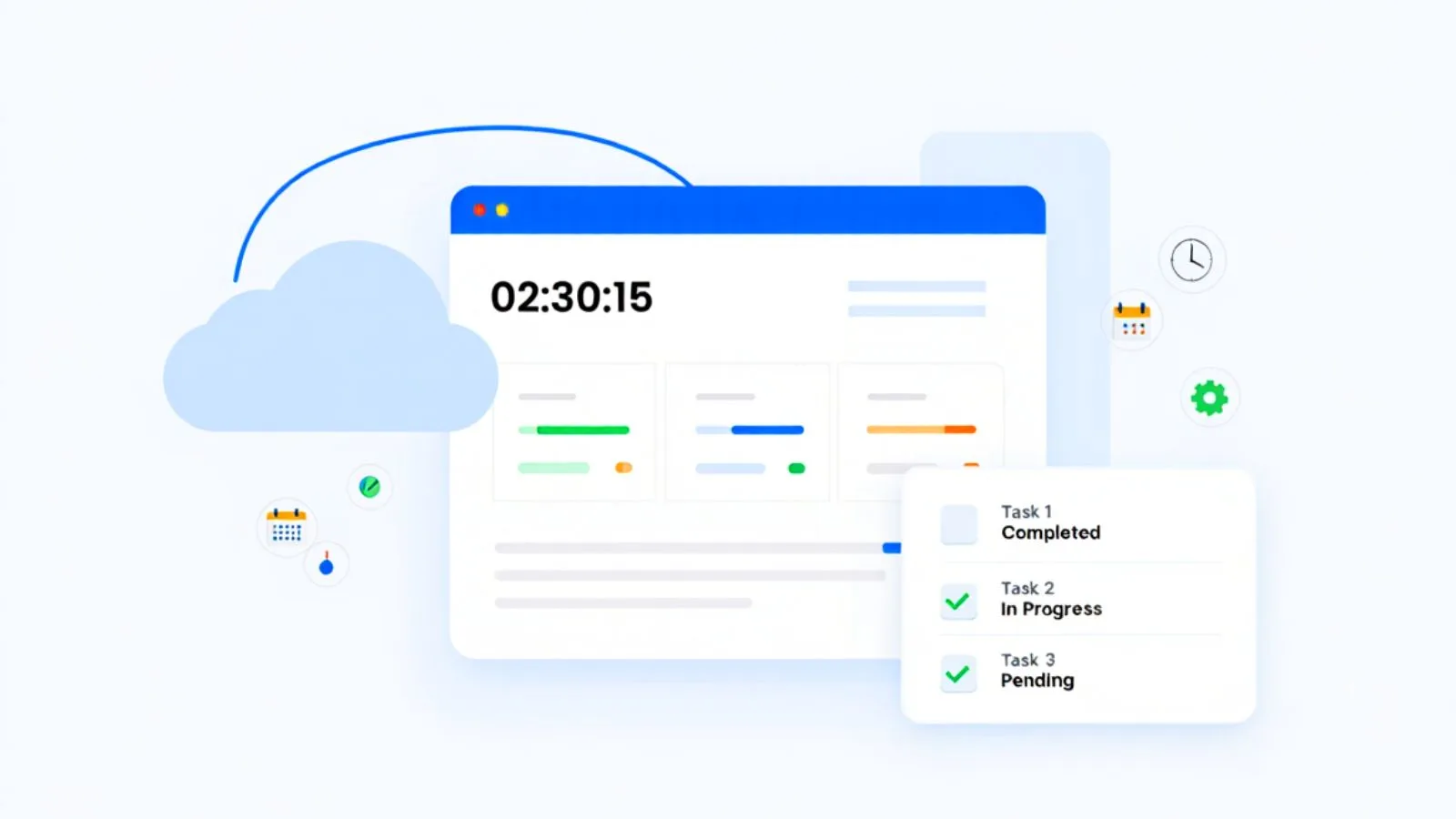
At its core, web based time tracking is a simple cloud-powered way for employees and teams to record the time they spend on tasks, projects, or daily work activities. Instead of installing heavy software or dealing with endless spreadsheets, everything happens online through a browser. This makes the system easy to use, easy to access, and always up to date.
Many people ask, “What is a web-based time tracking software?” It’s basically a tool that helps you log hours, generate timesheets, view productivity trends, and manage project timelines without any manual effort. Because everything is stored securely in the cloud, managers and team members can see accurate time data anytime and from any device.
This simple approach removes guesswork and helps businesses stay organized, transparent, and efficient
How Web Based Time Tracking Works?
The beauty of web based time tracking lies in how effortless it is for teams to use. Since everything runs through the internet, employees can log their hours from a laptop, tablet, or even their phone without installing complicated tools. This makes daily tracking a smooth part of the workflow instead of a chore everyone avoids.
Most systems work through a simple browser dashboard or a connected time tracking app. Employees start a timer when they begin work, switch tasks with a click, and stop the timer when they’re done. All the data is saved instantly in the cloud. Managers can then review timesheets, track productivity patterns, and monitor project progress in real time.
Because everything updates automatically, teams spend less time filling out spreadsheets and more time focusing on actual tasks. This seamless tracking creates a clear picture of how work hours are used across the entire organization.
Key Features of Web Based Time Tracking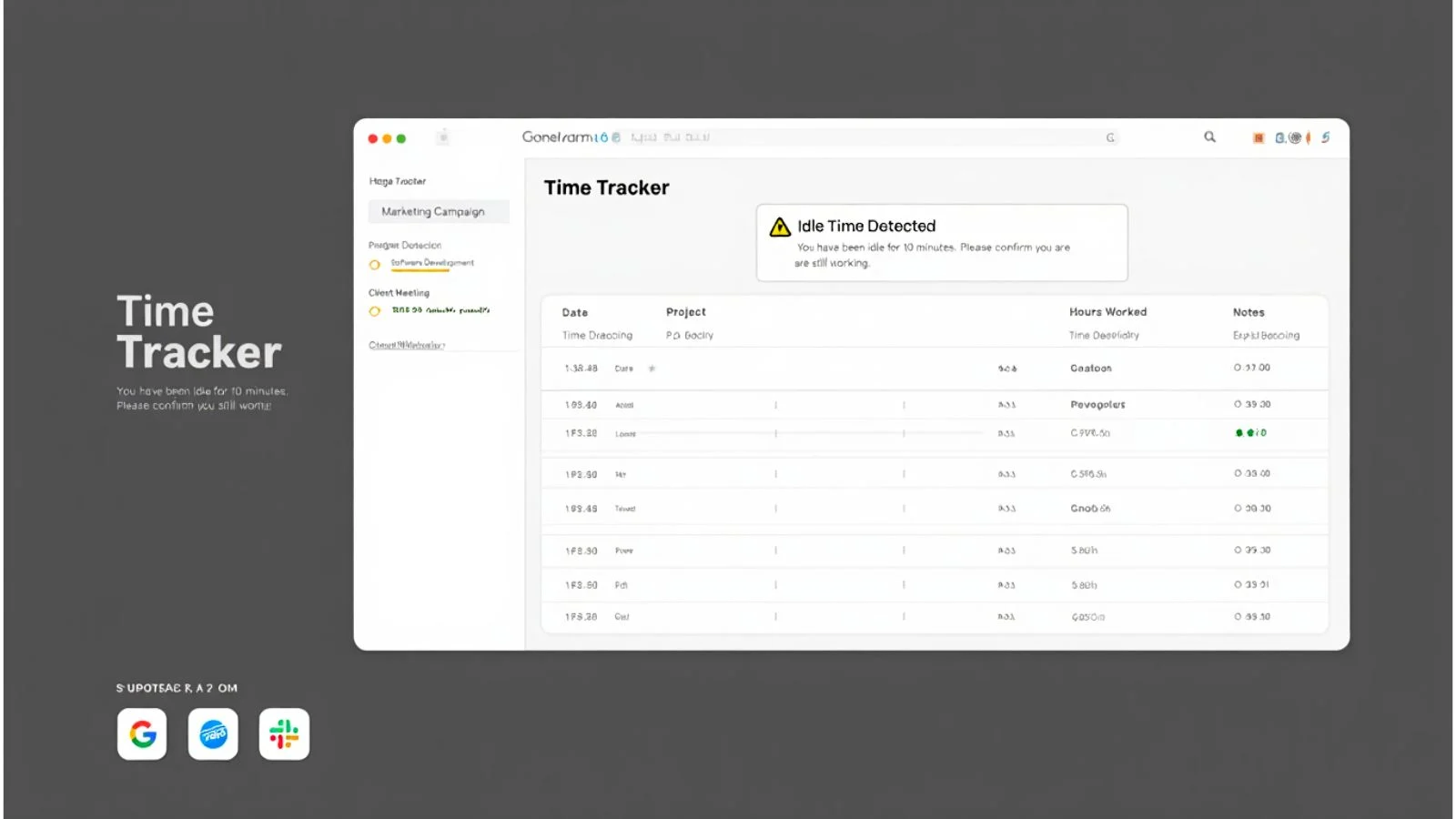
Modern web based time tracking tools come with features designed to simplify daily work, reduce manual effort, and improve accuracy across teams. These features work together to make time management clear and organized.
One of the most important features is automatic time logging. With just a click, employees can start or stop a timer without worrying about writing anything down. Many platforms also replace manual spreadsheets with clean digital timesheets that update in real time.
A good time tracking software also includes idle time detection, which helps identify unproductive gaps, and project-based tracking, so employees can assign hours to specific tasks with ease. Managers get access to dashboards that show time usage patterns, productivity trends, and workload distribution.
Integrations with tools like project management platforms, communication apps, and invoicing systems make everything even more seamless. These features ensure that every hour spent at work is recorded clearly, accurately, and without interruptions.
Why Businesses Struggle Without Proper Time Tracking?
Many companies unknowingly lose hours of productivity simply because they don’t have a proper system to track work. Without web based time tracking, teams often rely on scattered tools, outdated methods, or pure memory, and that leads to avoidable mistakes.
Manual timesheets are one of the biggest challenges. Employees forget to update them, enter inaccurate hours, or skip entries entirely. Over time, this creates confusion, billing errors, and a lack of clarity on how work hours were actually spent.
Managers also struggle because they don’t have real-time visibility. When work happens across different locations, tasks, or projects, guessing becomes the norm. It becomes hard to identify delays, workload imbalance, or areas where the team is overwhelmed.
Another major issue is communication gaps. Without proper tracking, both employees and managers may end up misaligned on deadlines, availability, and priorities. This leads to stress, missed timelines, and decreased motivation.
All these challenges add up making operations slower and less productive than they should be.
How Web Based Time Tracking Boosts Productivity?
One of the biggest advantages of web based time tracking is the clarity it brings to everyday work. When employees can easily see how their time is spent, they naturally become more focused and accountable. Instead of guessing or multitasking endlessly, they can track each task with purpose and stay on schedule.
For managers, real-time visibility means better decision-making. They can instantly spot tasks that take longer than expected, redistribute workloads, and prevent burnout before it happens. This leads to smoother operations and faster project completion.
The system also makes project time tracking far more accurate. Teams can assign hours to specific tasks, measure progress, and understand how much effort each phase requires. This helps businesses improve planning, reduce delays, and manage client expectations more confidently.
By eliminating manual entries and automating time logs, teams save hours every week. Less admin work means more energy for meaningful tasks — ultimately boosting productivity across the entire organization.
Benefits of Using Web Based Time Tracking Tools
Web based time tracking brings a set of powerful advantages that help teams stay efficient, organized, and more in control of their workday. Instead of juggling multiple tools or relying on memory, employees get a simple way to log time accurately, and managers gain real-time clarity that drives smarter decisions. Here are some of the biggest benefits:
- Easy Access From Anywhere
Since everything is cloud-based, employees can log their hours from the office, home, or while working remotely. All they need is a browser. This flexibility keeps work moving smoothly across distributed teams. - Better Accuracy With Automatic Time Logs
Manual entries often lead to mistakes. With automated timers, idle tracking, and real-time updates, teams get precise time records without extra effort. - Faster Project Time Tracking
One major advantage is the ability to assign hours to projects and tasks. This helps teams understand timelines, monitor progress, and identify bottlenecks before they escalate. - Improved Accountability
When employees can clearly see how they spend their work hours, it naturally promotes focus and responsible time management. For managers, it becomes easier to identify who may need support or guidance. - Seamless Team Collaboration
With shared dashboards, everyone stays aligned on deadlines, workloads, and priorities. Communication becomes smoother, and tasks move forward without confusion. - Reduced Administrative Effort
Teams no longer waste time filling spreadsheets or submitting manual timesheets. Everything updates automatically, giving teams more hours for meaningful work. - Informed Decision-Making
Detailed reports show productivity trends, time usage patterns, and project estimates. This helps managers plan better, balance workloads, and optimise team performance.
Overall, these benefits help businesses streamline operations and eliminate everyday inefficiencies, ultimately boosting productivity and improving workflow across teams.
How does EmpCloud Enhance Web Based Time Tracking?
EmpCloud provides a suite of tools that are specially designed for workforce management. One of its tools is EmpMonitor—an employee monitoring software that provides you with a website and app tracking feature. It also analyses web based time tracking to the next level with automation, accuracy, and smart visibility. It simplifies time management for teams while giving managers the insights they need to improve productivity effortlessly. Here’s how EmpCloud stands out:
- Smooth, One-Click Time Logging
EmpCloud lets employees start, pause, or stop timers instantly through a clean web dashboard. No complex setup, no installations — just effortless tracking from any device. - Cloud-Synced Timesheets
Every tracked second is automatically recorded in digital timesheets. These timesheets update in real time and stay perfectly organised, eliminating the need for manual entries. - Smart Productivity Insights
EmpCloud doesn’t just log hours — it highlights productive patterns, idle time, and workload distribution. Managers get a clear picture of how teams are performing day-to-day. - Project Time Tracking Made Simple
Teams can assign hours to tasks, clients, or projects with ease. This helps in accurate billing, realistic project planning, and identifying delays early. - Real-Time Team Monitoring
Managers can instantly check who is working, what task is active, and how much time is logged. This clarity helps prevent overload and supports better task allocation. - Seamless Integrations for Better Workflow
EmpCloud connects smoothly with tools like project management apps, communication platforms, and billing systems. This makes the overall workflow faster and more coordinated. - Remote-Friendly and Easy to Scale
Since it’s a fully web based system, EmpCloud supports hybrid and remote teams effortlessly. Companies can add more users or expand across departments without complex installation or training.
In short, EmpCloud gives businesses a complete, reliable, and modern approach to time tracking helping them reduce administrative work while boosting overall productivity.
How to Choose the Right Web Based Time Tracking Software?
Picking the right web based time tracking system can feel confusing, but a few simple checks can help you find a tool that actually improves productivity instead of slowing your team down. Here’s what to look for:
- Ease of Use
A good tool should feel natural from the first click. Employees shouldn’t struggle to log hours or switch tasks. A clean dashboard and simple timers make adoption quick and smooth. - Cloud Sync and Remote Access
Since modern teams often work from different places, make sure the tool allows seamless access from laptops, tablets, or phones. Cloud sync ensures all data updates are instantly across devices. - Accurate Time Logging
Look for features like automatic timers, idle detection, and real-time entries. These reduce human error and keep time records clean and reliable. - Strong Project Time Tracking
If your team works across multiple clients or tasks, the tool should support project-based tracking. This helps with estimates, billing, and identifying bottlenecks before they grow. - Powerful Admin Controls
Managers should get access to clear timesheets, productivity insights, attendance logs, and workload patterns. This visibility helps them make informed decisions fast. - Integrations That Save Time
Make sure the tool connects with project management tools, invoicing software, CRMs, and communication apps. Integrations eliminate duplicate work and streamline the workflow. - Customizable Permissions and Policies
Every team operates differently. A good system should let you set rules for time limits, approvals, manual edits, and task assignments. - Security and Data Protection
Since all information is stored online, strong data encryption and secure backups are essential for safe usage. - Scalability
The tool should grow with your team. Adding new users, creating new departments, or expanding across locations should be simple and quick.
Taking these factors into account helps businesses pick a solution that fits their workflow, supports employees, and strengthens overall time management.
Also read,
What Is Project Tracking? The Ultimate Guide For Businesses
Why Project Time Tracking Software Is Better For Productivity?
Conclusion
In today’s fast-paced work environment, staying organized and productive requires more than guesswork and manual time entries. That’s why web based time tracking has become a game-changer for modern teams. It brings clarity to daily tasks, eliminates outdated spreadsheets, and gives both employees and managers a clear view of how work hours are used.
With cloud-powered tracking, real-time insights, and easy access from any device, teams can focus on what truly matters completing tasks on time, improving accuracy, and delivering better results. It also strengthens project planning, reduces administrative workload, and boosts accountability across the organization.
Tools like EmpCloud take these benefits even further with automated timesheets, smart analytics, and seamless integrations that simplify time management end to end. By adopting the right solution, businesses can transform the way they work, improve productivity, and support their teams more effectively.
In short, web based time tracking isn’t just a tool it’s a smarter way to run your workplace with speed, transparency, and confidence.
FAQs
- Can web based time tracking work for freelancers or solo professionals?
Yes, many freelancers use web-based tracking tools to log billable hours, generate invoices, and keep clear records for clients. It helps streamline work even for individuals. - Does web based time tracking support offline work?
Some platforms allow users to track time offline and sync the data once they reconnect to the internet. This is helpful for field teams or remote locations with poor connectivity. - Can teams export time data for payroll or invoicing?
Most tools offer downloadable reports in formats like CSV or PDF, making it easy to integrate time logs with payroll systems or client billing processes.
Quick Search Our Blogs
Type in keywords and get instant access to related blog posts.

