
Project management tools exist because projects rarely go exactly as planned. Even with a clear plan in place, unexpected delays, shifting priorities, or communication problems can alter the course of the work. Teams often begin with well-defined objectives, but real project environments introduce variables that cannot always be predicted.
Because of this, many organizations rely on these platforms to keep work organized and visible throughout the life of a project. They help teams stay coordinated when multiple tasks, deadlines, and contributors are involved.
Instead of tracking progress through scattered emails or disconnected spreadsheets, teams can manage everything in one place. Having a central workspace reduces confusion and makes it easier for everyone involved to understand what is happening at any given moment.
Many organizations begin using these tools simply to get a clearer picture of their projects. They want to know which tasks are complete and which ones are still in progress. And they also want to see whether deadlines are realistic.
Once implemented, these tools often deliver additional benefits. Teams begin communicating more effectively, responsibilities become clearer, and planning improves because information is easier to track. This is where understanding how to improve risk management process becomes especially important.
Over time, the impact of these systems becomes even more noticeable. Teams learn how to structure projects more efficiently and identify problems earlier.
They can also keep stakeholders informed without constant status meetings. Understanding how these systems work and how to use them effectively can make a meaningful difference in project execution.
Read Aloud!
What Are Project Management Tools?
Before exploring their advantages, it helps to clarify “what are project management tools” and how they function in day-to-day project environments or how do time management methods improve productivity.
In simple terms, they are digital platforms that help teams plan, organize, and monitor project activities. These systems create a shared workspace. In this workspace, tasks, deadlines, updates, and conversations stay connected. Instead of storing project details across multiple systems, teams can manage the entire workflow in a single, structured environment.
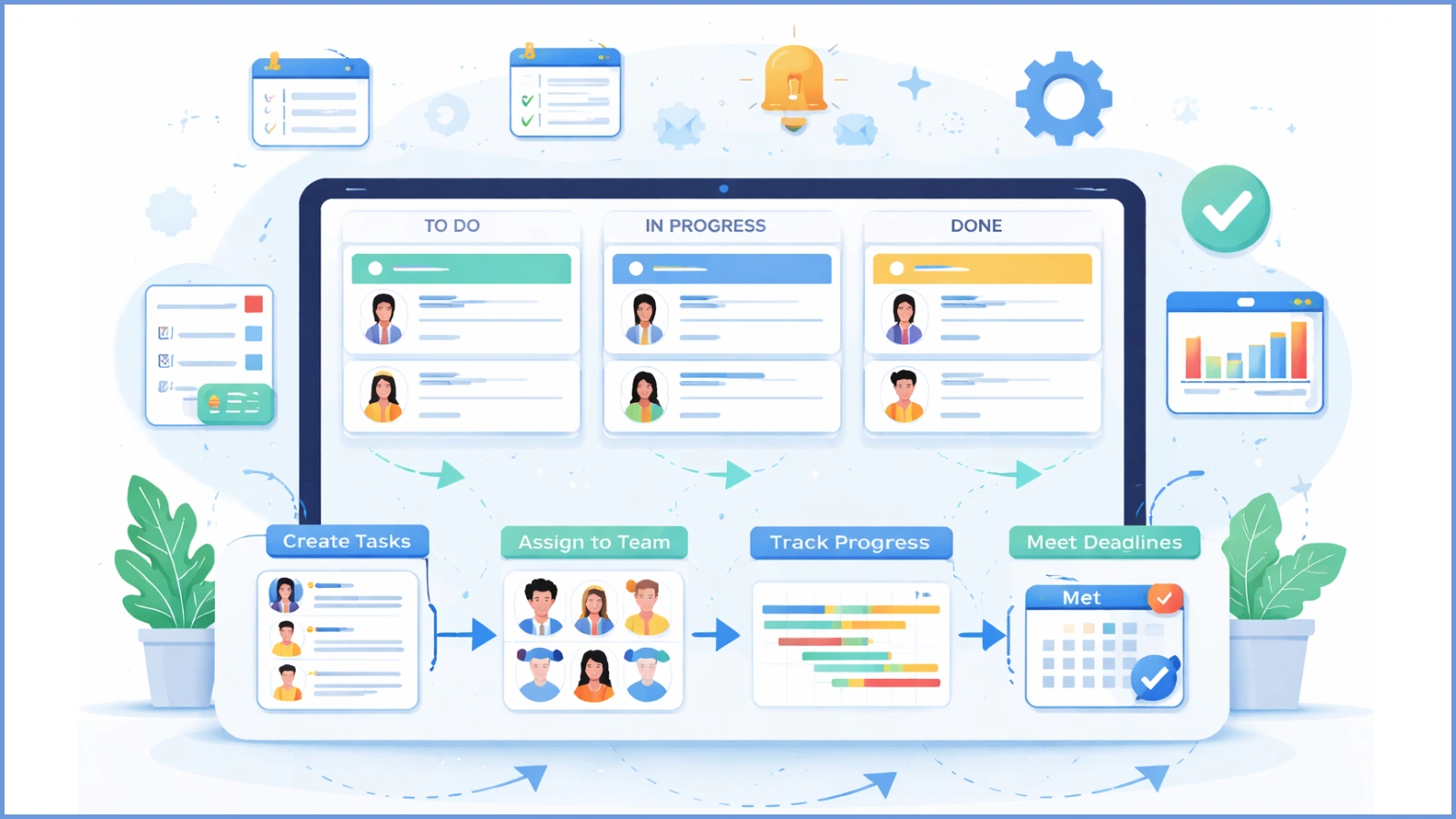
Most project management tools are based on a straightforward concept. Large objectives are broken down into smaller tasks. Those tasks are assigned to specific team members. Each task typically includes details such as a deadline and status updates. Some tasks may also include supporting files or notes. As work progresses, updates are recorded so everyone involved can see the current status.
This approach solves a common problem in many project environments. Without a centralized system, information tends to scatter across different channels. Some details may appear in email threads, while others live in documents or chat messages. When project information becomes fragmented like this, it becomes harder for teams to track progress and maintain accountability.
By keeping everything in one place, project management tools reduce confusion. They help teams move forward with greater clarity. Team members know where to look for updates. Managers can monitor progress easily. Stakeholders also gain better visibility into the project’s direction.
Why Organizations Depend on Project Management Systems
The nature of work has changed significantly in recent years. Projects rarely involve just one department anymore. Marketing teams collaborate with product teams. Product teams work with engineering teams. Operations departments often coordinate with finance or leadership teams.
This level of collaboration creates more opportunities for innovation. However, it also introduces coordination challenges. When several groups contribute to the same project, maintaining alignment becomes much more complicated.
For this reason, many organizations rely on project management tools to keep everyone on the same page. These platforms make it easier to see how tasks connect. Teams can understand when work is scheduled to happen and who is responsible for each step.
Visibility is one of the most important benefits. Managers can review project dashboards and quickly understand which tasks are progressing well. They can also identify tasks that may require additional attention. Instead of asking for updates individually, they can access the information directly from the system.
Another important advantage involves accountability. When responsibilities are clearly assigned within project management tools, team members understand what they need to deliver. They also know when it needs to be completed. This clarity helps prevent misunderstandings and keeps projects moving forward.
Over time, this transparency improves the reliability of project execution. Teams become better equipped to manage deadlines. They can adjust priorities when necessary and deliver results more consistently.
Core Features That Make Project Management Tools Effective
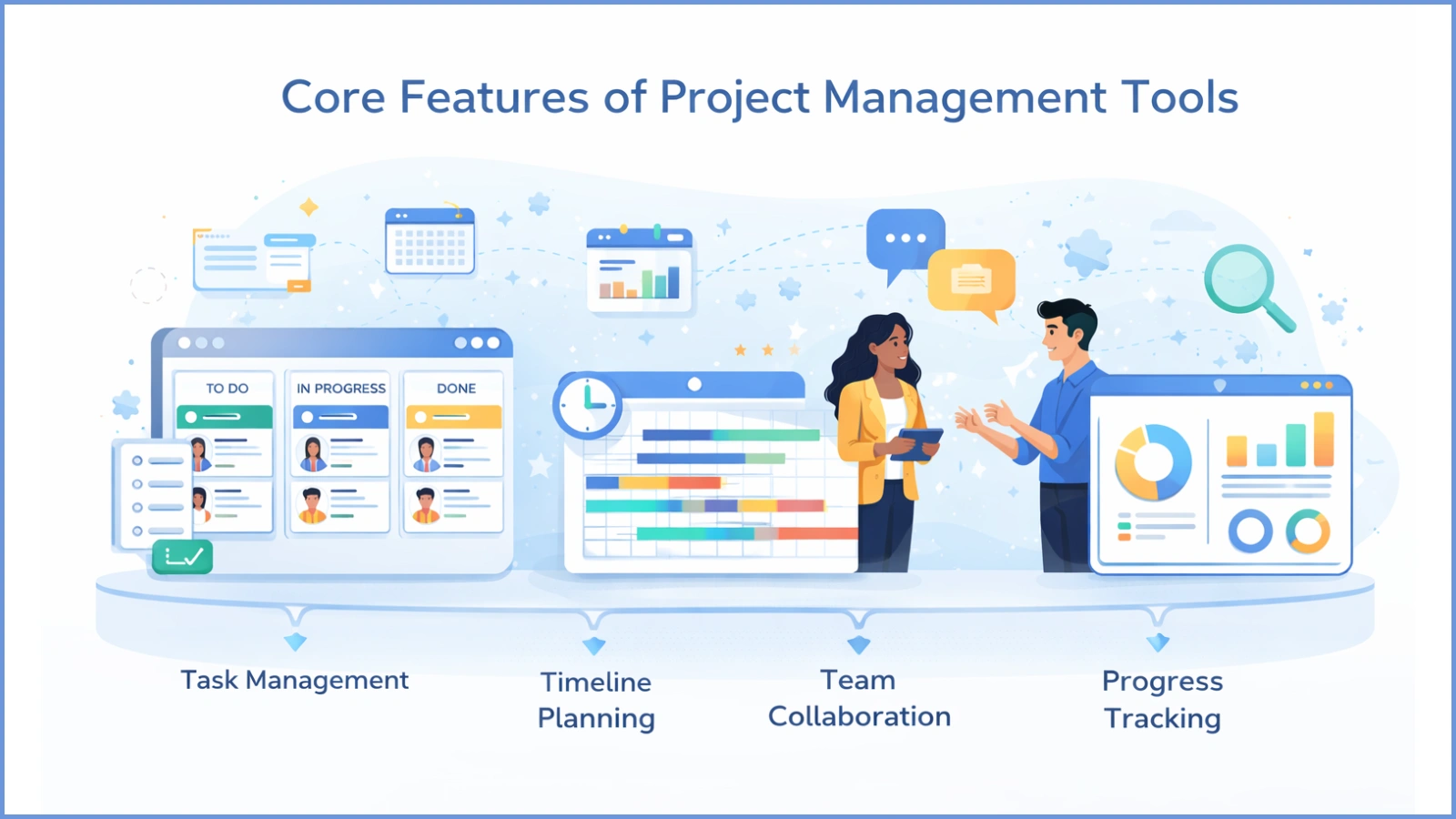
Although platforms vary in capabilities, most successful project management tools share a similar set of core functions. These features form the foundation of organized project workflows. They also help teams manage their work more efficiently.
Task Management
Every project consists of many individual actions. Task management features allow teams to break large objectives into smaller, manageable steps.
Each task typically includes an assigned owner, a deadline, and a status update. Some systems also allow attachments, comments, and priority levels. These elements ensure that team members have all the necessary context. This structure makes it easier for teams to track progress and maintain momentum throughout the project.
Timeline Planning
Deadlines are an essential part of project planning. Timeline features allow teams to visualize how tasks unfold over time. They also show how different activities depend on one another.
Many project management tools present this information through visual schedules. These schedules show the relationship between tasks. When teams can see how work fits together, they can plan more effectively. They can also adjust timelines if unexpected delays occur.
Team Collaboration
Communication is often one of the biggest challenges in project environments. Team members need a way to discuss tasks, share updates, and resolve issues without losing context.
Collaboration features allow discussions to remain connected to the tasks they relate to. Conversations take place directly within project management tools. This makes it easier for teams to follow discussions and review decisions later.
Progress Tracking
Managers often need a clear understanding of how projects are progressing. Reporting and analytics features summarize important information. This information may include task completion rates, upcoming deadlines, and potential bottlenecks.
These insights allow leaders to identify risks early. They can make adjustments before problems become serious. Over time, this data can also help organizations improve how they plan and manage future projects.
Choosing the Best Project Management Tools
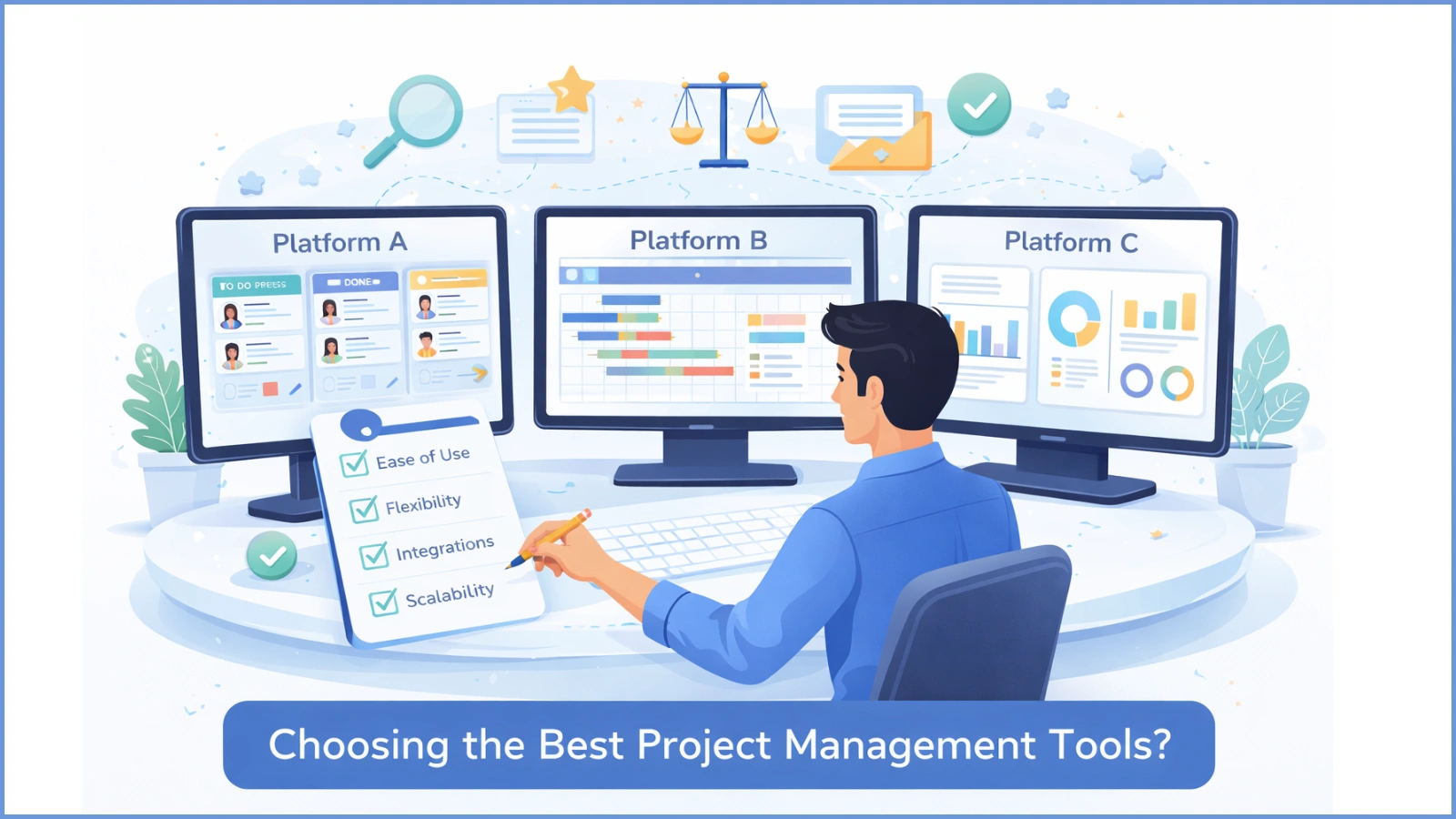
Organizations frequently ask an important question when evaluating solutions: What are the best project management tools?
The answer depends on several factors. These include team size, project complexity, and the type of work being managed. However, a few key considerations can help teams evaluate their options more effectively.
Ease of Use
Software should simplify work rather than complicate it. If a platform is difficult to navigate, employees may hesitate to use it regularly.
User-friendly project management tools encourage adoption. They make it easier for teams to update tasks, track deadlines, and communicate with colleagues.
Flexibility
Every team has its own workflow. Some teams prefer visual boards that show tasks moving from one stage to another. Others prefer structured task lists or timeline views.
Flexible project management tools allow organizations to adapt the platform to their preferred working style. This approach prevents teams from needing to change their processes completely.
Integration With Other Systems
Most organizations already rely on several digital platforms. Communication tools, document storage systems, and analytics software are often part of the daily workflow.
Project management tools tend to perform best when they integrate with these systems. Integration reduces the need to switch between applications. It also helps teams maintain a smoother workflow.
Scalability
As organizations grow, their projects often become more complex. Systems that work well for smaller teams should also support larger initiatives.
Scalable project management tools help organizations maintain consistency as they expand their operations. They also support managing a greater number of projects.
Many teams evaluating modern platforms also explore what industry experts consider the best project management tools for 2026. They often focus on solutions that combine usability, flexibility, and long-term scalability.
The Role of Project Portfolio Management Tools
Managing multiple projects at the same time introduces a new set of challenges. Leaders must decide which initiatives deserve the most attention. They also determine how resources should be allocated. In addition, they evaluate whether projects align with broader business goals.
This is where project portfolio management tools become valuable.
Portfolio systems provide a high-level view of all initiatives within an organization. Instead of focusing on individual tasks, leaders can evaluate how projects relate to each other. They can also assess how these projects contribute to the overall strategy.
These insights help decision makers prioritize initiatives more effectively. When organizations understand the full scope of their projects, they can allocate resources more strategically. This approach supports both immediate objectives and long-term growth.
In many organizations, project management tools handle the day-to-day coordination of tasks. Portfolio systems provide the strategic overview that leadership teams need.
How EmpCloud Supports Modern Project Management

Organizations often look for platforms that bring planning, collaboration, and tracking into one environment. EmpCloud is designed with this goal in mind.
The platform helps teams organize work more effectively while maintaining visibility across projects. Instead of managing tasks across multiple systems, teams can coordinate their work within a single structured workspace.
Key features include:
- Centralized project dashboards that allow teams to monitor deadlines, milestones, and overall progress
• Task tracking tools that help managers clearly define responsibilities and follow task completion
• Collaboration features that keep conversations connected to the tasks they relate to
• Workflow organization tools that structure projects into clear stages or phases
• Reporting insights that help teams detect delays early and adjust plans when necessary
By combining planning, communication, and progress monitoring, project management tools like EmpCloud help teams maintain clarity. They also improve coordination throughout the entire project lifecycle.
Practical Tips for Using Project Management Tools Successfully
Implementing a platform does not automatically improve project outcomes. Teams also need clear processes that support how the system is used.
Organizations that benefit most from project management tools typically follow several practical practices.
Start With Clear Goals
Every project should begin with defined objectives. Clear goals help teams understand what success looks like. They also guide how tasks are structured.
Maintain Consistent Workflows
Consistency improves efficiency. When projects follow similar workflows, team members can quickly understand how work moves from one stage to another.
Encourage Regular Updates
For project management tools to provide accurate insights, tasks need to be updated regularly. Teams should make progress tracking part of their daily routine.
Review Performance Data
Reporting features provide valuable information about timelines and productivity. Reviewing this data helps teams refine their processes. It also helps improve future projects.
Read More!
The Future of Project Management Tools
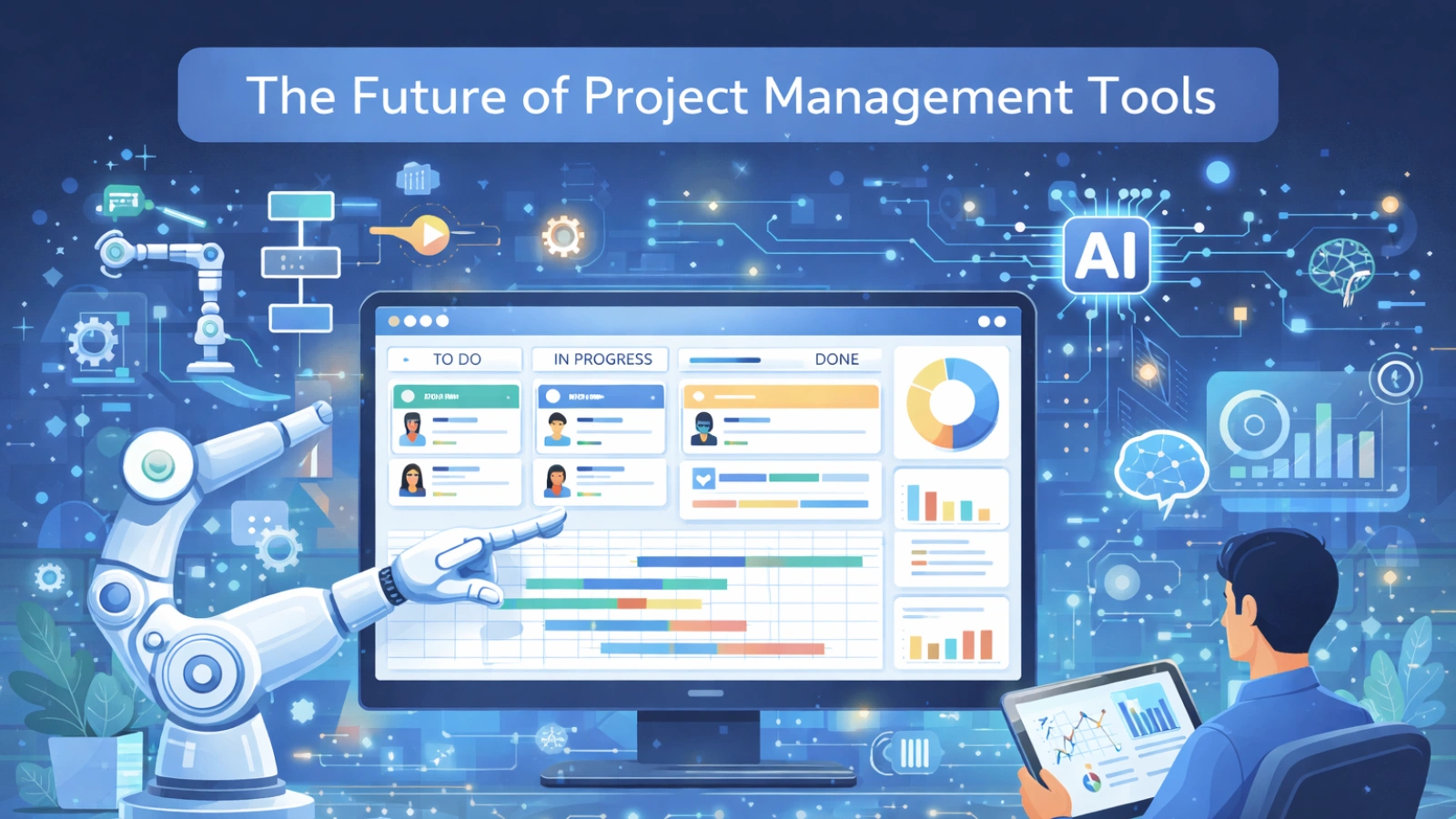
The role of technology in project management continues to evolve. As organizations adopt more digital systems, project management tools are becoming more intelligent. They are also becoming more connected to other platforms.
Automation already plays a growing role. Some systems can automatically assign tasks or trigger notifications. Others update workflows when certain milestones are reached.
Another emerging trend involves data-driven insights. By analyzing past project performance, advanced project management tools can help teams identify risks earlier. They can also support more accurate planning.
As these capabilities develop, project platforms are likely to become even more central. They will play a larger role in how organizations coordinate work and manage complex initiatives.
FAQ
What are project management tools used for?
Project management tools help teams plan tasks, assign responsibilities, track deadlines, and monitor project progress within a centralized platform.
How do project management tools improve collaboration?
They allow teams to communicate directly within the context of tasks. This keeps discussions organized and connected to project activities.
Are project management tools useful for small teams?
Yes. Smaller teams benefit from improved organization, clearer task ownership, and better visibility when managing deadlines.
What are project management tools for growing companies?
The best solutions help teams collaborate effectively. They remain flexible and scale as the organization expands.
How are project portfolio management tools different from project management tools?
Portfolio tools help manage multiple projects at the same time. They focus on the broader strategic picture. Project management tools focus on individual tasks and workflows within specific projects.
Quick Search Our Blogs
Type in keywords and get instant access to related blog posts.

