
The report your payroll manager needs takes forty-eight hours to arrive — not because the data doesn’t exist, but because someone has to write the SQL to pull it. That’s the real analytics problem in most HR departments. Not a shortage of data. A shortage of access to it.
I’ve watched this pattern repeat across companies of every size. The HR team knows exactly what they want to see. They want to know which employees had attendance gaps in the last pay period but weren’t on approved leave. They want a single view of overtime hours versus approved budget, by department, for the last quarter. The data is all there, sitting in systems the HR team pays for. But surfacing it requires a technical resource who has twelve other priorities and a ticket queue that doesn’t move fast.
This is the hidden cost of traditional HR analytics software — and it’s almost never counted in the licence fee comparison.
In a hurry? Listen to the blog instead!
Why the IT Ticket Exists in the First Place

Most HRMS platforms were built to store data, not to let non-technical users interrogate it freely. Dashboards help. Pre-built reports help more. But the moment an HR manager needs something slightly outside the template — a cross-module query, a custom timeframe, a filter that combines attendance and performance — they hit a wall. The UI doesn’t support it. The export is a flat file. Someone needs to write a query.
That dependency compounds fast. AI adoption in HR nearly doubled in a single year — from 26% of organisations in 2024 to 43% in 2025 — driven largely by the need to catch data conflicts before they reach payroll calculations. The appetite for real-time, cross-module insight is growing faster than most IT teams can serve it.
Meanwhile, the cost of waiting isn’t abstract. Manual timekeeping errors alone can skew payroll costs by up to 20%, with each inaccuracy costing an average of $381 to correct. When an HR manager can’t pull the data she needs to catch those errors until three days after the payroll run closes, those errors get processed, not prevented.
The Specific Workflow That Breaks Down
Here’s what the breakdown looks like in practice. A payroll close is approaching. Someone flags that overtime figures for the field team look high. The HR manager wants to cross-reference geo-tracked hours against approved overtime requests. That’s three data sources: the field workforce activity log, the leave and attendance module, and the payroll calculation. Three modules. One question.
In a traditional setup, she opens a ticket. IT pulls the query two days later — probably after the payroll run. The error either gets caught on the next cycle or, more commonly, doesn’t get caught at all until an employee raises a dispute. A third of employees experienced at least one payroll error in the past 24 months, most commonly a delayed or incorrect payment. That’s not a data problem. That’s an access problem.
What Natural-Language Querying Actually Changes
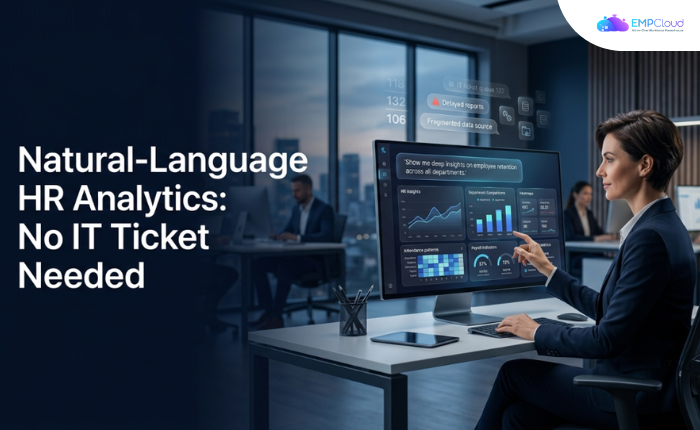
The architectural shift here is significant, and it’s worth being precise about it. Natural-language querying doesn’t just make reports faster. It removes the technical intermediary entirely. The HR manager types her question in plain English. The system interprets intent, constructs the underlying query, and returns results that span whatever modules are relevant.
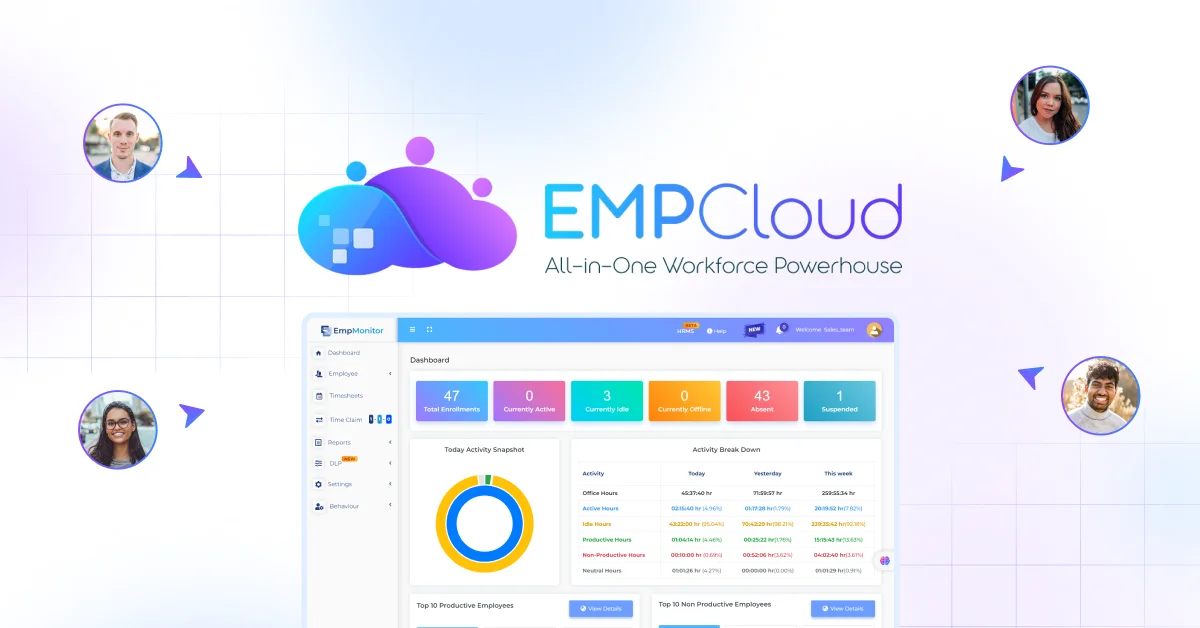
EMPCloud‘s Smart SQL natural-language analytics tool is built on exactly this model. An HR manager can type “show me employees with attendance gaps in the last pay period who were not on approved leave” and get results back immediately. Those results span attendance, leave, and payroll data in a single conversation — no SQL knowledge, no IT ticket required. The query runs across modules. The HR manager acts on the answer before the payroll run closes, not after.
That’s a fundamentally different workflow, not just a faster one.
Where This Matters Most: Three Real Scenarios

1. Pre-Payroll Cross-Verification
The highest-value use case is also the most time-sensitive. In the 24 to 48 hours before a payroll run closes, an HR manager who can ask plain-English questions across attendance, leave, and payroll data can catch discrepancies that would otherwise process silently. Unverified hours. Employees with zero biometric entries for the pay period who reported full hours. Overtime that wasn’t approved.
Each of those checks, done manually, takes an IT request and a waiting period. Done via natural-language query, they take minutes. The difference between catching an error and processing it is often just that margin.
2. Field Workforce Compliance Audits
For companies with field teams — common in telecom, NBFC, and infrastructure sectors — the compliance question is always the same: did the hours reported match what geo-location data actually shows? Pulling that comparison manually involves exports from two different modules, a spreadsheet merge, and someone who knows how to do it.
A natural-language query that pulls geo-tracked hours against reported attendance in a single result set makes that audit something a non-technical HR manager can run herself, on demand, before every payroll cycle. That’s the shift.
3. Performance-to-Attendance Correlation
Performance reviews that don’t account for attendance patterns miss context. A high performer with a six-week spike of unplanned absences looks different on a scorecard than in context. Pulling that correlation in most systems requires two separate reports, manual cross-referencing, and a fair amount of guesswork about which absences were approved.
A cross-module query combining performance metrics with attendance data in plain English surfaces that context in seconds. The review conversation becomes more informed. The decisions that follow are better.
The Argument Against Waiting for IT
Some HR leaders push back here. Their IT team is responsive. Tickets usually turn around in 24 hours. The current process works fine.
The problem isn’t throughput. It’s timing. A report that arrives 24 hours after a payroll run closes isn’t actionable for that cycle. A data query the HR manager can run herself at 4 PM on the day before the close is. The value of self-serve analytics in payroll and attendance isn’t just convenience — it’s that it compresses the window between question and decision to the point where the decision can actually change the outcome.
Data from 50+ enterprises on AI-powered HRMS platforms points to a 60% reduction in payroll processing time — dropping from 5–7 days down to under 2 hours. The same analysis puts statutory compliance accuracy at 95% versus 75–80% with manual systems. That gap between 95% and 80% is largely the gap between catching errors before the run and catching them after.
What to Look for in a Natural-Language HR Analytics Tool
Not all implementations are equal. A few things worth testing before committing:
- Cross-module reach. Can a single query pull from attendance, leave, and payroll simultaneously? Or does it only work within one module at a time? Single-module NLP is marginally better than a report template. True cross-module querying is the actual capability that matters.
- No training requirement. If the HR manager needs a manual to write a query, the tool has reproduced the same bottleneck with different friction. The test is whether a new hire with no product training can ask a meaningful question on day one and get a useful result.
- Auditability. Query results need to be traceable — which records were included, what the source data was, whether the result is a snapshot or live. Analytics that can’t be audited can’t be trusted in a compliance context.
EMPCloud’s platform includes 41 AI tools spanning HR modules across 7 providers, with the Smart SQL tool sitting at the intersection of attendance, leave, payroll, and performance data. The platform operates across 15+ countries, managing 50K+ employees across 200+ companies — which means the cross-module query engine has been stress-tested against real payroll complexity, not just demo scenarios.
The Structural Shift Worth Making
The framing of “self-serve analytics” undersells what’s actually happening. When an HR manager can ask any question across any module without a technical intermediary, HR stops being a data consumer and starts being a data operator. The strategic conversations that used to wait for IT to produce the evidence can happen in real time, with the evidence already in hand.
That’s not a feature upgrade. It’s a different way of doing the job.
If your payroll cycle still depends on a ticket queue to surface the data that catches errors before they process, the gap between what you’re paying for and what you’re actually getting access to is worth examining. Preventing payroll errors starts well before the payroll run — and it starts with HR teams who can ask the right questions without waiting for permission to access their own data.
Start your free 15-day EMPCloud trial and run your first cross-module attendance-to-payroll query before the week is out — no IT ticket required.
FAQs: –
1. What is natural-language HR analytics?
Natural-language HR analytics lets HR teams ask questions about workforce data in plain English and get insights without writing SQL or raising IT tickets.
2. How does natural-language querying help HR teams?
It allows HR managers to access and analyze data across attendance, leave, payroll, and performance modules in seconds instead of waiting for custom reports.
3. Can natural-language HR analytics reduce payroll errors?
Yes. HR teams can identify attendance gaps, unapproved overtime, missing records, and other discrepancies before payroll is processed.
4. What is cross-module HR analytics?
Cross-module HR analytics combines data from different HR systems, such as attendance, leave, payroll, and performance, to answer complex workforce questions in one query.
5. Does natural-language HR analytics require SQL knowledge?
No. Users can enter questions in everyday language, while the system interprets the request and generates the required query.
Quick Search Our Blogs
Type in keywords and get instant access to related blog posts.

