
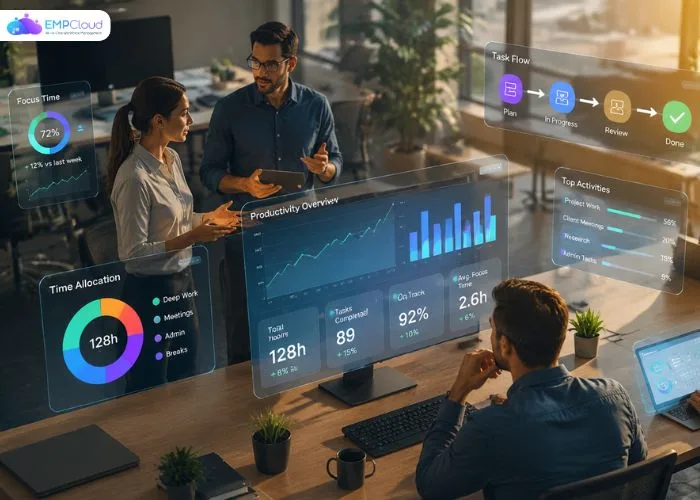
Are you using Workforce Insights the right way, or simply collecting numbers that never turn into real action? Many businesses invest in productivity analytics tools, yet still struggle to understand where their team’s time, focus, and output actually go. The problem is rarely the data itself; it’s how that data gets read, interpreted, and applied. When used well, productivity analytics reveals patterns you can’t spot on a basic spreadsheet, like which tasks quietly drain hours, when teams perform at their best, and where bottlenecks keep forming.
Used poorly, it turns into surveillance that frustrates people instead of helping them grow. This blog breaks down what Workforce Insights really means, which metrics are worth tracking, and how to apply your insights in a way that respects your team while genuinely improving results.
Listen To The Podcast Now!
What Is Productivity Analytics, Really?
Productivity analytics is the practice of collecting, measuring, and interpreting data about how work actually gets done. Instead of guessing whether a team is efficient, it gives you evidence, hours spent on core tasks, application usage, focus time, and output trends over weeks or months.
Think of it as a feedback loop. You gather data, spot patterns, make small adjustments, then measure again to see what changed. The goal isn’t to micromanage every minute; it’s to remove friction so people can do their best work.
Good productivity analytics answers practical questions: Where does time leak? Which workflows slow people down? Are employees overloaded or underused? When the answers are clear, managers can redistribute work, fix broken processes, and support people before burnout sets in. That shift from assumptions to informed decisions is exactly what makes this approach so valuable for modern teams.
Are You Tracking the Right Things?
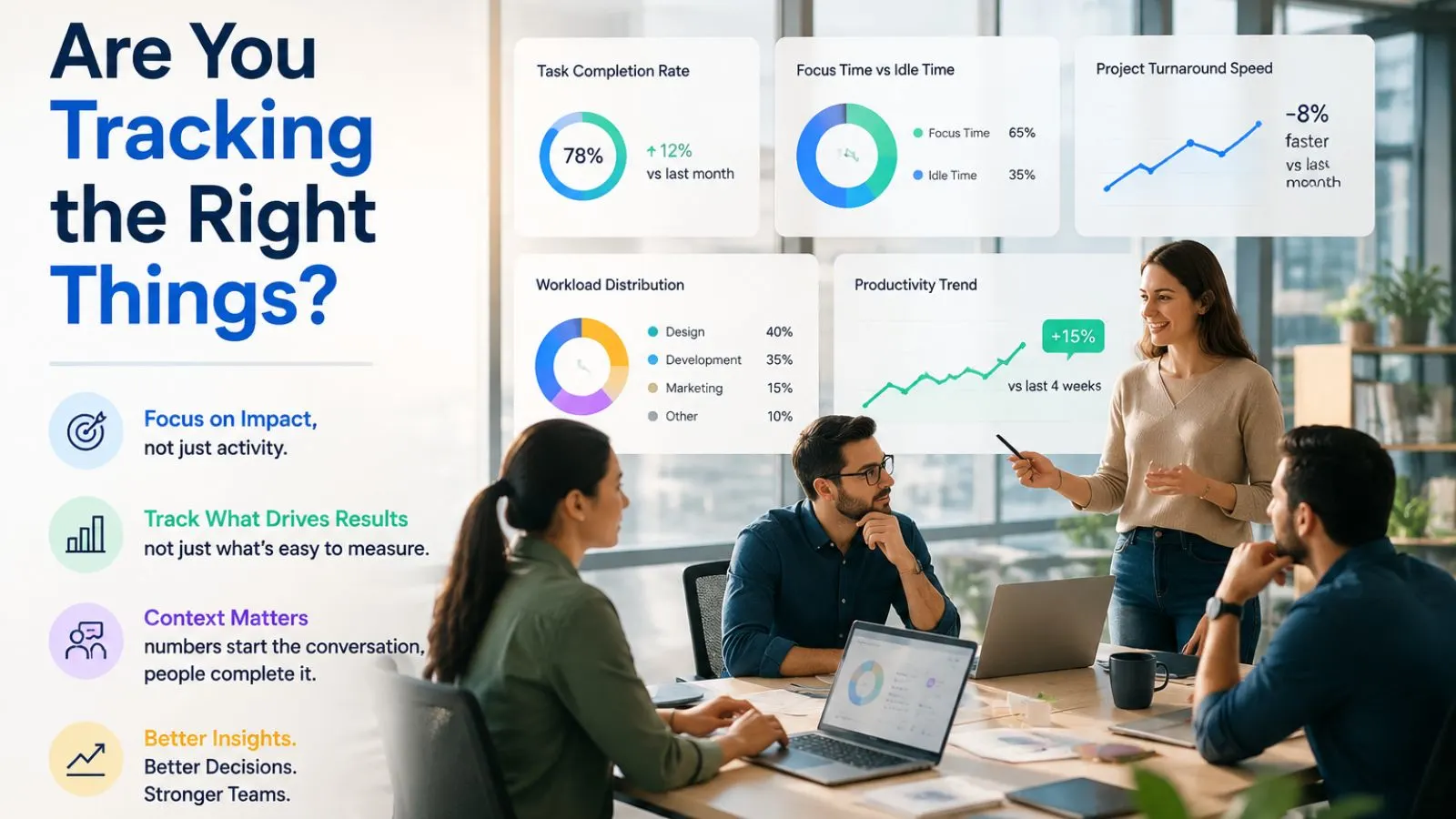
This is where many teams go wrong. They track activity instead of outcomes, counting hours logged or keystrokes typed rather than meaningful results. The most effective productivity analytics and metrics focus on impact, not just effort.
Useful measurements often include task completion rates, focus time versus idle time, project turnaround speed, and how work is distributed across a team. Employee productivity analytics works best when it highlights trends over time instead of judging a single day in isolation. One slow afternoon tells you almost nothing; a consistent pattern tells you plenty.
The right way to use productivity analytics is to pair the numbers with context. A dip in output might mean someone is wrestling with a genuinely complex problem, not slacking off. By combining hard data with real conversation, you get a fairer and clearer picture, and your decisions become both more accurate and more humane. Numbers start a conversation; they shouldn’t end it.
Looking at the Bigger Picture:
Individual insights matter, but the bigger value often appears at scale. Workforce productivity analytics looks across departments to reveal organization-wide patterns, which teams are stretched thin, where processes consistently break down, and how resources actually flow through the business.
At this level, productivity analytics helps leaders make smarter strategic calls: hiring decisions, workload balancing, and process redesign. You might discover that one department quietly absorbs everyone’s overflow work, or that recurring meetings are eating into deep-focus hours company-wide.
The real strength of productivity analytics here is perspective. A single manager only sees their own team, but leadership needs a connected, top-down view to act wisely. When data from attendance, projects, and daily activity comes together in one place, you stop firefighting and start planning. That’s the difference between constantly reacting to problems and preventing them before they grow, and it’s exactly why scaling your analytics thoughtfully pays off over the long term.
Who Offers the Best Productivity Analytics?
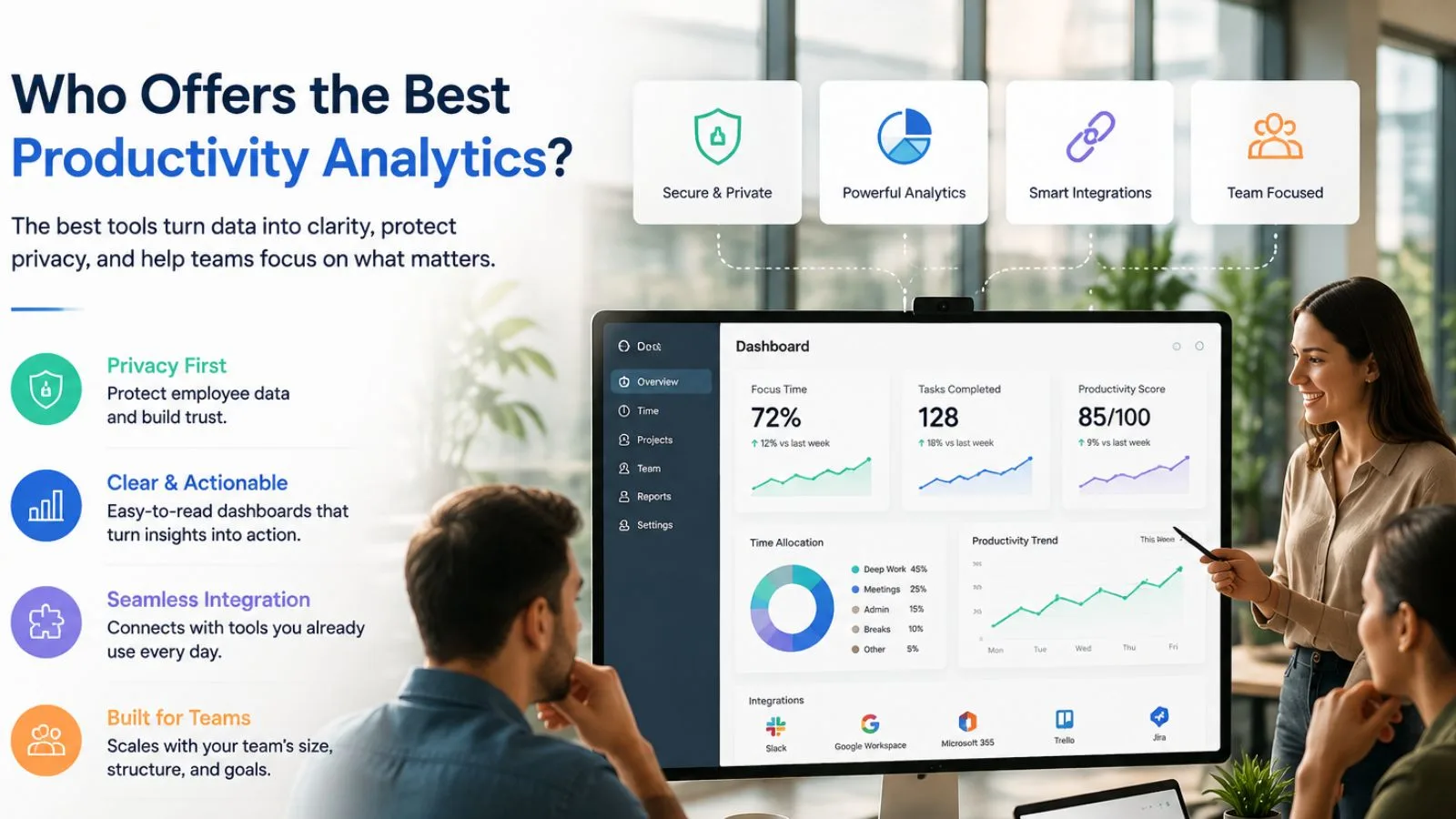
A common question leaders ask is, “Who offers the best productivity analytics for growing teams?” The honest answer is that the right tool depends on your specific needs, team size, remote or hybrid setup, industry, and how much depth you actually want from your reports.
Still, the strongest platforms tend to share a few clear traits. They combine productivity analytics with real context, protect employee privacy, present data in a way anyone can read, and connect smoothly to the rest of your workflow. A tool that only spits out raw numbers usually creates more confusion than clarity.
Look for solutions that turn productivity analytics into action, clean reports, reliable trend tracking, and insights that non-technical managers can use without a data science degree. Integration matters too. Analytics that tie into attendance, projects, and performance give you a far fuller story than a standalone tracker ever could on its own.
Also Read:
How EmpCloud Makes It Practical?

If you want productivity analytics built into a complete workforce platform, EmpCloud is genuinely worth a look. Its EmpMonitor module delivers real-time insight into employee productivity and internet activity, while the wider suite ties those numbers to attendance, projects, and performance.
What makes it practical for everyday use:
- Real-time productivity tracking live insights into work hours, app usage, and activity levels
- Report generation, comprehensive reports that support informed, data-backed decisions
- Project management Gantt charts and Kanban boards to monitor tasks and deadlines
- AI-powered insight, 41 AI tools that can query any module and answer questions in plain language
- Secure and reliable, SOC 2 compliance with strong access controls and audit logging
Because everything lives in one control tower, your productivity analytics connects to the full employee lifecycle from onboarding to exit, instead of sitting in a disconnected silo.
Putting It to Work the Right Way:
Tools only help if you use them well. The right way to apply productivity analytics starts with a clear goal, better focus, fairer workloads, or faster delivery, rather than monitoring for its own sake. Decide what success looks like before you read a single chart.
Be transparent with your team about what’s being measured and why. When people understand that productivity analytics is meant to remove obstacles rather than catch mistakes, trust grows, and adoption follows naturally. Secrecy breeds suspicion; openness builds buy-in.
Finally, act on what you learn. Insights are useless if they just sit in a dashboard nobody opens. Review trends regularly, have honest one-on-one conversations, and adjust your processes based on what the data shows. Done right, productivity analytics becomes a tool for support and steady growth, not a source of pressure or fear.
Conclusion:
So, is your current approach actually working for you? The goal was never more data, it’s better decisions. When you focus on outcomes, respect privacy, and pair numbers with honest conversations, smart measurement becomes a real advantage instead of a source of stress. Pick a tool that fits your team, stay transparent about what you track, and act on what your insights reveal. That’s how thoughtful measurement drives real, lasting results.
FAQ’s
Q1: How is this different from simple time tracking?
Ans: Time tracking records hours; analytics interprets them. It surfaces patterns, focus levels, and bottlenecks, turning raw time data into insights you can actually act on.
Q2: Does measuring output hurt employee morale?
Ans: Only when it’s used as surveillance. Applied transparently to remove obstacles and balance workloads, it builds trust and helps people instead of policing them.
Q3: Is this only useful for large companies?
Ans: Not at all. Startups, SMBs, and remote teams benefit just as much, since clear insights help smaller teams use their limited time and resources wisely.
Quick Search Our Blogs
Type in keywords and get instant access to related blog posts.

