

In 2026, remote leaders are rethinking employee monitoring and productivity tracking to get clarity on work while preserving autonomy. **[Start a free trial today →] beats a surprise agent install every time.
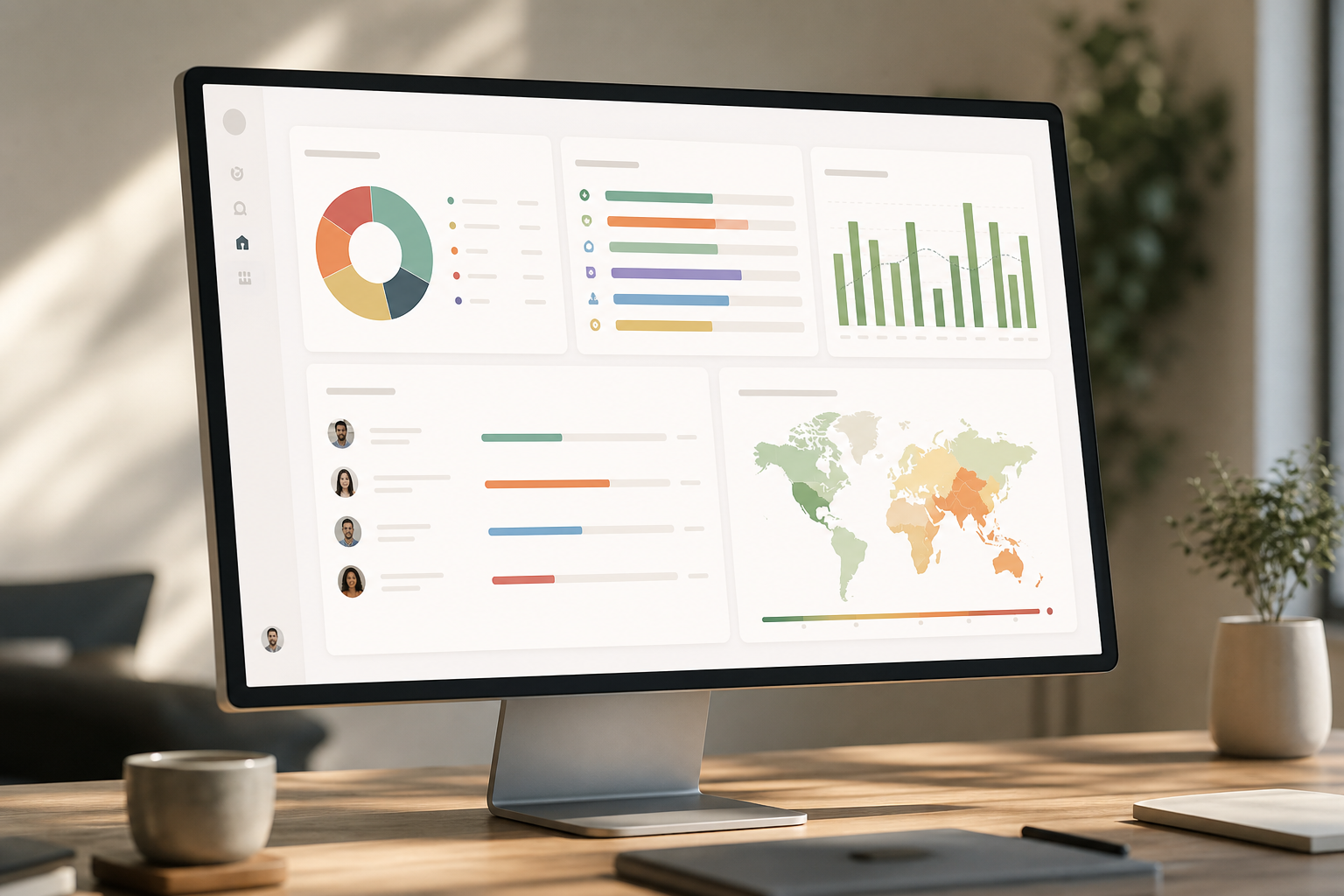
What Remote Teams Actually Need From Monitoring Software (And What They Don’t)
Remote managers need visibility. Employees need trust. Both can exist if you draw the line early and keep it there.
Good monitoring shows the work, not the worker’s every move. It highlights blocked handoffs, uneven loads, and risky behavior on insecure networks. That’s it.
Legitimate monitoring for remote teams solves three problems. First, it spots workflow bottlenecks. A build that waits 12 hours for code review is a process issue, not a people issue. A real-time dashboard with sensible productivity calculation helps you see this without guessing.
Second, it keeps work fair across time zones. If the London team cleans up after New York every night, you’ll see the spike and can re-balance shifts. Third, it protects company data on home or café Wi‑Fi. URL/app tracking with basic device checks, plus alerts for USB copies, reduce real risk.
On the other hand, overreach looks like micromanagement theater. Keystroke logs without context. Screenshots every minute “just in case.” Idle-time shaming that mistakes deep work for slacking. For example, a developer reading RFC docs or watching a 20‑minute API talk looks idle to a naïve tracker. The result is less trust and no insight.
Moreover, security guidance backs a “protect don’t pry” stance. The NIST telework guide recommends controls that reduce exposure on remote networks rather than spy on behavior you won’t act on. See the federal guidance in NIST SP 800‑46 for practical telework security measures: https://csrc.nist.
Good Monitoring vs Overreach
- Good: Time on projects, app categories, alerting on risky sites, and privacy controls for breaks.
- Overreach: Continuous webcam feeds, keylogging, and secret installs without policy.
- Good: Team-level trends to improve process.
- Overreach: Ranking people by “activity” when output is the real goal.
Therefore, set the frame now: monitoring is a management tool, not a punishment tool. You want flow data and risk signals, not a panopticon.
Also Read!
Small Business Guide to Choosing a Face Recognition Attendance System
How to Evaluate and Implement Remote Monitoring in 6 Steps
Most failed rollouts jump to software before policy. Flip that. Decide what you’ll measure and how you’ll explain it, then choose a tool that can do just that, no more, no less. This is how you make employee monitoring and productivity tracking useful instead of noisy.
Step 1: Audit what you actually need to measure
List the questions you need to answer in 2026. Do you need accurate time tracking for billing? Do you need app/URL categories to see focus time, or project output to tie hours to deliverables? Action item: Write three use cases, each with one metric and one decision you’ll make from it.
Step 2: Define your transparency policy before choosing a tool
Decide visible vs stealth. For remote teams, choose visible by default with a clear “private time” toggle. Document what is tracked (time, apps, screenshots?), what is not (webcam, personal devices), who sees data, and retention limits. Action item: Draft a one-page policy and have legal review it for GDPR/state laws; if you’re shifting to hybrid, share it alongside your return to work letter.
Step 3: Build a weighted evaluation checklist
Score tools against needs, not marketing.
- Cross-platform support: Mac/Windows/Linux (15)
- Time zone handling and shift scheduling (10)
- Privacy controls: private time, screenshot frequency, role-based permissions (20)
- Automatic time and URL/app tracking accuracy (15)
- Integrations with your project tools and HRMS (10)
- Reporting: custom reports and export formats (10)
- Pricing per seat at your team size (20)
Action item: Assign weights, then shortlist three tools that clear 70+.
Step 4: Run a 2–3 week pilot
Pick a small, mixed-time-zone group. Turn on only the features tied to your use cases. Measure both data quality (gaps, noise, mislabels) and team reaction (trust, friction). Action item: In the retro, ask, “What decision did this data change?” If the answer is “none,” adjust or drop the feature.
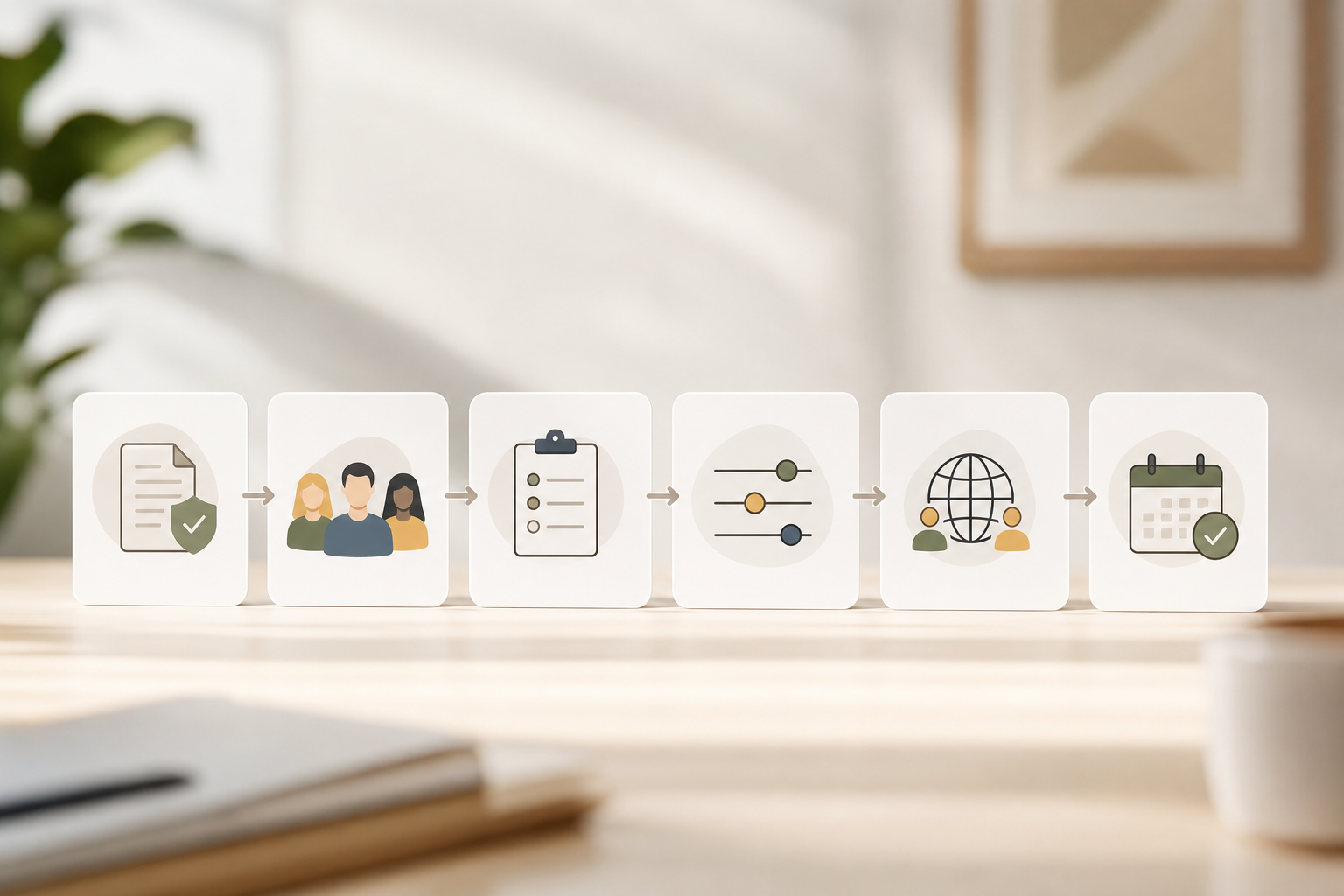
Step 5: Build a communication plan
Tell people what you’ll track, why, and how it helps them too. For example, share team dashboards back to employees so they can spot blockers and lobby for focus time. Publish a Q&A channel for concerns. Action item: Write the kickoff email, the first standup script, and a two-minute screen share that shows the “private time” switch.
Step 6: Set a 90-day review cadence
Schedule reviews at day 30, 60, and 90. Compare throughput, on-time delivery, and rework before vs after. Kill reports nobody reads. Action item: Put a recurring meeting on the calendar and bring one “stop doing” and one “start doing” change each time.
Furthermore, if you need to see privacy features and role permissions live during evaluation, a quick demo helps.
**[Book a live demo, see privacy controls →] Full visibility platforms
Examples: ActivTrak, Teramind, Insightful. These offer deep behavioral analytics, role-based alerts, and insider threat detection like USB detection. They fit IT and Security Teams or regulated industries that need granular controls and custom reports. You’ll see advanced features such as multiple roles and permissions, keystroke monitoring, and real-time dashboards. Expect higher per-user pricing and more configuration.
3) Integrated workforce platforms
Examples: EmpCloud’s EmpMonitor, Zoho People, Keka. These bundle monitoring with HRMS features like attendance, payroll, and project management (Gantt charts and Kanban boards). They work well for SMBs that prefer one system for HR, projects, and monitoring rather than stitching point tools. For EmpCloud, pricing is public: Free tier available, Bronze at $4.66/user/month paid yearly for 1–10 users, Silver at $3.83/user/month paid yearly for 11–50 users, Gold at $3/user/month paid yearly for 51–200 users, and Enterprise plan for more than 200 users with tailored pricing. If you want one login and centralized, protected record management with encryption, this category is a strong fit.
4) Lightweight/trust-first tools
Examples: Toggl Track, DeskTime. These lean into voluntary time logging, with optional screenshots. They fit teams that value autonomy and need only light signals to protect focus. Expect simple setup, fewer intrusive features, and per-seat plans, sometimes with a free tier.
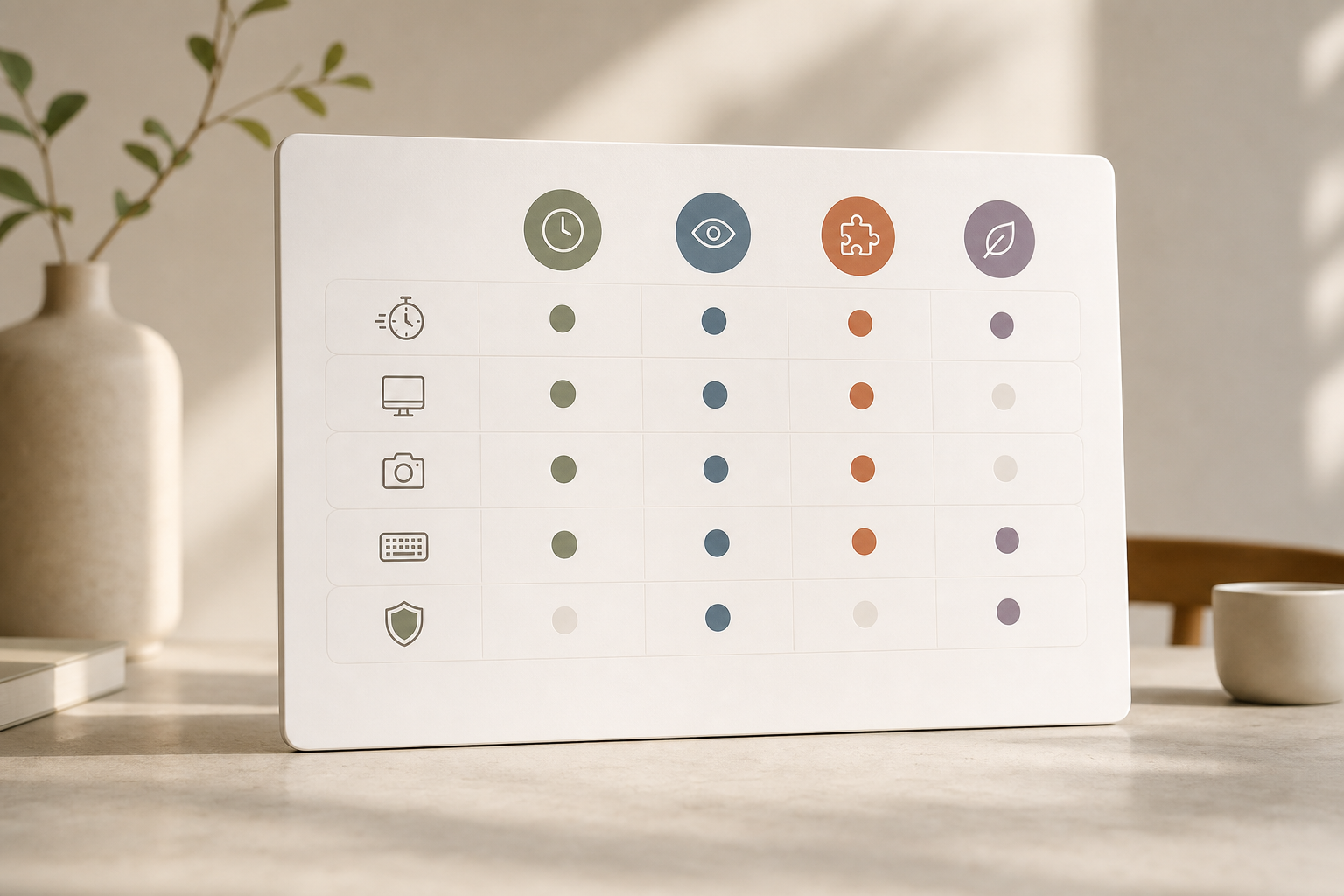
Moreover, regardless of tool, verify access controls, audit logs, and data retention settings. Ask for a SOC 2 report and probe what “private time” technically does (local pause vs server-side delete). If a vendor can’t answer cleanly, move on.
What to Do This Week: Your Monitoring Readiness Checklist
This is the fastest way to build clarity without buying software first. You’ll end the week with a plan your team can trust and a short list you can trial.
- Day 1: Write three specific problems you want monitoring to solve. If you can’t name them, you’re not ready. Tie each to one metric and one decision.
- Day 2: Survey your team anonymously. Ask what visibility they wish they had into their own work, what they consider fair tracking, and what’s off-limits.
- Day 3: Draft a one-page transparency policy. Include: what’s tracked, what’s not, who sees data, how it informs decisions, retention, and how to toggle personal time or opt out during breaks. If you’re moving hybrid, pair it with your return to work letter.
- Day 4: Shortlist two to three tools from different categories. Sign up for free trials. Turn on only the features tied to your goals.
- Day 5: Hold a 30‑minute open meeting. Explain the “why,” show the “private time” switch, and commit to a 90‑day review with changes based on feedback.
Therefore, start with conversations, then choose software. That order flips outcomes from fear to buy‑in.
**Get instant access, free pilot →
By sticking to these basics, you’ll reduce noise, keep trust high, and make real gains in output, with fewer surprises at retro time.
Quick Search Our Blogs
Type in keywords and get instant access to related blog posts.

