

Employee monitoring and productivity tracking, done fairly and transparently, helps remote teams replace guesswork with shared context. Start free, see real-time insights →, distributed teams face coordination delays and isolation pressures that harm output and morale. Therefore, the right approach is transparency with guardrails: clear policies, fair data, and privacy options that respect home offices as private spaces.
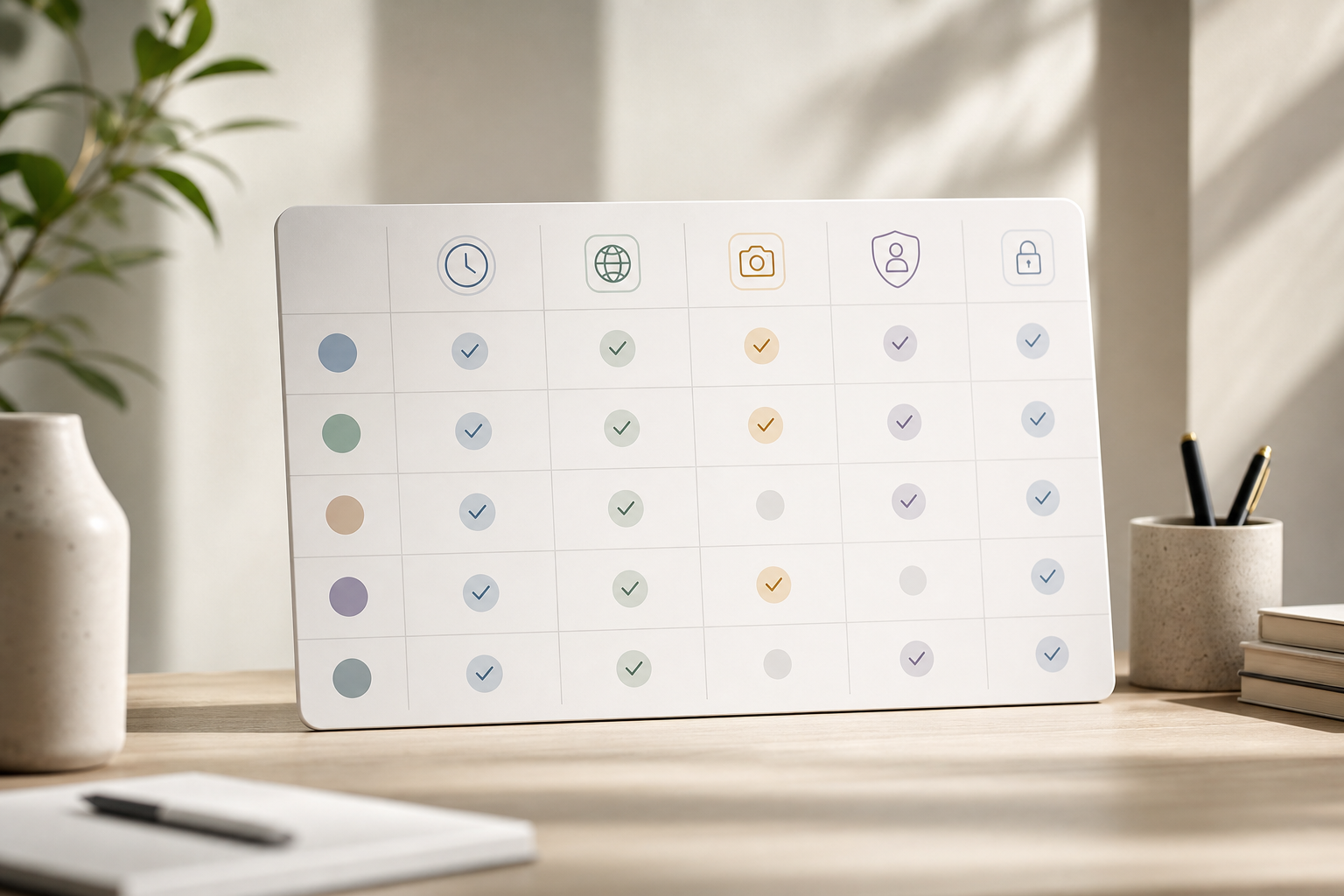
Why Remote Teams Struggle with Visibility, Accountability, and Trust
You can’t walk the floor on Zoom. Moreover, timezone fragmentation means you can’t ping everyone at once for a standup. As a result, leaders slide into “Are you there?” messages or rely on self-reported status notes that skew toward best-case stories. With no shared data, coaching turns into conflict.
In a remote setup, in-office failure modes change. Buddy punching matters less when no one taps a wall terminal, but identity and session trust still matter. Specifically, unmanaged endpoints, USB risks, and personal Wi‑Fi raise data exposure. Without light-touch telemetry, you don’t know if risky apps run in the background or if idle time is a break or a network drop.
However, raw activity feeds can feel invasive. Screenshots every minute or always-on key logs cross lines, especially in homes. Therefore, ethical monitoring must give employees a clear view of what’s collected, allow private time, and limit data access by role. Otherwise, you get “productivity theater” and churn.
In addition, timezone drift creates false flags. A “late start” in New York is a midday push in Berlin. Tools that ignore shifts and location make good teams look bad. Finally, context matters: five hours of IDE time is productive for an engineer, but five hours of social media isn’t for a support agent. Without app/URL context, leaders either micromanage or miss blockers.
- Timezone spread kills synchronous check-ins; async visibility must replace daily status pings.
- Self-reporting inflates optimism; leaders need system data to coach, not to police.
- App/URL context separates focused work from distraction; totals alone mislead.
- Endpoint risks rise at home; unmanaged USB use and unknown apps widen the attack surface.
- Always-on surveillance backfires; private time, clear policy, and role-based views build trust.
For background on how remote work reshapes team norms and coordination, see the overview on the Remote work page at Wikipedia. Use that lens to judge whether your current process gives truth without crossing lines. And if you’re drafting a clear policy, a plain-language return to work letter guide offers helpful tone and structure cues you can adapt for monitoring notices, too.
What to Look for in Employee Monitoring Software for Remote Teams
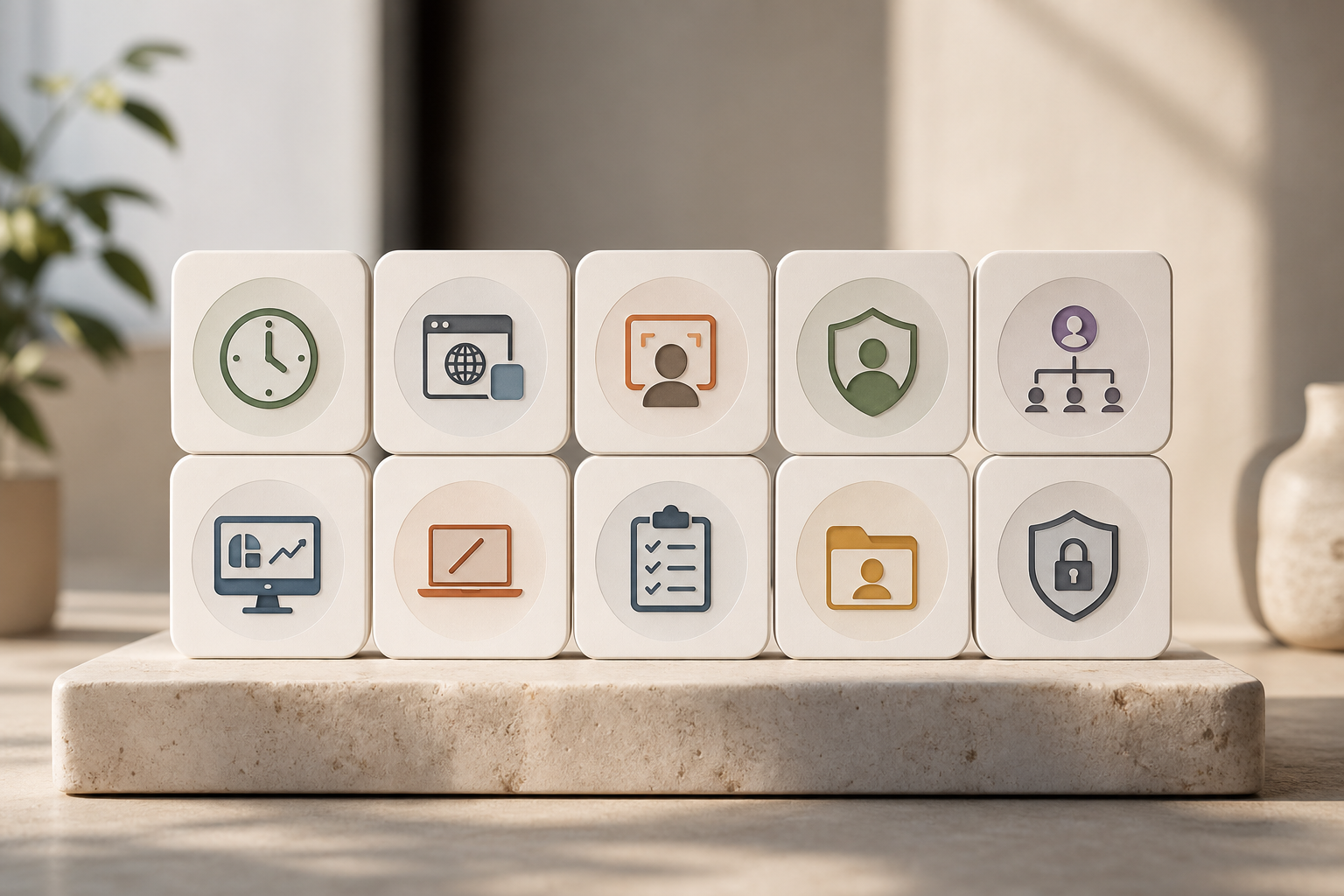
Buying for remote teams is not the same as buying for a single office. You need signals that travel across timezones without manual work, with privacy by default. Moreover, the tool must separate activity that drives outcomes from noise. The checklist below focuses on what matters outside a shared office, where employee monitoring and productivity tracking needs to be transparent and fair.
1) Automatic time and activity tracking
Manual timers break in async work. Instead, look for agents that auto-capture active time by app/window with zero clicks. As a result, you avoid “I forgot to start the timer” gaps and get consistent data across timezones.
To go further in 2026, confirm the agent:
- Detects multi-monitor setups and splits focus accurately.
- Handles virtual desktops (VDI) and Remote Desktop sessions without double-counting.
- Offers lightweight CPU/memory footprint so laptops don’t overheat during long calls.
2) URL and app-level usage monitoring
Totals hide context. Therefore, you need per-app and per-URL labeling to tell “coding in VS Code” from “scrolling social.” For remote teams, this context prevents bad calls during one-on-ones.
Extra capabilities to value:
- Custom categories by role so design tools are “productive” for designers but not for finance.
- Regex or rules to group related URLs (e. g., multiple Jira subdomains).
- Built-in allow/deny lists for sensitive or regulated destinations.
3) Screenshot capture with controls
Screenshots can resolve disputes fast, but cadence matters. Seek configurable intervals, blurring, and project-based rules. In addition, allow opt-out for sensitive workflows to respect private or regulated work.
Practical guardrails:
- On-device redaction for PII fields (email, finance, health data) before upload.
- Watermarks and retention windows (e. g., 14 or 30 days) to limit exposure.
- Employee-visible indicators so people know when screenshots are active.
4) Stealth vs. transparent mode flexibility
Company cultures differ. Some industries require background agents; others prefer visible indicators. Tools should support both, with clear audit logs so you can prove what’s enabled and why.
Implementation tips:
- Pilot in transparent mode to build trust, then evaluate if a stricter posture is truly necessary.
- Document mode choices in your policy with a plain-language changelog.
- Revisit quarterly as laws and norms evolve.
5) Role-based access controls (RBAC)
Not everyone should see everything. With RBAC, team leads see only their team’s data, while HR and security get broader views. Moreover, this reduces gossip risk and supports privacy norms in distributed teams.
Look for:
- Granular scopes (view only, export, retention override, screenshot visibility).
- Audit trails that record who accessed what and when.
- Integration with your IdP groups for automatic provisioning.
6) Real-time dashboards
In-office, you can glance around. Remotely, you need a live board that shows status, active apps, and alerts. However, the dashboard should summarize, not nag, so managers coach rather than chase.
A great dashboard:
- Surfaces exceptions (e. g., “unexpected app usage” or “offline > 30 min”) rather than spamming.
- Provides shift-aware views so “late” is judged against planned hours, not a manager’s local time.
- Exports snapshots to share in async updates without screen-sharing.
7) Offline and idle time handling
Home networks hiccup. Kids knock. Therefore, the system must detect idle time, allow notes, and route offline time for approval. As a result, breaks and outages don’t tank “productivity” scores.
Key distinctions:
- Idle vs. focus: keyboard/mouse quiet during reading or coding shouldn’t penalize deep work.
- Automatic reconnection with backfill so gaps don’t create payroll or compliance issues.
- Mobile/field-mode handling for teams on the move.
8) Project/task-level tracking
Activity is not output. Tie sessions to projects, tasks, and milestones to link effort to results. Moreover, mapping time to deliverables allows fair planning across timezones.
What to verify:
- Two-way sync with popular PM tools (Jira, Trello, Asana, ClickUp).
- Tagging by client/engagement for agencies and professional services.
- Burndown and velocity overlays that combine time data and task status.
9) Privacy-first features
Private time toggles, screenshot redaction, and data retention controls show respect. In addition, clear employee-facing views reduce suspicion. Remote is personal; treat it that way.
Privacy checklist:
- Employee portal that shows “what is tracked today” in plain language.
- Configurable retention defaults (e. g., 90 days for activity, 14 days for screenshots).
- Local laws alignment (e. g., consent prompts in GDPR regions).
10) Security and certifications
Ask for SOC 2 or equivalent. Moreover, check for OAuth2/OIDC SSO, RBAC, multi-tenant isolation, and encrypted document storage. Remote endpoints multiply risk; strong security makes legal and IT sleep better.
Security-in-depth indicators:
- Customer-managed keys (CMK) or BYOK options for sensitive orgs.
- Separate data planes for logs vs. documents.
- Regular penetration tests and vulnerability disclosure program.
2026 considerations: laws, devices, and AI
- BYOD reality: ensure features can be scoped to work profiles only (MDM/MAM), keeping personal spaces private.
- Regional consent: some jurisdictions require pre-capture consent; choose tools with configurable prompts and logs.
- AI transparency: if AI scores “productivity,” demand explainability and the ability to disable automated decisions.
Also Read!
EmpCloud vs Hubstaff for Small Businesses: Which Is Better for Employee Monitoring?
Best Employee Monitoring Software for Small Businesses in 2026
How EmpCloud Solves Remote Monitoring: Feature-by-Feature Walkthrough
EmpCloud was built for distributed work. It covers the buying criteria above while keeping privacy in view. Moreover, it connects monitoring with projects, HR, and performance so you don’t stitch tools together. This lets you practice employee monitoring and productivity tracking as a fair, transparent system, not a spy kit.
Automatic time tracking and URL/app context
EmpCloud’s agent captures active time by app and URL without manual timers. Therefore, your global team avoids missed logs and you get comparable data in New York, Nairobi, and Nagoya. In addition, productivity calculation turns raw activity into clear work vs. idle summaries per role.
Beyond basics, the agent:
- Detects VDI and RDP sessions to avoid duplicates.
- Supports custom classification so niche tools are correctly labeled for your workflows.
- Offers low-overhead sampling that preserves laptop battery life on long days.
Live pulse without pings
A real-time dashboard shows who’s active, in which app, and on which task. As a result, you can spot blockers without interrupting deep work. Moreover, with shift scheduling across timezones, you judge teams by planned hours, not your local clock.
“EmpCloud’s Employee Monitoring has made tracking our team’s performance so easy. The insights we get have really helped us improve engagement and boost productivity.” — George Williams, Chief HR Officer
Additional live features include:
- Exception alerts that trigger when unusual apps appear or when a shift deviates from plan.
- A team heatmap that visualizes coverage across timezones for incident readiness.
Monitoring philosophy: your choice
You can run in stealth or in un‑stealth (transparent) mode. However, many remote leaders start transparently and enable Private Time so employees can pause tracking during personal breaks. In addition, offline and idle time approval ensures brief disconnections don’t harm anyone’s record.
Policy alignment support:
- Publish your policy inside EmpCloud so employees can read it beside their data.
- Role-based visibility lets you hide screenshots for HR-only workflows or sensitive clients.
**Book a live demo, see your data flow → up front and includes HRMS, payroll, and project management in one suite. Meanwhile, Zoho offers a broad ecosystem across business apps, and Keka is known for payroll strength in specific markets. Below is a focused view for 2026.
| Dimension | EmpCloud | Zoho | Keka |
|---|---|---|---|
| Remote monitoring features | Stealth/un‑stealth, Private Time, offline/idle approval, URL/app, screenshots (configurable), USB detection | Monitoring options vary by product; Private Time and offline approvals may require add-ons | Monitoring depth varies; payroll-focused suites may need add-ons for app/URL context |
| Pricing transparency | Free tier; Bronze $4.66/user/month (1–10), Silver $3.83 (11–50), Gold $3 (51–200), Enterprise 200+; yearly billing | Tiered pricing across suite; monitoring features may be in separate products | Tiered pricing; strong payroll bundles; monitoring features may add cost |
| All-in-one scope | Integrated HRMS, payroll, performance, project management (Gantt/Kanban), field force, monitoring | Broad app ecosystem across many business functions | Payroll, HR, and talent strong; project/monitoring may require integrations |
| Security | SOC 2; OAuth2/OIDC SSO; RBAC; multi-tenant isolation; encrypted document storage | Security features vary by app; check product-level attestations | Security for HR/payroll; confirm monitoring data controls |
| AI for HR data | 41 AI tools across 7 providers for queries and insights | AI features vary by product | AI features focus on HR/payroll use cases |
Moreover, EmpCloud’s free tier lets you test remote monitoring with zero risk before you scale into Bronze ($4.66), Silver ($3.83), or Gold ($3) yearly plans. In addition, OAuth2/OIDC SSO and RBAC reduce admin toil during rollout.
“EmpMonitor plus Project Management improved task coordination and project completion rates for us.” — Karen Martinez, HR Manager At Global Inc.
Where competitors may lead:
- Zoho: broader ecosystem if you already run multiple Zoho apps and want tight app-to-app workflows.
- Keka: payroll and compliance strength in specific regions if your primary need is localized payroll.
Where EmpCloud leads for remote monitoring:
- Built-in Private Time, stealth/un‑stealth choice, and offline approvals without cobbling add-ons.
- Single suite across HRMS, payroll, monitoring, and projects, which reduces vendor sprawl and duplicate data.
- Straightforward, published pricing tiers that make budgeting across headcount scenarios simple.
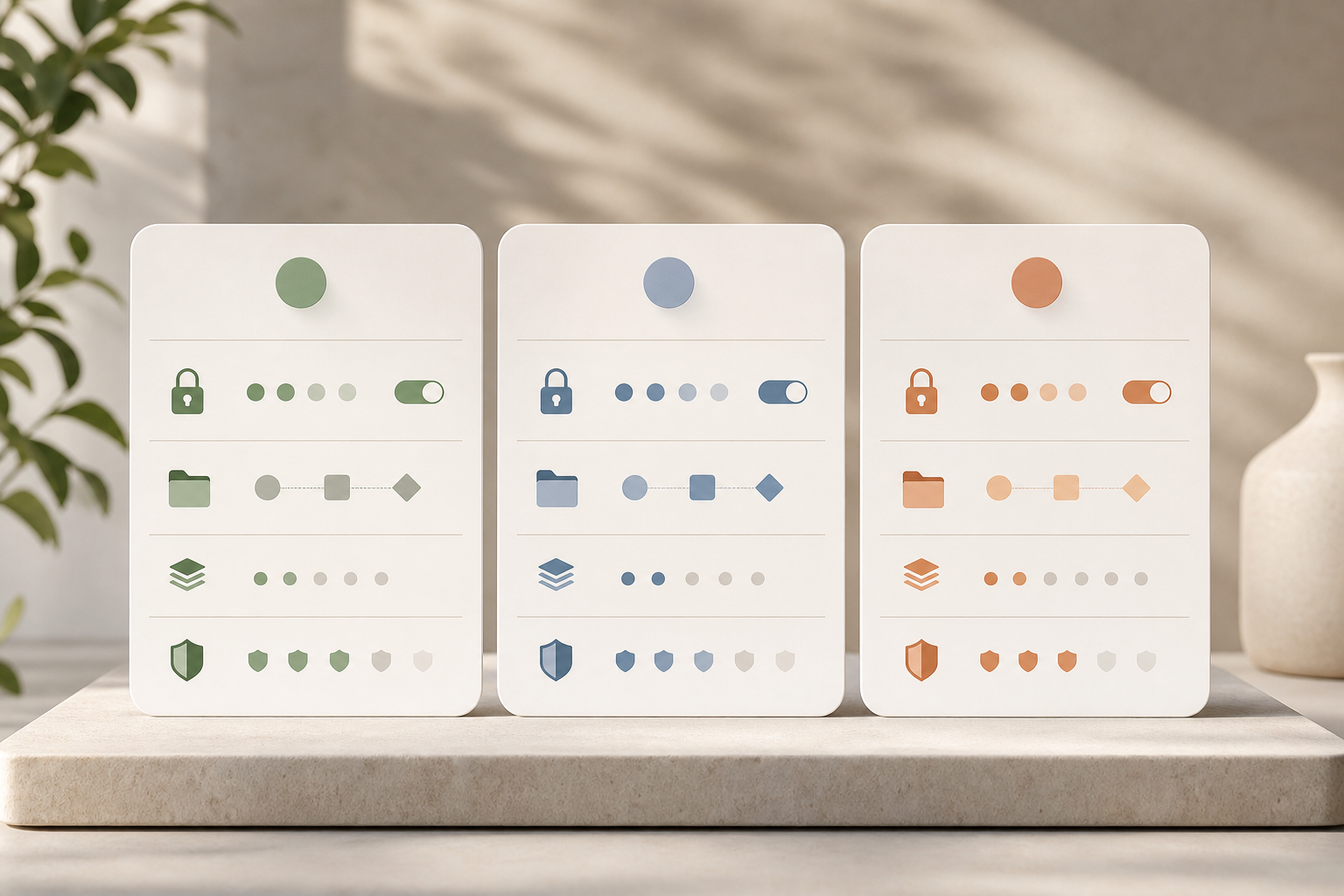
Why 1,500+ Businesses Trust EmpCloud for Workforce Management
Security comes first for remote teams that work over personal networks and devices. EmpCloud is SOC 2 compliant, uses OAuth2/OIDC with SSO, RBAC, multi-tenant isolation, and encrypted document storage. Therefore, IT and legal teams get verifiable controls, and managers get safe access to the right data.
Scale matters, too. EmpCloud is trusted by 1,500+ businesses, manages 50,000+ employees, operates in 15+ countries, and is partnered with 200+ companies. Moreover, the platform offers 250+ API endpoints for integration flexibility and supports 9 languages, which fits remote teams spread across regions. As a result, you can connect the system to the 10–15 tools you already use without brittle glue code.
“The facial recognition feature is both secure and reliable, eliminating buddy punching with accurate attendance tracking. It has significantly improved our workforce accountability and operational efficiency.” — Laura Thompson, COO Of Precision Manufacturing
In addition, Chen Wei notes smooth and secure operations thanks to fast face detection and strong role-based access. Beyond monitoring, AI-powered performance reviews and a 360° feedback system move the conversation from “activity” to growth. Therefore, coaching, real-time feedback, and continuous tracking help you build trust, and results, at the same time.
Plan a fair rollout in 7 steps
-
Get pricing, plan for 2026 growth → Start with the free tier and run a pilot of 5–10 remote employees across different timezones. As a result, you’ll see real data without cost.
-
Configure your monitoring philosophy first. Choose transparent (un‑stealth) or stealth mode, then publish a short policy. Moreover, enable Private Time to show respect for home offices. If you need sample tone, adapt the language style from this return to work letter guide.
-
Set role-based permissions so each lead sees only their team’s data. In addition, restrict screenshot and keystroke settings by department if needed.
-
Integrate with your project tools using the 250+ API endpoints. Therefore, you can link activity to tasks right away and avoid duplicate effort.
-
Use the real-time dashboard for two weeks before drawing conclusions. Moreover, mark offline/idle time for approval so network drops don’t skew early reads.
-
After 30 days, run AI-powered performance reviews to spot coaching wins, not to punish. In addition, use 360° feedback and real-time check-ins to make it two-way.
-
Scale plans as you grow: Bronze ($4.66/user/month for 1–10), Silver ($3.83 for 11–50), and Gold ($3 for 51–200), billed yearly. Enterprise options exist for 200+ users. Personalized onboarding and VIP support are available at each step.
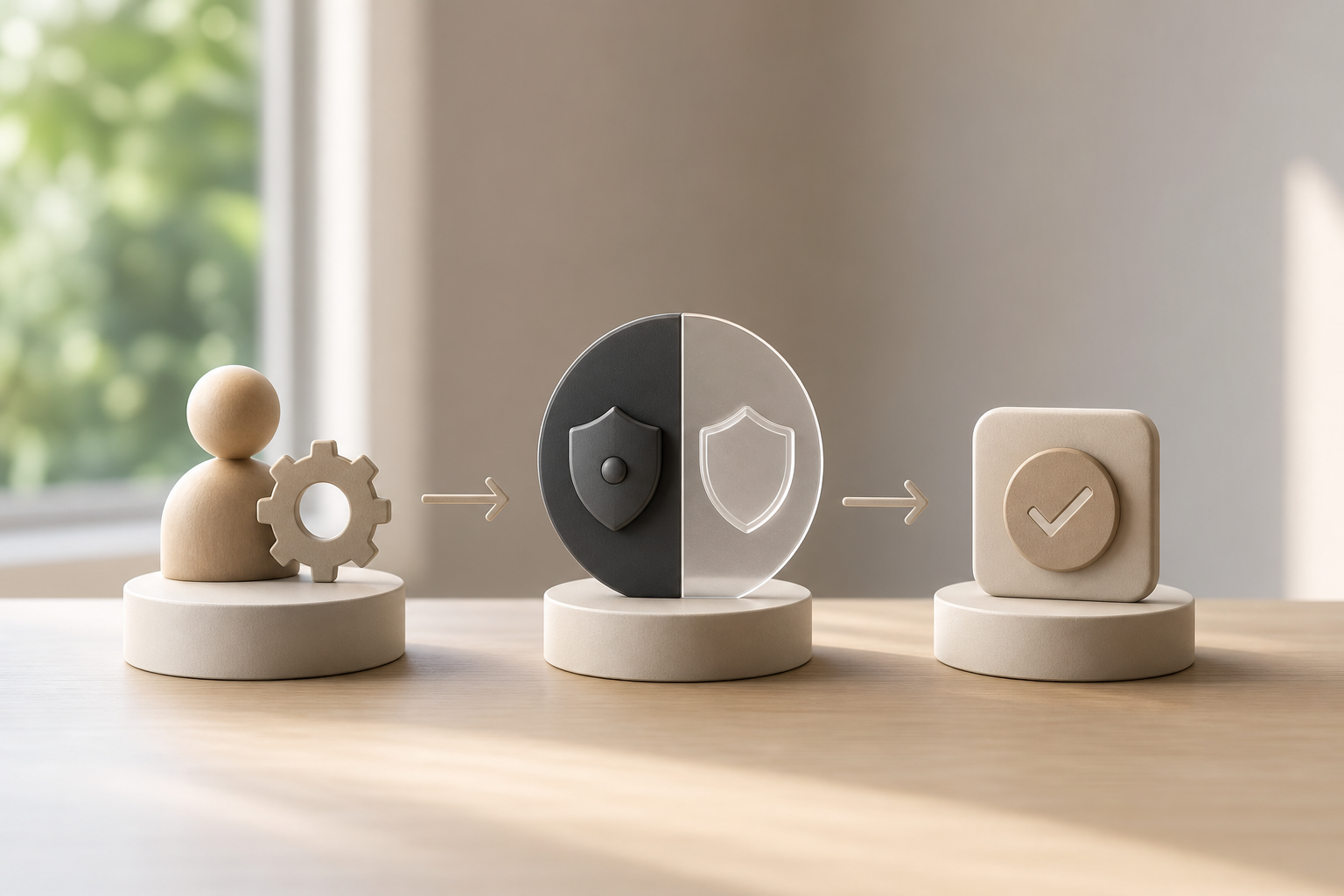 , RBAC configuration, API integration, 2-week baseline, 30-day review, scale-up; calm colors, clear labels)
[Try the free pilot, no credit card →]
Frequently Asked Questions
How much does EmpCloud's employee monitoring software cost?
Start with the free tier for small teams. Paid plans begin at $4.66/user/month (Bronze, 1–10 users), drop to $3.83/user/month (Silver, 11–50 users), and $3/user/month (Gold, 51–200 users). Enterprise pricing is available for 200+ users with tailored plans. All paid plans are billed yearly, which keeps budgeting simple and predictable.
Can employees see when they're being monitored?
Yes. EmpCloud supports both stealth and un‑stealth (transparent) modes, and you choose which to use. Moreover, there’s a Private Time option so employees can pause monitoring during personal breaks, which matters in home settings. In addition, you can publish a short policy so everyone knows what’s captured and why.
Is EmpCloud accurate for tracking remote employees across different timezones?
EmpCloud uses automatic time tracking with no manual input to forget. Moreover, shift scheduling supports timezone-aware planning and fairness. The real-time dashboard shows live status regardless of location, and offline/idle time approval prevents legitimate disconnections from being flagged. Operating in 15+ countries shows real-world readiness for global teams.
How does EmpCloud compare to Hubstaff or Time Doctor for remote monitoring?
Hubstaff and Time Doctor focus on time tracking and screenshots. EmpCloud includes that, plus HRMS, payroll, project management with Gantt/Kanban, AI-powered performance reviews, and 360° feedback, in one platform. Therefore, you avoid stitching multiple subscriptions. In addition, EmpCloud is SOC 2 compliant and offers 41 AI tools across 7 providers to query HR data.
Does EmpCloud monitor keystrokes and take screenshots?
Yes. Keystroke monitoring and automatic screenshots are available, and both are configurable. Moreover, you can adjust screenshot frequency and enable or disable keystroke logging based on company policy and local privacy rules. In sensitive teams, you can reduce cadence or turn features off entirely.
Is EmpCloud compliant with data privacy regulations for remote teams?
EmpCloud is SOC 2 compliant and uses encrypted document storage with OAuth2/OIDC authorization, SSO, RBAC, and multi-tenant isolation. Moreover, Private Time and configurable modes help align with GDPR, CCPA, and other privacy frameworks. However, you should still consult legal counsel for local and industry-specific guidance.
Can EmpCloud integrate with the tools my remote team already uses?
Yes. EmpCloud offers 250+ API endpoints for integrations with your existing stack. It also supports Atlassian Connect integration. Moreover, 41 AI tools across 7 providers let you query and act on HR data across systems without manual exports.
What if my remote team resists being monitored?
Start in transparent mode and enable Private Time to give employees control during breaks. Frame the tool as a coaching aid by using the real-time dashboard and AI-powered performance reviews to spot wins and blockers. Moreover, run a small pilot and hold Q&A sessions so people ask questions in the open. The 360° feedback system and check-ins add two-way accountability.
Does EmpCloud support field teams or hybrid workers who are often offline?
Yes. Field force tracking handles intermittent connectivity and syncs data when devices come back online. Offline and idle approvals ensure that time spent in transit, on client sites, or in low-signal areas is captured fairly. For hybrid offices, shift-aware policies distinguish on-site vs. remote expectations without duplicate setup.
How long is monitoring data retained, and who can delete it?
Retention windows are configurable by data type (e. g., activity vs. screenshots). Admins can set automatic purges (such as 90 days) to minimize exposure. Deletion rights are governed by RBAC, and actions are logged so you can demonstrate compliance and chain of custody during audits.
Wrap-Up: What Great Remote Monitoring Looks Like in 2026
- Transparency beats control. Choose a tool that supports visible modes, Private Time, and RBAC so trust grows with the data.
- Context beats totals. URL/app tracking, project linkage, and offline approvals turn raw hours into fair performance insights.
- Security is non‑negotiable. SOC 2, OAuth2/OIDC SSO, RBAC, multi-tenant isolation, and encrypted storage protect people and your business.
Ready to see fair monitoring in action without extra work? **Book a demo, get answers fast →
Quick Search Our Blogs
Type in keywords and get instant access to related blog posts.

