

Small teams need employee monitoring and productivity tracking that is transparent, affordable, and quick to set up. This guide shows how to choose tools that balance trust and compliance, with real-world tips to roll them out fast and measure impact.
**[Start your free trial →]
Why Small Businesses Struggle With Employee Monitoring
You want clarity on work, not a spy tool. The tension is real: you need insight, but you also want to keep trust high. The core problem is simple. Enterprise software costs too much and expects an analyst to run it. Small teams need employee monitoring and productivity tracking that works out of the box.
Remote and hybrid work make this harder. You can’t walk the floor. You can’t sit in on ten calls a day.
Meanwhile, founders and managers already wear five hats. Time entries and manual updates slip. As a result, you miss signals until a project is already late.
What signals do small teams miss without simple monitoring?
- Early warnings that a task is blocked because a dependency or approval is stalled.
- Time drift, where “quick checks” on chats and emails consume hours of the day.
- Scope creep as people bounce between tools without a clear task list.
- Hidden training needs: repeated use of help docs or toggling between solutions.
- Burnout risk: long active-time streaks with minimal breaks across several days.
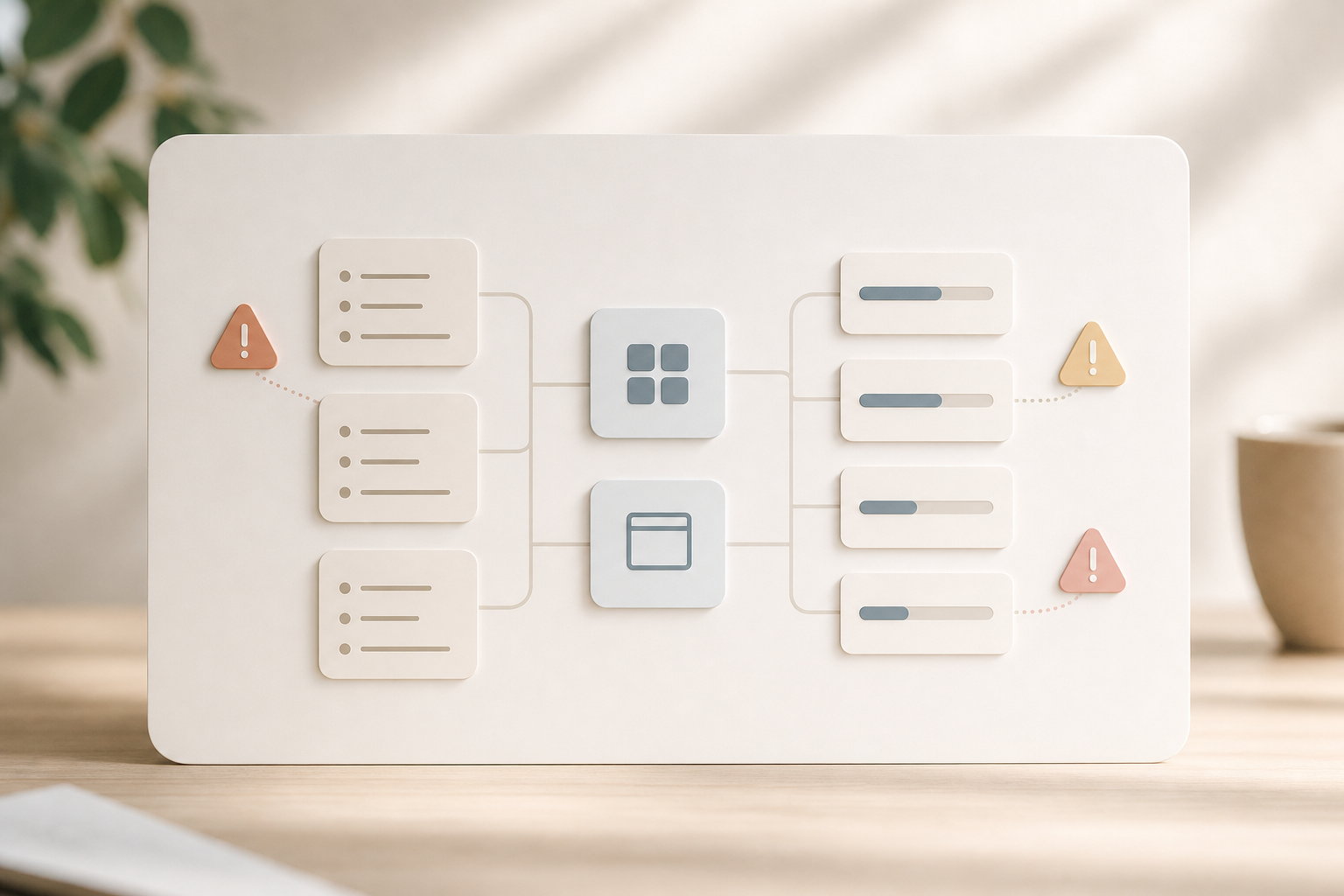
Real-world small-team scenarios
- A 7-person agency loses half a day each week to “quick Slack checks.” Auto-logged app time reveals the pattern so they can set notification windows and regain focus blocks.
- A construction subcontractor can’t verify on-site time for two projects. Geo-verified visits confirm arrivals, reducing disputes with the general contractor.
- A seed-stage startup’s onboarding drags because new hires search docs for the same steps. URL/app logs highlight repeated help-center visits, pointing to a clearer SOP.
- A customer support pod looks busy, but escalation queues stall. Real-time dashboards show toggling between SOP pages and email, signaling the need for a templated reply and clearer triage policy.
The Cost and Culture Trade-offs
Budgets add pressure. Paying $10-$15 per user per month for a 12-seat team is a $1,440-$2,160 yearly bet. That’s a big check if the setup drags on or the data is hard to read.
Worse, the wrong tool can cause friction. For example, stealth-only tracking can feel sneaky, while always-on screenshots can feel invasive. In short, picking poorly can erode trust fast.
Privacy and legal basics matter, too. Different regions ask for different levels of notice or consent. It pays to read up and write a clear policy. For a neutral primer, see Wikipedia’s overview of employee monitoring. Then adapt your approach to your culture. Transparency often beats surprise.
Principle: Monitor work, not people. Track the context needed to manage projects and outcomes, and keep sensitive data behind role-based controls with clear on/off rules.
Legal and consent checklist for SMBs
- Share a written monitoring notice before any data collection begins, and collect employee acknowledgment.
- Specify exactly what is tracked (e. g., time, URLs/apps, screenshots), when it’s tracked, and how long data is retained.
- Offer a “private time” option and document how it works (what is paused, what remains active, and how to resume).
- Limit access to sensitive artifacts (e. g., screenshots, keystrokes) via role-based permissions and audit trails.
- Align with local consent laws (e. g., state or country rules) and coordinate with counsel for edge cases like BYOD or field-force devices.
- Risk 1: Lost trust. Surprise tracking can trigger pushback and turnover.
- Risk 2: Wasted money. Complex tools that no one checks are sunk costs.
- Risk 3: Data exposure. Weak security puts sensitive employee data at risk.
Therefore, the right fit for a small business balances cost, clarity, and consent. You need easy setup, honest controls, and quick insight you can act on. You also need room to grow, so you don’t switch tools in six months. The next section lays out a checklist you can use to grade any solution in minutes.
What to Look for in Employee Monitoring Software as a Small Business
Buying for a small team calls for a strict filter. You’re not building a command center. You’re buying hours back, one simple view at a time. Use these seven criteria to judge any product that claims to help with employee monitoring and productivity tracking.
1) Affordable pricing with a real free test
Start small. You should be able to test with a free tier or a real trial, without pulling out a card. Per-user pricing should make sense for 1–10 seats, not only 100+.
- Tip: Calculate year-one cost for your exact seat count, including any add-ons like stealth mode, screenshots, or data retention.
- Red flag: “Contact sales” for basic features or forced bundles that include modules you won’t use for months.
2) Automatic time and activity tracking
Your team won’t log every minute. The agent should auto-capture active time, apps, and sites. Idle time detection and offline time approval keep records clean for audits and payroll.
- Look for: Clear differentiation between active vs. idle time, with prompts that help people classify offline work.
- Avoid: Tools that treat every foreground window as “productive” without category context.
3) Screenshots and URL/app tracking without micromanagement
Screenshots can settle disputes, but they can also feel intrusive. Look for configurable intervals and role-based access. URL and app logs should be clear and searchable, so you need fewer screenshots, not more.
- Good practice: Start with conservative screenshot intervals and expand only if needed.
- Guardrail: Limit who can view screenshots and mask sensitive fields where possible.
4) Stealth vs. visible mode choice
Culture varies. Some teams want full transparency. Others need discreet oversight for certain roles or devices. Your tool should let you choose visible or stealth mode per policy, not force one path.
- Policy cue: If you use stealth for specific roles (e. g., shared kiosks), publish the rationale and approval process.
5) Real-time dashboards anyone can read
You should not need an analyst. A good dashboard shows who’s active, what they’re working on, and trend lines for the week. In two clicks, you should see top apps, sites, and time on tasks.
- Outcome: In standups, use the dashboard to confirm progress and unblock tasks, not to police minute-by-minute behavior.
6) Scalable tiers that grow with you
As you add seats, the price per user should go down. You shouldn’t switch tools just to save a dollar. Look for small-team tiers now and mid-market pricing later.
- Bonus: Annual billing discounts for small teams (1–10 seats) without pressure to pre-purchase large bundles.
7) Privacy features and boundaries
“Private time” modes help protect breaks and personal tasks. Precise roles and permissions reduce who can see screenshots or keystrokes. These guardrails maintain trust while still giving you the data you need.
- Document: Who can see what data (admins vs. managers vs. auditors), with periodic permission reviews.
Moreover, demand clear exports and basic integrations. You should be able to share time data with finance or clients, and attach reports to updates like a return to work letter. If a tool can’t do simple, it won’t help when work gets busy.
Evaluation worksheet: 10-minute buyer’s check
- In 3 minutes, find the “private time” setting and verify whether it’s included on your plan.
- In 2 minutes, launch a test dashboard and identify top apps and sites; if you need a CSV first, that’s a red flag.
- In 2 minutes, check screenshot interval options and confirm role-based access to view them.
- In 1 minute, locate data retention settings and deletion request steps.
- In 2 minutes, calculate total cost for your team with the exact features you plan to use for 90 days.
- In 2 minutes, verify OS compatibility and installer options for Windows, macOS, and Linux so your pilot runs smoothly.
Quick red flags when evaluating employee monitoring and productivity tracking tools
- No private-time setting, or it’s an add-on behind a higher tier.
- “Unlimited data” with no clarity on retention controls or deletion requests.
- Dashboards that require CSV exports for basic insights.
- Stealth-only operation with no visible mode or employee notification options.
- Pricing that looks low but excludes screenshots or URL/app categorization.
How EmpCloud Solves Monitoring for Small Teams
Start with price and risk. EmpCloud offers a free tier, so a 1–5 person team can test real tracking with no credit card. When you’re ready, the Bronze plan is $4.66 per user per month (paid yearly) for 1–10 users. As you grow to 11–50 seats, Silver drops to $3.83 per user per month (paid yearly). That’s small-business math.
On setup, the lightweight agent installs fast. Automatic time tracking runs in the background. URL and app tracking build a clear picture of work without manual entries.
Key takeaway: Automatic activity capture reduces manual timesheet hassle from day one and gives managers truthful baselines to coach from.
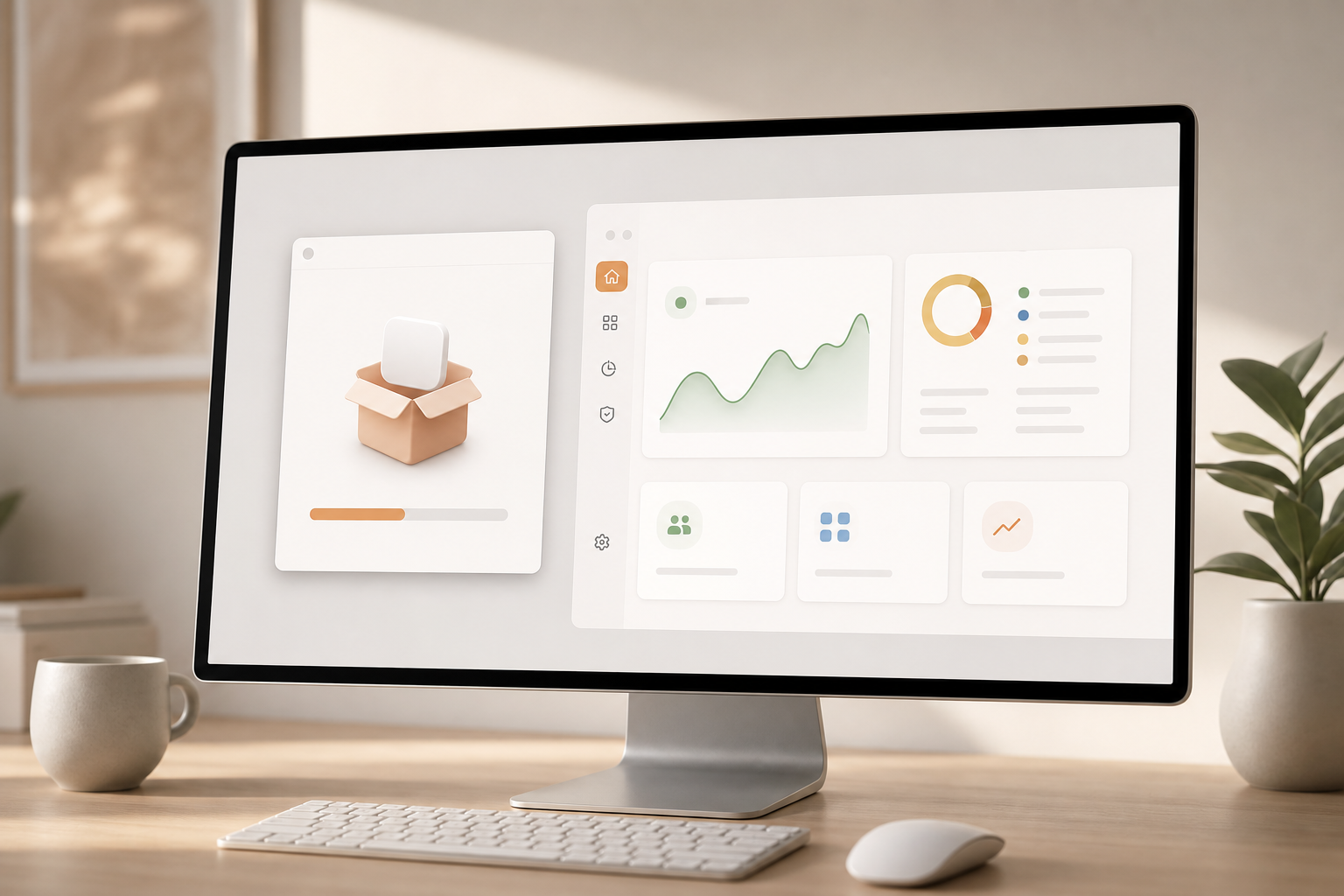
Screenshots can run on a schedule you set. Keystroke monitoring is available, but it should be used with care and consent. In practice, teams pair it with “private time” so people can pause tracking for personal breaks.
The dashboard updates in real time. You can see active users, productivity scores based on categorized apps and sites, and top activity for the day. You don’t need a report every time; the view tells a clean story in minutes.
- Quick wins you’ll see in week one:
- Accurate active-time capture without chasing manual timesheets
- A clear list of top apps and sites by person and team
- Fewer “status check” meetings because the dashboard answers basic questions
- Cleaner payroll data thanks to idle prompts and offline time approval
“EmpCloud’s Employee Monitoring has made tracking our team’s performance so easy. The insights we get have really helped us improve engagement and boost productivity.” — George Williams, Chief HR Officer
Beyond the basics: field and security layers
Shift scheduling, idle-time prompts, and offline time approval keep your records straight. Multiple roles and permissions let you choose who can see screenshots or approve changes. USB detection adds a security layer for device hygiene. For field teams, geo-location tracking and geo-verified client visits show who arrived where and when.
Project work ties in, too. Karen Martinez, HR Manager at Global Inc., said: “EmpMonitor has been a big improvement for us, providing real-time insights into employee productivity. Coupled with the Project Management tool, we’ve seen a marked improvement in task coordination and project completion rates.” To clarify, EmpMonitor is EmpCloud’s monitoring capability inside its broader suite.
Unlike single-purpose trackers, EmpCloud is part of a 10-module suite that also covers HRMS, payroll, performance, and exit management. AI-powered performance reviews and continuous performance tracking add context to the data you see each week. In addition, 41 AI tools across 7 providers help you ask questions and act on HR data fast.
Adoption tip: Start with a smaller pilot group and a visible mode. Share early wins in a weekly standup and invite feedback on privacy settings before expanding to the rest of the team.
**[Try The Free Tier →]
Feature highlights that matter for small teams
- Visible and stealth modes selectable per device, team, or policy.
- Real-time dashboard with productivity scoring tied to your custom categories.
- Screenshots with adjustable intervals and access limited by role.
- URL/app activity logs that are searchable and exportable.
- Private time toggle for breaks and personal tasks, with clear visual indicators.
- Attendance and geo-verification for field staff who don’t sit at a desk.
- USB detection to flag or block risky device use.
- Exportable audit logs and downloadable access-history trails for compliance reviews.
Tip: Start with visible mode and a written policy for most roles, then evaluate whether you truly need stealth on any shared or kiosk-style machines.
Implementation tip: categorize first, not last
- Pick the top 15–25 apps/sites your team uses and classify them on day one.
- Revisit categories after one week using the actual usage list surfaced by the agent.
- Tie categories to outcomes (e. g., “Design Tools” for billable creative work) so the productivity score reflects real results.
- Document any edge cases (e. g., YouTube for training vs. entertainment) so managers apply consistent rules.
EmpCloud vs. Zoho and Keka: Which Fits Small Businesses Better?
You asked for a straight answer on price, depth, and setup. Here’s how the options line up for small teams. EmpCloud’s Bronze plan starts at $4.66 per user per month (paid yearly) for 1–10 users. Zoho and Keka are strong in their own ways.
Zoho shines if you already use its broader ecosystem. Keka is known for payroll strength for Indian SMBs. Still, for pure visibility plus all-in-one HR and projects, EmpCloud hits a sweet spot.
Pricing and Ecosystem Fit
Where monitoring depth matters, EmpCloud includes stealth and visible modes, screenshots, keystroke options, URL/app logs, private time, roles, and USB detection in a single platform. Several alternatives gate stealth mode behind add-ons or do not offer it at all, so review plan pages closely. If privacy controls are a priority, the “private time” design is a clear, employee-first signal.
Ease of setup is another split. EmpCloud’s agent is light, and small teams get VIP support. Real-time dashboards require no analyst skills. Zoho and Keka offer broad platforms, but you may need extra time to connect modules if you only need monitoring at first. If you want one login for monitoring + HRMS + project management, EmpCloud’s 10 modules in one place reduce tool sprawl.
Security tips the scale for regulated teams. EmpCloud is SOC 2 compliant, which small business tools skip far too often. That matters if you store screenshots, activity, or location data. Attendance is also stronger with EmpCloud’s advanced biometric system for facial recognition. Laura Thompson put it simply: “The facial recognition feature is secure and reliable, eliminating buddy punching with accurate attendance tracking.
- Fit at a glance:
- Choose EmpCloud if you want deep employee monitoring and productivity tracking plus integrated HR and project modules at an SMB-friendly price.
- Choose Zoho if you’re already invested in the Zoho ecosystem and prefer to extend using familiar apps.
- Choose Keka if payroll for Indian operations is your core need and you can accept monitoring depth that varies by edition.
| Criteria | EmpCloud | Zoho | Keka |
|---|---|---|---|
| Entry Price | Free tier; Bronze $4.66/user/month (yearly) | Entry plans available; check vendor site for current rates | Entry plans available; check vendor site for current rates |
| Monitoring Depth | Stealth/visible, screenshots, keystrokes, URL/app, private time, USB detection | Strong suite; depth varies by plan and ecosystem fit | Strong payroll focus; monitoring depth varies by plan |
| Ease of Setup | Lightweight agent, real-time dashboard, VIP support | Broad ecosystem; setup time depends on modules in use | Payroll-first; monitoring setup varies by edition |
| Suite Breadth | 10 modules: monitoring + HRMS + payroll + projects + more | Large app family if already on Zoho | Deep payroll for Indian SMBs |
| Security | SOC 2 compliant; role-based controls | Security features vary by plan | Security features vary by plan |
Therefore, if you need a single platform that mixes deep monitoring with HR and projects at a small-business price, EmpCloud is our pick. If you’re already “all in” on Zoho apps, staying within that stack can make sense. If payroll in India is your main driver, Keka deserves a close look.
Trust, Security, and Scale: EmpCloud by the Numbers
Security first. EmpCloud is SOC 2 compliant. For a small business, that means independent checks on how data is stored, accessed, and protected. You’re not gambling with screenshots, location data, or activity logs. Many SMB tools skip this, but you don’t have to.
Scale next. EmpCloud is trusted by 1,500+ businesses, managing 50,000+ employees, and operating in 15+ countries. Those numbers matter because they prove the platform holds up under load and across different laws and work styles. You get enterprise-grade reliability at small-business pricing.
Integration is covered, too. With 250+ API endpoints, you can connect systems as you grow. Nine languages support global teams. An OAuth2/OIDC authorization server with SSO, RBAC, and multi-tenant isolation means your admins control who sees what, down to precise roles.
“With EmpCloud, managing attendance and access has never been easier. Its lightning-fast face detection and reliable role-based access control ensure smooth and secure operations.” — Chen Wei, Operations Director
Furthermore, a 10-module suite reduces tool sprawl. Recruitment, onboarding, payroll, performance, monitoring, field force, and exit management live under one roof. As a result, you can keep your stack lean and still gain the visibility you need.
Finally, support is built for small teams. You get personalized onboarding and VIP support, so you won’t need a full-time admin to get value. That’s what “enterprise muscle, SMB price” should look like.
Data stewardship practices to expect
- Role-based visibility to sensitive data, with downloadable audit logs.
- Configurable data retention windows for screenshots and activity logs.
- Easy, documented data export for finance, client billing, or audits.
- Admin safeguards for device hygiene (e. g., USB detection) and attendance integrity (e. g., biometrics).
- Clear processes for employee data access requests and deletion (DSAR/Right to be Forgotten) where applicable.
Compliance notes for SMBs
- SOC 2 Type II: Confirms operational effectiveness of controls over time, not just a point-in-time review.
- GDPR/UK GDPR alignment: Use private time and data minimization to reduce personal data collection where possible.
- Regional rules: Some U. S. states require monitoring notices; EU works councils may expect consultation—plan your rollout accordingly.
- BYOD considerations: If devices are personal, limit tracking to business apps and hours, and document opt-in consent steps.
- Retention defaults: Shorten retention for screenshots vs. time logs to reduce risk while preserving auditability.
- Sector-specific needs: If you handle health, finance, or education data, coordinate with counsel on extra safeguards (e. g., PHI/PII redaction and masking settings).
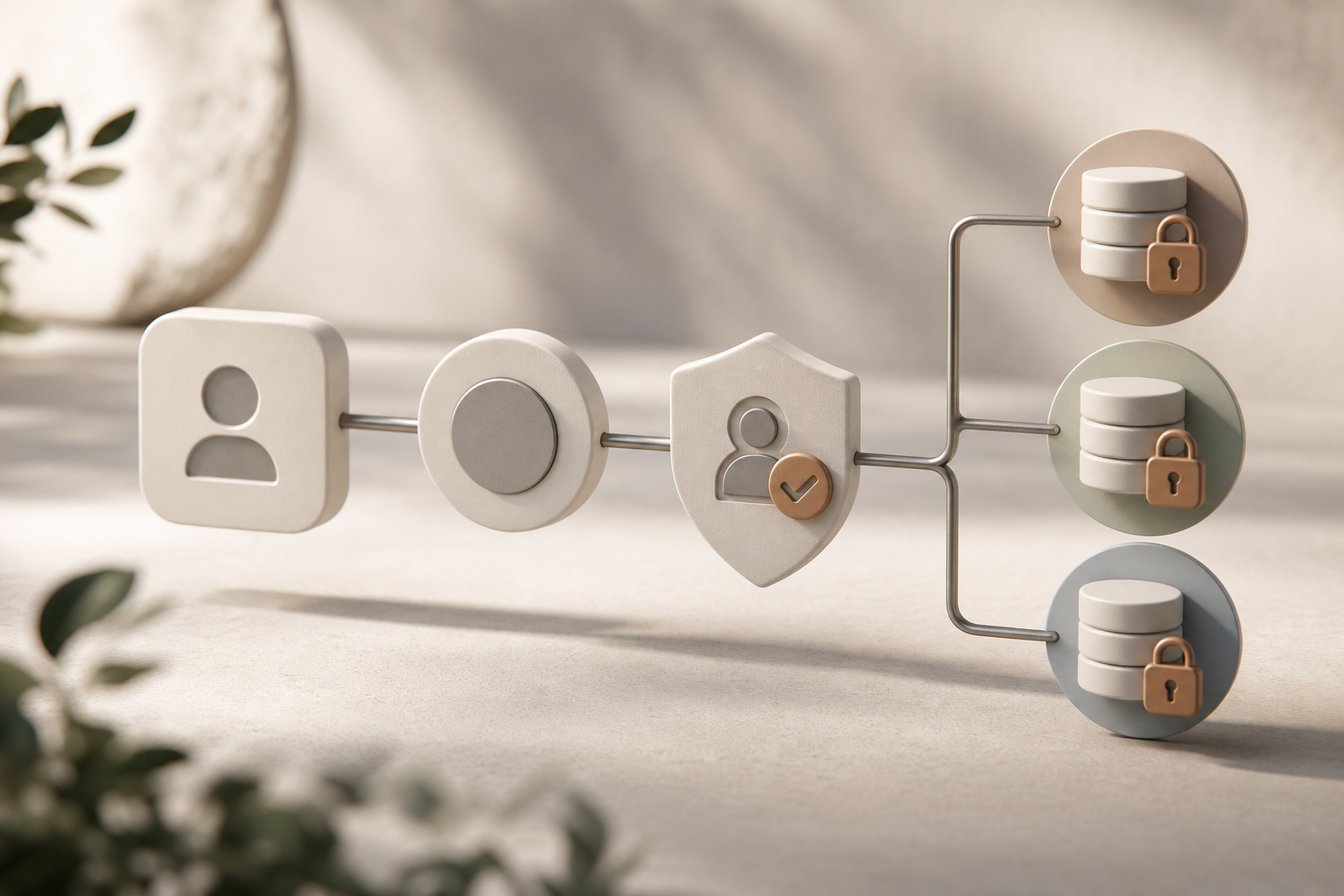
Getting Started: Setting Up EmpCloud for Your Small Business
Here’s a simple, no-stress plan to try EmpCloud in one week and get clean baseline data.
- Sign up on the free tier to explore without commitment. No card needed.
- Install the lightweight agent on team devices. Use personalized onboarding and VIP support if you want someone to walk you through first steps.
- Choose the right mode. If your culture favors transparency, start in visible mode. If you need discreet checks for specific roles, test stealth mode on a few pilot seats.
- Set up productivity categories. Classify key URLs and apps as productive, unproductive, or neutral. This drives the productivity scores you’ll see in dashboards.
- Invite team members and assign roles. Use multi-role permissions so managers see summaries while admins can approve idle or offline time.
- Wait one week, then review the real-time dashboard. Look for trends, not outliers. Identify top apps, time on tasks, and where idle prompts kicked in.
- If the fit is right, scale to Bronze at $4.66 per user per month (paid yearly) for 1–10 users. You can revisit roles, screenshots, and private time settings as you go.
- Share first-week wins in a standup. Gather feedback on privacy boundaries, then fine-tune categories, screenshot intervals, and retention settings before expanding the pilot.
As you tune your policy, you may also need HR docs. If an employee is returning after leave, this plain-language resource can help: our return to work letter guide.
Pilot success checklist
- Share a one-page monitoring policy and ask for written acknowledgment before rollout.
- Turn on private time and set clear expectations for breaks and personal tasks.
- Categorize the top 20 apps/sites first; expand categories after week one.
- Start screenshots at a modest interval (e. g., every 10–15 minutes) and adjust based on feedback.
- Review role permissions so only the right people can view screenshots or keystrokes.
- Communicate “why now” and how monitoring improves planning, billing accuracy, and workload balance.
- Schedule a 15-minute retrospective after two weeks to decide what to tighten, loosen, or turn off.
**[Start Your Free Pilot Today →]
Sample monitoring notice (plain language)
We use EmpCloud to understand how work gets done so we can plan better, reduce unnecessary meetings, and support focus time. During working hours, the agent records active time, apps, and websites. Screenshots run at a modest interval and are viewable only by designated admins. You can pause tracking using Private Time for breaks and personal tasks. Data is retained per our policy and deleted on schedule. If you have questions or need an exception, contact HR.
Rollout email template you can copy
Subject: Pilot of EmpCloud for visibility and planning
Hi team—this week we’re piloting EmpCloud to replace manual timesheets and reduce status meetings. It tracks active time, apps, and sites during work hours; screenshots are limited and access is restricted to admins. You can pause using Private Time. We’ll review insights after one week and adjust settings with your feedback. Here’s our one-page policy: [link]. Thank you!
Frequently Asked Questions
How much does EmpCloud cost for a small team of under 10 people?
EmpCloud offers a free tier for you to test the agent, dashboard, and reports with no card. For 1–10 users, the Bronze plan costs $4.66 per user per month when paid yearly. A 5-person team would pay about $23 per month. As you grow to 11–50 seats, the Silver plan drops the rate to $3.83 per user per month (paid yearly), so costs scale down.
- Example: 8 seats on Bronze ≈ $37.28/month on an annual plan; moving to 12 seats reduces per-seat cost on Silver.
Can employees tell if they’re being monitored by EmpCloud?
You choose. EmpCloud supports both stealth and visible (non-stealth) modes, so you can align with your policy and culture. If you prefer transparency, use visible mode and inform your team. There’s also a private time option that lets employees pause tracking during personal breaks, which helps maintain trust while still giving you needed data.
- Note: Even in visible mode, you can restrict access to screenshots and other sensitive elements via roles.
Is EmpCloud accurate enough for billing clients or tracking hourly contractors?
Yes. Automatic time tracking records active work, while URL and app tracking add context to each block. Configurable screenshots, idle time detection, and offline time approval build auditable records. The real-time dashboard calculates productivity scores based on your categories, making client billing and contractor reviews clean and defensible.
- Many teams export weekly summaries for client updates and attach screenshots only when needed to resolve disputes.
How does EmpCloud compare to free tools like Toggl or Clockify?
Manual timers record hours, but they miss what happened during those hours. EmpCloud’s free tier adds automatic activity tracking, screenshots, URL/app monitoring, and productivity scoring. That means you see both time and focus, not just totals. For small teams that need real visibility, not more manual inputs, EmpCloud fills a different need.
- If you already use a manual timer, run a two-week pilot in parallel to compare “time totals” vs. “time + focus breakdown”.
Does EmpCloud work for remote and hybrid small teams?
Yes. Desktop agents track remote activity with minimal lift, and the dashboard updates in real time. For field teams, geo-location tracking and geo-verified client visits show where work happened. As a result, you get one place to see progress whether people are at home, on-site, or on the road.
- For hybrid offices, combine desktop agents with geo-verified check-ins to align attendance with on-site schedules.
Is employee monitoring software legal for small businesses?
In most places, monitoring is legal if employees are informed. EmpCloud’s visible mode and private time help you set a fair, clear policy. The platform is SOC 2 compliant, which supports strong data handling standards. Still, laws vary, so consult local employment rules before deployment.
- Always document: what’s collected, why it’s collected, how long you retain it, and who can access it.
Can EmpCloud replace multiple HR tools for a small business?
Often, yes. EmpCloud includes 10 integrated modules: monitoring, HRMS, payroll, project management, recruitment, onboarding, performance management, field force management, biometric attendance, and exit management. If you’re paying for three or four separate tools today, consolidating can cut cost and admin time while keeping everything under one login.
- Consolidation bonus: fewer vendor renewals, simpler SSO/RBAC management, and unified reporting.
What kind of support does EmpCloud offer small businesses without IT staff?
You get personalized onboarding and VIP support from the start. That helps you install the agent, set roles, and tune privacy and screenshot rules fast. As you grow, 250+ API endpoints let you connect other tools on your timeline. You won’t need a full-time admin to keep it running.
- Typical timeline: same day to install the agent on a pilot group; one week to tune categories and dashboards.
Does EmpCloud support Windows, macOS, and Linux?
Yes. EmpCloud’s lightweight agent supports major desktop operating systems so you can run a mixed-device fleet. Feature parity can vary by OS version, but core capabilities, automatic time tracking, URL/app logs, screenshots, and private time, are supported.
- Tip: Include at least one device from each OS in your pilot to validate installer flow, permissions, and update cadence.
What about BYOD and personal privacy?
When employees use personal devices for work, set clear boundaries. Use visible mode, restrict tracking to work hours, and avoid screenshots or keystrokes unless absolutely necessary and consented.
- Policy guardrail: Consider deploying the agent only on company-managed profiles or VDI sessions for BYOD users.
Can we disable screenshots or keystrokes entirely?
Yes. Both are configurable. Many small teams start with URL/app activity only and add low-frequency screenshots later if needed for specific client audits. Keystrokes should be used sparingly, with explicit consent and strict role-based access.
- Outcome: You still get strong employee monitoring and productivity tracking based on app/site context without over-collection.
How do we communicate monitoring without hurting morale?
Lead with purpose and boundaries: what’s collected, why, and how private time works. Share early improvements (e. g., fewer status meetings, better planning) and invite feedback. Transparency builds trust.
- Borrow the rollout email template above and keep a living FAQ in your handbook.
What This Means for Your Team in 2026
- Pick tools that respect trust. Private time, clear modes, and role-based access reduce friction.
- Demand simple insight. Real-time dashboards and automatic tracking replace guesswork and manual reports.
- Keep options open. Start free, prove value in a week, then grow seats at fair rates.
- Consolidate where it helps. A single platform for monitoring plus HR and projects means fewer logins and cleaner data paths.
- Measure outcomes, not mouse wiggles. Use productivity categories to highlight result-driving apps and sites rather than micromanaging activity.
If you want a low-risk path to clarity, test EmpCloud’s free tier and see real data in days. Then decide what to keep, change, or turn off based on how your team works.
Quick Search Our Blogs
Type in keywords and get instant access to related blog posts.

