
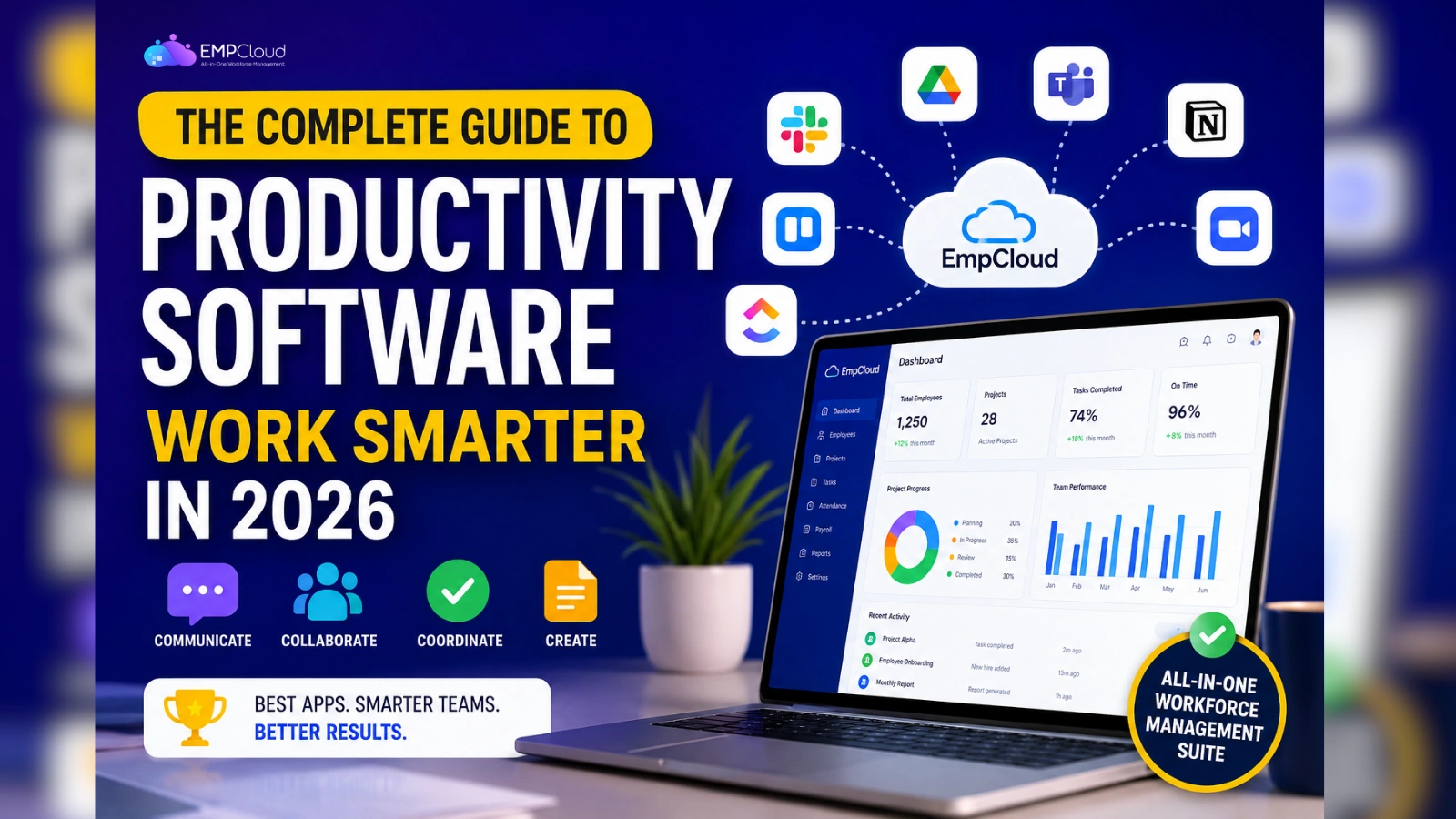
Work has changed. The tools we use to get it done have changed even faster. Today, productivity software sits at the center of nearly every modern workplace, helping teams communicate, collaborate, and deliver results without losing their minds in the process.
If you have ever felt buried under emails, tangled in spreadsheets, or stuck switching between ten different apps just to finish one task, you are not alone. The right productivity software can fix that. The wrong one can make it worse.
This guide breaks down what is productivity software, shares real productivity software examples, and helps you pick the best productivity apps for your team.
In a hurry? Listen to the blog instead!
What Is Productivity Software?

Before we dive deeper, let us answer the basic question first.
Productivity software is any digital tool that helps people and teams plan their work, manage their time, communicate clearly, and finish tasks faster. It replaces manual processes with smart, automated, and connected workflows.
Think of it as the digital backbone of your workday. From writing a document to tracking a project to sending a quick message, productivity software powers it all.
Here is what productivity software typically helps you do:
- Organize tasks and deadlines in one place
- Communicate with teammates across locations
- Store, share, and edit files in real time
- Track project progress and team performance
- Automate repetitive work
- Manage schedules, meetings, and reminders
In short, if a tool helps you get work done with less friction, it qualifies as productivity software.
Why Productivity Software Matters More Than Ever
Remote work, hybrid teams, and global collaboration are now the norm. According to research, the average employee switches between nearly 30 apps every single day. That is a lot of clicking, tabbing, and context switching.
Good productivity software solves three big problems:
- Wasted time: Automation handles routine tasks so your team focuses on real work.
- Poor communication: Centralized platforms keep everyone on the same page.
- Missed deadlines: Employee productivity tracking tools give you full visibility into who is doing what.
When teams use the right tools, output goes up. Stress goes down. Everyone wins.
Read More:
Why Project Time Tracking Software Is Better For Productivity?
Streamline Workforce Management for Maximum Productivity
Productivity Software Examples: The Four Main Categories

Not every tool does the same job. Most productivity software falls into four clear buckets. Here is a quick breakdown before we look at the best productivity apps in each category.
1. Communication Tools
Communication is the glue that holds teams together. These tools keep conversations flowing whether your team is in one office or spread across five time zones.
Common productivity software examples in this category:
- Email platforms like Gmail and Outlook
- Team messaging apps like Slack and Microsoft Teams
- Video conferencing tools like Zoom and Google Meet
- Company intranets for announcements and resources
2. Collaboration Tools
Collaboration tools help teams actually work together, not just talk. They make it easy to share files, edit documents together, and stay aligned on shared goals.
Popular productivity software examples here include:
- Cloud storage tools like Google Drive and Dropbox
- Real-time document editors
- Whiteboarding platforms like Miro
- Screen sharing and co-editing features
3. Coordination Tools
These tools handle the planning side of work. They keep projects moving, deadlines visible, and priorities clear.
Top productivity software examples include:
- Project time tracking tools like EmpCloud, Asana, Trello, and Monday
- Shared calendars like Google Calendar
- Time tracking apps like Toggl
- Task management platforms
4. Creation Tools
Creation tools help your team produce the actual work, the documents, decks, sheets, and reports that move the business forward.
Strong productivity software examples in this group:
- Document editors like Word and Google Docs
- Spreadsheet tools like Excel and Google Sheets
- Presentation software like PowerPoint and Canva
- Design and content creation platforms like invideo to create images with AI for branded visuals and marketing assets
How to Choose the Best Productivity Apps for Your Team
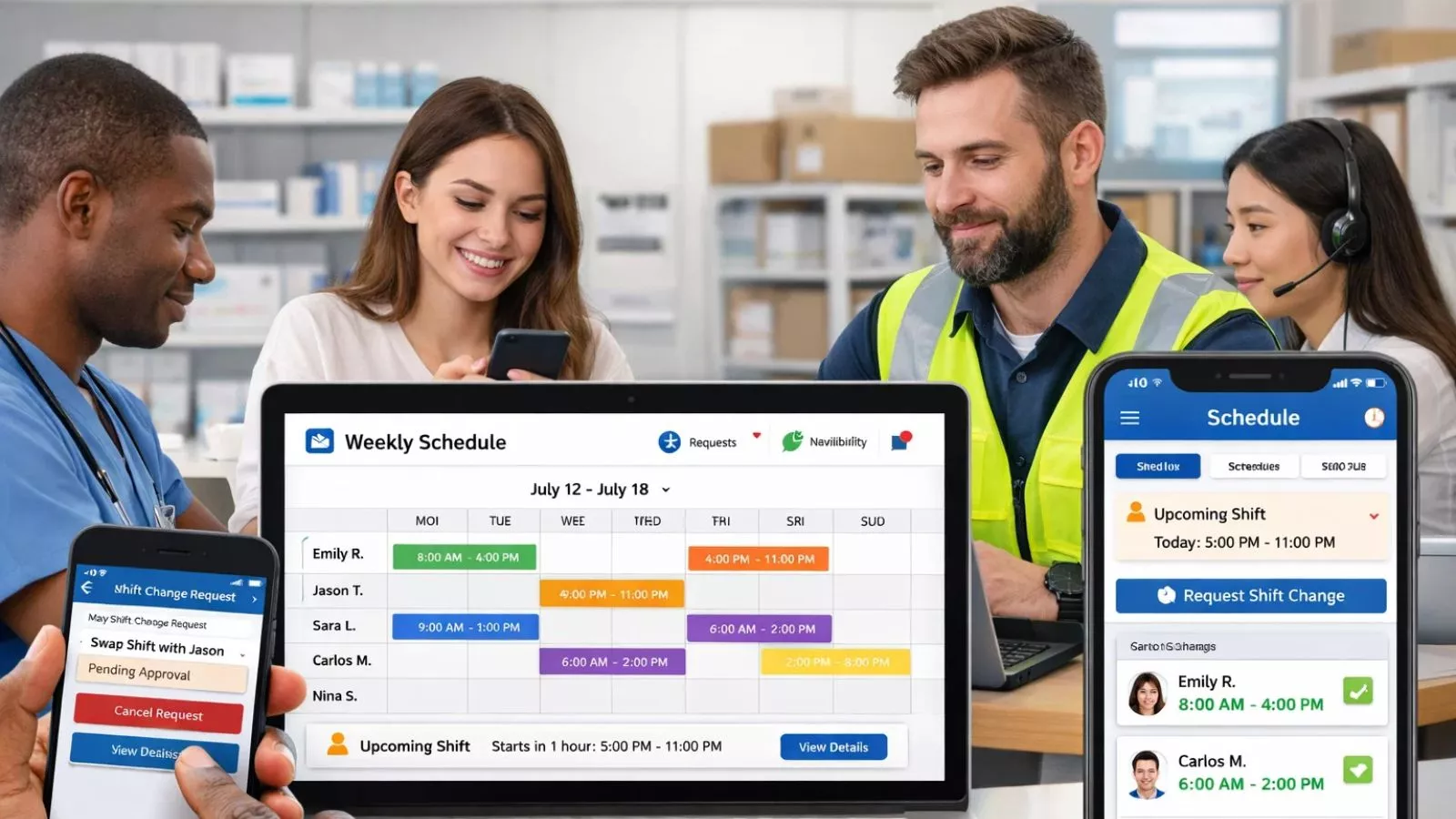
Picking the right tool is not about chasing the latest trend. It is about solving real problems. Here is a simple framework to follow.
Start With a Clear Problem
Do not buy a tool just because it looks shiny. Talk to your team. Find out what slows them down. Then look for software that fixes that exact issue.
Check How It Fits Your Existing Stack
The best productivity apps work well with the tools you already use. Look for strong integrations, smooth data flow, and minimal disruption.
Think About Scale
Your team will grow. Your needs will shift. Pick tools that can grow with you, not ones you will outgrow in six months.
Prioritize Ease of Use
If your team needs a two-week training to use a tool, it is the wrong tool. Great productivity software feels intuitive from day one.
Meet EmpCloud: The Complete Workforce Management Suite

While most productivity software handles one piece of the puzzle, EmpCloud handles the whole picture. It is built for businesses that want to stop juggling ten different tools and start running everything from one smart platform.
EmpCloud brings together every part of workforce management under one roof:
- HRMS Engine: Manage employee profiles, attendance, leave, policies, and documents in one place
- Identity and Access Hub: One secure login across all modules with role-based access control
- AI-Powered Orchestrator: 41 AI tools that answer questions, run reports, and take real action across your HR ecosystem
- Payroll and Compliance: Automate salary processing, taxation, and policy adherence
- Recruitment and Onboarding: Hire faster with smart pipelines and seamless onboarding flows
- Performance and Rewards: Track goals, recognize top talent, and drive growth
- Project Management: Use Gantt charts and Kanban boards to stay on top of every deadline
What makes EmpCloud one of the best productivity apps on the market is its all-in-one approach. You stop switching between apps. You stop paying for tools that do not talk to each other. You start running a tighter, smarter, more efficient operation.
Trusted by businesses worldwide, EmpCloud is the productivity software built for teams that want clarity, control, and real growth. Whether you are a startup, an SMB, or a global enterprise, EmpCloud scales with you.
Ready to see it in action? Book a free demo and experience workforce management the way it should be.
The Future of Productivity Software
The next wave of productivity software is already here, and it is powered by AI. Smart assistants now write emails, schedule meetings, summarize reports, and even predict project risks. Tools are becoming more connected, more intuitive, and more proactive.
Teams that adopt smart, unified productivity software today will move faster, work smarter, and stay ahead of the curve tomorrow.
Final Thoughts
Productivity software is no longer a nice-to-have. It is the foundation of how modern teams operate. From communication and collaboration to coordination and creation, the right tools can transform how your business runs.
Start with your biggest pain point. Look for tools that integrate well, scale easily, and feel simple to use. And if you want a single platform that does it all, EmpCloud is ready when you are.
Smarter work starts with smarter tools. Choose wisely, and watch your team thrive.
Quick Search Our Blogs
Type in keywords and get instant access to related blog posts.

