

In today’s modern workplace, teams are often spread across locations, making online collaboration tools essential for staying connected and productive. However, choosing the right tool isn’t just about features; it is about finding what actually helps your team work more effectively.
The right work collaboration software can improve communication, streamline tasks, and boost efficiency, while the wrong one can create confusion and delays.
In this guide, we’ll explore the key features you should look for in project collaboration software to help your team collaborate smarter and achieve more.
Listen To The Podcast Now!
What Are Online Collaboration Tools and Why Are They Essential for Modern Teams?

Work today is more flexible and fast-paced, which makes it harder for teams to stay aligned.
What are online collaboration tools?
- Platforms that allow teams to communicate, manage tasks, and share files in one centralized space instead of switching between multiple apps
- Help organize work by connecting conversations, documents, and tasks so everything stays in context.
Why are they essential?
- Reduce miscommunication by keeping all updates, discussions, and decisions linked directly to the relevant tasks or projects.
- Improve accountability by clearly assigning responsibilities, setting deadlines, and making progress visible to everyone.
- Increase productivity by eliminating time wasted on searching for information or following up on unclear tasks.
- Enable smooth collaboration for remote, hybrid, and in-office teams by keeping everyone connected in real time.
Without online collaboration tools, teams often face delays, confusion, and missed responsibilities. The right system brings structure, clarity, and efficiency to everyday work.
Must-Have Features in Online Collaboration Tools You Should Never Ignore
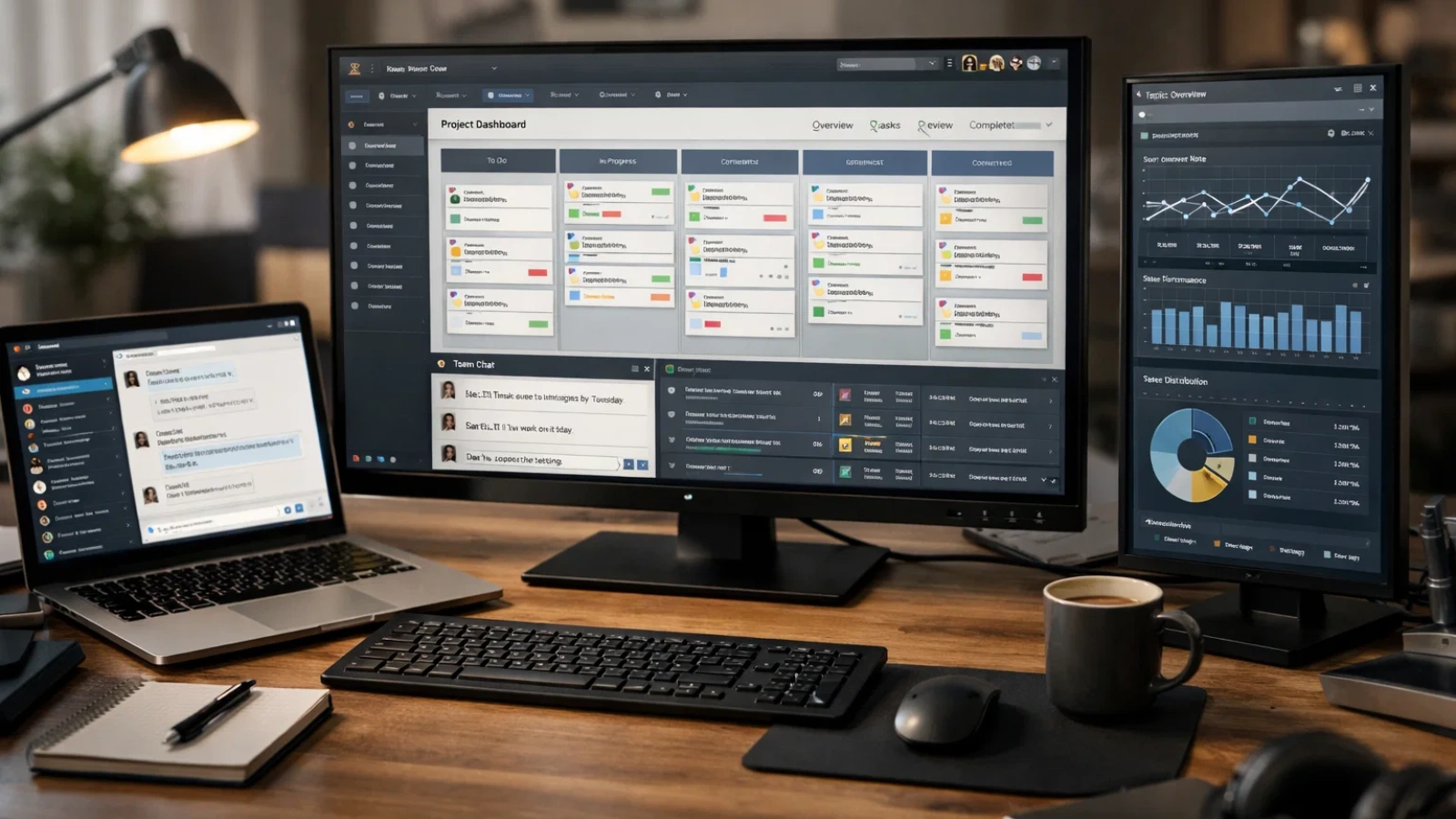
Not all online collaboration tools deliver real value. Some may look powerful on the surface, but fail when used in day-to-day work.
Below are the features that truly make a difference when choosing the right management tools for your team.
Real-Time Communication That Keeps Your Team Aligned and Responsive
Clear and instant communication is the backbone of effective online collaboration tools. Teams should be able to send quick messages, have organized discussions, and jump into video calls without switching between multiple platforms.
The best tools keep conversations connected to tasks or projects, so important updates don’t get lost. This helps teams stay aligned, respond faster, and avoid unnecessary confusion.
Smart Task & Project Management for Better Accountability and Deadlines
Good online collaboration tools do much more than basic to-do lists. They allow teams to assign tasks, set clear deadlines, track progress, and manage multiple projects at the same time.
When everyone knows what they need to do and when it’s due, work becomes more structured. This clarity improves accountability and reduces the need for constant follow-ups or reminders.
Seamless File Sharing and Document Collaboration Without the Chaos
Managing files can quickly become confusing when there’s no proper system in place. That’s why modern online collaboration tools provide centralized storage where all files are easy to access and organize.
They also allow multiple people to work on the same document at once, leave comments, and track changes. This removes version confusion and makes collaboration smoother and faster.
Workflow Automation That Saves Time and Eliminates Manual Work
Teams often spend a lot of time on repetitive tasks like sending updates, assigning follow-ups, or moving tasks between stages. Many online collaboration tools now offer automation features to handle these routine actions.
By automating these processes, teams can save time and focus on more important work instead of manual coordination.
Powerful Integrations That Connect All Your Business Tools in One Place
No single platform can do everything on its own. That’s why strong online collaboration tools offer integrations with other tools like email, CRM systems, cloud storage, and more.
These integrations allow data to flow smoothly between systems, reducing the need to switch between apps and making work more efficient.
An Intuitive Interface Your Team Will Actually Love Using
Even the most feature-rich online collaboration tools won’t be effective if they are difficult to use. A clean and simple interface helps team members quickly understand how the tool works.
When a platform is easy to navigate, teams are more likely to adopt it and use it consistently, which is key for long-term success.
Advanced Security Features to Keep Your Business Data Safe
Security is a critical factor when choosing online collaboration tools, especially when handling sensitive business data. Features like role-based access, encryption, and secure sharing help protect information.
A reliable tool ensures that only the right people have access to the right data, reducing risks and maintaining trust.
Mobile Accessibility for Teams That Work Anytime, Anywhere
Work doesn’t always happen at a desk, which is why online collaboration tools need to work smoothly on mobile devices. Teams should be able to check updates, respond to messages, and manage tasks on the go.
A strong mobile experience keeps everyone connected and ensures work continues without delays, no matter where team members are.
Built-In Analytics and Reporting for Smarter Decision-Making
Many online collaboration tools provide insights into how work is progressing. These reports can show task completion rates, delays, and overall team performance.
Having access to this data helps managers make better decisions, identify issues early, and improve workflows over time.
Scalable Features That Grow with Your Business Needs
As your team grows, your tools should be able to support that growth. The best online collaboration tools are flexible and can handle more users, projects, and complex workflows without slowing down.
Choosing a scalable solution ensures you won’t need to switch platforms later, saving time, effort, and costs in the long run.
Common Mistakes Businesses Make When Choosing Collaboration Software (And How to Avoid Them)

Many businesses choose tools based on popularity instead of actual needs. Not all online collaboration tools fit every team.
Skipping trials is another common mistake. Testing a tool in real scenarios reveals issues that demos don’t show.
Teams also overlook usability. If a tool is too complex, people avoid it even if it’s powerful.
Finally, failing to evaluate current tools often leads to unnecessary additions instead of better optimization.
The Future of Virtual Collaboration Tools: What Smart Businesses Are Adopting Next
The next wave of online collaboration tools is focused on smarter workflows.
AI is helping teams automate tasks, predict delays, and summarize conversations. These advancements are making collaboration faster and more efficient.
At the same time, virtual collaboration tools are shifting toward asynchronous work. Teams no longer need to be online at the same time to stay aligned.
Businesses that adopt flexible and intelligent systems early will have a clear advantage.
Also Read:
7 Best Clock In and Out App & Tool Features
Can An Employee Time Tracking App Save Your Business Money?
How Project Tracking Software Improves Team Productivity?
Boost Team Productivity and Eliminate Work Confusion with EmpCloud’s Smart Collaboration Features

The right systems don’t just support work, they make it smoother and faster. When everything is organized, teams spend less time managing tasks and more time getting real work done. With solutions like EmpCloud, teams can bring communication, tasks, and workflows into one place without unnecessary complexity.
- Reduce unnecessary coordination by bringing communication, tasks, and updates into one centralized system, so teams can focus more on execution.
- Replace long meetings with real-time updates and dashboards, helping everyone stay aligned without wasting valuable time.
- Eliminate repetitive work through automation, allowing teams to focus on more meaningful and high-impact tasks.
- Improve clarity and confidence by making responsibilities, deadlines, and progress visible to everyone in the team.
Final Thoughts: Choose the Right Collaboration Tools for Long-Term Success
Choosing the right online collaboration tools isn’t just about features; it’s about how well they fit your team’s way of working. The right system brings clarity, reduces confusion, and helps teams stay aligned without constant effort.
When communication, tasks, and workflows are connected, productivity improves naturally. Teams spend less time managing work and more time actually delivering results.
As your business grows, having a reliable platform becomes even more important. Solutions like EmpCloud bring everything together in one place, making collaboration simpler, more structured, and easier to manage.
In the end, the best choice is a tool your team will actually use, one that supports your workflow, improves efficiency, and helps your team perform at its best.
FAQ
What are the primary categories of online collaboration tools?
They mainly include communication tools, project management tools, document collaboration platforms, file sharing systems, and workflow automation tools.
How do collaboration tools improve team productivity?
Collaboration tools boost productivity by centralizing communication, task management, and file sharing. They enable real-time collaboration, streamline workflows, and help teams stay organized, reducing delays and improving efficiency.
How do online collaboration tools benefit a business or team?
They improve communication, organize work in one place, reduce confusion, and help teams work faster and more efficiently.
Are there any limitations or disadvantages to using an online collaboration tool?
Yes, they can be complex, costly, or difficult to adopt, and sometimes create dependency or integration challenges.
How do collaboration tools integrate with other software?
Collaboration tools integrate with software like project management apps, cloud storage, and CRMs to streamline workflows. This allows teams to manage tasks, share files, and communicate without switching between different platforms, boosting efficiency.
Quick Search Our Blogs
Type in keywords and get instant access to related blog posts.

