

A single payroll error can cost a business thousands of dollars. In many cases, those mistakes come from manually calculated timesheets.
Think about what happens during every pay period. HR managers and small business owners add up clock-in times, subtract lunch breaks, check overtime, and then enter the numbers into payroll software. Each step introduces another opportunity for a mistake. Multiply that across 20 employees and 26 pay periods, and the risk becomes very real. The U.S. Department of Labor recovered approximately $150 million in back wages in FY2024, much of it connected to miscalculated hours and overtime violations.
This guide explains what a timesheet calculator does, the five benefits that make it valuable for HR teams, how to use one correctly, and the signs that manual calculation is reaching its limit.
Read Aloud!
What Is a Timesheet Calculator?
A timesheet calculator is a free online tool that automatically computes total hours worked based on clock-in and clock-out times. The calculator replaces manual spreadsheets that are prone to errors and instantly processes time entries with accuracy.
It automatically deducts unpaid breaks, including lunch and rest periods. Results convert into both decimal and standard time formats for easy use. Overtime hours are automatically flagged when they exceed set thresholds. The outcome: payroll-ready data that HR teams can process within seconds.
Beyond basic math, a good timesheet calculator reduces administrative burden. Employees spend less time correcting time entries. Payroll departments eliminate reconciliation delays. And managers gain immediate visibility into labor costs and overtime trends-critical data for budgeting and compliance.
How Does a Timesheet Calculator Work?

Before discussing the benefits, it helps to understand how the tool works. A timesheet calculator, sometimes referred to as a timesheet with calculator functionality, accepts a few simple inputs and converts them into numbers your payroll system can use.
Inputs
- Clock-in and clock-out times (for example, 9:00 AM to 5:30 PM)
- Unpaid break duration (for example, a 30-minute lunch period)
Hourly rate, which is optional and only needed if you want to calculate gross pay
Outputs
Net hours worked represent the total shift duration after unpaid breaks are deducted, giving a clear view of actual working time. This is often converted into decimal hours, the format most payroll systems require, where 7 hours 30 minutes becomes 7.50 instead of 7.30. Overtime hours are then calculated based on any time worked beyond 40 hours in a standard workweek under FLSA rules, typically paid at 1.5 times the regular rate.
These calculations follow a simple structure: net hours are determined by subtracting clock-in time from clock-out time and then deducting unpaid breaks, while decimal hours are calculated by adding hours to minutes divided by 60. Overtime pay is computed by multiplying the regular rate by 1.5 and then by the number of hours worked beyond 40.
One important clarification is that minutes and decimal hours are not the same. For example, thirty minutes equals 0.50 hours, not 0.30. While this difference may seem minor at first, it can quickly add up when calculations are repeated across an entire team every week.
Benefits of Using a Timesheet Calculator
Whether you manage payroll for five employees or fifty, these advantages apply at any scale.
Benefit 1: It Eliminates Payroll Calculation Errors
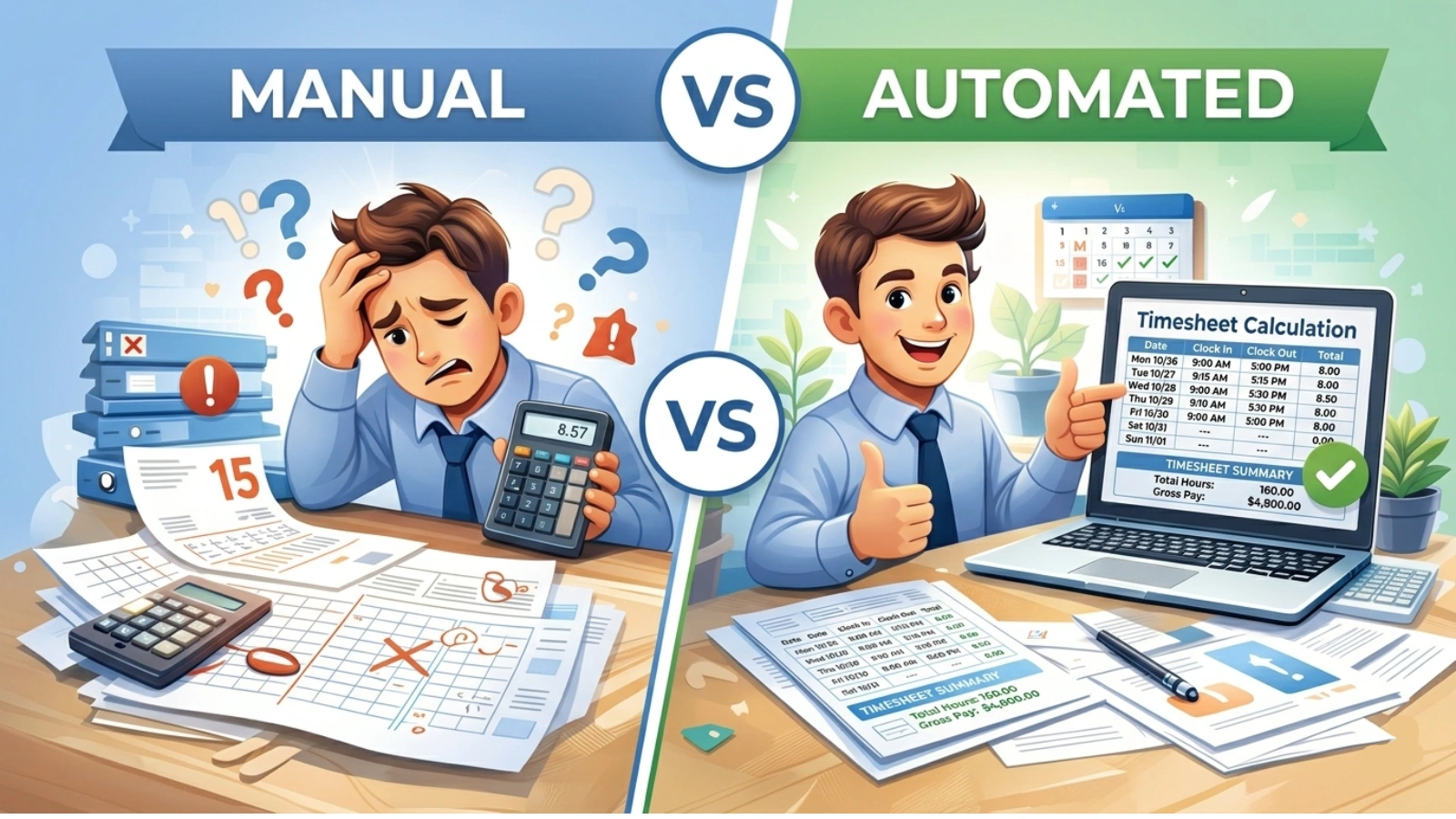
Manual timesheet math often fails quietly. A transposed digit, a missed lunch deduction, or a miscounted shift rarely stands out immediately. These errors usually appear later as payroll discrepancies or, in more serious situations, during a Department of Labor audit.
A timesheet calculator performs the arithmetic automatically and consistently. It produces the same result regardless of who runs the numbers or how busy the HR team is.
Consider a simple example. An employee works from 9:15 AM to 6:00 PM with a 45-minute unpaid lunch break. The correct net hours equal 8.75.
In spreadsheets, however, the figure is often entered as 8.45. One small digit error repeated across an entire team can result in a noticeable financial impact by the end of the quarter.
Benefit 2: It Saves Significant Administrative Time
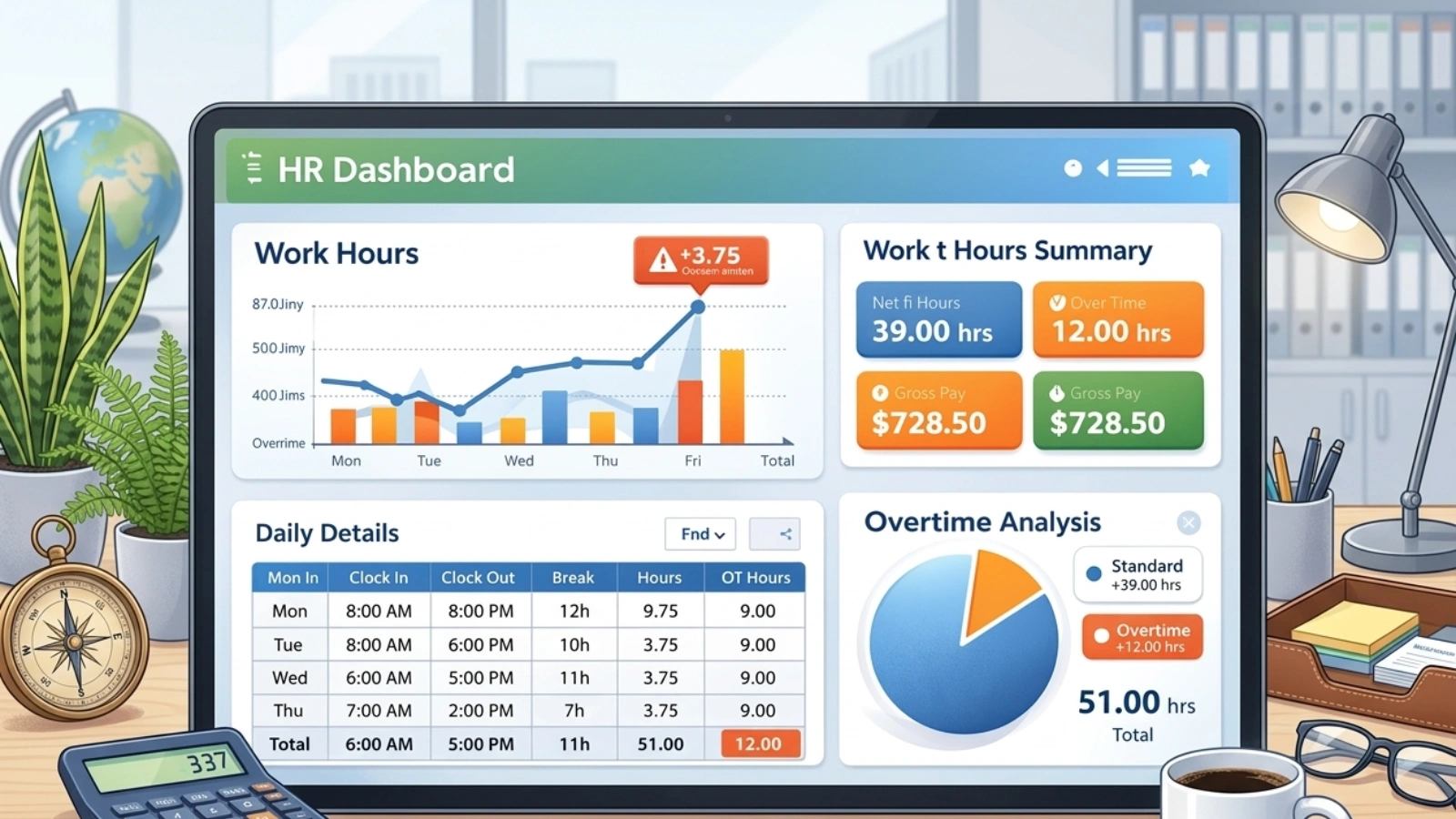
Manually processing timesheets for 20 or more employees can easily consume two to four hours every pay cycle. A timesheet calculator reduces that work to only a few minutes. This is not a small improvement. Across 26 biweekly pay periods, it represents nearly a full week of HR time that can be redirected toward more strategic tasks.
Before: 3 hours per pay cycle.
After: 15 minutes.
Time savings are also the easiest benefit to measure, which makes them especially useful when presenting a case for better tools to leadership.
Benefit 3: Accurate Overtime Tracking and FLSA Compliance
The Fair Labor Standards Act requires overtime pay at 1.5 times the regular rate for any nonexempt employee who works more than 40 hours in a workweek. Missing that threshold, even unintentionally, creates legal and financial risk.
A timesheet calculator identifies overtime automatically. HR teams do not have to manually review every entry, depend on employees to report extra hours, or rely on spreadsheet formulas that may have been configured incorrectly.
State laws add additional complexity. California requires overtime after eight hours in a single day, not only after forty hours in a week. Colorado uses a twelve-hour daily threshold. A reliable timesheet calculator that supports breaks and overtime rules can account for both federal and state requirements.
Benefit 4: It Simplifies Multi-Employee and Multi-Period Payroll
Rotating schedules, different shift lengths, multiple hourly rates, and different pay cycles all increase the chance of spreadsheet errors. A timesheet calculator helps organize this information consistently across the entire team.
Tools such as the Redcort timesheet calculator popularized the multi-row format that many HR teams still use today. Each employee’s week appears in a structured layout with totals calculated automatically. The concept is simple, but it saves a surprising amount of time in practice.
Benefit 5: It Creates an Auditable Payroll Record
Recordkeeping is a legal requirement. FLSA regulations require employers to keep time records for at least two years and payroll records for at least three.
A timesheet calculator with export or print options creates a formatted record that can be saved for compliance purposes. When a wage dispute occurs, those records protect both the employer and the employee. A completed weekly timesheet is not just paperwork. It becomes documentation that can be referenced when questions arise.
How to Use a Timesheet Calculator Correctly
The calculations themselves are automatic. Accurate results still depend on entering the right data.
Enter the pay period dates: Set the week start day and confirm whether the pay period is weekly, biweekly, or semi-monthly.
Input clock-in and clock-out times: Choose either the 12-hour or 24-hour format and use it consistently across the entire sheet. Mixing formats can create AM and PM errors.
Record only the unpaid break duration: Paid rest breaks remain part of worked hours. Only unpaid meal periods should be deducted.
Add the hourly rate if needed: Leave it blank if you only want to calculate total hours.
Review daily totals carefully: Check each day before relying on the weekly summary.
Verify the overtime rule: Confirm whether your state applies daily or weekly overtime thresholds before finalizing the numbers.
Export or print the completed sheet: Save it for payroll records and allow employees to review their hours before payroll is processed.
One detail that often surprises HR teams is that rest breaks of 10 to 15 minutes are typically considered paid time under FLSA guidance. Deducting them can create compliance problems.
Common Timesheet Calculation Mistakes HR Teams Make
Decimal notation errors
Entering 8 hours and 45 minutes as 8.45 instead of 8.75 is the most common mistake. Minutes must always be divided by 60 before entering them into payroll systems.
Deducting paid breaks
Rest periods of 20 minutes or less are usually paid under FLSA guidance. Removing them from worked hours understates compensable time and may create wage liability.
Ignoring state overtime rules
Federal overtime law provides the baseline. Some states add daily overtime thresholds that must also be considered.
Skipping the export step
If a timesheet only exists in a browser tab, it does not count as a record. Always export or print it for each pay period.
Running multiple employees through one row
Every employee should have an individual timesheet. Combining shifts makes records difficult to audit later.
How EmpCloud Takes Timesheet Tracking Further?

A free timesheet calculator works well for basic calculations. As teams grow, though, even calculator-assisted manual entry becomes inefficient. EmpCloud is a comprehensive suite of HR products designed to support organizations from recruitment through resignation, providing integrated tools for every stage of the employee lifecycle. For time and attendance, EmpCloud delivers:
- HRMS: Streamline attendance, leave, compliance, and document management for optimal efficiency. Centralized timesheet management integrated with leave, attendance records, and compliance documentation.
- Payroll Management: Simplifies employee payouts, tax management, and compliance for seamless processing. Timesheets feed directly into payroll calculations, automating tax deductions and earnings processing.
- Biometrics: Strengthen employee security and accuracy with seamless biometric verification. Biometric clock-ins ensure accurate, tamper-proof timesheet entries.
- Field Force Management: Efficiently manage and track field operations for maximum efficiency. Capture accurate work hours for distributed teams across multiple job sites and locations.
- EmpMonitor: Track employee productivity and optimize performance with real-time insights. Monitor actual hours worked versus scheduled hours to identify productivity patterns and attendance trends.
The difference between a basic timesheet calculator and EmpCloud is simple. One helps you perform the math. The other removes the need to perform the math at all.
Read More!
When a Timesheet Calculator Is Not Enough
A timesheet calculator free to use is a good starting point for small teams, especially those with 1 to 5 employees working simple weekly shifts. In these cases, the tool is usually sufficient, though teams may still want to eliminate manual entry as they grow. For slightly larger teams with 6 to 20 employees and mixed schedules, a basic calculator works only partially, as overtime errors tend to appear more frequently. Once a team reaches 20 or more employees, the calculator often becomes insufficient, particularly when payroll processing starts taking more than an hour.
The limitations become even more evident in more complex setups. Businesses operating across multiple states may struggle with varying overtime rules, creating compliance risks that basic tools cannot handle. Similarly, remote or hybrid teams often face time zone tracking issues that lead to calculation gaps. Organizations with a history of Department of Labor inquiries or audits have an even greater need for fully automated recordkeeping, as manual systems increase the risk of errors.
In recent years, the Department of Labor has increased enforcement activity, and the 2024 FLSA salary threshold update has added another layer of classification complexity. As a result, organizations relying solely on manual tools like basic timesheet calculators may face compliance risks they do not immediately recognize.
The Bottom Line
A timesheet calculator is a small tool that addresses a surprisingly expensive problem. It reduces payroll errors, saves administrative time, improves overtime accuracy, and creates the documentation needed for compliance.
The benefits outlined here, accuracy, time savings, compliance, scalability, and reliable recordkeeping, reflect the areas where manual timekeeping most often breaks down.
As teams grow, tools such as EmpCloud provide the next step by automating time capture, applying compliance rules automatically, and offering full visibility across the workforce.
Start with the tool that fits your current team. Just be aware of the signs that indicate it may be time to upgrade.
Frequently Asked Questions
How do I calculate hours worked with a lunch break?
Using a timesheet calculator with lunch break deduction is the easiest approach. Simply input your clock-in and clock-out times, specify your unpaid lunch duration, and the calculator automatically deducts it. Subtract the unpaid break from the total shift duration. A 9 AM to 5:30 PM shift with a 30-minute unpaid lunch equals 8.0 hours worked. Always verify whether the break is paid or unpaid before deducting it.
Is overtime calculated after 8 hours or 40 hours?
Under federal FLSA rules, overtime applies after 40 hours in a workweek. Some states also require daily overtime after eight hours worked in a single day.
What is the difference between a time card and a timesheet?
A time card records individual clock-in and clock-out entries. A timesheet summarizes those entries for the full pay period and prepares the data for payroll.
How long should payroll and timesheet records be kept?
FLSA requires time records to be retained for at least two years and payroll records for at least three.
Can a timesheet calculator handle biweekly and semi-monthly pay periods?
Yes. Most calculators support both. Biweekly schedules create 26 pay periods per year, while semi-monthly schedules create 24.
What is the formula for converting minutes to decimal hours?
Divide the minutes by 60. Fifteen minutes equals 0.25, thirty equals 0.50, and forty-five equals 0.75.
How can EmpCloud simplify timesheet management and payroll processing?
EmpCloud automates the entire timesheet process – from digital time capture and break deductions to overtime calculations and payroll-ready exports – eliminating manual errors and ensuring compliance.
Quick Search Our Blogs
Type in keywords and get instant access to related blog posts.

